
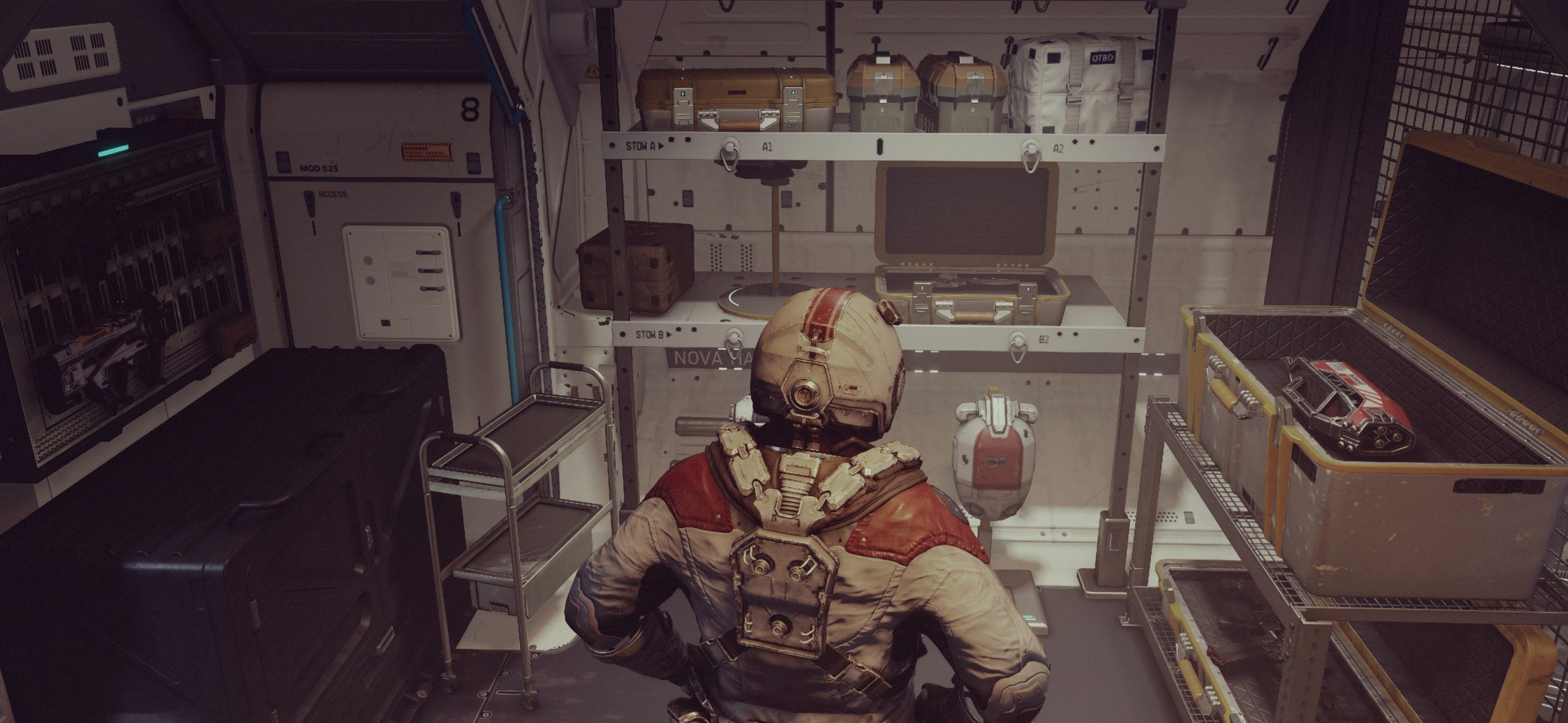
Efficient Starfield inventory management involves regularly selling unwanted items at vendors and using your ship’s cargo hold for storage, along with skills that increase carry capacity.
Navigating the vast universe of Starfield comes with a constant need to manage all the gathered loot. It can be a tricky part of the game and can often feel quite overwhelming. Players often find themselves with pockets full of various materials.
The sheer quantity of items you pick up during your adventures can quickly burden your character. Understanding Starfield inventory management is key to a smooth gameplay experience, allowing you to explore and battle without being encumbered.

Starfield Inventory Management: A Guide for Space Explorers
Okay, space explorers! Let’s talk about something super important in Starfield: your inventory. You’re going to be picking up a lot of stuff as you journey through the stars. From cool weapons and fancy spacesuits to weird alien artifacts and tons of resources, your pockets (or rather, your cargo hold) will fill up quickly. Understanding how to handle all this loot is key to enjoying your galactic adventure. It can be a bit overwhelming at first, but don’t worry! We’re going to break down everything you need to know about managing your Starfield inventory. We will cover how to avoid being over encumbered, explain the different types of storage, and how to make the most out of your precious cargo space. Get ready to become an inventory pro!
Understanding Your Carrying Capacity
First things first: you can’t carry everything you find! Just like in real life, you have a limit to how much weight you can handle. This limit is called your “carry capacity”. If you go over it, you become “encumbered,” which means you’ll move very slowly. Think of it like trying to run a marathon with a giant backpack full of rocks. Not fun, right?
Your carry capacity is shown on your inventory screen, and there are a couple of things that impact how much you can carry:
Base Carry Capacity: This is the starting amount you can carry, and it’s not a lot.
Strength Skill: As you level up, you can spend skill points to increase your strength skill. This skill directly boosts your carry capacity. Investing in strength is a smart move early on if you plan on gathering tons of resources.
Armor and Equipment: Some armor pieces and equipment can also increase your carry capacity, or improve your condition while being encumbered.
Temporary Effects: Certain consumables or temporary boosts can give you a temporary bump in how much you can carry. Keep an eye out for these if you have a lot of loot to transport.
Keep a close eye on the weight of your items. Every item has its own weight, and it all adds up. If you see the warning message that says you’re carrying too much, it’s time to stop and sort out your items.
Tips for Managing Carry Weight
Regularly sell or store: Don’t wait until you’re totally over encumbered. Make it a habit to visit vendors and sell your unwanted gear frequently, or drop off your extra supplies at your ship or an outpost.
Prioritize: Ask yourself if you really need to keep that rusted pipe or that extra pistol. Focus on gathering high-value resources and items you’ll actually use.
Use your ship: The cargo hold of your ship is a fantastic place for storing larger quantities of items. If you have a lot of resources, consider storing them on your ship until you need them.
Use outposts: Create outposts and use them as storage hubs. With the right storage containers, you can safely keep your resources for when you are ready to use them.
Plan your resource gathering trips: If you plan to go resource gathering, it’s a great idea to plan your trip ahead of time. Make sure you’re not already near your weight limit before you get to the planet or moon you wish to gather resources on.
Use companions: Assign companions to your crew. They may have skills that allow them to carry extra weight. They can be your walking, talking storage containers!
Navigating the Inventory Screen
The inventory screen is your best friend in Starfield. This is where you see everything you have, manage your equipment, and track your resources. Getting used to this interface will significantly help you keep track of everything. Let’s explore the different tabs and sections you’ll see:
All: This tab shows you every item in your inventory, sorted by category.
Weapons: Here you’ll find all your pew-pew devices, from pistols to alien rifles. You can compare their stats and choose your loadout.
Apparel: This includes all your spacesuits, helmets, and other clothing. You can view their protection stats and special traits.
Aid: This section has all your consumables, like healing items, food, and drinks.
Resources: Here is where all the raw materials you’ve collected end up. You’ll use these for crafting and building.
Misc: You’ll find all the random items you pick up, from books and data slates, to other odd and ends.
Within these tabs, you can see information about each item, like its name, weight, value, and any special attributes. You can also equip or use the item directly from here.
Using the Inventory Menu
Equipping items: When you select a weapon or apparel item, you can choose to equip it, adding it to your active loadout.
Using aid items: You can directly use aid items from the inventory, like med packs and food to heal or give you a boost.
Dropping items: If you need to get rid of something, you can drop it. Be careful doing this, because you can’t pick it back up. It’s best to sell items if you don’t need them.
Transferring items: This is a key function. You can transfer items to your ship cargo hold, or to your companions, if they have the ability.
Storage Options: Ships and Outposts
Your personal inventory isn’t the only place to store your stuff in Starfield. Your ship and any outposts you set up have additional storage options. It’s vital that you utilize these to prevent constant inventory problems.
Ship Cargo Holds
Your ship has a dedicated cargo hold, which is like a big suitcase for all your goodies. The size of your cargo hold depends on what ship you have. Bigger ships have bigger cargo holds. You can access your cargo hold at any time through the ship’s interface, but you have to be on board your ship.
Accessing your cargo hold: You can go to your ship and interact with the control panel to open the cargo hold. Or you can interact with the ship’s pilot seat and navigate to the cargo hold.
Storage limitations: While your cargo hold is big, it’s not unlimited. You can increase the capacity of your ship’s cargo hold through purchasing upgrades at certain vendors.
Transferring items: You can quickly move items between your personal inventory and your ship’s cargo hold. This can be done directly through the inventory screen.
Outpost Storage
Outposts are places you build on planets. They are not just for resource mining. They’re a great option for storing a lot of your stuff. You can construct various storage containers that can hold a huge amount of resources.
Building storage: In outpost mode, you can create storage containers of different sizes, based on the resources you have available.
Organizing your storage: You can organize storage at outposts by placing various containers at your outposts. You might want a container for each resource, so it’s easy to find what you need.
Using transfer containers: Transfer containers are an easy way to move items to other outposts you own.
Linking storage: Storage containers can be linked, which can make it easy to manage resources across different areas of your outpost.
Resource Management: Mining and Crafting
Starfield is full of resources, which you will need for crafting and building. Managing these resources is very important. Let’s break down the basics of gathering and using resources.
Gathering Resources
Scanning: Use your scanner to find resource veins on planets.
Mining: You can use your cutter to extract the resources from the veins.
Collecting: You will also find resources just laying around, or in containers. Be sure to keep an eye out for these resources as you explore.
Using Resources
Crafting: Resources are used to craft a huge variety of items. Weapons, spacesuits, and aid items can be crafted at workbenches.
Building Outposts: You’ll need resources to build and expand your outposts. Make sure you have enough before you set out to make a new home.
Modifying Gear: You can use resources to modify your weapons and apparel to make them better.
Tips for Resource Management
Prioritize needed resources: Keep a list of the resources you need the most and focus on gathering them.
Don’t hoard: Avoid gathering resources you have no immediate use for. Store them properly in outposts for later use.
Automate resource gathering: When you create outposts, you can setup automated mining. This will help to keep a supply of resources for when you need them.
Learn resource locations: Some resources can be found more easily in certain areas. Learning those locations can save you a lot of time.
Advanced Inventory Tips and Tricks
Once you have a good handle on the basics of inventory, you can dive into some more advanced techniques to really become a pro at Starfield inventory management.
Using the Quick Menu
The quick menu allows you to quickly use aid items, and change your weapons. This is a much faster way to access these items than going into the inventory menu during an intense fight.
Setting your items: You can select items from the inventory screen and assign them to the quick menu for fast access.
Using the quick menu: During combat, you can press a button to bring up the quick menu and use the items you’ve assigned.
Companion Inventory Management
Companions are not just your friends; they can also be extra storage containers!
Transferring items: You can transfer items to companions from your inventory screen.
Using their skills: Some companions have skills that increase the amount they can carry.
Equipping your companions: You can also equip weapons and armor on companions. This gives them the best chance to help you during combat.
Mods and Upgrades
Mods and upgrades to your equipment and ship can help with inventory management.
Ship upgrades: Upgrade your ship’s cargo hold to increase the amount of storage you have.
Armor upgrades: Upgrade your armor to increase your carry capacity.
Weapon upgrades: Upgrade your weapons to increase the amount of damage you do.
Sell, Sell, Sell
The easiest way to manage your inventory is to simply sell items you don’t need. Selling is the quickest way to make sure your inventory is not over encumbered.
Vendors: You’ll find vendors in all the major cities, and at outposts. These vendors will offer you money for your junk.
Trade Authority: The Trade Authority are an organization that will purchase most items you wish to sell.
Selling to specific vendors: You may find some vendors have an increased interest in certain items. This could help you sell items at a higher price.
Don’t Forget the Transfer Container
Transfer Containers are a very valuable storage option that can make it easier to store and transport resources from your outposts.
Setup at an outpost: Place transfer containers at all of your outposts.
Link outposts: Link your outposts using the transfer containers.
Transport your resources: You can transport your resources by using the transfer container. This will greatly reduce the amount of time you spend walking or flying from outpost to outpost.
Managing your inventory in Starfield is key to making your space journey smooth and enjoyable. By understanding your carry capacity, utilizing storage options like your ship and outposts, and effectively managing resources, you can avoid getting bogged down with too much stuff. Remember to sell regularly, prioritize what you carry, and use companions to your advantage. With a bit of planning and practice, you’ll become a master of inventory management in the vast universe of Starfield. Happy exploring!
Starfield – How To Stop Being Encumbered: Inventory Tips and Infinite Storage
Final Thoughts
Efficiently managing your cargo is crucial for a smooth journey across Starfield. Players should regularly sell unnecessary loot and utilize storage options at settlements. This helps avoid becoming over-encumbered during critical moments.
Careful item selection and a habit of checking weight will improve your gameplay experience. Effective Starfield inventory management allows you to stay focused on exploration, combat and story. Optimizing inventory will improve overall flow in the game.

