
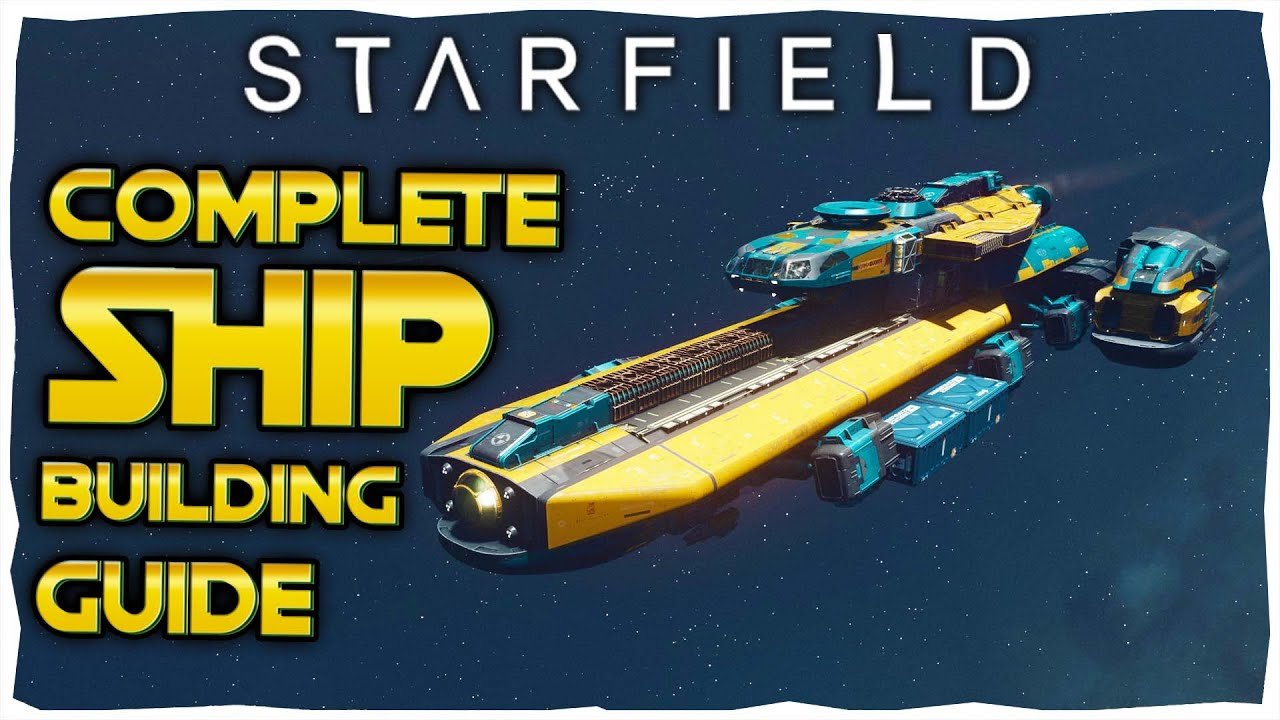
Ship building in Starfield allows you to customize your vessel by adding, removing, and modifying various modules, affecting its performance and appearance.
Eager to create the starship of your dreams? This Starfield ship building tutorial will guide you through the ins and outs of modifying your spacecraft. Learn how to navigate the ship builder interface and understand the different components available.
We’ll explore the functions of various modules, from engines to weapons, giving you the knowledge to design a functional and stylish ship. Get ready to craft a vessel that suits your specific playstyle.

Starfield Ship Building Tutorial: Your Guide to Creating Awesome Spaceships
Ready to build the spaceship of your dreams in Starfield? It’s not as tricky as it might look! This guide will walk you through all the important stuff, so you can design and fly a ship that’s perfect for you. Whether you want a speedy fighter or a massive cargo hauler, we’ve got you covered. Get ready to become a spaceship builder!
Understanding the Basics of Starfield Ship Building
Before we get to the fun part of actually building, let’s talk about the basic ideas of ship construction in Starfield. It’s like playing with LEGOs, but way cooler because they fly in space. We’re going to learn about the parts of the ship, how they work, and why choosing the right ones matters.
Ship Components
Your ship is made up of lots of different pieces. Here are some of the most important ones:
- Cockpit: This is where you sit and control the ship. It also affects how many crew members you can have.
- Hab Modules: These are like the rooms of your ship. They can include living areas, labs, and more.
- Engines: These make your ship go zoom! Different engines have different speeds and fuel usage.
- Grav Drives: These are used to jump to different star systems, like fast travel in space.
- Weapons: These are your guns! Pick different weapons depending on your fighting style.
- Shields: These protect your ship from damage.
- Reactors: This is the power source for all the ship’s systems.
- Cargo Holds: This is where you store all the stuff you pick up while exploring.
- Landing Gear: These help your ship land and take off.
Choosing the right combinations of these parts is key for a good ship. Think of it like building a car – you need a good engine, comfortable seats, and wheels that work. The same idea applies to spaceships!
Ship Classes
Starfield has different ship classes, and each one has its own strengths and weaknesses:
- Class A: These are small, quick ships. Great for beginners and for getting around fast.
- Class B: These ships are bigger and stronger than Class A. They can carry more cargo and have better weapons.
- Class C: These are the biggest and most powerful ships. They’re slow, but pack a serious punch.
The ship class affects what components you can use. For example, a Class A ship can’t use the biggest Class C reactors. So, plan your build based on the ship class you are aiming for.
Getting Started: The Ship Builder Interface
Okay, now for the fun stuff! Let’s dive into the Ship Builder interface. This is where all the magic happens. The Ship Builder can be found at any major spaceport, just talk to the technician.
Navigating the Ship Builder
When you enter the Ship Builder, you will see your current ship (if you have one) in the middle of the screen. You’ll also find different menus and options. Don’t worry, it might look confusing at first, but you’ll get the hang of it. Here are some of the main things you need to know:
- The Parts Menu: This is where you select all of your ship components. You can use the categories at the top to find the right pieces.
- The Grid: This is the outline of your ship. The different parts must be attached to the grid in specific places.
- The Inspector: When you click on a component, the inspector shows all its information like cost, weight, and power usage.
- The Validation Tool: This tool makes sure that your ship can fly and that you have all the necessary parts.
Adding and Removing Parts
Adding parts to your ship is simple. Just pick the part from the Parts Menu and attach it to a valid spot on the grid. Removing parts is done by selecting the part and clicking the ‘remove’ button. Sometimes, you might need to remove a part before you can add a new one. Play around and you’ll soon see how it all fits together.
Step-by-Step Ship Building Process
Now that you have the basic knowledge, lets start building. We’ll do it step-by-step, making sure your ship is ready for space travel.
Choosing Your Ship’s Framework
The first step is to pick your ship’s backbone. Think of it as the foundation of your spaceship. This is a good time to decide if you are aiming for a Class A, B, or C vessel.
You always have a starting ship when you start the game. If you want a brand new one, you have to buy a “bare” ship from the ship technician. These are typically empty shells that have only essential parts such as the reactor and landing gear. These bare ships come in all three classes, so you can pick the one that suits you the best.
Adding the Essentials
Next, let’s add the crucial components to make your ship actually work:
- Reactor: This powers everything, so it’s very important. Choose one based on the ship class you are using and on the other components you intend to add.
- Grav Drive: Without this, you can’t jump between star systems.
- Engines: Pick a couple of engines that can move your ship. You’ll want at least a few for your ship to actually fly.
- Landing Gear: Make sure you have enough landing gear to support the weight of your ship.
- Cockpit: Select the cockpit that you like. Remember this affects crew capacity, so take this into account when you design your ship.
Adding Hab Modules
Now let’s add some areas where you and your crew can relax, sleep and do other tasks. Hab modules come in different sizes and have different functions. You can add living quarters, labs, mess halls, and more, depending on what you are planning for your ship and crew.
- Living Quarters: The essential places to rest.
- Workshop: Where you can craft items.
- Science Lab: Where you do research on the stuff you find out in space.
Remember to design your ship so that you are comfortable spending time in it. You are the pilot, after all!
Adding Weapons and Shields
Time for the protective and offensive stuff! Choose your weapons and shields based on your fighting style. Are you a fast fighter or a heavy hitter?
- Lasers: Good for damaging shields.
- Ballistic weapons: Deal high damage, but can be slower.
- Missiles: Great for long range attacks.
Make sure to balance your weapons and shields, so you have a good chance of winning in a fight. If you are still unsure, start with a combination of lasers and missiles, then as you play you’ll be able to figure out what suits you best. Don’t forget about shields as they are essential for survival.
Adding Cargo Holds
Now, where do you keep all the loot you are collecting out in the universe? Cargo holds! Add enough storage so you can carry everything you need for your journey. Larger cargo capacity means you can haul more stuff, but also slows your ship down. So, balance storage with your desired speed.
Fine-Tuning Your Ship
You have built your ship! but now is the time to fine-tune it for optimum performance. Go through all the components one by one and see if you can improve something.
- Power Distribution: Check how the power is distributed between the different components. Make sure the reactor has enough power for your engines, weapons, shields, and grav drive.
- Component Compatibility: Double check that your components are compatible with each other, such as the reactor and the grav drive.
- Weight and Mobility: See if you can reduce your ship’s weight without sacrificing important components. This is useful for making your ship faster and more maneuverable.
Experiment with different combinations and see what works best for your ship. There’s no single perfect ship in Starfield, so feel free to experiment.
Tips and Tricks for Building Better Ships
Okay, you have your basics down. Now, let’s get into some more advanced ship building strategies that can help you build more effective ships.
Understanding Power Management
Managing power is one of the most important things in spaceship building. You don’t want to get stuck with low power in a critical moment. Make sure you balance the power consumption of your different systems. If your weapons require a lot of power, be sure to match that with reactor capacity. Use the power management screen to assign power based on the situation.
Strategic Placement of Components
How you place your components also affects the ship’s performance. For example, you could place engines at different angles to improve turning or weapon systems so that they have better coverage. There’s no right or wrong placement, so try different configurations and see how the ship responds.
Using the Validation Tool
The validation tool is your best friend when building a ship. It checks if the ship meets the minimum requirements to actually fly. Always validate your ship before leaving the Ship Builder. It can point out any issues that you may not see, such as incompatible components or missing parts.
Experiment with Different Ship Designs
Don’t be afraid to experiment! Try different combinations of components, hab modules, and weapons. The possibilities are almost endless, so let your imagination run wild. The best thing is that if you don’t like what you built, you can always scrap and start again.
Advanced Ship Building Techniques
If you want to go beyond the basics, let’s explore some advanced techniques for ship building:
Using Structural Parts
Structural parts, also called cosmetic parts, can be used to add more flavor to your ship. You can add wings, struts, panels, and other elements that can help with your ship design. While they may not have a direct impact on performance, they allow you to create a ship that’s visually appealing.
Building Speciality Ships
Once you understand all the basics, you can try building speciality ships such as dedicated cargo haulers, fast scout ships, or heavy-duty combat vessels. You’ll have to prioritize certain components based on your needs for each type of ship. For example, a cargo hauler should have a lot of cargo space, and a combat vessel should have a lot of firepower.
Buying and Upgrading Components
As you progress through the game, you will encounter vendors with a better inventory, where you will find better ship components. Make sure to keep an eye for them and purchase the best components for your specific design and play style. Don’t just stick with the starting components, explore to see what the universe has to offer.
Learning from Other Ships
You can get inspiration by looking at the ships you encounter in the world. Take a look at their design and see what you like. You might find some new interesting ideas you can use in your next build.
Troubleshooting Common Issues
Sometimes things don’t go as planned and you may encounter a few problems when building ships. Let’s cover a few common issues:
“Insufficient Power” Error
This means that your reactor is not generating enough power for the ship components that you have installed. The solution is either to install a more powerful reactor or remove some of the components that require a lot of power, such as heavy weapons or powerful engines. Use the power management screen to monitor power distribution.
“Invalid Component Placement” Error
This error means that some of your components are not correctly placed. Make sure that you are connecting components to valid spots. Use the grid to guide you and make sure that the components are properly connected. Sometimes, a component cannot be placed if it is too close to another, so you might have to shift components around.
“Ship Not Flight Ready” Error
This could mean a variety of things, such as missing landing gear, not enough engines, or a weak reactor. The validation tool will be able to pin point the issue, so you can fix it. Always check the validation message carefully to see what is preventing the ship from being ready for flight.
“High Ship Weight” Error
A high ship weight will make your ship slower and less maneuverable. Remove cargo, choose lighter components, or look for high performance engines. Try to balance cargo capacity with speed and maneuverability.
Keep practicing and you will be able to overcome all the hurdles in your ship building adventure!
By now you should have a great grasp of the basics and more advanced aspects of Starfield ship building. Experiment, have fun, and design the ship of your dreams. Get out there and explore space in your custom-built vessel.
How to Build Your First Ship in Starfield – Complete Guide
Final Thoughts
The Starfield ship building tutorial provides core mechanics to construct your perfect spacecraft. Experimentation with various modules results in unique designs. This allows for customized ships that match your gameplay.
You gain access to different parts by leveling up your character and completing quests. Building a capable ship enhances travel and combat. The ship builder is a crucial aspect of the game, providing flexibility.

