
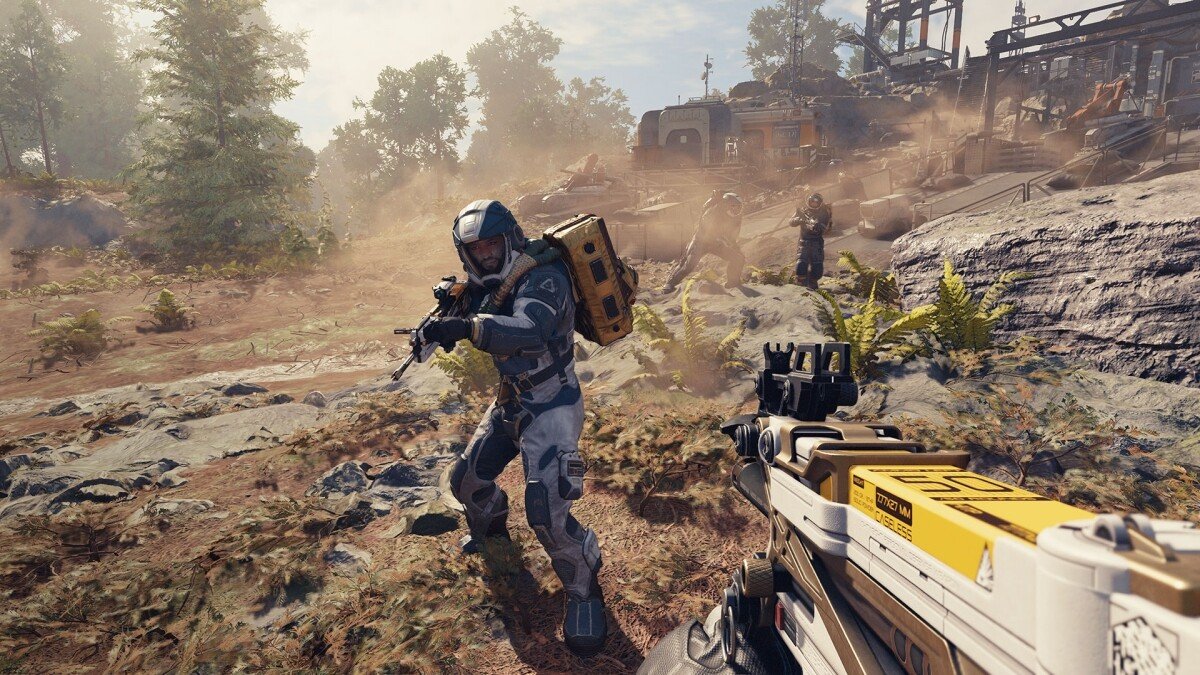
Starfield system requirements for console demand an Xbox Series X or Series S. It will not run on older Xbox consoles.
Getting ready to explore the vast universe of Starfield? The game’s scope and detail require specific hardware. Therefore, knowing the Starfield system requirements for console is vital before you jump in.
You need to make sure you have the correct generation of Xbox for this game. This title only plays on the Series X and Series S models. Older Xbox versions won’t be able to handle this advanced game.

Starfield System Requirements for Console
So, you’re excited to explore the vast universe of Starfield on your console? That’s fantastic! But before you jump into your spaceship and start your grand adventure, it’s super important to know if your console is ready. Just like a car needs the right fuel, Starfield needs the right console power to run smoothly. Let’s break down everything you need to know about the system requirements for playing Starfield on your Xbox.
Understanding Console Generations: Xbox Series X|S vs. Xbox One
First things first, we need to talk about console generations. There are two main groups of Xbox consoles we’re dealing with: the Xbox Series X|S and the Xbox One. Think of it like different models of cars – some are newer and more powerful, while others are a bit older but still good. The Xbox Series X|S are the newer and more powerful consoles designed for games like Starfield. The Xbox One is an older generation of console. This difference is important because it affects whether you can play Starfield, and how well it will run.
Xbox Series X: The Starfield Powerhouse
The Xbox Series X is the most powerful of the two console options. It’s designed to give you the best possible Starfield experience. It has top-of-the-line parts that help the game look beautiful, run smoothly, and load quickly. Think of it as the fastest race car. This console can handle all the details of the game at the highest quality. If you have an Xbox Series X, you’re in for a visual treat with Starfield. You can expect faster loading times, smoother gameplay, and crisp, detailed graphics. If you are looking for the best console experience, the Xbox Series X is the one to choose for playing Starfield.
Xbox Series S: A Great Entry Point
The Xbox Series S is a less powerful, but more affordable option. It is still a really great console and can handle Starfield really well, but it might not have the same level of graphical detail as the Xbox Series X. Think of it as a fast, sporty car – It can still give you a great experience, just not with every bell and whistle. It’s a good option if you want to play Starfield but don’t want to spend as much money. It might have slightly lower resolution or other minor differences, but it will still be a blast to play. The Xbox Series S offers a great balance between price and performance. It still provides fast loading times and a smooth gameplay experience that allows players to jump into Starfield’s universe.
Xbox One: Not Compatible with Starfield
Unfortunately, here’s the most important part for Xbox One owners: Starfield is not available on the Xbox One. The game is built using cutting-edge technology that requires the advanced hardware of the Xbox Series X|S. Think of it as trying to put a super-powerful new engine in an old car – it just won’t fit. The Xbox One does not have the processing power or the speed that Starfield needs to run properly. So, to play Starfield on a console, you must have either an Xbox Series X or an Xbox Series S.
Storage Space Requirements for Starfield on Xbox
Now that you know which consoles can run Starfield, let’s talk about storage. Just like you need space for your toys, your console needs space for games. Starfield is a big game, and it needs a significant amount of storage space on your Xbox to install and run. The game files are large because of the high level of detail, beautiful graphics, and the huge world you will explore. You wouldn’t want to start the game only to find out you don’t have enough space! So, it’s a good idea to make sure you have enough space free on your Xbox before you get started.
Why Storage Space Matters
Why is storage space so important? Well, every time you play a game, your console reads information from the storage drive where the game is installed. If your storage drive is almost full, it can cause problems with loading times, the game might not perform well, and it might even crash. Think of it like trying to fit too many books on a shelf – some might fall off. That’s why it’s important to keep some extra room on your storage device.
How much space does Starfield need?
Starfield needs a large amount of free storage space. The exact size of the game might be slightly different due to updates, but it’s safe to plan for approximately 125 GB of free space on your Xbox Series X|S. This includes the base game files and any updates you will need. You should always check the product page on the store before purchasing to make sure you have the exact needed space required, but keep the 125 GB number in mind.
Managing Storage on Your Xbox
If you are running low on space, it is not the end of the world. You have a couple of easy options to create some room on your console. First, you could delete games that you aren’t playing right now. It’s like putting away some toys you aren’t using to make room for new ones. You can always re-download them later if you want to play them again. You could also use an external storage drive. These are like extra storage shelves that you plug into your console, giving you more space. Both these solutions can work very well and are really easy to do.
- Delete Unused Games: Go to your game library, identify games you no longer play, and remove them.
- Use an External Storage Drive: Purchase an external hard drive or SSD compatible with your Xbox and move games to it to make more room on your console.
Performance Expectations on Xbox Series X|S
Now, let’s talk about what you can expect from Starfield’s performance on your Xbox. Performance refers to how smooth the game runs, how great the graphics look, and how responsive the controls feel. When we talk about performance, we mean things like frame rate, which is like how many pictures per second your game shows. A higher frame rate makes the game look smoother, and that is what we all want. We also talk about resolution, which is how detailed the images look. High resolution makes the games look sharper and cleaner.
Xbox Series X Performance
The Xbox Series X is designed to give you the best performance possible. It targets a resolution of 4K and a frame rate of 30 frames per second. This means that the game will look very sharp and detailed, and will run very smoothly most of the time. You’ll see very detailed environments, smooth animations, and the feeling of a consistent and fun gameplay. Think of the Xbox Series X as a high-end camera that takes really crisp and beautiful photos. It is designed to push the performance of Starfield to its maximum potential.
- Resolution: Typically runs at 4K
- Frame Rate: Targets 30 frames per second
- Graphics Settings: Generally set at high or ultra
Xbox Series S Performance
The Xbox Series S will also give you a great Starfield experience, but with some differences compared to the Series X. It typically targets a lower resolution compared to the Series X. However, the developers worked hard to make sure the game still looks great on the Series S. It also targets the same 30 frames per second frame rate as the Series X. This means that although the graphics may not be quite as detailed, the game will still play smoothly. It’s a perfect balance of performance and cost-effectiveness. This means you will still have a really good and smooth gameplay. You may notice a little difference in resolution between the Series X and the Series S, but both will still be a lot of fun to play on.
- Resolution: Targets a resolution lower than 4K
- Frame Rate: Targets 30 frames per second
- Graphics Settings: Generally set at medium or high
Other Factors Affecting Starfield Performance
Besides the console’s hardware, there are a few other factors that can affect Starfield’s performance. These are things you can sometimes control and adjust to make your game play even better. Let’s explore some of these factors:
Game Updates and Patches
Game developers regularly release updates and patches to fix bugs and improve performance. It is very important to keep your game up to date, as these updates can sometimes have a big impact on how the game runs. When Starfield gets an update, make sure you download and install it, as these updates often make the game run better. Think of it like making sure your car gets its regular oil change, it helps it run better. It’s always a good idea to keep an eye out for new updates and install them when you can to have the best possible game play.
Game Settings
Starfield has various game settings you can adjust to customize your experience. These settings can affect both how the game looks and how it performs. For example, if you are having a slight issue with performance, you might want to lower the graphics quality to increase frame rate. These settings allow you to adjust your game to your hardware and personal preferences, making sure you have the best gameplay experience. If you are having any issues with the game not running smoothly, it’s always a good idea to see what adjustments you can make in the settings.
Internet Connection
While Starfield doesn’t require an internet connection to play the single player mode, if you are downloading the game or playing an online mode, a good internet connection is required. A slow connection might make downloading the game very long, and it may also cause issues if you are playing online or using cloud saves. Think of it as a water pipe – if the pipe is too narrow, it takes longer for the water to flow. A good internet connection can help you get playing quicker and have a more fun overall experience. Make sure you have a good internet connection to have the best gaming experience.
In Conclusion
To summarize, Starfield requires an Xbox Series X or Xbox Series S to play. The Xbox One is unfortunately not compatible. The game also needs a fair amount of storage space, around 125 GB, so make sure to manage your storage before installing. The Xbox Series X gives the best performance with higher resolution and smoother graphics, while the Xbox Series S is a good option for those on a tighter budget, still offering a smooth gameplay. Remember to keep your game updated and make adjustments to your settings, as this can affect your overall game play. With the proper setup, you can jump into the vastness of Starfield and have countless hours of fun exploring all the worlds.
Starfield System Requirements – Is Your PC Ready?
Final Thoughts
Starfield system requirements for console demand a consistent experience, primarily on Xbox Series X|S. Players need to possess either the Series X or Series S console to run the game effectively. These consoles offer the necessary hardware to properly handle Starfield’s extensive world.
The game runs at varying resolutions and frame rates depending on the specific console. Consequently, expect a high-fidelity play on Series X, while the Series S prioritizes a smooth experience at a lower resolution. Starfield system requirements for console remain constant for a consistent play across Xbox consoles.

