
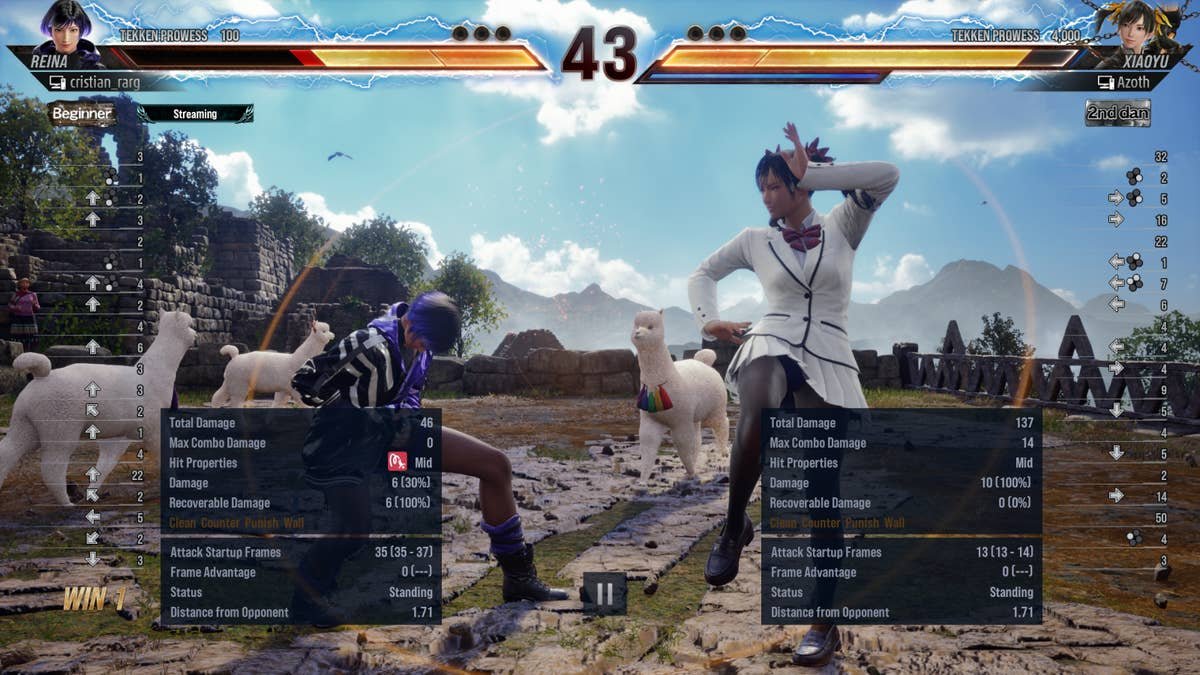
Tekken 8 online match reliability varies, with some players experiencing smooth connections while others face lag and disconnections.
Frustration mounts when a perfectly timed combo gets interrupted by a connection hiccup. Many players have been asking about the state of Tekken 8 online match reliability. It’s a crucial aspect, isn’t it? A stable online experience makes or breaks the competitive spirit of any fighting game.
We all want matches free of frustrating lag and sudden disconnects. Let’s examine the reasons some players encounter issues with Tekken 8 online match reliability, and explore what can be done.

Tekken 8 Online Match Reliability
Alright, let’s talk about something super important for all of us Tekken fans: how well Tekken 8’s online matches actually work. We’ve all been there, right? You’re about to land that killer combo, and then… lag! Or worse, the game disconnects entirely. It can be super frustrating. So, what’s the deal with Tekken 8’s online reliability? Let’s dive deep and see what makes it tick – or sometimes, not tick so well.
Understanding the Basics: What Affects Online Play?
Before we get into the specifics of Tekken 8, it’s helpful to understand what generally impacts online gaming. It’s not just about the game itself, it’s a whole mix of things:
- Your Internet Connection: This is a big one! If your internet is slow or unstable, you’ll probably have a rough time with online games. Things like download and upload speed, and also the stability of your connection, really make a difference. Think of it like this: if your internet is a clogged pipe, data won’t flow smoothly to the Tekken 8 servers.
- Server Location and Load: Tekken 8 uses servers to connect players. If the servers are far away from you, or if there are lots of people playing at the same time, you might have lag. It’s like a busy highway – the more cars (players), the slower everything moves.
- Your Gaming Setup: Your console or PC also plays a role. Older hardware or if something else is running in the background can affect how well your game runs online. Think of it like trying to run a race with weights on your ankles.
- Network Congestion: Other devices in your house might use up internet, so that they slow down the game’s internet. It’s like trying to share a small glass of juice with lots of friends; there’s not enough for everyone to have a full glass.
Tekken 8’s Netcode: The Backbone of Online Matches
Okay, let’s get a bit more technical. Tekken 8 uses something called “netcode” to handle online play. Netcode is essentially the set of rules that govern how your game talks to other players’ games over the internet. There are different kinds of netcode. Tekken 8 primarily uses rollback netcode.
Rollback Netcode: How Does It Work?
Rollback netcode is now the golden standard in fighting games, and it’s a big reason why Tekken 8 online feels so smooth. Instead of waiting for data to travel back and forth before displaying each action, rollback netcode tries to predict what will happen next. If it predicts correctly, everything looks and feels very smooth. If it predicts wrong, it makes a little correction or “rollback” – and these rollbacks, most of the time, are unnoticeable. It’s like having a really smart friend who can finish your sentences before you even say them.
Here’s a simplified breakdown of how rollback works:
- Input: When you press a button, your game starts an action, and that input is sent to the other player’s game.
- Prediction: Your game predicts what your opponent will do next based on their previous actions.
- Rollback/Correction: If the prediction is off, your game quickly corrects what was displayed, making it look almost seamless, but this happens very quickly so that it’s very difficult to notice, only if the lag is high you will notice these, or in a very specific and rare cases.
Rollback is a fantastic approach for fighting games because timing is everything, and it is really important in a game like Tekken 8. Because of rollback, even if there is some internet lag, the game is able to feel smooth most of the time, or at least smooth enough that it will not affect your gameplay significantly.
Tekken 8’s Online Modes: What To Expect
Tekken 8 has different online modes. Each of these modes might offer different experiences when it comes to online reliability:
- Ranked Matches: This is the place to go if you want to test your skills against players of similar rank. These matches aim to be as fair as possible in terms of match quality. Because it match you with same rank players.
- Quick Matches: Here, you can quickly jump into a match against other random players. These are less strict in matching the same ranks, so you might end up playing against players of varying skill level. It’s a good option for a quick game without any rank pressure.
- Player Matches: In player matches, you can create lobbies or join ones that your friends or others have created. These have less strict matchmaking, so you can enjoy fun matches with your friends or any player who wants to join your lobby. These are good for casual playing or practice.
- Tekken Fight Lounge: This acts as a virtual lobby and features avatar customization, and it is more for just hanging out with other Tekken players. You can also start matches from this hub.
- Tekken World Tour: This mode is for tournaments. It connects to the Tekken World Tour, where players play to compete for rankings and real-world tournaments.
In general, Ranked Matches tend to prioritize connection quality to make fair matches, whereas the other modes might focus more on finding a match faster, sometimes at the expense of the connection. But in a nutshell, all these modes usually offer decent online reliability thanks to Tekken 8’s rollback netcode.
Common Issues and How to Fix Them
Even with good netcode, you might encounter issues in your online matches. Here are a few common problems and ways to fix them:
Lag or Rubberbanding
What it is: When characters seem to teleport or move jerkily. This happens when your data packets are delayed.
How to fix it:
- Restart Your Router: A simple restart can solve a lot of connection problems. It’s like giving your internet a fresh start.
- Use an Ethernet Cable: Wifi can be less stable than a wired internet connection, as wifi connections are prone to interference from walls, electronics and even other wireless signals. Plug an ethernet cable directly into your router to play on a more stable internet.
- Close Background Applications: Close any unnecessary programs running on your console or PC that might use up internet, as these can slow down your game.
- Check Your Internet Speed: Make sure you have sufficient internet speed, especially if other people in your house also use the internet at the same time.
- Check Your Network Settings: Ensure that you are not connected to a VPN or anything similar. VPN can slow down the internet and can cause latency.
Disconnects
What it is: When you suddenly get kicked out of a match.
How to fix it:
- Check Tekken 8 Server Status: Sometimes, the game’s servers might go down for maintenance. Check the game’s official website or social media for information.
- Update Your Game: Make sure you are using the latest version of Tekken 8. Older versions can sometimes have online connectivity problems.
- Restart Your Device: Turning your console or PC off and back on can sometimes solve unexpected problems, like a weird computer problem which can affect online connection.
Finding Matches
What it is: When you have a hard time finding opponents.
How to fix it:
- Check Matchmaking Settings: Check to make sure you are searching in the right region and that your connection settings are not too strict.
- Check Server Population: There are times when you might not find matches due to a lower player base. The best time to find matches is peak hours, when more people are playing.
- Try Different Modes: If you are having trouble finding matches in one mode, try another mode, such as Quick Match or Player Match.
Tekken 8 Online: Tips For a Better Experience
Beyond fixing issues, there are also things you can do to get the best experience when playing Tekken 8 online:
- Practice Offline: The better you are at Tekken 8, the less the small bits of lag will affect your performance. Practice offline to get really good at all the combos, moves and strategies.
- Be Patient: No matter how good the netcode is, online gaming is not always perfect. If you run into issues, don’t get discouraged. Try the tips mentioned above or take a break and try again later.
- Use a Gaming Monitor: If you are serious about playing Tekken 8 online, a gaming monitor with a low response time can help with responsiveness and might be more reliable.
- Communicate with the Community: Share your experiences with other Tekken 8 players online, and you might find helpful tips and solutions for different problems. The community is always there to help each other.
What Could Improve?
While Tekken 8’s online matches are very smooth for the most part, there is always room for improvement:
- More Server Locations: Adding servers in more places can reduce lag for players in different regions.
- Better Matchmaking: Sometimes the matchmaking can match you with people with very poor connection. So, improving the matchmaking algorithm to prioritize connection quality could improve the match experience.
- In-Game Connection Feedback: It would be helpful if the game showed more information about your opponent’s connection quality, maybe via a ping indicator. This would help players to choose and play only the smooth matches.
Tekken 8 has made good progress with their netcode, and for the most part, the matches are smooth and reliable. But there are always ways to improve. As the game continues to be supported with patches and updates, we can hope for further improvements to the online experience.
All said and done, Tekken 8 gives us a pretty good online experience. Sometimes there are issues and lag spikes which can be annoying. But, when you consider how complicated fighting game netcode can be, what the team behind Tekken 8 have achieved is pretty great. The rollback netcode really does make the matches feel good, and with a decent internet connection and some practice, you should have a lot of fun. Remember to try out all the online modes and, if necessary, utilize the fixes mentioned above. Keep practicing, and keep fighting!
LIVE🔴Tekken 8 Clive & some more POE2?! (12-17)
Final Thoughts
Ultimately, Tekken 8 online match reliability is generally solid, providing fairly consistent connections for most players. Occasional lag spikes can happen but are not frequent enough to ruin the overall experience. The developers continue to work on improving this aspect.
The netcode performs admirably well, allowing for tense and engaging battles. Players can typically enjoy matches without significant interruptions. This allows for focus on skill rather than connection issues. Tekken 8 online match reliability ensures a good gameplay environment.

