
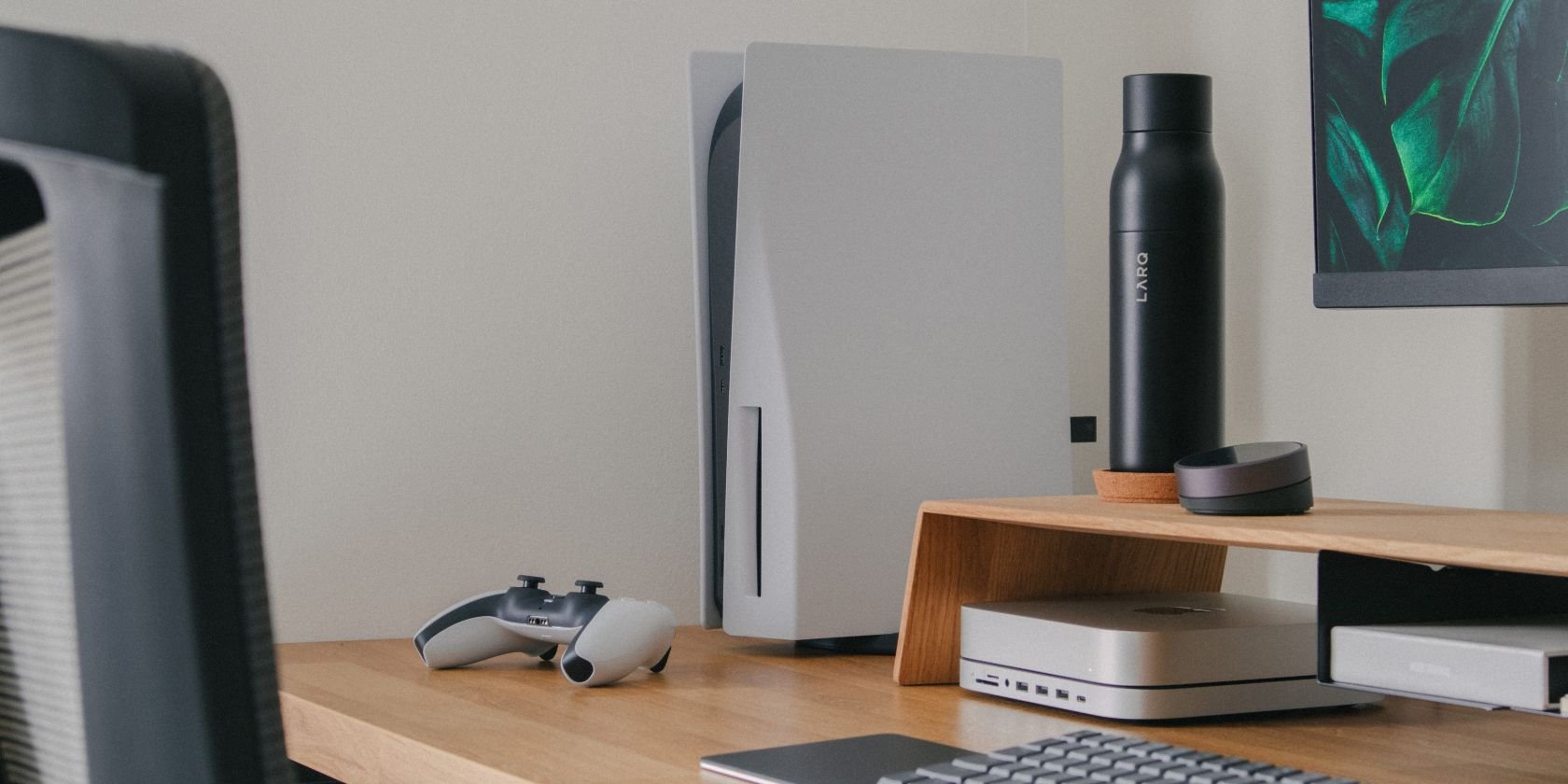
You can watch movies and TV shows through various streaming apps, listen to music, and explore other entertainment options on the PS5 besides play games.
So you have a PlayStation 5, and you are wondering what can you do on a PS5 besides play games? It’s more than just a gaming console. You will find the PS5 serves as a decent media center for all your entertainment.
You can easily access services like Netflix, Disney+, and Spotify. This allows you to enjoy your favorite shows and music right from your console. It’s a great way to unwind after a gaming session, too!

What Can You Do on a PS5 Besides Play Games?
Okay, so you have a shiny new PlayStation 5. You’ve probably spent hours playing the latest and greatest games. But did you know your PS5 is more than just a gaming machine? It’s actually a pretty powerful entertainment hub, capable of much more than just button-mashing and virtual adventures. Let’s take a look at all the cool things you can do with your PS5 besides playing games!
Streaming Your Favorite Shows and Movies
One of the biggest non-gaming uses for the PS5 is streaming. Think of it as a super-powered smart TV. You can access all sorts of streaming services right from your console, no need for extra devices.
Popular Streaming Apps on PS5
The PS5 has a variety of apps for watching your favorite shows and movies. Here are some of the most popular ones you can find:
- Netflix: Watch tons of TV shows, movies, documentaries, and stand-up comedy specials.
- Disney+: Enjoy Disney, Pixar, Marvel, Star Wars, and National Geographic content.
- Hulu: Catch current TV shows, movies, and Hulu originals.
- Amazon Prime Video: Access a large library of movies, TV series, and Amazon exclusive content.
- YouTube: Watch videos from your favorite creators, how-to guides, music videos, and more.
- Apple TV+: Stream Apple Originals, featuring big names and critically acclaimed shows.
- Crunchyroll: Dive into the world of anime and manga.
- Paramount+: Enjoy content from CBS, Paramount Pictures, Nickelodeon, and more.
- Peacock: Watch NBC shows, sports, and movies.
- Spotify: Listen to music from your favorite artists.
These apps are usually free to download, but you will need a subscription to use most of them. Make sure you have your login information ready to go, and you can start watching right away. The interface is pretty user-friendly, so navigating through all of these apps is easy.
Tips for Better Streaming on PS5
Here are a few tips to make your streaming experience on the PS5 the best it can be:
- Check Your Internet: Make sure you have a fast and stable internet connection. Streaming videos uses a lot of data, so a good connection helps prevent buffering and pixelated video.
- Adjust Video Settings: You can often adjust the video resolution within the app. If you have a 4K TV, make sure you are watching in the highest resolution possible for the best picture quality.
- Use Headphones: If you want to be immersed in what you are watching or need to be quiet, plug in your headphones into your PS5 controller.
Listening to Music and Podcasts
Beyond videos, the PS5 is also great for enjoying music and podcasts. Even if you are gaming, you can have your favorite songs playing in the background.
Music Apps on PS5
You can find several popular music streaming apps right on your PlayStation 5:
- Spotify: A very popular music streaming app. You can listen to almost any song, create playlists, and even find podcasts.
- Apple Music: Access your Apple Music library and enjoy millions of songs and radio stations.
- Amazon Music: Listen to your music library through your Amazon prime membership.
To use these, download the app, and sign in with your account. After that, you are set to listen to your favorite music. Some apps also let you listen to podcasts.
Listening while you Game
One of the cool features of the PS5 is that you can listen to music while playing games. Imagine cruising through a race while your favorite rock anthem plays or having a chill soundtrack for your exploration game. You can adjust the music volume from the PS5 control panel. This feature is great for when you are not satisfied with the in-game audio, or when you are playing games with no audio.
Browsing the Internet
Did you know the PS5 comes with a web browser? This is a feature that might get overlooked, but it can be handy when you need to quickly look up something online.
Using the PS5 Web Browser
You won’t find a dedicated browser icon on your main screen. Instead, to access the browser, you will usually need to go to a link, for example, go into a message of someone and open a link there. Once opened, you can navigate to different websites just like on a computer. You can type in the address, and view web pages. You can do most of what you can do on a regular web browser, such as read articles, search for information, or browse social media.
Tips for Using the Browser
- It’s not a PC: While the browser is useful for quick searches, it is not as powerful as a web browser on a computer. It might not display all webpages correctly and may be slower than browsing on a computer.
- Use it for quick tasks: It is good for small stuff like looking up a game guide, checking scores, or looking up information. It may not be ideal for heavy browsing or working on the web.
- The Controller as a Mouse: You use the controller as a mouse which might take some time getting used to.
Sharing and Broadcasting Your Gameplay
The PS5 has great options for showing off your game skills to your friends and other people. If you like to stream, or share videos, this console makes the process easy to do.
Sharing Videos and Screenshots
If you have just done something amazing in the game, you might want to share it with your friends. The PS5 makes this very easy with its share button on the controller. This button allows you to take screenshots and record video clips of your gameplay.
How to Share
- Press the Share Button: Press the share button on the controller.
- Choose Share Option: You can choose to save a screenshot, a video clip or start broadcasting.
- Share it: You can choose where to send your clips, like YouTube or to a friend directly.
These features are very easy to use, and are great for sharing cool moments.
Broadcasting Your Gameplay
If you’re feeling extra creative, you can broadcast your gameplay live on platforms like YouTube and Twitch. This is great for showing off your skills, chatting with viewers, or just hanging out while you play.
How to Broadcast
- Link your Accounts: You will first need to link your PlayStation account with your streaming platform.
- Start Broadcasting: Press the share button, and choose to start broadcasting.
- Play Games and Interact: You are live now, so start playing and interact with your viewers.
These features are good for those who enjoy creating content and sharing their gaming experience.
Using the PS5 as a Blu-ray Player
Besides all the digital features, the PS5 is a powerful 4K UHD Blu-ray player. If you have a collection of Blu-ray and DVDs, your PS5 can play them with great picture quality.
Enjoying Movies and Shows on Disc
Playing physical copies of movies or TV shows on Blu-ray or DVD is very easy with the PS5. Insert the disc, and the console will automatically start playing it. This is great for those who want to own the movies or shows they want to watch.
Things to Remember
- Clean Your Discs: Make sure the discs are clean so that the player can read them properly.
- 4K UHD: If you have a 4K TV, make sure to get 4K UHD movies to get the best picture quality.
- Keep Your Console Clean: Try and keep the console clean so that it can run well.
Exploring PS5’s Accessibility Options
The PS5 has very good options to help everyone enjoy using the console. There are a variety of features to help people with different needs.
Customizing Your Experience
The PS5 includes various accessibility options that can be changed so that the console meets your requirements. You can change these features through the settings menu. These features include things like:
- Text-to-speech: The console will read the text that is on the screen aloud.
- Display and Zoom Options: Change text size, and how bright the screen is, zoom options and colors.
- Controller Options: Change the way your controller is configured and how much haptic feedback is enabled.
These features are a great way to help everyone enjoy gaming and using their PS5.
The PS5 Media Remote
If you want to easily control all your media on the PS5, a media remote can make things simpler. While the DualSense controller is great for gaming, it may not be the most handy way to use for streaming.
Why Use a Media Remote?
A media remote makes controlling your entertainment options on your PS5 easier. With dedicated buttons for play, pause, fast forward, and volume, it is much simpler to use than the controller. Some also come with specific buttons for streaming apps like Netflix or Disney+. This is great for those who primarily watch movies and TV shows on their console.
How to Use It
- Setup: The setup for the remote is very simple, it will pair automatically with your console.
- Control: After setup, you can use it to easily control what you are watching.
Connecting with Friends and Community
The PS5 has great features that connect you with your friends and the gaming community.
Parties and Chat
You can create parties with your friends and chat with them while playing games. This makes the experience much more fun. You can have party chats while playing games, or just hang out while not gaming. It is a fun way to socialize and interact while using your PS5.
Joining Communities
The PS5 also lets you join communities based on different games and interests. This is a good way to find new friends and get involved in discussions about the games you like. These communities are very good places to find people who are like minded as you.
So, there you have it. Your PS5 is not just a gaming machine, it’s a complete entertainment hub. From streaming your favorite shows and movies to listening to music and podcasts, browsing the web and sharing game clips, the PS5 can handle a lot. And remember, you can always customize your experience and stay connected with friends. So get exploring and see everything your PS5 can do!
PS5 Tips And Tricks: 25 Things You May Not Know About PlayStation 5!
Final Thoughts
You can watch movies and shows through various apps like Netflix and Disney+. The PS5 also acts as a music player, supporting services such as Spotify.
Furthermore, you can browse the internet and connect with friends through built-in social features. This demonstrates what can you do on a ps5 besides play games is quite varied. It’s a powerful media hub.

