
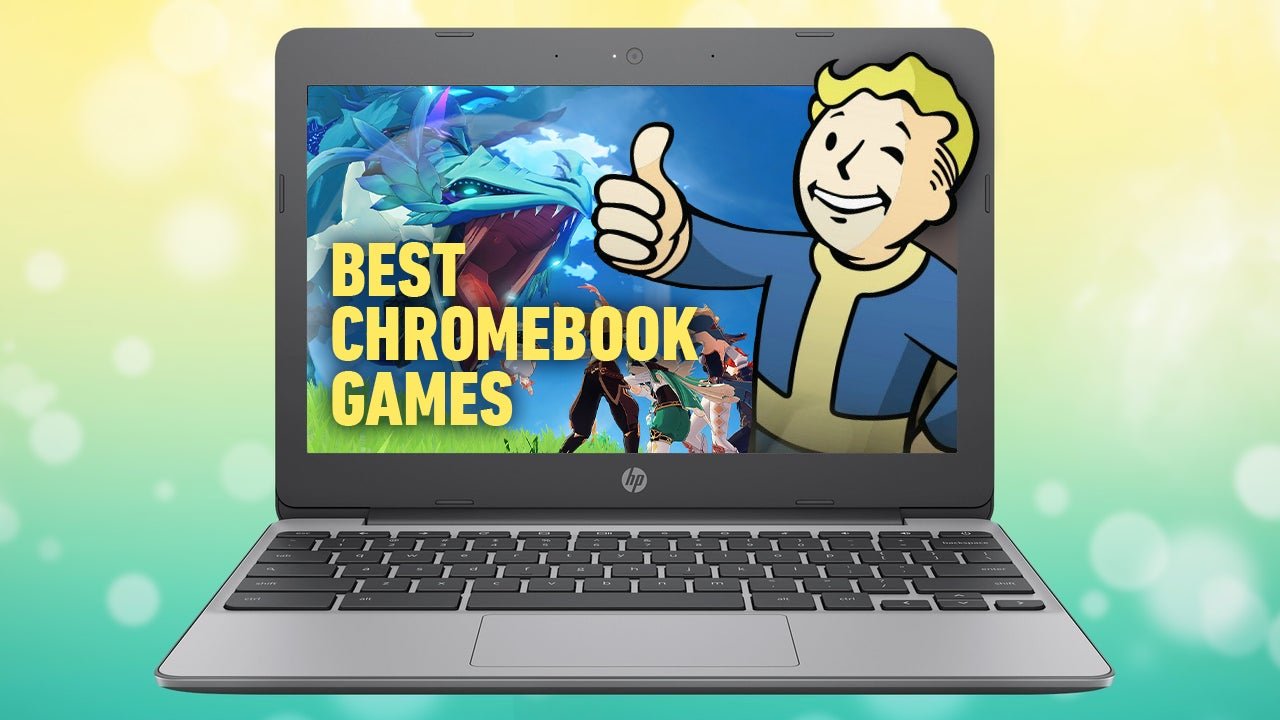
You can play a variety of games on a Chromebook, including browser-based games, Android games from the Google Play Store, and some cloud gaming titles.
Curious about fun on your Chromebook? Many people ask, “what games can you play on a chromebook?”. This is a great question! Chromebooks provide more gaming options than you might think.
You can explore countless web-based games right in your browser. Additionally, many Android games function well on Chromebooks via the Google Play Store. This adds quite a few exciting choices.
Cloud gaming also offers another way to play, letting you run more graphically intense games. These options give Chromebook owners some solid entertainment possibilities.

What Games Can You Play on a Chromebook?
So, you’ve got a Chromebook and you’re wondering what kind of gaming fun it can offer? You might think Chromebooks are just for schoolwork and browsing the internet, but they can actually handle a lot more than you expect when it comes to games. We’ll dive into all the different ways you can enjoy playing games on your Chromebook, from simple puzzles to more exciting adventures.
Browser-Based Games: Fun at Your Fingertips
The most common type of games you’ll play on your Chromebook are browser-based games. These are games that you can play directly in your Chrome browser, without needing to download anything special. They come in all sorts of styles, from fast-paced action games to relaxing puzzle games. Because they’re right there on the web, it’s easy to jump in and start playing!
Why Browser Games Are Great for Chromebooks
- No Installation Required: You don’t need to worry about downloading large files or installing extra software. Just open your browser and start playing.
- Lots of Choices: There are thousands of free browser games available, giving you a huge range to pick from.
- Quick and Easy Access: You can play a browser game pretty much anywhere you have an internet connection.
- Variety of Genres: From puzzle games, strategy games and even some simple action games, there’s something for everyone.
Popular Types of Browser Games
- Puzzle Games: These help you sharpen your mind, and there are lots of different kinds, like word games, matching games, and jigsaw puzzles.
- Arcade Games: Think classic games like Pac-Man, Tetris, and simple platformers. These are easy to pick up and play when you have a few minutes.
- Strategy Games: These games make you think a bit more, and you have to plan your moves carefully. They are great for people who enjoy challenges.
- .io Games: These are multiplayer games where you compete with other players online, often with simple controls and fast-paced gameplay.
Where can you find these games? Many websites are dedicated to hosting free browser games. Just do a quick search for “free browser games” and you’ll find plenty to keep you busy. Websites like Poki, CrazyGames, and Miniclip are great starting points.
Android Games on Chromebooks: Expanding the Fun
Many Chromebooks have the ability to run Android apps, just like a phone or tablet. This opens up a whole world of gaming possibilities! You can find thousands of Android games on the Google Play Store that are optimized to work well on a Chromebook.
How to Get Android Games on Your Chromebook
First, you’ll want to make sure your Chromebook can run Android apps. If you got your Chromebook in the last few years, there’s a good chance it does! To check, go to your Chromebook’s settings and look for “Google Play Store.” If it’s there and you can turn it on, you’re good to go. Once enabled, you can download games directly from the Google Play Store just like you would on your phone.
Types of Android Games You Can Play
- Casual Games: These games are easy to learn and great for short bursts of play. Think games like Candy Crush, Angry Birds or simulation games.
- Action and Adventure Games: These can be a bit more demanding and offer more exciting gameplay. You might find titles with puzzles, shooting, racing, and so on.
- Role-Playing Games (RPGs): If you want an immersive experience, try out an RPG where you can develop a character and play through an interesting story.
- Strategy Games: Android has lots of strategy games that will challenge your mind, requiring careful planning and quick thinking.
Tips for Playing Android Games on a Chromebook
- Use Your Keyboard and Mouse: If the game supports it, using a keyboard and mouse can often be more comfortable and precise than using the touchscreen.
- Check for Compatibility: While many Android games work well, some might not be optimized for Chromebooks. Check user reviews to see if others are having a good experience with the game on Chromebooks.
- Manage Storage: Android games can take up some space. Make sure you have enough storage available on your Chromebook so you can download and install what you want.
Cloud Gaming Services: High-Powered Gaming on Your Chromebook
Cloud gaming is like magic! Instead of running the game directly on your Chromebook, the game runs on a powerful server somewhere else, and you see the game through the internet. This means you can play games that would normally be too demanding for a Chromebook.
How Cloud Gaming Works
With cloud gaming, you stream the video of the game to your Chromebook, and your inputs (like pressing buttons) are sent back to the server. This happens very quickly so it feels like the game is running right on your computer. All you need is a stable and fast internet connection.
Popular Cloud Gaming Services for Chromebooks
- NVIDIA GeForce NOW: This service allows you to play games from your existing libraries on services like Steam, Epic Games, and Ubisoft Connect. You can access high-quality graphics, and it runs very well on a Chromebook, turning your device into a pretty powerful machine.
- Xbox Cloud Gaming (via Xbox Game Pass): If you have an Xbox Game Pass subscription, you can stream a large selection of console games to your Chromebook.
- Amazon Luna: Amazon Luna is a cloud gaming service where you can stream a library of games, and has a growing collection of different kinds of games.
What You Need for Cloud Gaming
- Good Internet Connection: Cloud gaming needs a fast and stable internet connection. A slow connection might make games lag and have a bad experience.
- Compatible Devices: Most Chromebooks are compatible with major cloud gaming services, but it’s good to check beforehand.
- Subscription or Games: You will likely need to have an active subscription to the cloud gaming service or have purchased the games you want to play.
Linux Games on Chromebooks: A Deeper Dive
For the more technically inclined gamer, some Chromebooks allow you to enable Linux support. This opens the door to a large number of games that are available on Linux.
Setting Up Linux on Your Chromebook
This process isn’t for everyone, and you’ll need to know some things about Linux. First you need to enable Linux support in settings and it will install the required software. The actual process might be a little difficult for someone who isn’t familiar with these processes, so make sure you do your research first and follow instructions carefully.
Types of Linux Games Available
- Indie Games: There are many great indie games made for Linux. These are sometimes available on other systems but not always.
- Open Source Games: These are free and come with a bunch of different kinds of game play.
- Other Games: Some games from other platforms might work, but it requires extra work to install and get working.
Important Notes for Linux Gaming
- More Technical: Getting Linux games to work is a little more complex than other methods.
- Compatibility: Not all Linux games will work on a Chromebook due to hardware limitations and other compatibility issues.
- Requires Knowledge: You should have some knowledge of Linux before trying this method.
Emulators: Reliving Retro Gaming
For fans of classic video games, emulators can bring back memories. An emulator is a program that lets you play games designed for older consoles on your Chromebook.
What are Emulators?
An emulator mimics the hardware of an old game console, allowing you to run classic games (ROMs) on your Chromebook. There are emulators for different consoles, from old handhelds to popular systems from the 80s and 90s.
How to Use Emulators on Chromebooks
You’ll have to download an emulator to your device. This is usually done by enabling Linux support (as explained in the Linux section) and then downloading the required software. Then, you’ll also need to find ROM files for the games. Keep in mind that it’s often against the law to download ROM files if you don’t own the original game. It’s also important to be careful when looking for these files, as you could accidently download something harmful to your Chromebook.
Things to Keep in Mind With Emulators
- Legal Issues: Downloading ROMs if you don’t own the original game is illegal in many places.
- Complexity: Getting emulators to work can be a little complicated, and sometimes requires troubleshooting.
- Finding the Right Files: You’ll need to find ROM files for games, which might be difficult or risky to download online.
Web Apps and Progressive Web Apps (PWAs): Games That Feel Native
Progressive Web Apps (PWAs) are websites that act like native apps. They load quickly and can often work offline or on low internet bandwidth. There are some games designed as PWAs that can give you a more immersive experience on your Chromebook.
How PWAs Work
PWAs are websites that behave like apps. They can be added to your Chromebook’s desktop and open like a program. Because they are designed to be responsive and fast, they can make for a great gaming experience without needing to download heavy programs.
Finding PWA Games
You will need to find games that are specifically made to be PWAs. The best way to find these games is to do a web search or read articles that list them.
Benefits of PWA Games
- Fast loading: These games load and run very quickly, making them great for getting right into the action.
- Offline access: Some PWAs can be used offline, so you can play your games even without an internet connection.
- Easy to install: You can easily install PWAs through your browser without downloading other programs.
Game Controllers and Chromebooks
For an even better gaming experience, you might want to connect a game controller to your Chromebook. Most Chromebooks can connect via Bluetooth or USB, with the more popular game controllers working seamlessly, such as an Xbox, Playstation, or other popular gaming controllers.
Types of Controllers
- Xbox Controllers: Many popular Xbox controllers are compatible with Chromebooks.
- PlayStation Controllers: PlayStation controllers are also very popular and work well with the devices.
- Third-Party Controllers: You can also find third-party controllers that are compatible with Chromebooks and can be a very good substitute.
Setting Up Your Controller
Most modern controllers use Bluetooth to connect. This means you just put the controller into “pairing” mode, and then find the controller in the Bluetooth settings on your Chromebook and they should connect very easily. For some older models, you might have to use a USB cord. Some games will let you set what buttons to use for different actions, so you can play just like you would on other game platforms.
Chromebooks are more than just web browsing machines. With a little exploration you can see the amount of great gaming opportunities they offer! You have a whole lot to pick from, between browser games, Android apps, cloud gaming, and even Linux options, there’s sure to be something for every gamer to enjoy. Just remember to think about your internet connection, storage space, and the specific requirements of the games that you want to play. Have fun with your Chromebook gaming adventure!
BEST GAMES for CHROMEBOOK
Final Thoughts
Chromebooks offer varied gaming options. You can play browser-based games, Android games from the Google Play Store, and cloud gaming services. These platforms provide a broad range of titles.
Specifically, what games can you play on a Chromebook includes popular mobile ports, casual puzzles, and even AAA titles through the cloud. This means a Chromebook’s game library is very diverse.
Ultimately, Chromebooks offer a viable gaming experience with various options catering to different user preferences. The main key is their accessibility and price point, making them a great choice for many.

