
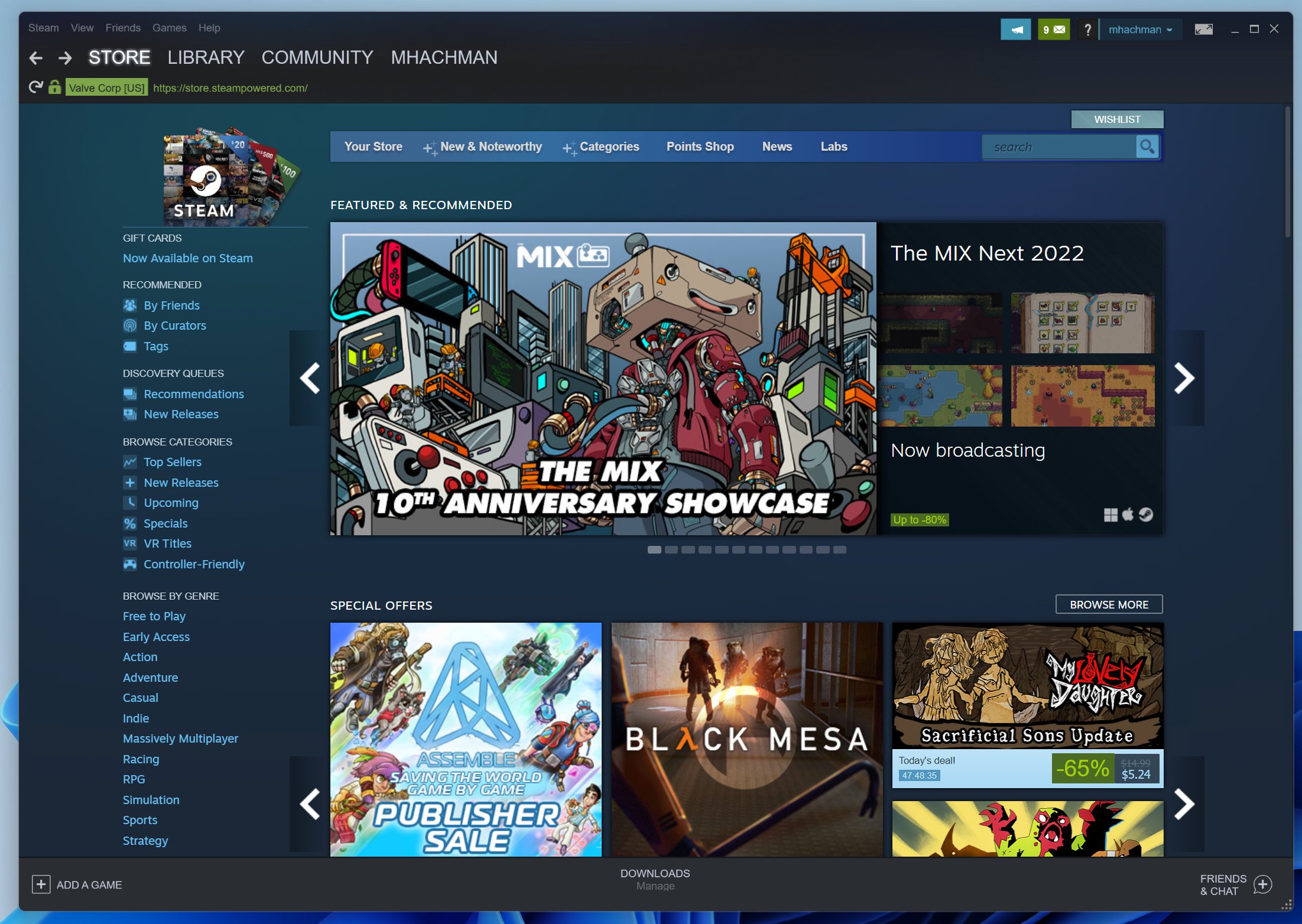
You can play a variety of games on a Chromebook, including browser-based games, Android games from the Google Play Store, and even some PC games via cloud gaming services.
Ever wondered what games can you play on Chromebook? It’s a common question, given these laptops’ focus on web browsing and productivity. Thankfully, a wide range of gaming options exist, catering to different preferences and skill levels.
From quick casual titles to more involved experiences, Chromebooks offer entertainment. The ease of access and varied game library makes them surprisingly capable gaming devices. You’ll find something suitable for your needs.

What Games Can You Play on Chromebook?
Chromebooks are often thought of as simple laptops for schoolwork and browsing the internet. But did you know they can also be great for playing games? You might be surprised at the variety of fun games available. Let’s dive into the world of Chromebook gaming and see what adventures await!
Web-Based Games: A World of Fun at Your Fingertips
One of the easiest ways to play games on a Chromebook is through web browsers. Think of these as games you can play directly in your browser, without needing to download anything. Many websites offer free and exciting games, from puzzles to action-packed adventures. This makes them super convenient since you don’t need extra storage space.
Casual Games: Quick Fun for Everyone
Casual games are perfect for a short break or when you have a few minutes to spare. These games are usually simple to learn and play. Here are a few examples:
- Puzzle Games: These challenge your mind with puzzles, like solving mazes or matching objects. Think of classics like “Sudoku” or “2048.”
- Arcade Games: These are quick and action-oriented games with easy-to-grasp controls, like “Pac-Man” or “Tetris.” You’ll be jumping, running, and collecting points in no time.
- Card Games: Play classic games like “Solitaire” or “Hearts” right in your browser. It’s a great way to relax and test your strategies.
.IO Games: Compete with Players Worldwide
Have you ever wanted to play a game with lots of other people at the same time? .IO games are the way to go! These browser-based multiplayer games allow you to compete with people from all over the world. These are known for their simple designs, easy-to-learn mechanics, and addictive gameplay. Here are some common ones:
- Agar.io: Grow your cell by consuming smaller cells while avoiding being eaten by larger ones. It’s a classic example of .IO gaming fun.
- Slither.io: Control a snake and try to get as big as possible without bumping into other snakes. This one is simple to learn but difficult to master.
- Diep.io: Upgrade and control a tank, taking on other tanks in a free for all match.
These games are constantly updated with new content, and they keep players hooked for hours.
Android Games: Expand Your Chromebook’s Gaming Library
A fantastic feature of many Chromebooks is that they can run Android apps. This opens up a whole new world of gaming! Because your Chromebook is compatible with many mobile games, you’re not just stuck with browser-based options.
How to Find Android Games
To find Android games, open the Google Play Store app on your Chromebook. Search for your favorite game or explore categories like “Action,” “Adventure,” “Puzzle,” and more. If the game supports Chromebooks, you’ll see an install button.
Popular Android Game Categories
With access to Google Play Store you can find tons of different kinds of games. Here are just a few:
- Action Games: Engage in fast-paced combat, high-flying adventures, and thrilling missions. Look for titles like PUBG Mobile, Call of Duty Mobile, and various beat ’em up or platformer games.
- Adventure Games: Explore vast worlds, solve puzzles, and experience compelling stories. Think of games like Minecraft, Genshin Impact, or the many role-playing games available.
- Puzzle Games: Exercise your brain with a variety of puzzle-based challenges, from simple pattern matching to logic puzzles. Good choices include Monument Valley, The Room, or Brain Out.
- Strategy Games: Test your strategic skills by building cities, managing resources, and conquering territories. For example, Clash of Clans, Age of Civilizations, or Plants vs Zombies.
- Simulation Games: Experience everyday life with games that simulate different activities, including farming, building, or even managing a virtual city. Check out titles such as Stardew Valley or The Sims Mobile.
Game Controller Compatibility
To get the most of your Chromebook gaming experience, consider using a game controller. Many Android games support Bluetooth or USB game controllers, which can make playing much easier and more fun. You should check the game’s details on the Play Store page to see if it supports the type of controller you have before trying to play.
Cloud Gaming: High-Quality Graphics Without the High-End Hardware
Cloud gaming services are changing the way people play games. These services allow you to play games that are hosted on powerful servers, not on your Chromebook. This means you can play games with high-quality graphics without having to worry about your Chromebook’s processing power. You just need a fast and stable internet connection.
How Cloud Gaming Works
Cloud gaming services stream the game directly to your Chromebook, like watching a video. You control the game using your keyboard, mouse, or a game controller, and your actions are sent back to the server. This process occurs in real time, allowing you to play smoothly. A consistent internet speed is a must for a smooth experience.
Popular Cloud Gaming Services
Many different cloud gaming services are available, some of the popular choices include:
- NVIDIA GeForce NOW: Access your games from different digital stores and play many demanding titles. You need a good internet connection to make full use of it.
- Xbox Cloud Gaming: Play a selection of games available on the Xbox Game Pass. A subscription is needed for this service.
- Google Stadia: A service created by Google where you can buy games and play on any compatible device, but it has limited availability.
These services usually have a subscription fee, but the price is often cheaper than buying a high-end gaming PC. A good internet connection will allow smooth experience and enjoyable time.
Offline Games: Fun Even Without Internet
Sometimes you might not have internet access, but that doesn’t mean you can’t play games! There are many games that you can play offline on your Chromebook. These can be web-based games that are downloaded or games that come with the device.
Finding Offline Games
Many of the games that you get from the Play Store can work without an internet connection. Also, you may be able to save web-based games for offline use, depending on the site. The games you saved to offline can be played even without internet.
Popular Offline Game Categories
There are many fun games you can play offline, like:
- Single-player Puzzle Games: Many puzzle games can be downloaded and played offline. You can spend some time solving different kind of puzzles without needing to be connected to the internet.
- Classic Retro Games: There are emulators that allow you to play some of your favorite retro games, even when you are offline.
- Downloaded Android Games: Any Android game that is already installed on your device should be playable offline. This allows you to continue playing your favorite mobile game even when you can’t connect to the internet.
Emulator Games: A Nostalgic Journey
For those who enjoy retro gaming, emulators allow you to play games from older consoles directly on your Chromebook. Emulators simulate the hardware of old gaming systems, letting you enjoy classic games once again. You’ll need to download an emulator for the system you want to play, as well as the game files, often called ROMs.
Popular Emulators
Many different emulators are available to download, here are some to consider:
- RetroArch: This is a very popular emulator that has support for many different consoles and games.
- Individual Console Emulators: you can find emulators that are specific to certain consoles, like a GameBoy or a PlayStation emulator.
Things to Consider when Using Emulators
It is important to be aware of copyright laws regarding game ROMs. You should only play ROMs for games that you own to make sure you are not breaking any rules. And always download your emulator from a trusted source to avoid any problems.
Tips for the Best Gaming Experience on Your Chromebook
To have the best gaming experience on your Chromebook, here are a few tips to help you. With these tips, you can make the best use of your Chromebook for playing your favorite games.
Optimize Your Chromebook Settings
Adjust your display resolution and refresh rate for smoother gameplay. Sometimes, changing the settings can help you avoid any lag or problems with the game. Also, make sure that your Chromebook is updated to the latest operating system.
Close Unnecessary Tabs and Applications
To help your game run better, close all unnecessary tabs and apps when playing. Having too much open can use up your Chromebook’s resources and slow down the game, so keeping it clean helps performance. It’s also important to always have a full battery charge for the best performance.
Use a Reliable Internet Connection
For cloud and online games, make sure you have a good internet connection to avoid lag or interruptions while playing. A stable Wi-Fi connection will give you the best experience while playing online.
Consider External Accessories
Using a gaming mouse or controller can make gaming much more enjoyable. If you are playing games often, you may want to consider buying these to make your gaming experience better.
With these steps, you will make your game time much more fun and enjoyable. Have fun exploring the gaming world of Chromebooks.
As you’ve seen, Chromebooks are capable of much more than just browsing and schoolwork. With a good internet connection and a little know-how, you can access a vast library of games. Whether you’re into simple puzzles, action-packed adventures, or classic retro games, there’s something for everyone. So grab your controller, connect to the internet, and get ready to game on your Chromebook!
BEST GAMES for CHROMEBOOK
Final Thoughts
Chromebooks offer diverse gaming options. You can access browser-based games, perfect for quick play sessions. Android games, available via the Google Play Store, provide a variety of titles.
Cloud gaming services, like NVIDIA GeForce NOW, allow playing high-end PC games. These options expand the range of what games can you play on Chromebook.

