
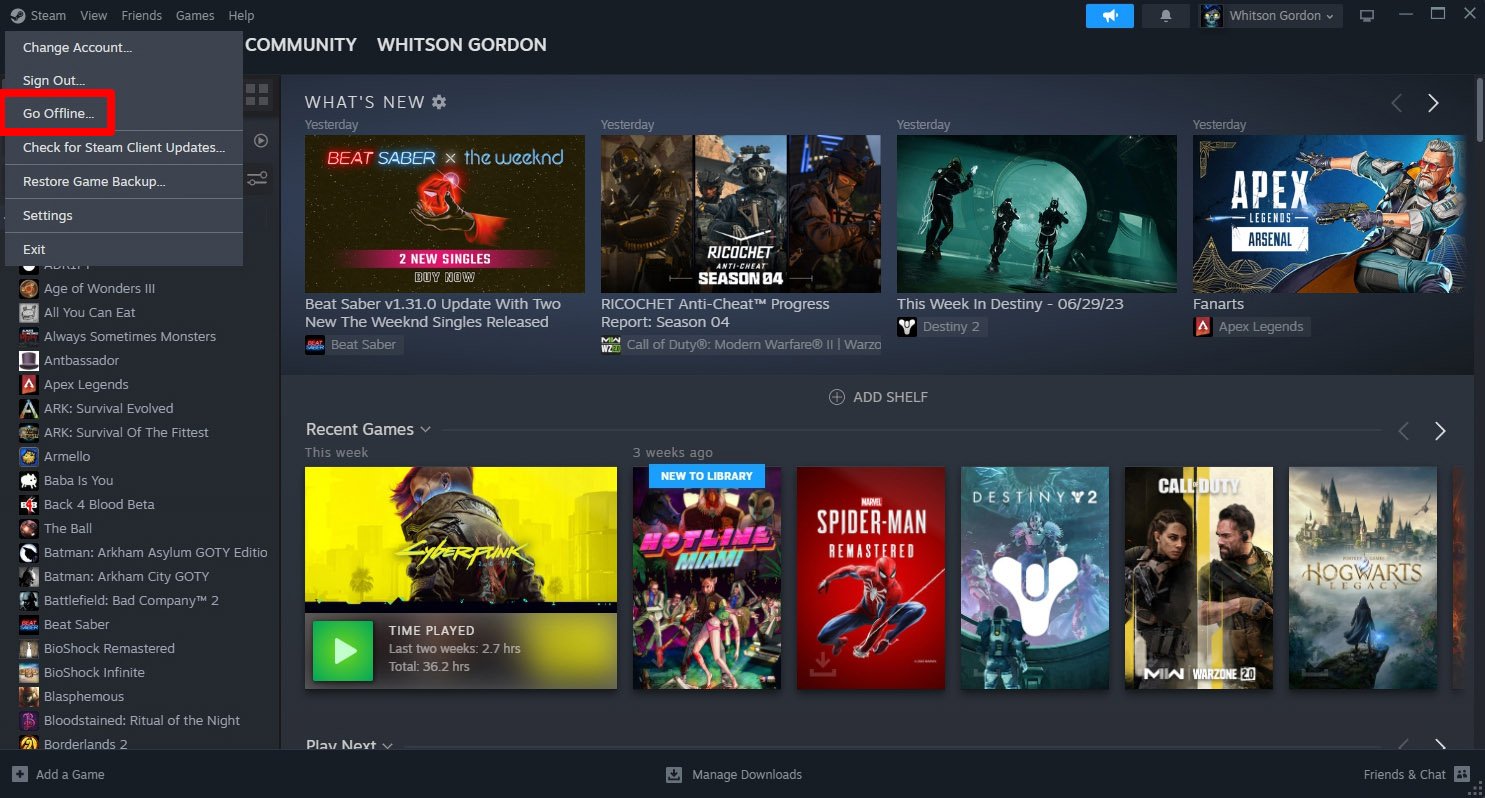
You can play a vast library of PC games on the ASUS ROG Ally, encompassing titles from Steam, Epic Games Store, Xbox Game Pass, and many more platforms.
Picking up the ASUS ROG Ally and wondering, what games can you play on asus rog ally? You’ll be happy to hear the options are incredibly varied. From indie darlings to AAA blockbusters, the device handles them well.
Essentially, any game you can play on a Windows PC can be considered for this handheld. That opens the door to a gigantic selection of titles and a lot of fun. It really is a versatile little gaming machine.

What Games Can You Play on Asus ROG Ally?
The Asus ROG Ally is a really cool handheld gaming computer, kind of like a super-powered Nintendo Switch or a very portable gaming PC. It lets you play lots of different games, from action-packed adventures to brain-teasing puzzles, anywhere you want. So, what exactly can you play? Let’s dive in!
AAA Blockbusters on the Go
If you’re dreaming of playing big, fancy games like the ones you see on consoles or PCs, the ROG Ally has you covered. Because it runs Windows 11, it can handle many of the top games out there. These are the games with amazing graphics, detailed stories, and lots of action. We’re talking about titles you might have thought you could only play at home on your big screen.
Examples of AAA Games:
- Elden Ring: Explore a massive world filled with challenging monsters and secrets. This is a tough game but a very fun one for fans of action role-playing games.
- Cyberpunk 2077: Get lost in a futuristic city where you can customize your character and go on exciting missions. It’s a game with lots of story and action.
- Red Dead Redemption 2: Saddle up your horse and ride through the Wild West in this big open-world adventure. There are lots of characters to meet and places to explore.
- God of War: Join Kratos on a powerful journey as he battles gods and monsters in a world based on Norse myths. It’s packed with action and an awesome story.
- Hogwarts Legacy: Step into the world of Harry Potter and explore the magical school of Hogwarts. You can go to classes, learn spells, and go on exciting adventures.
- Resident Evil Village: Get ready for a scary time as you explore a creepy village and fight off scary monsters in this horror game.
- Starfield: Explore the cosmos in this expansive RPG where you can travel to many planets, customize your ship, and make your own story.
These games usually look fantastic on the ROG Ally’s screen. Keep in mind that some of these bigger titles might need you to adjust the graphics settings to run smoothly. The great part is that you can take these experiences with you wherever you go.
Independant Gems and Indie Delights
Apart from those big-budget games, there’s a huge world of “indie” games to explore. These games are made by smaller teams and often come with unique gameplay, art styles, and stories. They can be just as fun and interesting as the AAA games, and they often run really well on the ROG Ally.
Examples of Indie Games:
- Hades: Fight your way out of the underworld in this action-packed game that has really cool graphics. It’s fast, fun, and you’ll always want to play “just one more run!”
- Stardew Valley: If you want a relaxing game, this one is perfect. You get to take care of a farm, fish, and make friends in a cute little town.
- Hollow Knight: Explore a big, mysterious world as a silent knight. This game is known for its beautiful hand-drawn art and challenging gameplay.
- Celeste: Help Madeline climb a mountain in this game that’s both a tricky platformer and a moving story.
- Minecraft: Build anything you can imagine in this sandbox game with endless possibilities. You can play in creative or survival mode.
- Among Us: Figure out who the imposter is in this fun party game. Play with your friends online or with others.
- Terraria: Dive into an adventure that mixes exploration, combat, and building. It’s like a 2D version of Minecraft with lots of monsters and bosses.
Indie games are fantastic because they often push the boundaries of what video games can be. They’re generally less demanding on the hardware, so you can play many of them at great frame rates and high graphics on your ROG Ally without worrying too much about battery life.
Retro Gaming and Emulation
Do you love older games? The ROG Ally is amazing for playing your favorite games from the past. Because it’s a computer running Windows, you can install programs that let you play games from older consoles, like those from Nintendo, Sega, and PlayStation. This is called emulation, and it’s a great way to enjoy classic games you grew up with.
Emulated Consoles:
- Nintendo Entertainment System (NES): Play games like Super Mario Bros., The Legend of Zelda, and Metroid.
- Super Nintendo Entertainment System (SNES): Enjoy classics like Super Mario World, The Legend of Zelda: A Link to the Past, and Chrono Trigger.
- Sega Genesis/Mega Drive: Relive games like Sonic the Hedgehog, Streets of Rage, and Ecco the Dolphin.
- PlayStation (PS1): Play your favorites like Final Fantasy VII, Metal Gear Solid, and Crash Bandicoot.
- Nintendo 64 (N64): Experience games like The Legend of Zelda: Ocarina of Time, Super Mario 64, and Mario Kart 64.
- PlayStation 2 (PS2): Dive into classics like Grand Theft Auto: San Andreas, God of War, and Shadow of the Colossus.
- Gamecube: Play classics like Metroid Prime, The Legend of Zelda: The Wind Waker, and Super Smash Bros. Melee.
Setting up emulators might take a little time and some technical knowledge, but there are many guides on the internet that can help you through it. Once set up, you have access to a huge library of classic games you can play on your ROG Ally.
Game Pass and Cloud Gaming
Another great thing about the ROG Ally is that it plays well with gaming subscription services. The most common is Xbox Game Pass. This service lets you play lots of games for a monthly fee. It’s like a video game Netflix!
Xbox Game Pass Options
- Xbox Game Pass PC: You can download and play games from the Xbox Game Pass library directly on your ROG Ally. These are games that run locally on the device, like a normal game.
- Xbox Cloud Gaming (xCloud): If you have a fast internet connection, you can play games without needing to download them to your Ally. The games run on Microsoft’s servers and you stream the game to your device. This is a great way to play demanding games without needing a lot of storage space.
Cloud gaming works especially well on the ROG Ally because it has built-in WiFi and a good screen. This means you can have access to a wide variety of games on your ROG Ally that it might not be able to run on its own. Also, many games that are included in Game Pass are optimized to play perfectly on your handheld.
The Power of Windows 11
One of the biggest things that makes the ROG Ally able to play so many games is that it runs on Windows 11. This operating system is the same one you use on your PC. This means that you’re not limited to just games from one storefront; you can install and run games from many different places. This includes Steam, Epic Games, GOG, and more.
Key Benefits of Windows 11:
- Wide Game Compatibility: Almost any PC game that runs on Windows can be played on the ROG Ally.
- Game Store Flexibility: Download games from different stores like Steam, Epic Games, GOG, and even EA app and Xbox app.
- Customization: Change settings and install mods for your games, just like on a regular PC.
- Peripheral Support: Connect your favorite keyboards, mice, and controllers to your Ally if you don’t like playing with just the handheld controls.
- Access to Game Libraries: Access your existing game libraries, so no need to repurchase games you already own.
This compatibility opens up a vast universe of games and lets you customize your experience, giving you full power to play the way you want. It also means you can do things other than game, like browsing the internet or using different apps.
Optimized Settings for Performance
While the ROG Ally is strong, it is still a handheld device, and you might need to tweak the settings to have a perfect experience. Here are the key things you should consider:
Settings for Optimal Gameplay:
- Resolution: Lowering the resolution can make some games run smoother. Try starting with 720p.
- Graphics Quality: Turn down the graphics settings for things like shadows, textures, and reflections. Most games have a setting that lets you pick from low, medium, or high. If you want better performance, start with low or medium.
- Frame Rate Cap: Limit your frame rate to 30 or 60 frames per second. This can help your battery last longer and make gameplay smoother.
- FidelityFX Super Resolution (FSR): Use FSR if your game supports it. It can make a game look better at a lower resolution.
- Turbo Mode: Use the “Turbo” setting in the Armoury Crate app if you want the most power, especially when plugged into power. Note that this can sometimes make the battery go down quicker.
Don’t be afraid to try out different settings to find what works for each game. The key is finding the best balance between looks and performance. You can also look for guides online for tips about certain games.
The Versatility of the ROG Ally
The ROG Ally is not just a gaming machine. It’s also a portable computer. This means you can do a lot of things that aren’t just about playing games. It is great for watching videos, browsing the web, and doing other stuff that you do on a normal PC. It’s even great to take to a coffee shop or to a friend’s house to do homework if needed.
More Than Just Games:
- Media Consumption: Watch videos on YouTube, Netflix, or other streaming services on the go.
- Productivity: Write documents, work on presentations, or do other tasks while out and about.
- Web Browsing: Check your email, read the news, or surf the web.
- Connect to External Displays: You can connect the Ally to a monitor or TV to use it like a desktop PC or play games on a bigger screen.
- Software Compatibility: Run software that is available for Windows, not just games. This could be apps for making art, editing photos, or even coding.
The flexibility of the ROG Ally is a big part of what makes it so popular. It’s a gaming machine when you want it to be, but it’s also a very useful computer for everyday tasks. This is especially handy for students or people who travel a lot.
Games for Everyone
The variety of games you can play on the ROG Ally is truly amazing. From big AAA games with amazing graphics to fun and unique indie games, from old retro games to newer ones. The ROG Ally can do all of this. Because it uses Windows 11, you are not limited to one type of game or only games that come from one shop. This gives you the power to play the way you want to play.
It’s an excellent option for many different types of gamers, especially people who don’t always have access to a large television and like playing on the go. The ROG Ally is a device that’s designed to give you a fantastic experience, whatever kind of game you like to play.
The Asus ROG Ally provides a diverse and enjoyable gaming experience, catering to various types of gamers. From playing intense AAA titles with amazing visuals to relaxing with indie games, and exploring classic games via emulation, the device is able to offer something for almost everyone. With the benefits of Windows 11, players can access multiple game storefronts, adjust settings for optimal performance and even utilize the Ally for day-to-day tasks. The combination of power, versatility and portability makes the ROG Ally a very exciting gaming device.
10 Best Games to play on ROG Ally 2024
Final Thoughts
The ROG Ally handles most PC games smoothly, including AAA titles and indie gems. You can enjoy your Steam library, Epic Games Store, and other launchers. It also supports Xbox Game Pass games.
What games can you play on asus rog ally? Basically, you have a great portable option for your entire PC game collection. You can enjoy demanding action adventures as well as casual puzzle games, all in your hands.

