
Game boost is a feature that enhances game performance by optimizing system resources, like CPU and RAM, to prioritize the game being played.
Ever wondered why your favorite game sometimes lags or stutters? It can be frustrating, right? You might have heard about something called a “game boost,” but what is game boost really? This feature aims to give your games a performance edge by temporarily focusing your computer’s resources on the gaming process.
Think of it like giving your game the red carpet treatment. The computer stops working on other things so it can dedicate its power to the game. The result is a smoother experience with less lag.

What is Game Boost?
Have you ever been playing your favorite video game and things start to slow down? Maybe the picture gets choppy, or your character won’t move as fast as you want. That’s frustrating, right? Well, “game boost” is like a superhero for your gaming experience! It’s a set of tools and techniques that help your games run smoother and faster. Think of it like giving your game a big energy drink, so it can perform at its very best. Let’s dive in and learn all about it.
Understanding the Basics of Game Performance
Before we really get into what game boost is, it’s important to know why games might need a boost in the first place. Computers, consoles, and even phones have to work hard when playing games. They’re processing lots of information at once, like where each character is, what the background looks like, and how everything moves. Sometimes, if your device isn’t working at its best, your games might not either.
Key Factors Affecting Game Performance
Several things can affect how well your game runs. Here are some of the main culprits:
- Processor (CPU): This is like the brain of your device. It handles all the calculations needed for your game. If it’s too busy or not strong enough, your game will slow down.
- Graphics Card (GPU): This is responsible for creating all the images you see in the game. A weak or overloaded graphics card means your game may look choppy or have lower quality images.
- Memory (RAM): Think of this as the device’s short-term memory. It holds information the CPU and GPU need quickly. If your device doesn’t have enough RAM, it has to go to the hard drive which is slower, causing slowdown.
- Storage Drive Speed: Games and all their data live on your hard drive or SSD. A faster storage drive loads the game and game assets much faster.
- Background Programs: Other programs running at the same time can take away resources from your game, making it run slower.
- Internet Connection: If you’re playing online games, a slow internet connection can cause lag, which feels like a game slow down.
- Driver Issues: Outdated graphics card or other hardware drivers can cause conflicts and reduced performance.
Game boost helps to address these issues to improve your gameplay experience.
How Does Game Boost Work?
Game boost is not one single magic trick, it’s often a combination of techniques and settings that work together to optimize your gaming experience. Here are the ways it often achieves performance gains:
Closing Unnecessary Background Processes
Many devices run lots of programs in the background that you might not even know about. These programs use up valuable CPU and RAM resources that your game could be using. Game boost tools will typically find and close these unnecessary programs so your game gets all the power it needs. Think of it like this – if your family is all using the same Wi-Fi at home, but some are just watching videos, the ones playing online games will not get the best speed. Closing those videos helps the gamers. Game boost does the same for your computer or console.
Optimizing Graphics Settings
The graphics settings in games control how good the game looks. However, higher quality settings also require more processing power from your graphics card. Game boost can help you find the perfect balance between visuals and performance. This might mean turning down things like shadows or the amount of detail. You can still have a great looking game, but it runs smoother and faster. Some programs use automatic optimization that analyze your hardware capabilities and automatically adjust settings based on that. This eliminates guess work and helps you get the best performance automatically.
Prioritizing Resources
When you have a lot of programs running, your device has to decide which gets priority. Game boost can tell your computer or console to give your game all the attention it needs. This means that other programs are temporarily put on hold, making sure your game runs as smoothly as possible. This is often called process priority settings. It ensures that the gaming application is given the highest priority among the running processes.
Overclocking (Advanced)
Some more advanced game boost tools allow for overclocking, which means making your processor and graphics card run a little bit faster than their normal speeds. This can give you even better performance, but it also comes with risks if not done carefully and safely. It can lead to overheating and damage to your hardware. So you shouldn’t try this without proper understanding and doing research about the process.
Types of Game Boost Software and Tools
Game boost isn’t just one thing; it comes in different shapes and forms, each offering a slightly different way to improve your gaming performance. Let’s check out some of these:
Operating System Built-in Features
Many operating systems, such as Windows, come with their own built-in game mode settings. These settings work to do some of the core techniques to enhance gaming. Windows Game Mode, for instance, prioritizes gaming resources and reduces background processes. These are usually very easy to access and use.
Dedicated Game Boost Software
Several third-party software programs are designed specifically for gaming. These programs often offer a more comprehensive suite of optimization tools than built-in options. Some of these programs can:
- Automatically detect and close unneeded background programs.
- Adjust graphics settings within the game for optimum performance.
- Monitor system performance, like CPU and GPU temperature, and usage.
- Update drivers.
- Provide game recording and streaming options.
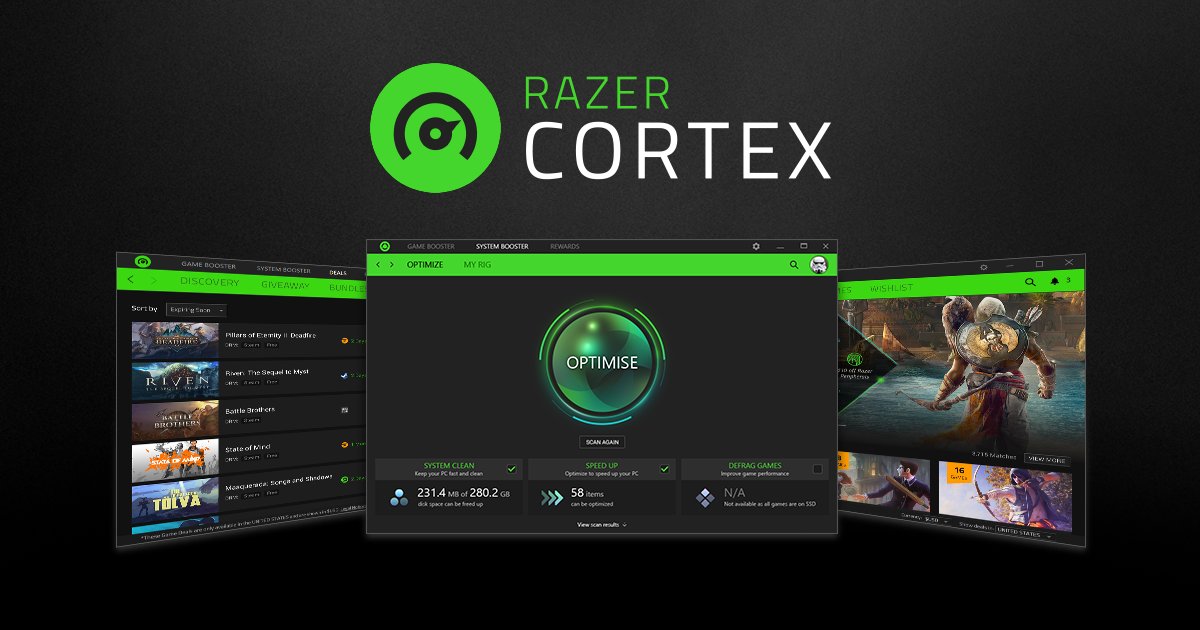
Popular examples include Razer Cortex, WTFast, and Game Fire.
Hardware-Specific Boost Features
Some computer and graphics card manufacturers create their own game boost tools. These programs are designed to work specifically with their hardware. They allow users to fine-tune the performance of their components for gaming. Some examples are the tools that come with Nvidia and AMD graphics cards.
Game Consoles Game Boost Modes
Modern game consoles also have performance modes. These can boost framerates for smoother gameplay or improve the graphics quality. This is often found in the console’s settings menu.
The Benefits of Using Game Boost
Why should you even bother with game boost? Well, the advantages are pretty significant, especially if you are facing some performance problems.
Smoother Gameplay
The main advantage of game boost is it makes gameplay much smoother. With reduced lag and stuttering, your games feel more responsive and enjoyable to play. This is the difference between your character lagging before moving and moving just when you press the button on the controller or keyboard.
Increased Frame Rates
Frame rate is how many pictures per second your screen shows. Higher frame rates make your games look more fluid and less choppy. Game boost helps achieve higher and more stable frame rates, meaning things move very smoothly.
Reduced Lag
Lag occurs in online games when your actions take too long to happen. This can make it hard to react in time. Game boost can help reduce lag by prioritizing your game and optimizing internet use, which makes your online gaming much better.
Better Visuals (Sometimes)
While some settings are lowered for performance, game boost sometimes helps your visuals. By allocating more resources to the game, the graphics card is more effective, sometimes allowing for sharper textures and better visual effects, even if you choose slightly lower settings. Some boost tools help to get the maximum possible performance out of the hardware you have. This can result in better overall quality.
A More Immersive Experience
When your game runs smoothly and looks great, you become more immersed in the virtual world. You are less distracted by performance issues and more able to get into the game itself.
When Game Boost Might Not Be Enough
While game boost is super helpful, it’s not a magical cure-all. There are times when it might not be enough to fix your problems. Here are some reasons why:
Outdated Hardware
If your computer or console is very old, game boost can only do so much. It can’t make old hardware perform like the newest stuff. In that case, you may want to think about upgrading to get the performance you want.
Hardware Damage
If your CPU, GPU, or RAM is damaged, boost may not help because that hardware has a problem and can’t perform correctly. Damaged hardware needs to be repaired or replaced.
Unoptimized Game
Sometimes, the problem isn’t your device, but the game itself. If the game is not well-designed or has bugs, game boost won’t fix that. In this situation you should wait for an update of the game or change some of the settings, to get it to perform better.
Very Demanding Games
Some games are just incredibly demanding and require very powerful hardware. If your system doesn’t meet the minimum requirements for that type of game, game boost can only improve your experience to a certain extent. You may have to make some tough choices about the graphic settings.
Is Game Boost Right for You?
So, should you be using game boost? Here’s a way to think about it:
- Do you experience lag, stuttering, or low frame rates? If yes, then game boost can definitely help.
- Do you have an older computer or console? Game boost can give your older hardware a performance boost, making your games run better.
- Do you like to have the best possible gaming experience? Then using game boost tools is a great way to achieve that.
- Are you playing graphically demanding games? Game boost can make those games more playable on your hardware.
- Are you playing online games with high ping? Game boost may help with some latency issues by prioritizing the game’s resources.
If any of these apply to you, then game boost is probably something you should try. It can make your gaming experience much better with just a few tweaks.
Getting Started with Game Boost
Ready to try out game boost? Here are some simple steps:
- Check your Operating system’s game mode: Look for settings in your computer or console. You should look for settings like “Game Mode” or “Performance Mode”.
- Research Game Boost Software: If the built-in settings are not enough, find some software that fits your needs. There are both free and paid options, you can check some reviews to find the right for you.
- Install and Run Software: Download and install your chosen software. Be sure that you install it from a trusted source. After that run the application.
- Explore the software: Check through the tools and options provided by the software. Often they can scan your system and find the best settings for you.
- Play and Test: After activating the game boost settings, play your game and see if you see a change in your gaming performance. If not try some other options.
- Fine Tune: Keep exploring the settings until you find the settings that get the best performance for your specific games and computer.
Remember, the best way to see how game boost works for you is to try it out. You might be surprised at how much difference it can make.
Game boost is a very useful tool for every gamer, helping to enhance the whole gaming experience. By optimizing your device, reducing lag, and making your game run smoother, it allows you to enjoy games better. While it may not be a total fix for all issues, it’s definitely a very good idea to check it out. Hopefully, now you have a better understanding of how game boost works, and how you can use it to improve your game experience. Happy gaming!
Top 5 Game booster app for Android and iOS
Final Thoughts
Game boost is a feature that optimizes your device’s performance for gaming. It allocates more resources, such as CPU and GPU power, to the game. This results in smoother gameplay and improved frame rates.
Essentially, what is game boost? It’s a tool that prioritizes game applications, minimizing background processes to reduce lag and enhance your overall gaming experience. It makes your games run better.

