
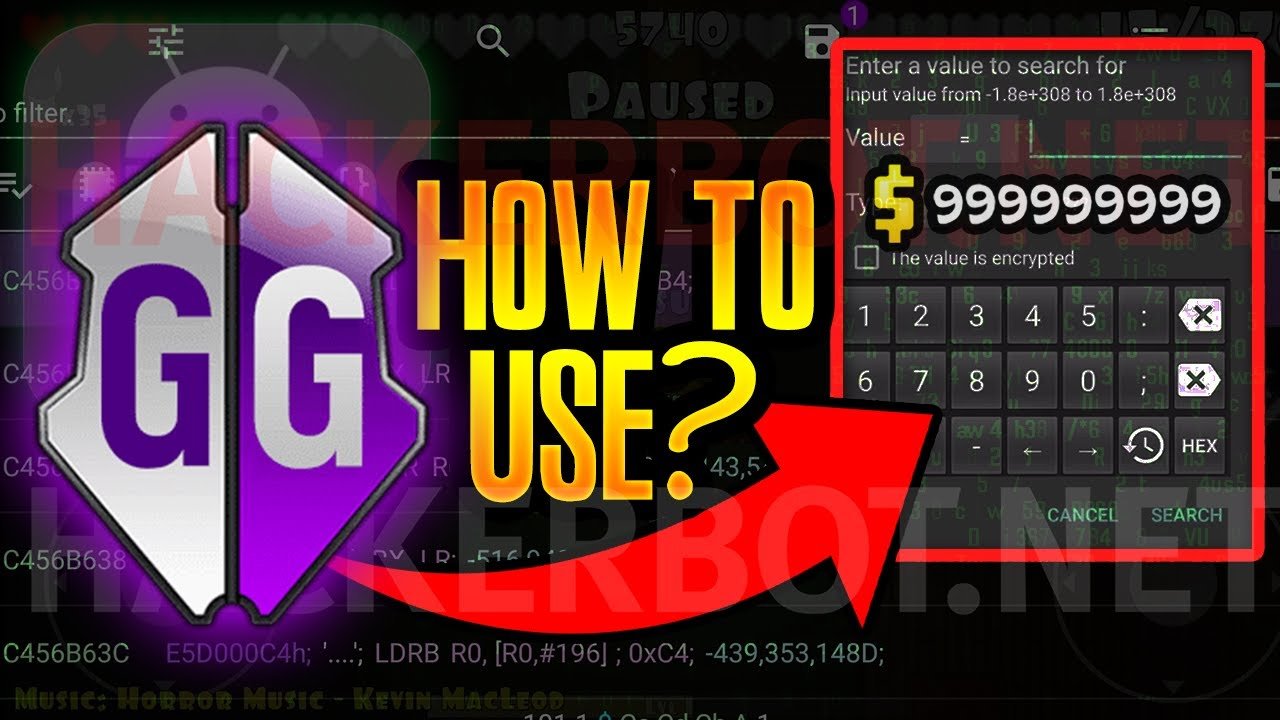
Game Guardian is an app that lets users modify aspects of video games, like speed, values, or items.
Ever felt like a game was just a bit too challenging, or wished you could tweak a few things? That’s where tools come in, and often you hear the question, “what is game guardian?” It’s a popular Android app designed for modifying games.
Essentially, it works by altering the game’s code while it’s running, giving you some control over gameplay mechanics. It can be used for a variety of things.

What is Game Guardian?
Have you ever played a game and wished you could have just a little bit more of something? Maybe you wanted more coins, or to be a little bit faster, or have that super-cool weapon right from the start? Well, that’s where Game Guardian comes in! It’s like a special tool for Android devices that can change how some games work. Think of it as a way to tweak and adjust the game to fit your desires. It’s not about cheating necessarily, but more about having fun in a new and different way. Now, it’s really important to understand that using Game Guardian can sometimes cause problems, like making your game not work right, or even sometimes it might break the game. So, using it should always be done with some care.
How Game Guardian Works
At its heart, Game Guardian is a memory editing tool. This means that it searches inside the game’s data while it’s running. Games use your device’s memory to store all sorts of information – like how many points you have, your character’s health, and even what items are in your inventory. Game Guardian looks for these values and lets you change them.
Imagine a video game character has 100 health points. The game stores this number “100” in your device’s memory. Game Guardian can find this “100”, and you can then change that value to, say, “9999.” Now, your character has a lot of health! It’s like magic, but it’s actually just changing numbers. This concept is the foundation of what the app does. But, keep in mind that it works by directly interacting with a game’s memory, something that needs to be handled carefully to prevent issues.
Understanding Game Memory
To get a good handle on how Game Guardian functions, we need to explore what game memory looks like. Think of game memory like a big filing cabinet filled with lots of boxes. Each box has information. Some boxes hold numbers, like how much gold you have. Other boxes contain words or symbols, like your character’s name or a description of an item. When the game is running, it constantly looks in these boxes to figure out what to show on the screen and how the game should play.
Game Guardian works by knowing where to look for those specific boxes that contain the information you want to change. It searches for the specific values and then allows you to make alterations. This is how you can make modifications to things like your score, lives, or in-game money.
Searching for Values
The searching feature in Game Guardian is very important. Game Guardian will help you find the specific values in the memory related to the data in the game you want to alter. For example, if you see that your character has 50 coins, you’ll instruct Game Guardian to search for the number “50”. Now, the first search might find many results, because many values stored in memory might be a 50. That’s where the refining of search comes in. After you spend a few coins in game, let’s say you now have 45 coins, then you tell Game Guardian to search for “45”. By narrowing the search in this way, you get to pinpoint where exactly the number of your in-game coins is stored in the memory.
Once Game Guardian finds the correct address, you can change the number and potentially get more coins. It’s like finding the specific file in the filing cabinet that has the value you want to change, and then just changing that number. It requires a bit of practice but it is an important skill to learn if you want to use this tool effectively. This process is what allows Game Guardian to modify the running games.
What You Can Do With Game Guardian
So, what kinds of changes can you make with Game Guardian? The possibilities are quite varied, and really depend on the specific game you’re playing. Here are a few examples:
- Modify In-Game Currency: Change the amount of coins, gems, gold, or any other currency you might have in the game.
- Adjust Health Points: Give your character more health or even make them invincible.
- Change Game Speed: Make the game play faster or slower than it normally does.
- Alter Resource Amounts: Increase the number of resources, like wood, stone, or food, that you may need in the game.
- Modify Skill Points: Change the number of skill points or levels that your character possesses.
- Modify Item Quantities: Duplicate or change the number of certain items or weapons.
- Remove Ads: For some games, you can find and change the memory values that control the showing of advertisements.
It is important to remember that not all games can be modified equally. Some games have special protection in place to prevent this. But, for many single-player games, these types of modifications are possible.
Important Things to Remember Before Using Game Guardian
While Game Guardian can seem like a fun way to explore games, it’s really important to be aware of the possible negative effects. Think of it like this: it’s a powerful tool, and like all tools, it needs to be used carefully. Here are some things to keep in mind:
Safety Concerns
Game Guardian works by interacting directly with a game’s memory. This means there is always a chance that it could unintentionally break the game. Sometimes you may change a number that the game really needs to stay a certain way, which can result in the game stopping or crashing. You may also run into errors that require you to restart the game, which may result in losing progress. It’s important to know this might happen and understand that it is a potential risk of use of this program. Always proceed with caution.
Compatibility
Game Guardian isn’t compatible with every game out there. Some games have protection measures that stop it from working properly. Also, the way games are built is different and thus sometimes its impossible to locate any value that is changeable. Because of these reasons, it may not be possible to use it to the fullest extent with every game. Make sure you consider that it may not be possible to make alterations in every single game that you play.
Ethical Considerations
It’s important to be thoughtful about when and why you want to use Game Guardian. Using it in multiplayer games to gain an unfair advantage can spoil the experience for other players. This kind of action can also potentially lead to getting banned from a game. When using any tool to change how a game works, it is best to use it only in single-player games, or in a way that doesn’t affect other players.
Root Access
Game Guardian typically requires your Android device to be “rooted.” Rooting is like getting special access to the inner workings of your phone. It’s important to know that rooting can also make your device less secure and could even void your warranty. If you’re considering rooting to use Game Guardian, be sure to do some research and understand the risks before you make any changes. This is a crucial step to take into consideration.
A Step-by-Step Guide to Basic Usage
While we can’t cover every single scenario (because each game is a little different), here’s a basic idea of how to use Game Guardian for simple modifications:
- Install Game Guardian: Download and install Game Guardian from a safe and trusted source.
- Grant Permissions: Make sure to grant the necessary permissions for Game Guardian to work properly. This might involve enabling overlay permissions.
- Start Your Game: Open the game you want to modify.
- Launch Game Guardian: Open the Game Guardian app. You will see it appear as a floating icon on your screen.
- Select the Game: Tap the Game Guardian icon and select the game you are currently playing.
- Search for a Value: Let’s say you want to change your gold. Look at how much gold you have. Let’s say its 100 gold. Then tap the search option on Game Guardian and enter “100.” Tap the search button. Game Guardian will locate all instances of “100” in the game’s memory.
- Change the Value: Now, go back to the game and spend some gold. Now you have say 95 gold. In the Game Guardian app, now search for “95”. By doing this repeatedly, the search will narrow down on the correct memory location.
- Modify the Address: Once you find the correct address, tap on it, and change the value to the amount of gold you want.
- Check In-Game: Return to the game and check that the change has been made.
Remember, this process will vary slightly depending on the game. There are some games that require multiple values to be changed, so the process of finding the correct value can be challenging. Practice and patience is key.
Common Issues and Troubleshooting
Sometimes, Game Guardian might not work as expected. Here are some common issues you might face, and some possible solutions:
- Game Crashes: If the game crashes after making changes, try restarting the game and making smaller, more gradual changes. You might need to find the right memory address to avoid this.
- Search Finds Nothing: If your search returns no results, double-check that you entered the correct value, and that you have the right game selected. Some games can also use encoded numbers, which make it difficult to search for in a normal way.
- Game Guardian Doesn’t Start: Check if Game Guardian has the necessary permissions, and if your phone has the proper root access. Also try to install a different version.
- Changes Don’t Work: This may mean the game has some kind of protection against these changes, or that you have made changes in the wrong memory address. You might need to look for more precise values.
Alternatives to Game Guardian
If Game Guardian doesn’t quite work for you, or you are not sure whether you want to root your device, there are a few alternative tools or methods you can consider:
- Lucky Patcher: This app can remove ads, modify game features, or create modified apk files.
- Cheat Engine (for PC): If you play games on your computer, Cheat Engine is a similar tool you can use. It also uses memory editing for games.
- Modded APKs: Some communities and sources provide modified versions of games with in-game advantages already applied. You should always make sure you install them from a trusted source.
- In-Game Cheat Codes: Some games have built-in cheat codes that can be used. You can look on the internet for cheat codes in games.
Each of these tools has its advantages and disadvantages, and it’s best to choose the option that best fits your comfort level and your needs.
Game Guardian is a complex tool that offers a lot of options to alter games. It also requires some technical understanding of how games work, and carries certain risks. Understanding how the tool works, the potential issues that can occur, and the ethical concerns that can arise will ensure a safe and fun experience when using Game Guardian. As always, it is best to proceed carefully, and ensure you don’t ruin the game’s experience, for yourself or for others.
How to Install & Use Game Guardian – 2023
Final Thoughts
Game Guardian is an Android app that alters game data. It allows users to modify various aspects of gameplay like in-game currency or character attributes. The app achieves this by injecting code into the running game.
This process lets players gain an unfair advantage. You can make a game easier or acquire things they would otherwise have to earn through gameplay. Therefore, consider using it responsibly.
Essentially, what is game guardian? It is a tool for altering game values, offering different gameplay possibilities. This manipulation comes with ethical implications.

