
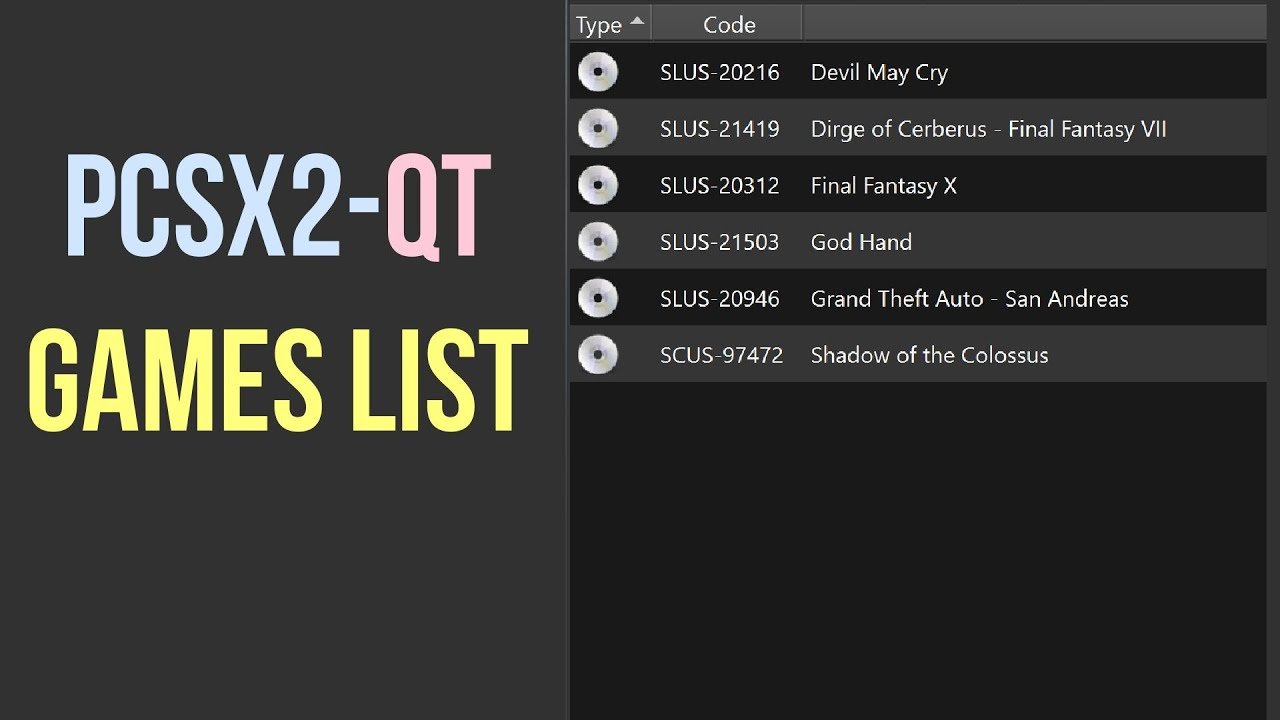
PCSX2 games are obtained by dumping them from your legally owned PlayStation 2 discs using a DVD drive on your computer.
So, you’re eager to jump into the world of PlayStation 2 emulation? It’s a fantastic way to revisit classics. Naturally, the question “where to get games for pcsx2” arises quickly.
You must own physical copies of the games to create digital backups for use in the emulator. This process involves extracting the game data from your discs onto your computer.

Where to Get Games for PCSX2
So, you’re all set to play your favorite PlayStation 2 games on your computer using PCSX2. That’s awesome! But, where do you actually find those games? It’s a super important question, and we’re here to guide you. Getting the right files is key to a smooth and enjoyable experience. It’s like having all the ingredients for your favorite recipe – you need them all to make something great! This section is going to explain everything clearly, making it easy for you to understand.
Understanding Game ROMs and ISOs
Before we dive into where to get games, let’s talk about what you need. You won’t be getting physical game discs. Instead, you’ll be working with digital copies of games. These come in a couple of main formats: ROMs and ISOs. Think of them as digital blueprints of the game.
What are ROMs?
ROM stands for “Read-Only Memory.” It’s a general term for a file that contains the data from a game. Sometimes you might hear people use the term “ROM” loosely to refer to PlayStation 2 games, but technically, a PlayStation 2 game file is usually in ISO format.
What are ISOs?
ISO files are exact copies of the data on a game disc. It’s like a digital clone of the game. When you use PCSX2, it reads these ISOs as if they were the actual game disc spinning in your console. Because PlayStation 2 games use DVD discs, they’re typically stored as ISO images.
Think of it this way: The actual game disc is like a cookbook, and the ISO is like a photocopy of that cookbook. You need the photocopy (ISO) to be able to “cook” the game on your computer using PCSX2.
Legality and Ethical Considerations
Now, before we move on, let’s have a quick but really important chat about something. It’s about the rules of the road when it comes to game files. You need to be sure you are doing this in the right way.
The Importance of Owning Games
It is usually illegal to download and play games that you don’t own. It’s like borrowing a book without asking. If you love a game and want to play it on PCSX2, you must first own the original game. This is important to respect the work of the game developers and to be a good gamer in the community.
There is a big difference between creating a backup of your own games and downloading games that belong to someone else. Just like how you can take a picture of your own house, but you cannot copy a picture of someone else’s home and use it as your own.
Creating Backups of Your Games
Okay, so if you own a game, how can you turn it into an ISO file to use with PCSX2? This is where backing up your game comes in. It’s like making a digital copy of your book so you don’t wear out the original.
Tools for Creating ISOs
To create an ISO from your game disc, you will need some special tools for your computer. Don’t worry, they’re easy to use.
- ImgBurn: This is a popular free program for creating disc images (like ISOs). It is available for Windows.
- PowerISO: PowerISO is another option that is not free, but has many features to work with disk images.
- AnyDVD: This is a tool that can help copy games that have copy protection measures in place. It’s used in combination with other disc imaging software.
Here is a quick overview of how you could do it using ImgBurn:
- Put your PlayStation 2 game disc into your computer’s disc drive.
- Open ImgBurn.
- Select “Create image file from disc.”
- Choose a location on your computer to save the ISO file.
- Click the “Read” button to start the process.
The process may take some time, and the file size of the ISO is normally equal to the size of the content on the disc. Once done, you’ll have an ISO file of your game ready to use with PCSX2!
Where Not to Look for Games
It’s very important that you know where to avoid looking for games. We want you to be safe and legal.
File-Sharing and Torrent Websites
It is generally a bad idea to get games from file-sharing or torrent websites. The big problem is that these sites often contain games that are copyrighted, and downloading these games is not good. These sites are like risky roads that might have danger hidden.
Shady Download Sites
There are many websites that promise you free games. However, these can be very dangerous. They may include malware or viruses that can harm your computer. Also, it is more than likely that those games are also illegally distributed. You should always check the reputation of the website before downloading anything, just like you would check the reputation of a friend before you play with them.
Finding Information About Games
Before we talk about buying games, let’s talk about some places you can go to learn about PS2 games. These websites can help you pick what you want to play.
Gaming Databases and Wiki Sites
There are some great online resources that have information about just about every video game ever made. These sites can be very helpful for looking up a game to know more about them.
- Giant Bomb: This website is a great place to find detailed info on just about any game. It is great for reading reviews and seeing screenshots or videos.
- Wikipedia: A source of information where you can find lists of games, and details about them.
- GameFAQs: A good place to find details on games, including guides and cheats for playing.
Purchasing Physical Copies of Games
If you do not have the physical game disc of the game you want to play, then you will need to purchase a game to create a copy from your game disc.
Used Game Stores
Used game stores or retro game stores are a place where you can find older games for sale. Often these stores have used or pre-owned copies of PlayStation 2 games at lower prices than you might find on other online marketplaces.
Online Marketplaces
You can also find games on online marketplaces where individuals sell their used games. Places like eBay or other online marketplaces can have many options for PlayStation 2 games. This is a good way to find games, but be sure you are buying from a reputable seller. Always check the seller’s reviews before you make a purchase, so you can be sure to get the right thing.
Local Game Shops and Thrift Stores
Don’t forget to check your local area! You might get lucky and find that local game shops or thrift stores have PlayStation 2 games. It’s always a fun adventure to go out to these places, because you never know what you might find.
Using Game Rental Services
There used to be physical rental places, but it is more common now to see them online. Sometimes, these rental services may allow you to rent physical disc copies that you could use to create ISOs from.
Check your local availability before you try any of these services. Some rental services may not be available depending on where you are.
Best Practices When Getting Game Files
So, you’ve found a way to get your ISO files, but there are still some things to keep in mind. We want to make sure everything goes smoothly.
File Naming Conventions
When you have your ISO file, make sure you give it a name that is easy for you to understand. Do not use random names, or long file names that you might forget. Keeping the name clear and simple helps when you’re looking for a particular game, so that you can easily load your game into PCSX2.
Organizing Your Game Files
It is a good idea to organize your ISO files in folders. This will help keep everything in a place where you can find it easily. You could make a folder called “PS2 Games” and put each game in its own subfolder so they are not all mixed up. This is like sorting your toys so you can always find the one you want.
Scanning for Viruses
Before you start using your game, you should scan the file with antivirus software. It will help to keep your computer safe. This is an important step to avoid any problems from downloading game files from unknown sources.
The Fun Part: Playing Your Games
Now that you have your games ready to go, it is time for the best part. Loading the games into PCSX2 is easy, you just have to find your ISO file in the program.
Configuring PCSX2
Before you get playing, make sure that your emulator is set up correctly. Depending on your computer’s hardware, you will need to configure some settings in PCSX2. The better your hardware, the better the performance will be. There are a lot of video tutorials that can help you, and there are also guides on the PCSX2 website.
Loading Your ISOs
Loading your game is as simple as selecting the ISO from the PCSX2 menu, and then starting the game. Once loaded, you can play the game with the controls that you set in the program. Now you can relive all the fun times with those older games!
Community Support and Resources
If you ever have any questions or problems, you don’t have to go it alone. There are lots of people out there who are also trying to make the most out of PCSX2.
PCSX2 Forums and Online Groups
There are online communities with forums where people talk about emulation. You can ask questions and share your own tips. It is like talking to friends that have the same interests as you.
Tutorials and Guides
You can find all kinds of tutorial videos online that will show you step by step how to use PCSX2. You can find them on platforms like YouTube, which is a big helper when setting up the program.
Navigating the world of PlayStation 2 emulation can be a bit tricky, but with the right knowledge and a focus on legal methods, you can enjoy playing your favorite classic games on your computer. Remember, owning the physical copy of the game is key before you get started with an emulator like PCSX2. This makes it a safe and enjoyable experience for you and for the people who made the game. Enjoy your gaming!
How to Add Your PS2 Games Collection to PCSX2-Qt
Final Thoughts
Finding games for PCSX2 involves a bit of searching online. You will not find games readily on the emulator itself. ISO files are needed.
Be sure to only download games from trusted sources. It’s important to avoid sites that might include viruses. Your PC safety is a priority.
So, where to get games for pcsx2? Explore forums and community pages. Often dedicated users share links to safe downloads.

