
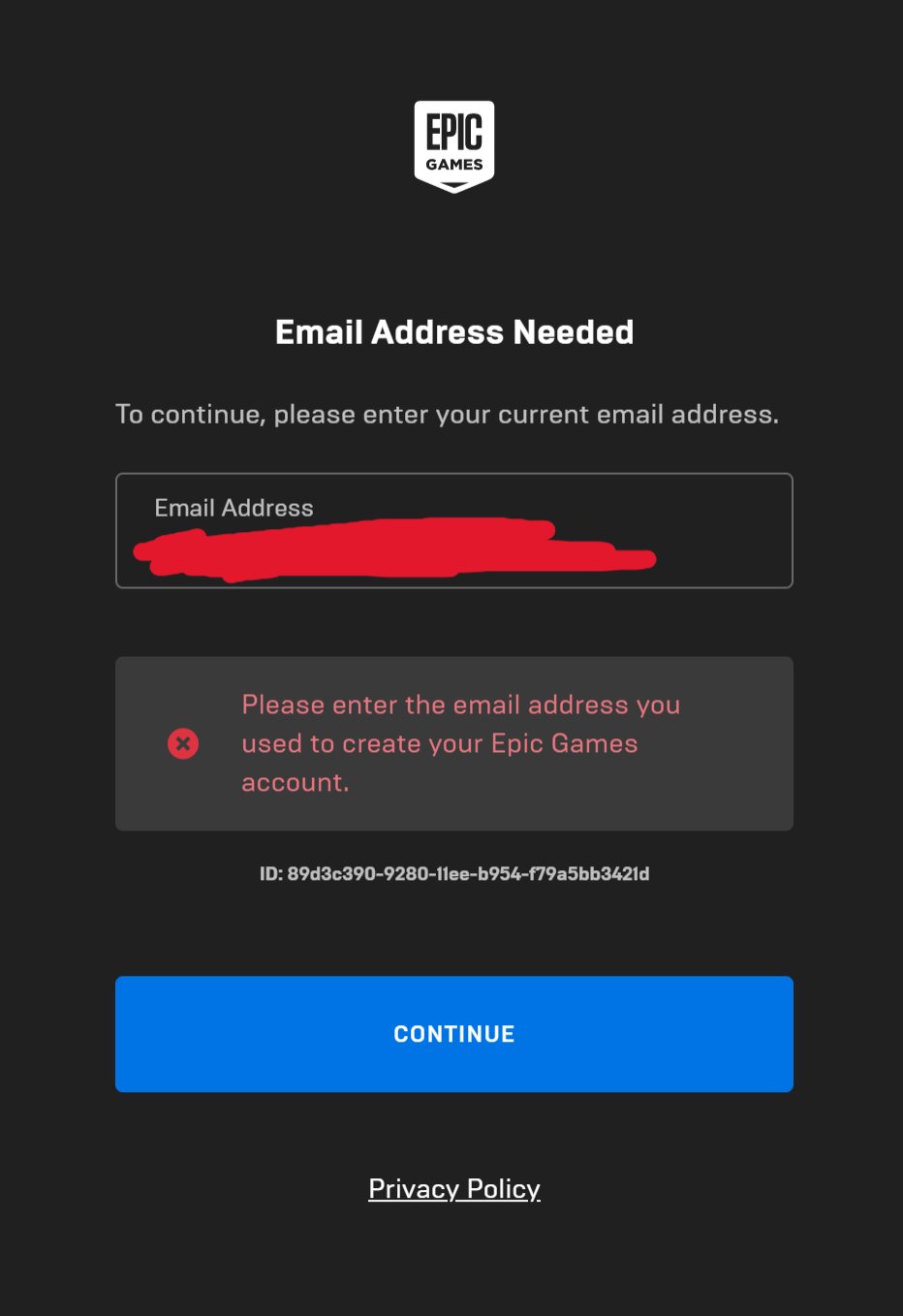
Epic Games signs you out primarily due to inactivity, security protocols, or if another device logs into your account.
Ever felt that frustrating disconnect, where you’re in the middle of a match and suddenly, poof, you’re back at the login screen? Many gamers experience this, and the question “why does Epic Games sign me out” often pops up. It’s not always a glitch; there are specific reasons behind this.
It could be that you’ve been idle for too long. Epic Games, like many services, has timed-out sessions for security. They also log you out if another device accesses your account, safeguarding against unauthorized use.

Why Does Epic Games Sign Me Out?
It’s super frustrating when you’re in the middle of a great game on Epic Games, and suddenly, you’re kicked back to the login screen. It’s like the game decided it was time for a break, and you weren’t invited! You’re not alone; lots of players experience this, and there are several reasons why it might be happening. Let’s explore the common culprits that can cause Epic Games to sign you out.
Account Security Settings
One major reason for unexpected sign-outs is connected to how Epic Games protects your account. These security measures are put in place to keep your account safe from unwanted access. Think of it like a really smart guard dog – sometimes it might bark even when it’s a friendly neighbor, just to be sure.
Two-Factor Authentication (2FA)
If you’ve set up two-factor authentication, that’s fantastic! It adds an extra layer of security. But, sometimes, this can lead to getting logged out. If you’ve chosen to authenticate using an app on your phone and that app isn’t working correctly, or if the codes aren’t matching, the system might think it’s someone else trying to get in. You could also experience problems if the time on your phone is not correctly synced. It’s essential to keep these things in mind to have a smooth experience.
Suspicious Activity
Epic Games constantly monitors account activity. If they detect something that looks unusual, such as logging in from a different country or device, they may automatically sign you out. This is a safety net, designed to protect your account from potential hackers or unauthorized users. It might be annoying when it happens, but it’s a crucial feature to help maintain account security. Think of it as Epic Games saying “Hold on, are you really you?”. They want to make sure it is the real user who is attempting to access the account. It’s also worth knowing that if they think someone has tried to take over your account they will often reset your password.
Network Issues
Sometimes the problem isn’t with your account itself, but with your internet connection. When your connection is unstable, or if your signal drops out intermittently, it can cause the Epic Games Launcher to lose its connection to the Epic servers, resulting in a sign-out.
Unstable Internet Connection
A weak or unreliable internet signal is a common culprit. If your Wi-Fi keeps cutting out, or you are experiencing slow speeds, you might get disconnected from the Epic Games servers. Imagine trying to talk to someone on a shaky phone line – the conversation keeps breaking down. It’s similar with gaming and your connection. You can check your internet speed using an online speed test tool, as well as checking with your service provider if your connection is performing as it should. You could try to improve your Wi-Fi signal by moving your router or using a wired connection.
Firewall and Router Settings
Your firewall and router are like security guards for your home network. Sometimes, they might be too strict and block connections that the Epic Games Launcher needs. Make sure that your firewall is not preventing the Epic Games software from connecting to the internet. The same can sometimes happen with your router settings, so you might need to go in and adjust these to allow the connection.
Epic Games Launcher Problems
The Epic Games Launcher is the application you use to access your games. Sometimes, it can be the cause of these annoying sign-out issues. There could be a problem with the launcher, or some data within it.
Corrupted Launcher Files
Like any other program on your computer, the Epic Games Launcher can sometimes experience corrupted files. This means that some of the data that it needs to run properly gets damaged. This can happen for many reasons, like a power surge or system crash. It’s kind of like a puzzle missing a piece – it just won’t work correctly! Corrupted files can lead to random logouts, crashes, and other strange behaviors. You can fix this by completely uninstalling and reinstalling the launcher.
Outdated Launcher Version
Using an older version of the launcher can sometimes cause problems. Epic Games frequently releases updates to fix issues and improve the application’s performance. If you are not running the latest version of the launcher, it might be having conflicts with the game or Epic’s servers. The solution is to install any available updates to see if that resolves the issue.
Background Processes
Sometimes other applications running on your computer can interfere with the launcher. These apps can be anything from other games, to software that is running in the background. These can take up too many system resources and cause the launcher to crash and log you out. You can use the Task Manager to see if any other applications are consuming a lot of your computer’s memory. You can also try closing any unnecessary programs.
Game-Specific Issues
Sometimes, the sign-out issues can be specific to the particular game you’re playing and are not related to the Epic Games launcher. A conflict between the game and the launcher can lead to the game closing and taking you back to the log in screen.
Game Bugs and Glitches
Like any software, games can sometimes have bugs or glitches. These can cause all kinds of unexpected behavior, including the game crashing or signing you out. While developers work hard to fix these, new ones can always appear. If you suspect a bug, you can check the games forums or online to see if it’s a known problem. If you find others have experienced the same issue, it might be something the developers will be fixing in a patch.
Server Problems
Epic Games uses servers to host games and allow players to connect. Sometimes, there may be problems with these servers. Server maintenance, outages, or performance issues can result in you being logged out of the game. These server issues are usually temporary and will be fixed by Epic Games. You can often check their social media channels for announcements regarding server status. It is often worth also checking for updates to the Epic Games launcher or the game.
Other Factors
Besides the above mentioned issues, there are some other things that could cause sign out issues. These are less common, but can sometimes be the cause of log outs.
Multiple Logins
Epic Games doesn’t usually allow multiple logins on the same account simultaneously. If you try to log in from two different locations at the same time, one of the sessions might be automatically logged out. If you think this might be happening to you it is worth considering if someone else has access to your account.
Device Issues
It’s also worth remembering that the issue could come from your device itself. This is especially true if you have an old device with less processing power. Your device may be struggling to keep up with the game or launcher causing it to crash and therefore kick you out. Make sure you have enough free space on your hard drive, and update your graphics card drivers if needed.
Incorrect Date and Time
A simple issue that can cause problems is having the incorrect date and time on your device. Epic Games needs this information to be correct. An incorrect time setting can lead to issues with the authentication process and cause you to be signed out.
In conclusion, there are many potential reasons for Epic Games signing you out, from security protocols to internet hiccups. By systematically checking each of these possible causes, you are much more likely to get to the bottom of your particular issue. Remember to always keep your system updated, your passwords secure and your internet connection stable to make your gaming experience smoother. Keep playing and happy gaming!
Epic will never ask for your password…
Final Thoughts
Frequent sign-outs from Epic Games can stem from several causes. These include network issues, outdated software, or even account security measures. Epic Games might sign you out to protect your information.
Another reason could be server maintenance or temporary glitches. The platform’s system requires it for upkeep. Therefore, ‘why does epic games sign me out’ often relates to these system needs. Keep your Epic Games launcher updated for smooth gameplay.

