
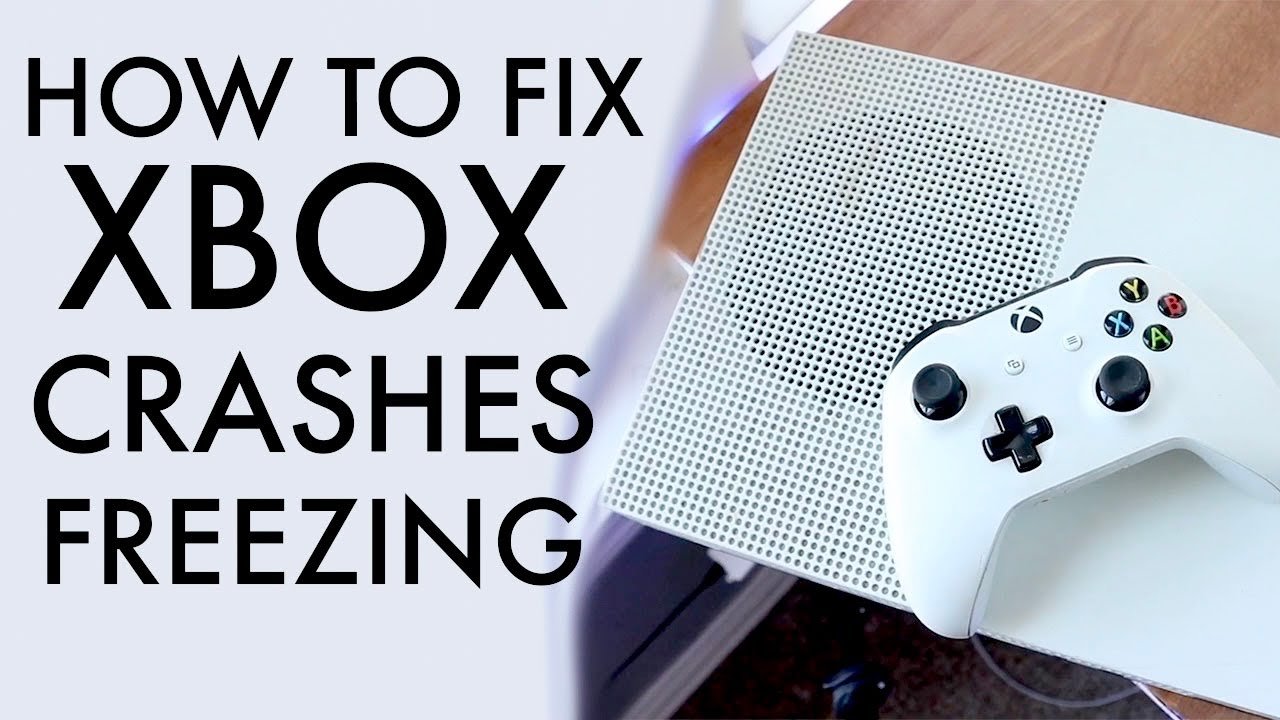
Your Xbox games are likely crashing due to issues like insufficient storage space, outdated software, overheating, or problems with the game itself.
Frustration mounts when your Xbox games suddenly freeze and shut down mid-action, don’t they? You’re not alone; many players experience the infuriating issue of “why does my xbox games keep crashing?”. It is such a common problem for users. This constant interruption disrupts gameplay and wastes valuable time.
Let’s dive into the reasons behind these crashes. We will explore possible solutions to get you back to gaming smoothly. Identifying the root cause is the first step to resolution and enjoyment.

Why Does My Xbox Games Keep Crashing?
It’s super annoying when you’re right in the middle of an awesome game and suddenly, BAM! The game crashes. You’re back at the Xbox home screen, wondering what went wrong. This happens to lots of gamers, and it can be caused by several different things. Let’s figure out why your Xbox games keep crashing and how you can fix them.
Overheating: A Hot Mess for Your Xbox
One of the most common reasons for game crashes is overheating. Your Xbox is like a tiny computer, and just like any computer, it gets hot when it works hard. If it gets too hot, it can’t run properly, and your games will crash.
How to Know if Your Xbox is Overheating:
- The fan is very loud.
- The console feels very warm to the touch.
- You see a warning message on the screen about overheating.
What to Do if Your Xbox is Overheating:
- Give it space: Make sure your Xbox has plenty of room to breathe. Don’t put it in a closed cabinet or stack anything on top of it. Air needs to flow around it to cool it down.
- Clean the vents: Dust can build up inside the console and block the airflow. Use a can of compressed air to carefully clean the vents.
- Move it to a cooler spot: If the room where your Xbox is gets very hot, try moving it to a cooler location.
Software Issues: Glitches in the System
Sometimes, the problem isn’t with your Xbox’s temperature, but with the software itself. This includes the Xbox operating system and the game software. Think of it like a tangled knot of code; if something is out of place, things can go wrong.
Outdated Software
Outdated software can be a big reason why games crash. The Xbox operating system and the game software are constantly being updated to fix bugs and make things run smoother. If your system or game is not updated, you may experience issues like crashing.
How to check for updates
- Go to Settings.
- Select System.
- Select Updates.
- If there are updates available, make sure to install them.
Corrupted Game Files
Sometimes the game files themselves can get messed up. This can happen if the game didn’t install correctly or if there was an error during an update. Corrupted game files can cause random crashes.
How to fix corrupted game files
- Restart your Xbox: Sometimes, a simple restart can fix minor file problems.
- Reinstall the game: This can help solve problems related to damaged game files. Go to your game library, find the game, and select the option to uninstall it. After uninstalling, reinstall the game.
Internet Connection Problems: Lag and Disconnection
If you play a lot of online games, your internet connection plays a significant role. A bad internet connection can cause games to lag, freeze, or even crash. Imagine trying to run a race with a broken shoelace; it’s going to be difficult.
What Makes an Internet Connection Bad for Gaming
- Slow speed: If your internet speed is slow, you can experience lag, which might result in game crashes.
- Unstable connection: A connection that keeps going on and off can also cause problems.
- High ping: High ping (also known as latency) can make your game react slowly and crash.
How to Troubleshoot Your Internet Connection
- Restart your modem and router: Turn them off, wait a minute, and then turn them back on. This can often fix minor connection issues.
- Check your internet speed: Use an online speed test to check your download and upload speeds. Contact your internet provider if you aren’t getting the speed you’re paying for.
- Try a wired connection: If you’re using Wi-Fi, try connecting your Xbox directly to your router with an Ethernet cable. This can provide a more stable and faster connection.
Storage Issues: Not Enough Room to Play
Your Xbox needs space to store game files, save data, and other things. If your hard drive is almost full, this can cause problems, including game crashes. Think of it like a closet that’s too full, you can’t fit any more things in, and the door might burst open!
How to Check Your Storage Space
- Go to Settings.
- Select System.
- Select Storage.
- You’ll see how much space is left on your hard drive.
What to Do if Your Hard Drive Is Full
- Delete games you don’t play anymore: Go through your game library and uninstall games you don’t use.
- Delete old saved data: If you have a lot of save files for games you no longer play, delete them.
- Move games to an external hard drive: If you have a lot of games, you can buy an external hard drive to store them on. This will free up space on your Xbox’s internal hard drive.
Hardware Problems: When the Xbox Itself Has Issues
Sometimes the problem might not be related to software or settings; instead, it could be a hardware issue inside the Xbox. These can be trickier to diagnose and fix.
Potential Hardware Issues
- Failing hard drive: A failing hard drive can cause all sorts of problems, including game crashes.
- Power supply problems: If your Xbox isn’t getting enough power, it can also cause crashes.
- Internal hardware damage: If the Xbox is dropped, damaged, or components are beginning to fail, it can cause crashes.
How to Know if It’s a Hardware Problem
- Crashes are frequent and random: If your games crash all the time, even after trying other fixes, it could be a hardware problem.
- Xbox making strange noises: If your console is making strange sounds like clicking, buzzing, or grinding, this could be an indication of an issue.
- The console is very hot even after cleaning the vents: If the console is very hot even when it’s not being used much, there could be a hardware fault.
What to Do If You Suspect a Hardware Problem
- Try a different power cable: Sometimes the power cable itself is the problem.
- Contact Xbox support: If you think it is a hardware problem, it’s best to contact Xbox support. They can help diagnose the problem and provide options for repair or replacement.
Game-Specific Issues: Some Games Are Buggy
Not all game crashes are due to your Xbox. Sometimes, the game itself has problems. Game developers work hard to fix these with updates, but some games can still have bugs. Think of it as a car that has some little defects, it might stop working unexpectedly.
How to Know If It’s the Game
- Only one game is crashing: If only one specific game crashes, and others run fine, it’s likely a game issue.
- Other people are reporting issues: Check online forums or communities for the game. Other players might be experiencing the same crashes, which can confirm that it’s a bug in the game.
What to Do
- Check for game updates: Make sure you’ve installed the latest updates for the game. Developers often release updates to fix bugs.
- Report the bug: If it’s a persistent bug, report it to the game developer, which they can patch in the next game update.
Other Possible Reasons for Game Crashes
Sometimes, game crashes might not fall into the common categories above. Here are a few other things that can lead to games crashing on your Xbox:
Incompatible Accessories
Sometimes, accessories that aren’t officially compatible with your Xbox can cause game crashes. If you’re using a third-party controller or other accessory, try disconnecting it to see if that helps.
Modifications
Modifying your Xbox system or game files can also lead to problems. While some modifications can be fun, they can also cause crashes.
Power surges
Sudden power surges or fluctuations can also cause your Xbox to crash or even damage components. Using a surge protector can help prevent these issues.
Using Insider builds
If you are using Xbox insider build, there is a high chance of game crashes. Switching back to stable build may solve some of the game crashes.
Troubleshooting game crashes can sometimes be a bit of a puzzle, but by systematically checking each potential cause, you can usually find a solution. Remember to keep your Xbox cool, your software updated, and your connections stable. If all else fails, don’t hesitate to reach out to Xbox support for more specialized help.
Experiencing frequent game crashes on your Xbox can be frustrating, but understanding the possible causes will allow you to troubleshoot and get back to gaming as soon as possible. Remember to check for overheating, update your software, ensure a stable internet connection, manage your storage space, and be aware of potential hardware issues. If you still can’t solve the problem on your own, Xbox support is there to help you through it. Happy gaming!
Xbox Series X/S Crashing? Try THIS! How To Fix Crashing, Freezing, & Glitching On Xbox Series X/S!
Final Thoughts
Several factors cause games to crash on Xbox, such as outdated software or a full storage drive. Overheating can also lead to instability and game crashes. Check your console’s ventilation and ensure it has proper airflow.
Corrupted game files often result in unexpected crashes. Restart your console and try reinstalling the game for a fix. Network issues are another culprit, especially for multiplayer titles.
Ultimately, when asking ‘why does my xbox games keep crashing’, consider these common causes. Identifying the root problem allows you to take effective actions for smoother game play.

