
Your game is downloading so slow because of network congestion, a poor internet connection, or server-side issues.
Frustration bubbles up when you’re eager to jump into a new game, but it crawls during download. Why is my game downloading so slow? It’s a question many gamers face, and thankfully, understanding the usual culprits can help you get back in action quickly. We’ll explore the most common reasons your download speeds are suffering, so you can troubleshoot effectively.

Why is My Game Downloading So Slow?
So, you’re super excited to play that new game, but the download is moving at a snail’s pace? It’s like watching paint dry, right? This can be incredibly frustrating, and you’re not alone! Many gamers face this problem. But don’t worry, there are lots of reasons why this happens, and we can figure out what’s slowing things down. Let’s explore all the potential culprits that could be making your game downloads take forever.
Your Internet Connection
The most obvious place to start is your internet connection. Think of your internet as the road your data travels on. A bigger, faster road (like a fiber-optic connection) lets more data pass through quickly. A smaller, slower road (like an older DSL connection) is like a one-lane highway – it can take a long time for everything to get through.
Checking Your Internet Speed
First things first, let’s see what kind of internet speed you’re actually getting. You can do this easily by using an online speed test. Just type “internet speed test” into a search engine like Google, and it will show you websites that can measure your download and upload speeds. These tests will tell you how fast your internet is moving data to and from your computer. Look at the download speed, which is what you need for game downloads, and if it’s a lot lower than what you’re paying for, this is where you should start.
Factors Affecting Your Internet Speed
Many things can impact your internet speed. Here are some of the common ones:
- Your Internet Plan: The plan you have with your internet provider sets the maximum speed you can get. If you have a basic plan, it might not be fast enough for large game downloads, especially if multiple people in your household are using the internet at the same time.
- Distance from Router: Wi-Fi signals weaken over distance and when they have to go through walls or floors. If you are far from your router, it may be impacting your download. Try moving closer to your router.
- Router Quality: Older or cheaper routers may not be able to handle the speed or traffic efficiently. It might be time to upgrade your router for faster speeds.
- Other Users: If others in your household are streaming videos, watching movies, playing online games, or downloading large files, they will use up bandwidth, making your download slower.
- Network Congestion: During peak hours, the internet in your area may slow down due to more people being online at once. This is like rush hour on the internet and may be outside your direct control.
Solutions for Slow Internet
If your internet connection is the issue, here are some steps you can take:
- Upgrade Your Plan: Check with your internet provider for faster plan options.
- Move Closer to the Router: If possible, move closer to your Wi-Fi router or connect using an Ethernet cable for a more stable and faster connection.
- Restart Your Router: Sometimes, simply turning your router off and then back on again can help refresh its connection. It is good practice to do this regularly.
- Update Your Router’s Firmware: Check if there are updates for your router. These updates often improve its performance. You will usually find instructions on how to do this on your router manufacturer’s website.
- Close Unnecessary Applications: Close any apps or programs that are using your internet bandwidth while you’re downloading a game.
Your Device’s Performance
Sometimes, the problem isn’t your internet but your own computer or console. Just like a car needs to be in good shape to run smoothly, your device needs to have enough resources to handle a large download efficiently.
Hard Drive Issues
Your hard drive, where your games are stored, can also impact download speeds. If your hard drive is almost full, or if it is very old, it may slow down the download process. This is because your device needs space to write the downloaded files, and if space is limited, it has to take more time and effort. Also if your hard drive is slow, this also can cause the problem in the downloads. The more free space and better technology it has, it can handle the load of the download better.
CPU and RAM
The Central Processing Unit (CPU) and Random Access Memory (RAM) are the brain and memory of your computer. If these are working very hard, it can slow down downloads. Think of it as trying to do two homework assignments at once. If your computer is running other resource-intensive programs, like a video editor or another game, this will cause the download to be slower as the hardware is having to divide its resources between multiple tasks. If your computer does not have enough RAM this can also impact download speeds because the computer is always swapping data between RAM and hard disk, making everything slow.
Solutions for Device Performance Issues
Here’s what you can do to help your device:
- Free Up Hard Drive Space: Delete any old files, games, or programs you no longer use.
- Close Unnecessary Programs: Close any applications or programs running in the background that you don’t need.
- Upgrade Your Hardware: If your computer is very old, consider upgrading your RAM or hard drive. This can give you a boost in performance. For gaming it is recommended that you have at least 8 GB of RAM.
- Check for Viruses and Malware: Run a virus and malware scan, as these can interfere with your device’s performance, and by removing them this may increase your download speeds.
Game Server Issues
Sometimes, the problem might not be with your internet or your device but with the game server itself. These servers are like the big warehouses where the game files are stored. If the server is having issues, it can slow down everyone’s downloads.
High Traffic on Game Servers
When a new game is released or if a very popular game releases an update, millions of players are trying to download it all at once. This is like a huge crowd trying to get through a small doorway, causing a bottleneck. This can drastically impact download speeds, as the server is simply overwhelmed with requests.
Server Maintenance
Game servers also need regular maintenance to keep them running smoothly. If the game servers are undergoing maintenance, download speeds can be impacted, or you might not be able to download the game at all for a period. These server downtimes are usually brief but can cause delays in downloads.
Solutions for Game Server Issues
If game server is causing problem, you can’t fix the server yourself but here are few things you can do:
- Wait and Try Again Later: If the game server is experiencing high traffic, it may be best to wait and try downloading the game again later when traffic is reduced.
- Check Server Status: Most game companies have social media or a status page for their games. Check there to see if they are reporting any server issues, if they are, you may just need to wait for the issue to be resolved.
- Contact Game Support: If you suspect there might be a problem on the server side, contact the game support team and let them know.
Download Settings and Other Factors
There are also some other settings and smaller things you should check which can help speed up your downloads.
Download Region Settings
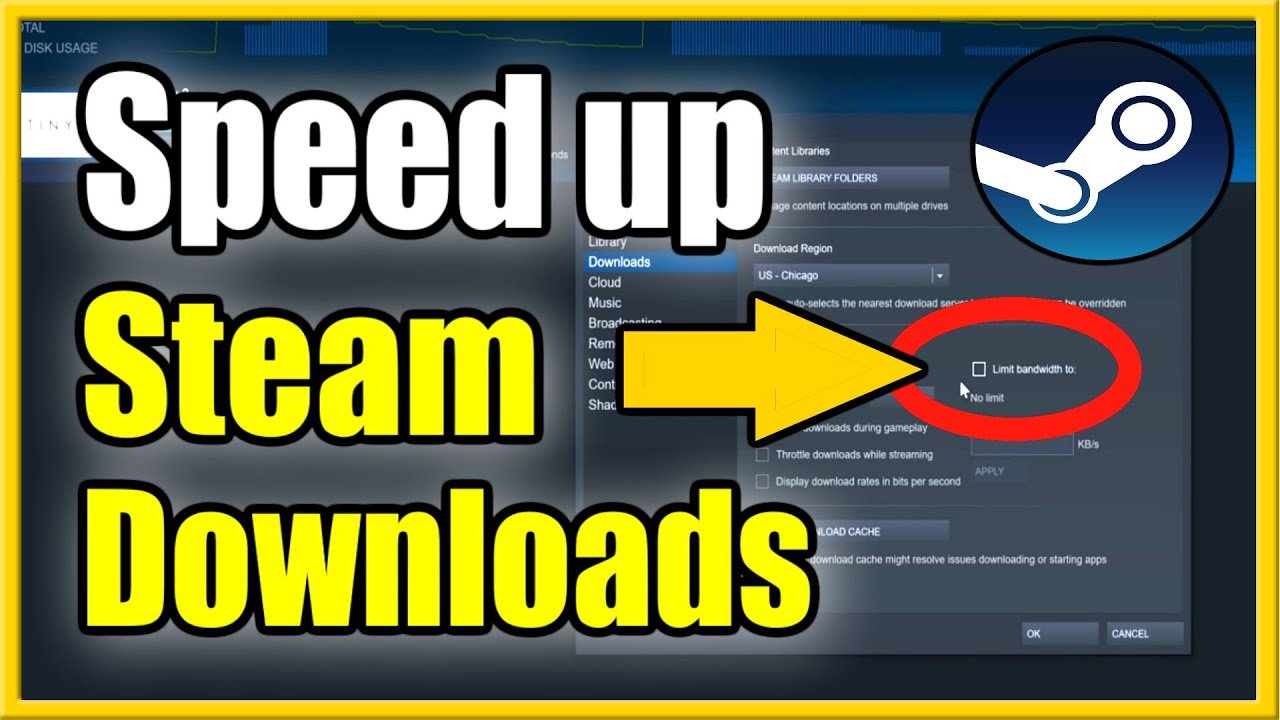
The download server region you select can sometimes affect your download speed. Think of it like choosing the closest store to you. If your download region is far away from you, it can take longer for data to travel. Your best bet is to use the one that is physically closest to you. Check the download settings of the game platform you are using.
Firewall and Antivirus Issues
Your firewall and antivirus software are designed to keep you safe, but sometimes they can mistakenly block or slow down game downloads, because they are constantly monitoring network activity. They might think a game download is suspicious. If your antivirus or firewall software is blocking it, it will slow down the download process. In some cases, you may need to add your game platform to the list of exceptions for it to be allowed to operate smoothly.
Download Location Issues
Where are you downloading your game? if you are downloading your game to a hard drive that is near full, you may see a large slowdown. Also, if your hard disk is failing or has other issues, you may also face issues in the download process.
Solutions for Other Issues
Here’s how to tackle these other problems:
- Change Your Download Region: In your game platform’s settings, try selecting a download server that is geographically closest to you.
- Temporarily Disable Firewall/Antivirus: Temporarily disabling firewall or antivirus software while downloading (only if you trust the source!) then enable them when download is complete, or you can try creating an exception for the application that is downloading, so that it won’t affect downloads.
- Choose a Different Drive/Location: If you are saving the download on an almost full disk, you may want to change your save location. Also if you have a better hard disk or drive you may save there.
So, there you have it, lots of reasons why your game download may be moving slowly. By checking these different factors, you can usually pinpoint the problem and take the necessary steps to speed things up. Remember, patience is a virtue when dealing with large game downloads. Hopefully, after going through these tips, you will be back to gaming in no time!
How To Fix Slow Download Speeds On Epic Games – Full Guide
Final Thoughts
Several factors affect download speeds, from network congestion to hardware limitations. Your internet connection’s speed plays a key role. Check for other devices using your bandwidth.
Server issues on the game’s end can slow things down. Outdated network drivers may also cause problems.
Ultimately, addressing these potential causes should help you understand why is my game downloading so slow and improve your download times. Pinpointing the exact issue is crucial for a quicker experience.

