
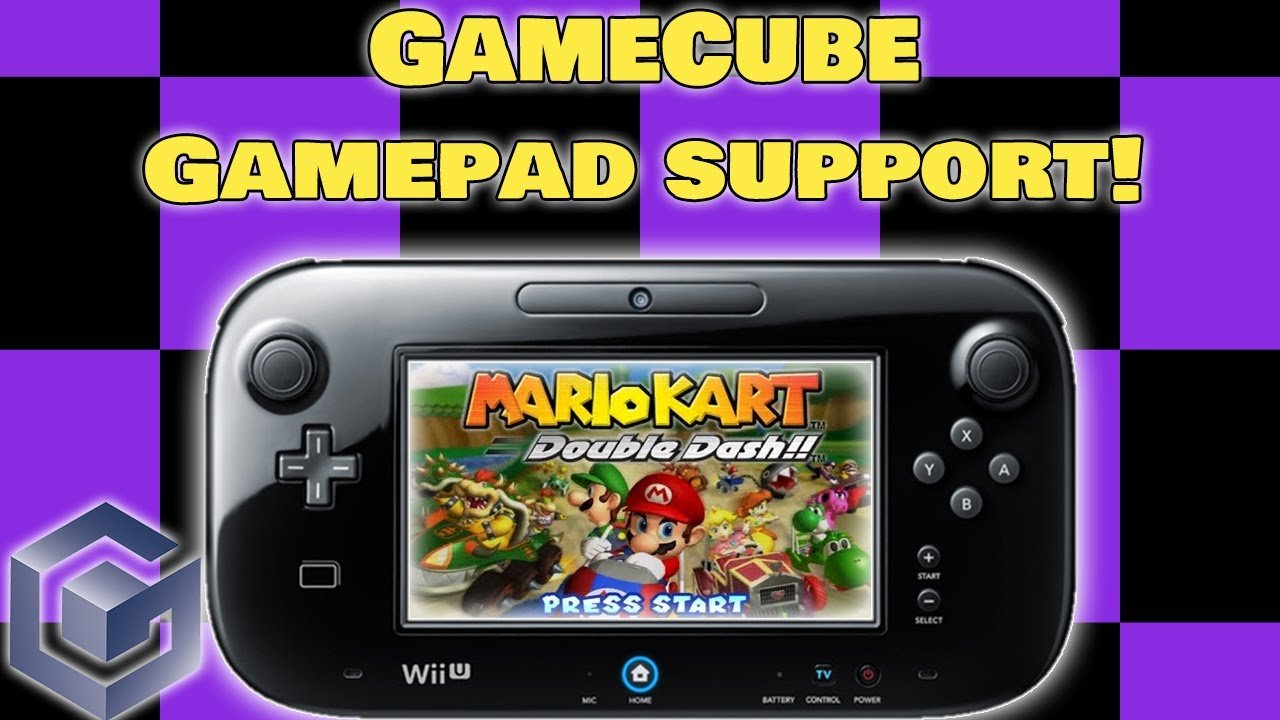
Unfortunately, the Wii U cannot directly play GameCube games.
Many gamers wonder: will the Wii U play GameCube games? This is a frequently asked question in the gaming community. Sadly, the console lacks the necessary hardware and software compatibility.
Although the Wii U shares a similar design with the Wii, it dropped the backwards compatibility feature for the GameCube. This decision prevents direct disc loading. So, you won’t be able to enjoy your old GameCube collection.

Will the Wii U Play GameCube Games? A Deep Dive
So, you’re wondering if your shiny Wii U can play those classic GameCube games you love so much? It’s a question many gamers have had, and the answer isn’t as straightforward as a simple ‘yes’ or ‘no’. Let’s explore this topic in detail and break down everything you need to know about GameCube compatibility on the Wii U.
The Short Answer: Not Directly
Let’s get the main point clear right away. The Wii U, as it comes out of the box, cannot directly play GameCube game discs. You can’t just pop a GameCube disc into the Wii U and expect it to work. It’s different from the original Wii which had a handy way to play GameCube games.
Why the Wii U Doesn’t Have Native GameCube Support
This is where things get a little technical, but we’ll keep it simple. The Wii U was built using a different type of technology than the original Wii. While the Wii had the hardware inside it to understand and play GameCube discs and games, the Wii U does not. Think of it like trying to put a key from one house into the lock of another – it just won’t fit. The Wii U’s hardware is optimized for Wii U games and backward compatibility with Wii games (which we’ll get to later), but not GameCube games.
The Hardware Differences
Here’s a simplified way to understand the difference in the hardware between Wii and Wii U:
- Wii: It used a processor and graphics system that was compatible with GameCube hardware. It literally had parts inside that could “read” GameCube games.
- Wii U: It has a completely different, more advanced processor and graphics system that was not designed with GameCube game compatibility in mind. It lacks the internal parts needed to run GameCube games from disc.
These differences in design are why you can’t just insert a GameCube disc and expect it to work.
The Original Wii’s GameCube Compatibility
Before we delve more into the Wii U, let’s quickly talk about the original Wii. The original Wii was a star when it came to backward compatibility. It had dedicated controller ports on its top for GameCube controllers, and it could play GameCube game discs directly. This made it a real treasure for fans of the older system. You could enjoy everything from Super Smash Bros. Melee to The Legend of Zelda: The Wind Waker on your Wii. Sadly, this magical feature was not carried forward to the Wii U.
The Wii U and Virtual Console: A Possible Solution (But Not For GameCube)
So, if you can’t play GameCube discs on your Wii U, is there any other way to get some retro fun? The Wii U offered something called the Virtual Console. This was a special service where you could buy and download older games from past Nintendo consoles, including the NES, SNES, and Nintendo 64. Unfortunately, even with the virtual console, you could never buy and play GameCube games.
Understanding Virtual Console Limitations
Even though the Virtual Console was very popular, it had certain limitations:
- No GameCube Titles: While it had many great retro games from past systems, the Wii U’s Virtual Console did not have any GameCube games available for purchase or download.
- Limited Selection: Not every game from each classic console was available on the Virtual Console, and Nintendo decided which games they would release on the store.
How Wii Games Work on the Wii U: A Key Distinction
While GameCube games aren’t playable, the Wii U can play Wii games. It has a full built-in Wii mode. When you put a Wii game disc into the Wii U, it starts up the console into Wii mode. This essentially turns the Wii U into the original Wii, allowing you to play Wii games without any issues. It can even use Wii controllers. This backwards compatibility, however, only extends to the Wii, and not the GameCube.
Entering Wii Mode
Here is how it works:
- Wii Mode Icon: When you power on the Wii U and you don’t have a Wii U disc inserted, you will see an option on your Wii U menu to enter the Wii Mode.
- Switching Modes: Selecting this option will shut down the Wii U’s operating system and start up a Wii system.
- Wii Menu: You will now have access to the classic Wii Menu, and you can play Wii games and WiiWare games just as you could on the original console.
The Case of GameCube Controllers
Now, you might be wondering about GameCube controllers. Can you use those on a Wii U, even if you can’t play GameCube games? The answer is a bit of a ‘yes, but…’
Using GameCube Controllers with Wii U
Here are a few things to note:
- Original Wii: You could directly plug your GameCube controllers into the Wii.
- Wii U and Adapters: On the Wii U you cannot directly use GameCube controllers. You need to use a special adapter that plugs into the USB ports on the Wii U console.
- Supported Games: Even with an adapter, your GameCube controllers will only work with certain Wii U games that specifically support GameCube controllers (such as Super Smash Bros. for Wii U). It will not make every game suddenly work with the GameCube controller.
- Wii Mode: These adapters will not work when in Wii mode on the Wii U. For games in that mode you must use Wii Remotes.
Third-Party Solutions: Exploring Other Options
Since there isn’t an official way to play GameCube games on the Wii U, some people have explored other ways, such as:
- Homebrew Software: Some people have found ways to add special software to their Wii U. This software can sometimes allow the console to play GameCube games. But this kind of modification is not supported by Nintendo, and it might have some risks.
- Emulators: There are computer programs called emulators that allow you to play GameCube games on a computer. But playing these games through an emulator is different than playing them on a Nintendo console.
Risks of Homebrew Software and Emulation
Important things to consider with the above options:
- Not Nintendo-Approved: Adding unofficial software to your Wii U can void your warranty and might cause problems with your console.
- Legal Issues: Downloading ROMs of games that you do not own is considered piracy, and this can lead to legal issues. It’s best to stick to playing games that you own.
- Performance Issues: Even when using emulators, your experience will depend greatly on your computer’s power. It’s not always a great experience.
Why Did Nintendo Make This Choice?
You might be wondering why Nintendo decided to leave out GameCube compatibility on the Wii U. The answer is most likely a mix of things:
- Cost: Including the hardware to play GameCube games would have added to the cost of the Wii U, making it more expensive to produce and buy.
- New Focus: Nintendo wanted to focus on their new HD games for the Wii U, and having GameCube games might have drawn attention away from that.
- Virtual Console Strategy: The Virtual Console was Nintendo’s way of handling retro games on newer consoles, but they decided not to include GameCube games.
So What is a Gamer To Do?
Okay, so you can’t play your GameCube games on the Wii U natively. But that doesn’t mean all is lost. Here is a summary:
- The Original Wii: If you have an original Wii, that’s still a great way to play your GameCube games!
- Wii Games: The Wii U is great for playing Wii games, and there are tons of amazing games to try out.
- Emulators: Emulators can let you play GameCube games on your computer if you own them, though this can sometimes be tricky to set up and make run well.
- Other Options: Nintendo has moved past the GameCube games and now focus on their new consoles like the Switch, there is also Nintendo Switch Online which offers a library of legacy games.
While it’s disappointing that the Wii U doesn’t support GameCube games directly, understanding the reasons behind it might help us appreciate the console for what it is: a fantastic machine with its own library of great games, even if it doesn’t play games from an older generation. The Wii U lets you have fun with its own games and with all of the fun that can be had by playing Wii games. If you really have your heart set on GameCube games, the original Wii is still a great way to experience them. You can also use emulators, which may not be as good as the real deal, but that is an option that is available. As technology evolves, different systems come and go, but the games will always be there for us to enjoy, in whatever form we can.
What happens if you put a GameCube disc inside a Wii U?
Final Thoughts
Ultimately, the Wii U does not have native backwards compatibility for GameCube discs. You can not directly play GameCube games using the Wii U console.
While the Wii U has some Wii backwards compatibility, it doesn’t include GameCube functionality. To play these classics, you must use a Nintendo Wii. This directly answers the question: “will the wii u play gamecube games”, the must answer is no.

