
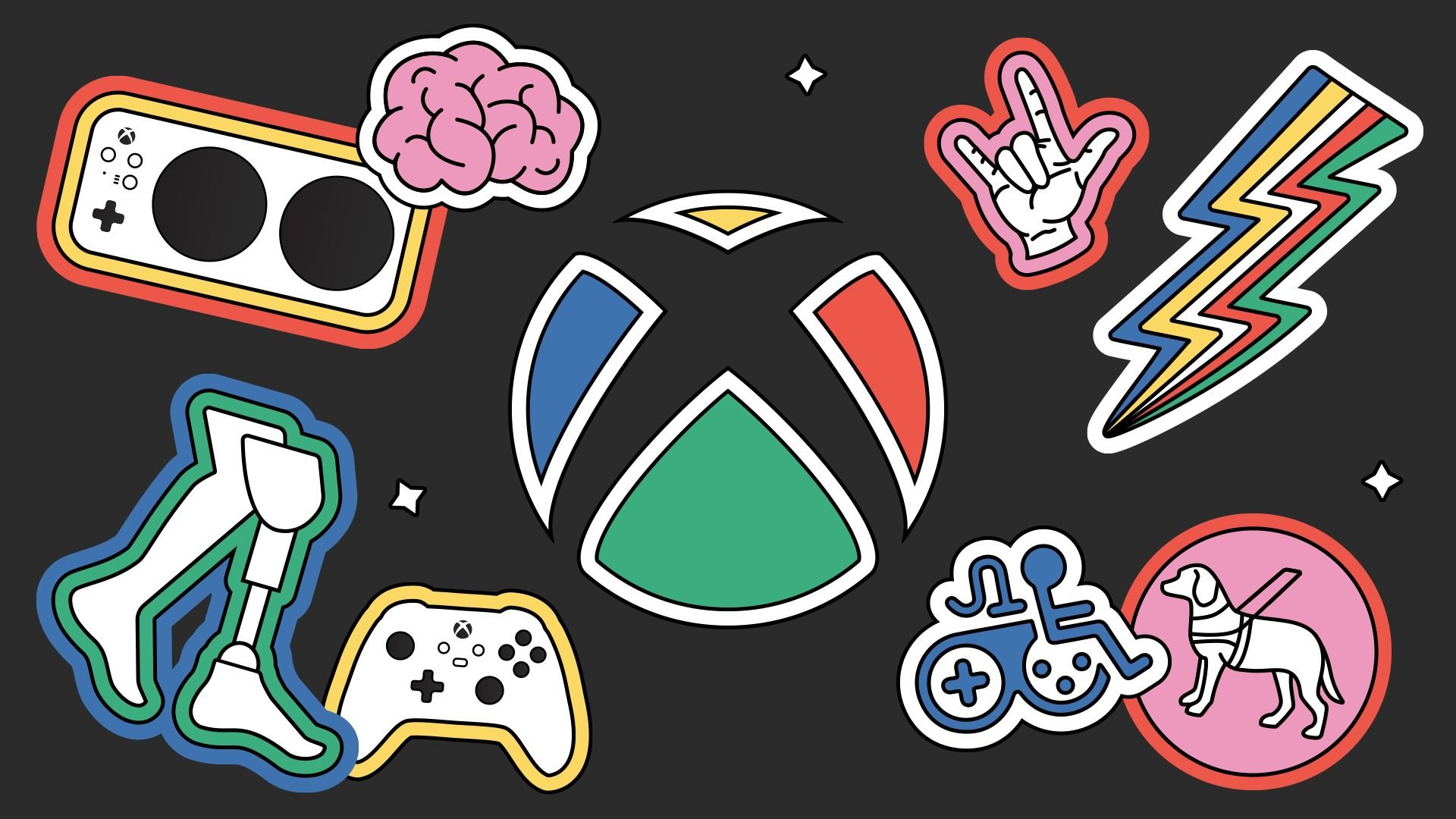
Xbox disability support programs provide accessible gaming through adaptive controllers, customizable settings, and community support.
Gaming should be for everyone, and Microsoft works to make it so with Xbox disability support programs. These programs directly address the diverse needs of gamers. They aim to reduce barriers to play, ensuring more people can enjoy games.
The company designed special hardware and software features. These offerings allow customization for individual gamers. This commitment expands access and cultivates an inclusive gaming environment.

Xbox Disability Support Programs
Playing video games is something many people enjoy. It’s a way to relax, have fun, and even connect with friends. But sometimes, standard gaming equipment and controls can be tricky to use if you have a disability. That’s where Xbox disability support programs come in! Microsoft, the company that makes Xbox, understands that everyone should have the chance to play. They’ve created different programs and tools to make gaming more accessible for people with various needs. Let’s dive into what these programs offer and how they make a difference.
The Xbox Adaptive Controller: A Game Changer
One of the most important parts of Xbox’s commitment to accessibility is the Xbox Adaptive Controller. This isn’t your typical game controller. It’s a special device designed to work with many different kinds of inputs. Think of it as a hub that you can connect various buttons, switches, and joysticks to. This means you can set up the controls in a way that works best for you, no matter what your challenges might be. For example, someone who has difficulty using their hands might use buttons they press with their feet, or switches that they can use with their head.
How the Adaptive Controller Works
The Adaptive Controller is a flat, rectangular device. It has many ports on the back, each labeled with the button they control. You can plug in different kinds of accessible switches and buttons into these ports. When you press a button or move a joystick, it sends a signal to the Xbox, telling the game what to do. It’s like translating your actions into game commands. Here are some examples of what you can connect:
- Big Buttons: Easy to press for people with limited hand mobility
- Joysticks: Can be used with a hand or other part of the body
- Foot Pedals: Allow controlling the game with your feet
- Specialized Switches: Triggered with minimal movement or pressure
The Adaptive Controller is designed to be customizable, meaning the user is the one who is in control of how it feels and works. The controller’s ports are spaced widely apart and are labeled clearly to help the user easily identify them. The device also can be used with devices, and games on Windows 10 and 11 devices.
Copilot Feature: Playing Together, Even When You Need Extra Help
Sometimes, it’s helpful to have someone play with you, especially if you have a disability that makes gaming difficult. The Copilot feature on Xbox lets two people use two different controllers as if they were one. This means a second player can jump in to assist without being forced to create their own profile and progress in the game separately, and at the same time, the user playing can learn at their own pace. Imagine a younger child playing a game with their parent. The child can control some aspects of the game, while the parent handles trickier actions. It’s all about teamwork, and the Copilot feature makes it simple to get help when you need it.
How Copilot Helps
Copilot helps in several ways:
- Shared Control: Two players can control the same character or game simultaneously.
- Supportive Play: If one player finds something difficult, the other can step in.
- Learning Opportunity: It allows new players to get used to controls and gameplay.
- Inclusion: Players can participate in a more enjoyable manner, regardless of their skill.
The Copilot function is easy to set up in the Xbox’s settings menu. It’s designed to make gameplay enjoyable and inclusive. Using the Copilot feature is a win-win for all players, allowing people to play in a way that is comfortable for them and allowing experienced players to help others.
Ease of Access Settings: Tailoring Your Gaming Experience
The Xbox has many settings that you can change to make things easier for you. These are called “Ease of Access” settings. They’re designed to customize your gaming experience based on your specific needs. These settings help people who might have trouble with visual, auditory, or cognitive aspects of gameplay.
Visual Settings
If you have trouble seeing the screen clearly, there are many visual settings to choose from:
- Text-to-Speech: The console can read text on the screen to you.
- Magnifier: A tool that lets you zoom in on parts of the screen for better viewing.
- High Contrast: A setting that makes colors stand out more, so it’s easier to see.
- Color Filters: These help with different types of colorblindness.
Auditory Settings
If you need to adjust the sound, you can customize these settings:
- Mono Audio: combines sounds from the left and right speakers into one, so you don’t miss any important sounds, even when one ear is used.
- Volume Control: adjust the overall volume or sound of individual sound effects and music.
- Chat Transcription: The text to speech feature can also be used to convert spoken messages in game chat into text, so you can still follow conversations.
Controller Settings
You can also change how your controller works:
- Button Remapping: Allows you to change what each button does to make it easy to access.
- Stick Sensitivity: adjust the sensitivity of the analog sticks to make controlling the game easier.
- Vibration: turn off controller vibrations, if needed.
These Ease of Access settings are easy to find in the Xbox Settings menu, allowing players of all abilities to tailor their console to their specific needs and improve their experience. The Xbox puts a great deal of power in the hands of the players.
Game Accessibility Features: Going Beyond the Console
Xbox’s commitment to accessibility extends beyond the console and its accessories. Many games themselves include accessibility features to ensure more people can play. Game developers are now very aware of the need to provide ways to adjust gameplay for a more inclusive experience.
Examples of In-Game Accessibility Features
Here are a few examples:
- Subtitle Options: Many games offer subtitles that can be turned on, so players that are deaf or hard of hearing can understand the game’s story and dialogue. Some of these options also allow users to adjust text size and colors for easy viewing.
- Customizable Difficulty Levels: In-game difficulty levels mean that the game is not too difficult or too easy, and that the user can have an enjoyable experience.
- Tutorials and Help Options: Many games have optional tutorials and help options built-in for a more intuitive experience.
- Aim Assist: This in game feature helps players with aiming and shooting, to make games more accessible to players with motor skill difficulties.
How to Find Accessibility Features in Games
To find out what accessibility features a game offers, you can look in the game’s settings menu. Also, you can often find reviews and accessibility information online to see if a game will suit your needs before you buy it. Game publishers are now increasingly highlighting these features, which means this information should not be hard to find.
Xbox Accessibility Team: The Driving Force
Behind all these efforts is a dedicated team of people at Microsoft known as the Xbox Accessibility Team. This group is made up of developers, designers, and accessibility experts. Their job is to ensure that Xbox continues to be accessible to everyone. They work with game developers, listen to feedback from the community, and research new ways to improve accessibility.
What the Xbox Accessibility Team Does
Here’s how they make a difference:
- Research: They learn about the different ways people with disabilities use technology.
- Development: They help design new products and features with accessibility in mind.
- Advocacy: They work with game developers to encourage them to make their games accessible.
- Community Engagement: They listen to feedback from players to improve the gaming experience.
The Xbox Accessibility Team’s work makes a real impact. By continuously improving accessibility, they are letting more people enjoy the world of gaming.
The Importance of Inclusive Gaming
Making video games accessible is about more than just technology. It’s about making sure everyone has the chance to have fun, connect with others, and participate in the digital world. When gaming is accessible, it helps people:
- Connect with Friends: Gaming can be a way for people to socialize and bond with others, regardless of their physical abilities.
- Develop Skills: Playing video games can help improve problem-solving skills, hand-eye coordination, and strategic thinking.
- Build Confidence: Mastering a game can be a very rewarding and empowering experience.
- Experience Fun and Relaxation: Gaming provides entertainment and an avenue for relieving stress and anxiety.
Looking to the Future
Xbox is constantly working on new ways to make gaming more accessible. They understand that technology keeps changing, and it is important to keep up with these changes. The company is listening to feedback from players and experts, to make the gaming experience even better. As new ideas and technologies come along, more and more people will be able to enjoy gaming, and Xbox will continue to be at the forefront of this effort. This means more features, better technology, and games that everyone can play.
Xbox’s commitment to accessibility is a big step forward in making sure that everyone can join in the fun of playing games. With tools like the Adaptive Controller, Copilot feature, Ease of Access settings, and the Xbox Accessibility Team’s hard work, video games are becoming more accessible every day. They know that playing video games is for everyone, and they are working hard to make it a reality.
Xbox Ambassadors Disability Awareness Panel
Final Thoughts
Xbox disability support programs significantly improve gaming accessibility. These initiatives offer a range of options. Players with disabilities can find modified controllers and adaptive accessories.
Microsoft’s commitment also includes software features like customizable controls. These are vital for an inclusive gaming experience. Support resources and communities help gamers connect.
Ultimately, Xbox disability support programs aim to make gaming more enjoyable. They provide equal access for everyone. This dedicated work promotes a welcoming space for all players.

