
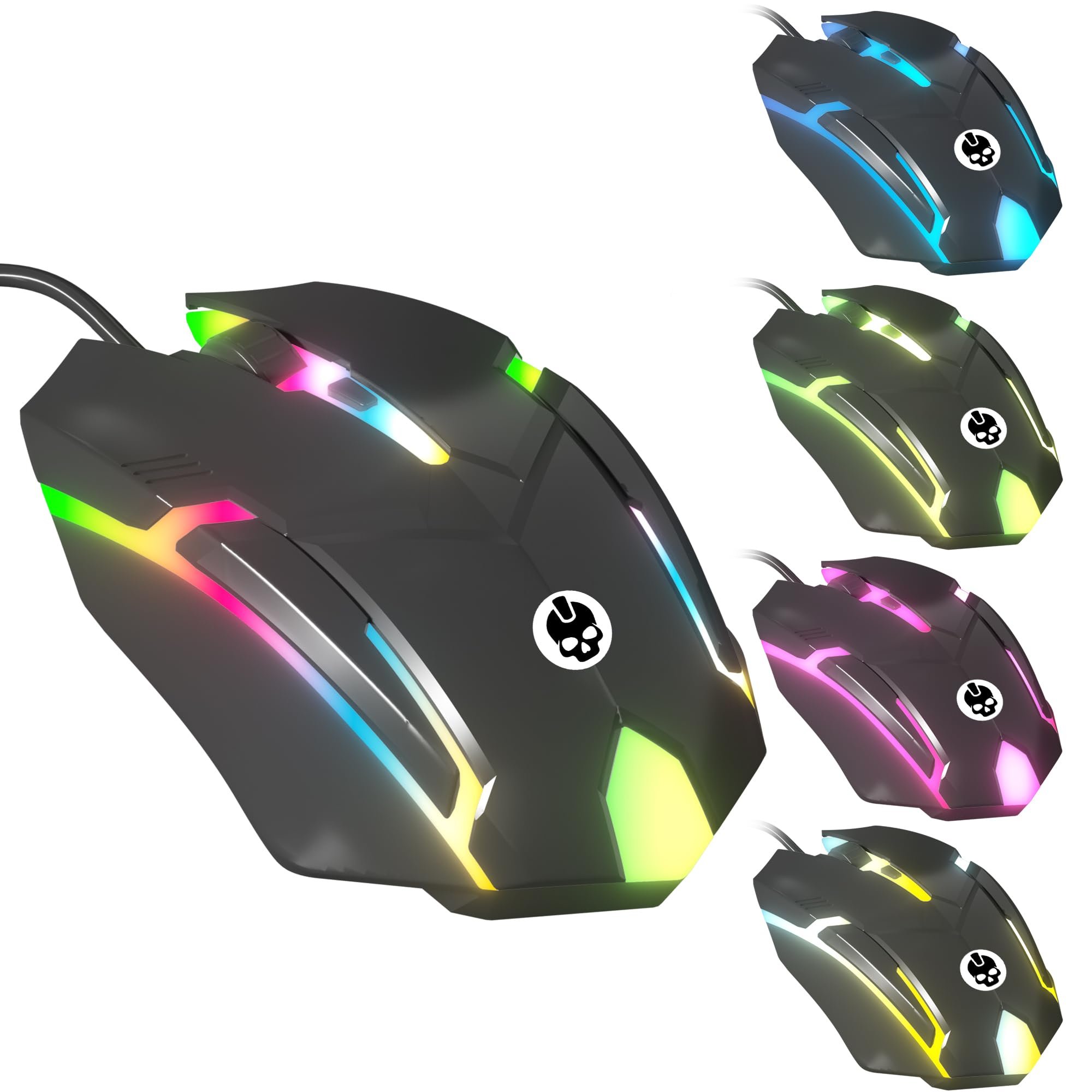
Xbox ergonomic gaming accessories enhance comfort and reduce strain during gameplay through features like adjustable grips, contoured designs, and button placement modifications.
Long gaming sessions can take a toll on your hands and wrists, but with the right gear, it doesn’t have to. Exploring various Xbox ergonomic gaming accessories can significantly improve your playing experience. These specially designed products address common discomforts that arise from extended periods of gaming.
Choosing the correct Xbox ergonomic gaming accessories can make a big difference in your comfort and performance. From controllers to headsets, there are options to fit a variety of needs. This makes it easier to find what’s best for your individual gaming style and physical requirements.

Xbox Ergonomic Gaming Accessories: Game in Comfort
Gaming on your Xbox should be fun, not painful! Long hours of playing can sometimes lead to discomfort in your hands, wrists, and even your back. That’s where ergonomic gaming accessories come in. These special tools are designed to help you play longer and more comfortably. Let’s explore the world of Xbox ergonomic gaming accessories and see how they can improve your gaming experience.
Why Ergonomics Matter for Xbox Gamers
Think about how you hold your controller. Is your hand in a natural position, or is it bent at an awkward angle? Over time, these small awkward positions can cause problems. Ergonomics is all about designing things to fit your body comfortably and safely. For gamers, this means avoiding pain and fatigue, and even improving your gameplay.
Common Gaming Aches and Pains
If you’ve ever felt a twinge in your wrist or a pain in your hand after a long gaming session, you’re not alone. Here are some common issues that gamers face:
- Carpal Tunnel Syndrome: This is a condition that causes numbness, tingling, and pain in your hand and wrist. It happens when the nerve in your wrist is squeezed.
- Tendonitis: This is inflammation of the tendons, the cords that connect muscles to bones. It can cause pain and stiffness in the wrist, hands, and fingers.
- Muscle Fatigue: Holding a controller for a long time can tire out your muscles, leading to aches and pains.
- Back and Neck Pain: Bad posture while gaming can cause problems in your back and neck.
Luckily, ergonomic accessories can help prevent these problems.
Types of Xbox Ergonomic Accessories
There are many types of accessories designed to make your Xbox gaming experience more comfortable. Here are some of the most popular ones:
Ergonomic Controllers
Standard Xbox controllers, while good, are not always the best fit for everyone’s hands. Ergonomic controllers are designed with comfort in mind. They often have:
- Adjustable Grips: These allow you to change the size and shape of the controller to fit your hand perfectly.
- Different Button Layouts: Some have buttons that are easier to reach, reducing strain on your fingers.
- Textured Surfaces: These make the controller easier to hold for a longer time.
- Customizable Buttons: Some ergonomic controllers let you swap out and customize buttons, which can be great for players with specific needs or preferences.
These controllers help maintain a more natural position for your hands and wrists.
Ergonomic Mouse and Keyboards for Xbox
Although Xbox is primarily known for controller-based gaming, some games support keyboard and mouse. Just like controllers, regular keyboards and mice can contribute to discomfort if used for long periods. Ergonomic versions address this. These peripherals often offer:
- Split Keyboards: These keyboards are separated into two parts, allowing you to position your hands more naturally.
- Vertical Mice: These mice allow your hand to rest in a handshake-like position, reducing wrist strain.
- Wrist Rests: These soft pads help keep your wrists in a neutral position when using a keyboard or mouse.
Gaming Chairs with Ergonomic Design
Your chair plays a huge role in your comfort while gaming. An ergonomic gaming chair provides proper support for your back, neck, and arms. Look for features like:
- Adjustable Lumbar Support: This supports the lower back, helping to maintain good posture.
- Adjustable Armrests: These allow you to position your arms so that your elbows are at a 90-degree angle.
- Headrests: These help support your neck and prevent stiffness.
- Adjustable Height: Makes sure you can sit with your feet flat on the floor and your eyes level with the screen.
A good gaming chair is an investment in your long-term comfort and health.
Thumb Grips and Trigger Extensions
These small accessories can make a big difference in how your controller feels. Thumb grips provide a better hold on the analog sticks, and trigger extensions help you reach the triggers more easily.
- Textured Thumb Grips: These grips add texture, improving control and preventing your thumbs from slipping.
- Trigger Extensions: Some extensions enlarge the trigger area, making them easier to push down.
Grip Enhancers and Hand Supports
These accessories are designed to provide more comfort and support for your hands during long gaming sessions.
- Controller Grips: These wraps go around the controller handle, adding thickness and making it easier to hold without cramping.
- Hand Supports: These rests support your wrist while you hold the controller.
Benefits of Using Ergonomic Accessories
Investing in ergonomic Xbox accessories comes with many benefits. Here’s why they’re worth considering:
Pain Reduction and Prevention
The most obvious benefit is that ergonomic accessories can help reduce pain and prevent injuries. By keeping your hands, wrists, and back in a more natural position, you can avoid the common aches and pains that come with extended gaming sessions.
Enhanced Comfort
When you’re comfortable, you can game for longer without getting tired or sore. Ergonomic accessories provide the comfort you need to stay focused and enjoy your games.
Improved Gameplay
Believe it or not, comfortable gaming can actually improve your gameplay. When you’re not distracted by pain or discomfort, you can react faster and make more precise moves. Ergonomics can lead to better reaction times and accuracy, helping you be a more competitive gamer.
Better Posture
Ergonomic accessories, especially chairs and keyboards, can encourage better posture. This helps reduce back and neck pain and prevents you from slouching over time.
Increased Focus
When you are comfortable and pain free, you can focus better on the game. You won’t be constantly thinking about your discomfort, and you can stay engaged longer.
Choosing the Right Ergonomic Accessories
With so many choices, selecting the right ergonomic accessories for your needs can feel overwhelming. Here are a few tips to guide you:
Assess Your Needs
Start by figuring out what areas cause you the most discomfort when gaming. Do your hands hurt? Is your back sore? Understanding your specific needs will help you choose the right accessories.
Read Reviews and Compare Products
Before you buy, read reviews from other gamers. See what they like and dislike about each product. This will give you an idea of the quality and effectiveness of the accessories you’re considering.
Try Before You Buy
If possible, try out accessories before purchasing. Some stores have demo units available for customers to test. Check if your local game store has items on display that you can test out to feel what works best for you.
Consider Your Budget
Ergonomic accessories can range in price. Set a budget for yourself and stick to it. Remember that investing in your comfort is important, but you don’t have to buy the most expensive products to see improvements.
Look for Adjustable Features
Choose accessories with adjustable features, such as adjustable grips on a controller or adjustable armrests on a chair. This will help you customize the fit to your body. Accessories with high customization are ideal because you can tweak them to fit your specific needs.
Consider the Material
The material the accessory is made from can also be important. Look for soft fabrics if you are using a grip or hand support to avoid chafing and discomfort. This is also true for chairs, and choose a material that is soft and comfortable, yet durable, and is something you will enjoy sitting on for extended periods.
Start Small
If you are unsure where to begin, start with just one or two accessories. A more comfortable controller grip may be the only thing you need to address your discomfort. Begin with one or two things, and if they help, you can add more later.
Setting Up Your Ergonomic Gaming Space
Having the right accessories is only part of the solution. You also need to set up your gaming space for maximum comfort.
Proper Seating Position
Make sure you are sitting with your feet flat on the floor and your back supported. Adjust your chair height so that your elbows are at a 90-degree angle. Avoid slouching or leaning forward too much. Your screen should be at eye level. Try to keep everything within reach so you are not overextending yourself.
Take Breaks
Even with the best ergonomic setup, it’s important to take breaks. Get up and move around every 30-60 minutes to stretch your muscles and prevent fatigue. A break every now and then will help you focus better on the game and refresh you so that you don’t feel like your gaming session has been a chore.
Stay Hydrated
Don’t forget to drink water while you game. Staying hydrated can help with energy levels and prevent headaches that can come with prolonged focus.
Mind Your Posture
Make a conscious effort to keep your back straight and your shoulders relaxed while you are gaming. Your posture is important, so be mindful of how you are holding your body. Over time, it will become a natural and more comfortable habit.
Lighting
Make sure your gaming area is well lit to reduce eye strain. Proper lighting prevents you from squinting and allows you to see your monitor clearly.
Experiment
Finding the perfect setup takes time. Experiment with different accessories and arrangements until you find what works best for you. The most important thing is to find what works best for you.
Ergonomics for All Gamers
Ergonomics aren’t just for people who already have problems with pain. They are for everyone. By starting with comfortable setups and accessories, you can prevent pain from starting and extend your hours of enjoyment while gaming. Whether you’re a casual gamer or a competitive pro, making your gaming experience comfortable can make all the difference. So look into ergonomic accessories today and game better and more comfortably.
In conclusion, prioritizing your comfort with ergonomic accessories is vital for an enjoyable and healthy Xbox gaming experience. From controllers with adjustable grips to supportive chairs, a variety of options exist to alleviate discomfort and improve gameplay. By understanding your specific needs, reading reviews, and experimenting with different setups, you can create a gaming environment that is both comfortable and conducive to better performance. Investing in ergonomic accessories is an investment in your long-term gaming health and enjoyment. Always remember to take breaks, stay hydrated, and be mindful of your posture to maximize your comfort and enhance your gaming prowess.
Xbox 360 accessories were rad #gaming #xbox360 #xbox #retro
Final Thoughts
Ultimately, investing in proper Xbox ergonomic gaming accessories greatly enhances your gameplay comfort and overall experience. These specialized controllers, headsets, and peripherals are designed to reduce strain and fatigue during extended gaming sessions. Consider your specific needs to find the perfect accessories.
Making informed choices regarding your gaming setup can significantly improve how you play, allowing for longer, more enjoyable times with your games. Xbox ergonomic gaming accessories are a key component in achieving this.

