
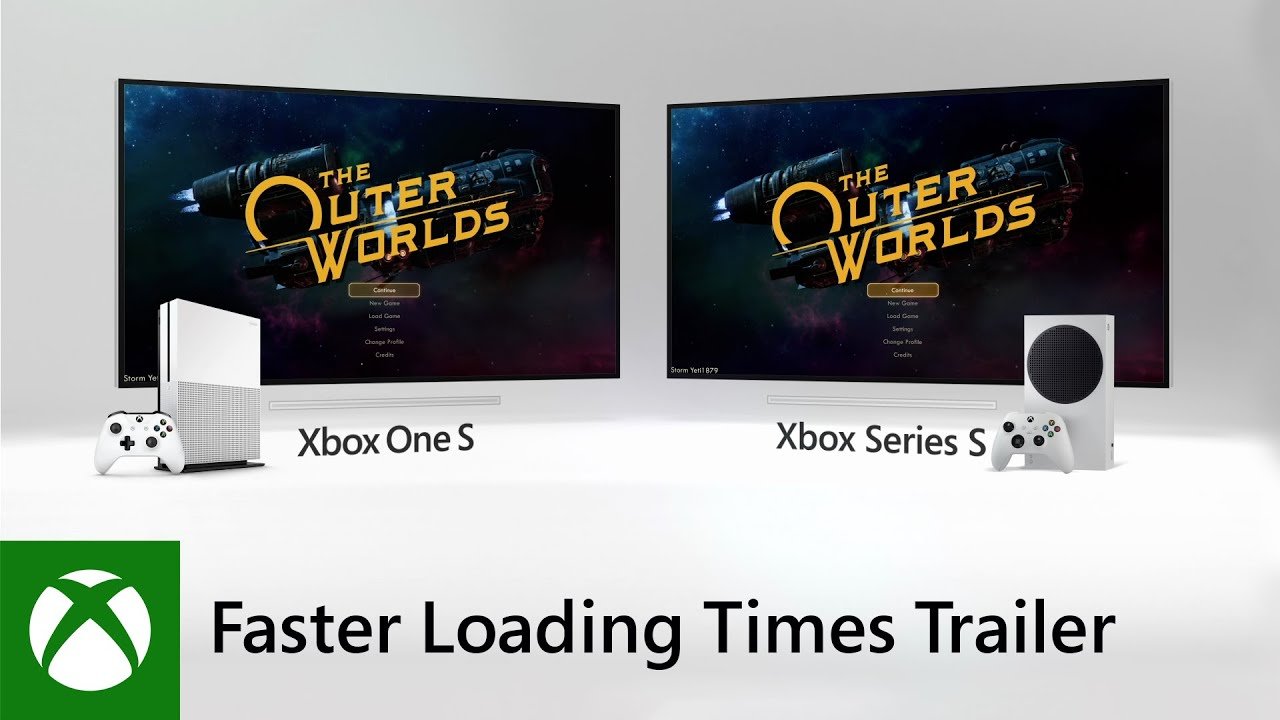
Xbox fast loading times are primarily achieved through the console’s custom NVMe SSD and Velocity Architecture.
Ever been stuck staring at a loading screen, itching to jump back into the action? The new generation of Xbox consoles significantly improves that experience. Xbox fast loading times are a reality now, thanks to some clever hardware and software advancements.
This means less waiting and more playing for you. The internal components work together to reduce frustrating delays. You can quickly switch between games and pick up right where you left off.

Xbox Fast Loading Times: A Deep Dive
We all know the pain: you’re super excited to jump into your favorite Xbox game, but then… you’re stuck staring at a loading screen for what feels like forever. Luckily, modern Xbox consoles, especially the Xbox Series X and Series S, are designed to get you into the action much faster than before. But how do they do it? And what else plays a role in making those loading times speedy? Let’s explore the world of Xbox fast loading!
The Secret Sauce: Xbox Velocity Architecture
The biggest reason for the super-fast loading on the newer Xbox consoles is a special technology called the Xbox Velocity Architecture. Think of it like a super-powered engine for your games. It’s not just one thing, but a combination of several smart pieces working together.
Custom NVMe SSD Storage
The foundation of the Velocity Architecture is the use of a super-fast type of storage called an NVMe Solid State Drive (SSD). Unlike older hard drives (HDDs) that spin like a record player, SSDs have no moving parts. This means they can access game data much, much faster. Imagine trying to find a specific song on a record versus finding it on your phone – that’s the difference between an HDD and an SSD. This faster data access is the primary factor in reducing load times.
Let’s compare, just to show how important SSD storage is for quick loading.
- Hard Disk Drive (HDD): Uses spinning disks to store data. Slower access times. Think of a traditional record player.
- Solid State Drive (SSD): Uses memory chips to store data. Very fast access times. Think of a flash drive but much more powerful.
Hardware Accelerated Decompression
Game files are often compressed to save space. Before the game can be played, it needs to be “unpacked,” or decompressed. The Xbox Velocity Architecture includes dedicated hardware that is specifically designed to decompress game files very quickly. It’s like having a super-efficient unzipping machine built right into the console. Instead of the main processor having to spend time doing this, this special part of the console takes care of it so the game can start playing as fast as possible.
Sampler Feedback Streaming
Sampler Feedback Streaming is a clever way the Xbox reads only the specific parts of a game that it needs at that moment. It’s like having a librarian who knows exactly where every book and every page is. Instead of reading the entire book at once, the console only reads the parts it needs right away. This means that the console isn’t wasting time loading information that it isn’t using, making games load much faster. This technology also reduces how much data the console needs to load into memory at once.
Direct Storage API
Direct Storage is a technique that lets game data go directly to the graphics card instead of going through the central processor. It is like having a direct highway that cuts out a couple of stops. This helps the game and graphics card work faster together and load the information needed much quicker.
How Fast is Fast? Comparing Loading Times
The Xbox Series X and S, with their Velocity Architecture, load games significantly faster than older consoles, like the Xbox One. The difference can be really dramatic. You could be waiting minutes on an older system, while the same game might only take seconds on a new one.
Xbox Series X vs. Xbox One
Here’s a simplified example to show you how much of a difference the new consoles can have on your gaming experience
| Game Title (Example) | Xbox One Loading Time (Approx.) | Xbox Series X Loading Time (Approx.) |
|---|---|---|
| A Big AAA game | 1 minute 10 seconds | 10 seconds |
| A Smaller Adventure Game | 45 seconds | 5 seconds |
| An Open World game | 1 minute 40 seconds | 15 seconds |
| A Racing Game | 50 seconds | 8 seconds |
Remember these are just examples, the actual load times will depend on the game and other factors but this table shows how big of difference the new technology makes.
Quick Resume: Jumping Back into the Game
Quick Resume is another fantastic feature thanks to the Velocity Architecture. It allows you to instantly switch between multiple games without losing your progress. Imagine playing a race game, then switching to an adventure game, and then going right back to where you left off in the race game – it’s all seamless and quick, and it’s like having multiple save points but without actually saving!
Beyond the Console: Other Factors Affecting Load Times
While the Xbox Velocity Architecture is the main contributor to fast loading, other elements can also impact how quickly your games load.
Game Optimization
The way a game is built and programmed can also affect loading times. Some game developers work very hard to make their games load as fast as possible. If a game is made to take advantage of SSDs and has smart loading practices, it will likely load much faster. Think of it as game developers building the roads to your game. If they build efficient ones, travel is much faster.
Internet Connection Speed
For games that rely on online components or updates, your internet connection speed is very important. A slower connection might slow down some parts of a game’s start-up. If a game downloads the information at a slow pace it might impact how fast you get into the game.
Game Size and Complexity
Larger and more complex games usually have more data to load. Even with an SSD, very large, open-world games might still take a bit longer to load than smaller, simpler ones. It’s like loading a big truck versus loading a small car, even if you’re using a fast highway; the big truck still takes longer.
Game Updates and Patches
Sometimes, a game update can temporarily affect loading times. This often happens when a game is being updated or patched. These updates might need time to be installed, and some of the data might need to be rearranged before things get back to normal.
Tips to Maximize Fast Loading on your Xbox
You’ve already got a great system for fast loading, but here are a few tips that can ensure the best experience!
Keep Your Console Updated
Make sure your Xbox is always running the latest software updates. These updates often include performance improvements that can lead to faster loading and game performance. Xbox releases regular software updates and you should always try to install them to get the most benefit from your console.
Manage your Storage Space
Keep an eye on your storage space. If your SSD is very full, it might affect the overall performance of your console. Make sure you are not overfilling the hard drive, this will ensure smooth and quick performance of your games.
Using the Right Storage
Always install your games on the internal SSD for the quickest loading. If you are using external storage, it is always recommended to use a storage that is high-speed, or one that is officially recommended by Xbox. Using a non-recommended or slower external drive will not get the most out of loading speeds.
Manage your Games
Uninstall games you’re not playing regularly. Keeping a lot of games installed will also eat up storage space and can sometimes affect the console performance, try to keep a selection of games that you are currently playing.
Restart Your Xbox
Sometimes a simple restart can help refresh things and improve performance. Try restarting your Xbox every once in a while.
The Future of Fast Loading
Technology is always getting better! In the future, we can expect even faster loading times as new technology is developed. Game developers will also come up with more efficient ways to make games load faster and get you into the action faster. The future looks bright for gamers when it comes to fast loading, and we can expect games to load faster than ever before!
The Xbox’s focus on fast loading times has transformed the gaming experience. With the help of the Velocity Architecture, and an understanding of other factors that influence loading speeds, gamers can spend less time waiting and more time playing. It’s a great time to be an Xbox gamer!
Microsoft Xbox Series X VS Series S Loading times – How much Faster is it?
Final Thoughts
In short, Xbox fast loading times significantly improve the gaming experience. Players spend less time waiting, and more time playing their favorite games. This quick access helps maintain engagement and prevents frustration during gameplay.
The Xbox’s impressive loading speed provides a real advantage. Games start quickly. this lets you jump into action fast.
Ultimately, for seamless, fast-paced gaming, Xbox fast loading times are a crucial feature. It directly impacts overall player satisfaction.

