
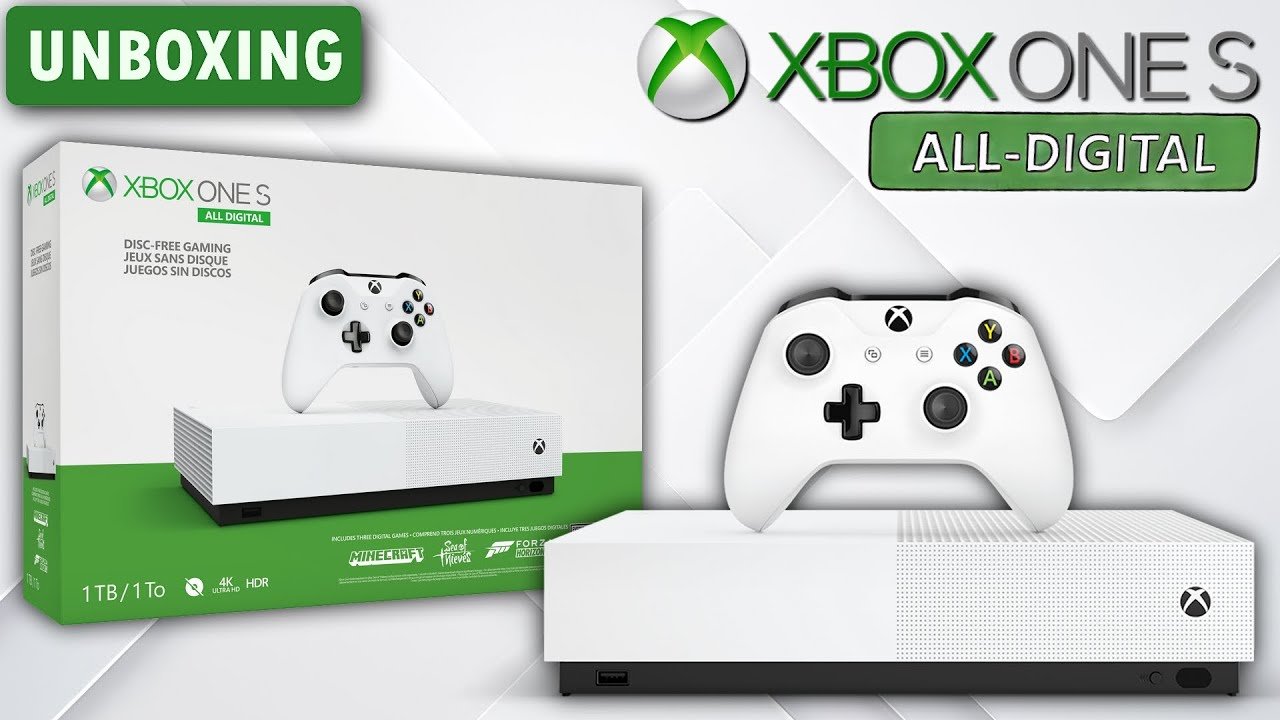
Xbox’s holistic approach to gaming prioritizes player experience by integrating hardware, software, and services to create a connected and accessible ecosystem.
The way we interact with video games continues to evolve and Xbox is leading this change. It’s more than just consoles and games now. Xbox’s holistic approach to gaming focuses on creating a complete experience that caters to every gamer, regardless of where or how they play.
This approach encompasses everything from the hardware like the console itself to services like Game Pass. It also includes cloud gaming. All these aspects work together to provide a seamless and enjoyable experience.

Xbox Holistic Approach to Gaming
Xbox isn’t just about playing games; it’s about a whole world of fun and connection. They’ve created a system that thinks about everything a gamer might want, not just the games themselves. This “holistic approach” means they’re focusing on making gaming enjoyable, accessible, and part of a bigger, friendly community. Let’s explore what makes the Xbox experience so complete.
The Power of Choice: Xbox Games and Services
At the heart of the Xbox experience is a massive selection of games. They have something for everyone, from exciting action adventures to relaxed puzzle games. But it’s not just about having lots of games; it’s about how you get to play them, and how much you have to pay for them. Here are some key ways Xbox provides choices:
Xbox Game Pass: Your All-Access Pass to Fun
Imagine having a library full of games that you can play any time you want. That’s kind of what Xbox Game Pass is like. For a monthly fee, you can get access to a huge collection of titles. It’s like having a Netflix for games. Here’s what makes it awesome:
- Tons of Games: You get access to hundreds of games across various genres. You’re sure to find something you love.
- New Games Added Often: The library is constantly growing, so there’s always something new to check out.
- Play on Multiple Devices: You can play games on your console, PC, and even through the cloud on your phone or tablet. This flexibility is great for when you’re on the go.
- First-Party Titles: Xbox Game Studios releases their games on Game Pass the day they’re released. This gives you the best opportunity to play the latest games without buying them right away.
Buying Games: Digital or Physical?
If you prefer to own your games, you have the choice of buying them digitally through the Xbox store or purchasing a physical copy. Here is a comparison of both:
| Feature | Digital Games | Physical Games |
|---|---|---|
| Convenience | Easy download right from home, no need to go to the store. | Requires a trip to the store or online order. |
| Storage | Takes up space on your console’s hard drive. | Requires storage space at home for game cases. |
| Trading/Reselling | Can’t be resold or traded. | Can be resold or traded to friends or stores. |
| Accessibility | Accessible anytime you want. You can start playing right away after buying. | Need to insert disc to play and may need to wait for delivery for online orders. |
| Availability | Always available to download. | May run out of stock or be discontinued. |
Backward Compatibility: Playing Old Favorites
Xbox understands that sometimes you want to play the games you loved from the past. That’s why many games from older Xbox consoles can be played on newer ones. This feature, called backward compatibility, keeps those great memories alive and also allows you to enjoy games you may have missed. You can have more selection of games, while not spending any additional money.
Community and Connection: Playing Together
Gaming is often more fun when you’re playing with friends or others. Xbox understands this and has built features that connect people and create community. Let’s see how they do this:
Xbox Live: Connecting Gamers Worldwide
Xbox Live is an online service that allows you to play games with people all over the world. It’s like having a huge digital playground where you can play, compete, and chat with others. It allows you to:
- Play online multiplayer games: Team up or compete against others in your favorite games.
- Chat with friends: Talk to friends while you play, or catch up between games.
- Find new friends: Connect with other players who share your interests.
Clubs: Finding Your People
Xbox Clubs are like online groups where you can connect with people who love the same games or have the same interests as you. It’s a great way to find people to play with, share tips and tricks, or just talk about what you love.
Xbox Party Chat: Easy Communication
Party Chat makes it super easy to talk to friends while you play games together. You can coordinate your strategies, celebrate victories, or even just have a good laugh. It makes the whole experience more social and fun.
Accessibility: Gaming for Everyone
Xbox believes that everyone should be able to enjoy games, regardless of their abilities. They have been working hard to make gaming accessible to everyone by creating a ton of options and features for players. Here are some features:
Adaptive Controller: Customization for Unique Needs
The Xbox Adaptive Controller is a special controller that can be customized to fit the needs of people with limited mobility. It lets players connect a variety of switches, buttons, and joysticks, so they can play games in a way that works for them. This helps to ensure that more people can enjoy the fun.
Accessibility Settings: Personalizing Your Experience
Xbox consoles have a wide range of accessibility settings that you can change. You can adjust things like text size, color contrast, and even the speed of the game. This can help you to play games easier and make sure that it is comfortable for everyone.
- Narrator: Text-to-speech feature that reads out what’s on the screen.
- Closed Captions: Displays subtitles on the screen, useful for players with hearing difficulties.
- Controller Remapping: Allows players to change the button layouts to something that is easier to manage.
Xbox Hardware: Power and Performance
Xbox consoles are built with power and performance in mind. They are made to run the newest and most amazing games, delivering great graphics and smooth gameplay. Here are some of the key details of the Xbox hardware:
Xbox Series X and S: Next-Generation Gaming
The Xbox Series X and S are the latest Xbox consoles. The Series X is the most powerful, while the Series S is more affordable and compact. Both offer fast loading times and great graphics to give you the best gaming experience. They are designed to enhance your gaming with beautiful visuals and fast responsiveness.
Controllers: Comfort and Precision
Xbox controllers are designed to fit comfortably in your hands and give you the most precise control over your games. They have easy-to-use buttons and sensitive thumbsticks. This allows for great movement and reactions during gaming. The goal is to make the game feel natural for the player.
Xbox Accessories: Enhancing Your Experience
There are a variety of accessories available for Xbox consoles, such as headsets for better audio and controllers designed for specific types of games. These accessories allow you to customize your set up to give you the most immersive and comfortable experience.
- Headsets: Hear every detail of the game and chat with friends clearly.
- Specialized controllers: Enhance your performance in certain genres like racing or fighting games.
- Storage expansion cards: Add more storage to your console for more games.
Xbox Ecosystem: More Than Just a Console
The Xbox experience isn’t just about the console itself; it’s part of a wider ecosystem that connects your different devices and allows for access anywhere you are. This means you can play the games you like in multiple different places. Let’s see what this means:
Xbox on PC: Play Your Favorite Games Anywhere
Many Xbox games are also available on PC. This allows you to play the same games on your computer, keeping the same great progress you had on your console. It also allows you to take advantage of PC-specific features and settings.
Xbox Cloud Gaming: Gaming On The Go
With Xbox Cloud Gaming, you can play Xbox games on your phone, tablet, or even on a computer using a web browser. You do not even need to own a console. As long as you have good internet, you can enjoy your games anywhere. This helps to make gaming more mobile and flexible.
Xbox Mobile App: Stay Connected
The Xbox mobile app allows you to stay connected with your friends and the Xbox community, no matter where you are. With the app, you can:
- Chat with friends: Connect with friends and teammates from your phone.
- Manage your games: Download new games to your console.
- Get updates: Stay up to date with the latest news.
Family Features: Keeping Gaming Safe and Fun
Xbox understands that many families play games together, and they want to make sure that gaming is a safe and enjoyable experience for everyone. This is why they created features for families:
Family Settings: Parental Controls
Xbox has parental control settings that allow you to set limits on how long your kids play, what they can play, and who they can talk to. These settings help you to create a safe gaming experience for kids and ensure they are not playing inappropriate content.
Screen Time Management
You can control how long your kids play every day, and set schedules to make sure they have a healthy balance between gaming and other activities. This helps to promote healthy habits, as well as allow kids to enjoy gaming.
Content Restrictions
You can set limits on what content your kids can play based on the rating of the game. You can choose to block certain games or content that are not appropriate for younger kids. This helps to ensure kids are playing age appropriate content. These are crucial for the safety of young children.
Xbox’s holistic approach makes it clear that they are working to make gaming better for everyone, not just players, but families and the wider gaming community. It is not just about playing games, but rather about the whole experience. By focusing on providing choices, creating communities, promoting accessibility, designing great hardware, and keeping players safe, Xbox is helping to define what it means to be a great gaming platform. It’s all about making gaming as fun and inclusive as possible for everyone.
How Healing is in Video Games 3
Final Thoughts
Xbox provides a complete gaming experience. They focus on accessibility, varied content, and device compatibility. They aim to meet all gamers’ needs.
This approach encompasses console, PC, and cloud gaming. Xbox’s subscription service further reinforces this idea. The Xbox holistic approach to gaming ensures everyone finds their way to play.

