
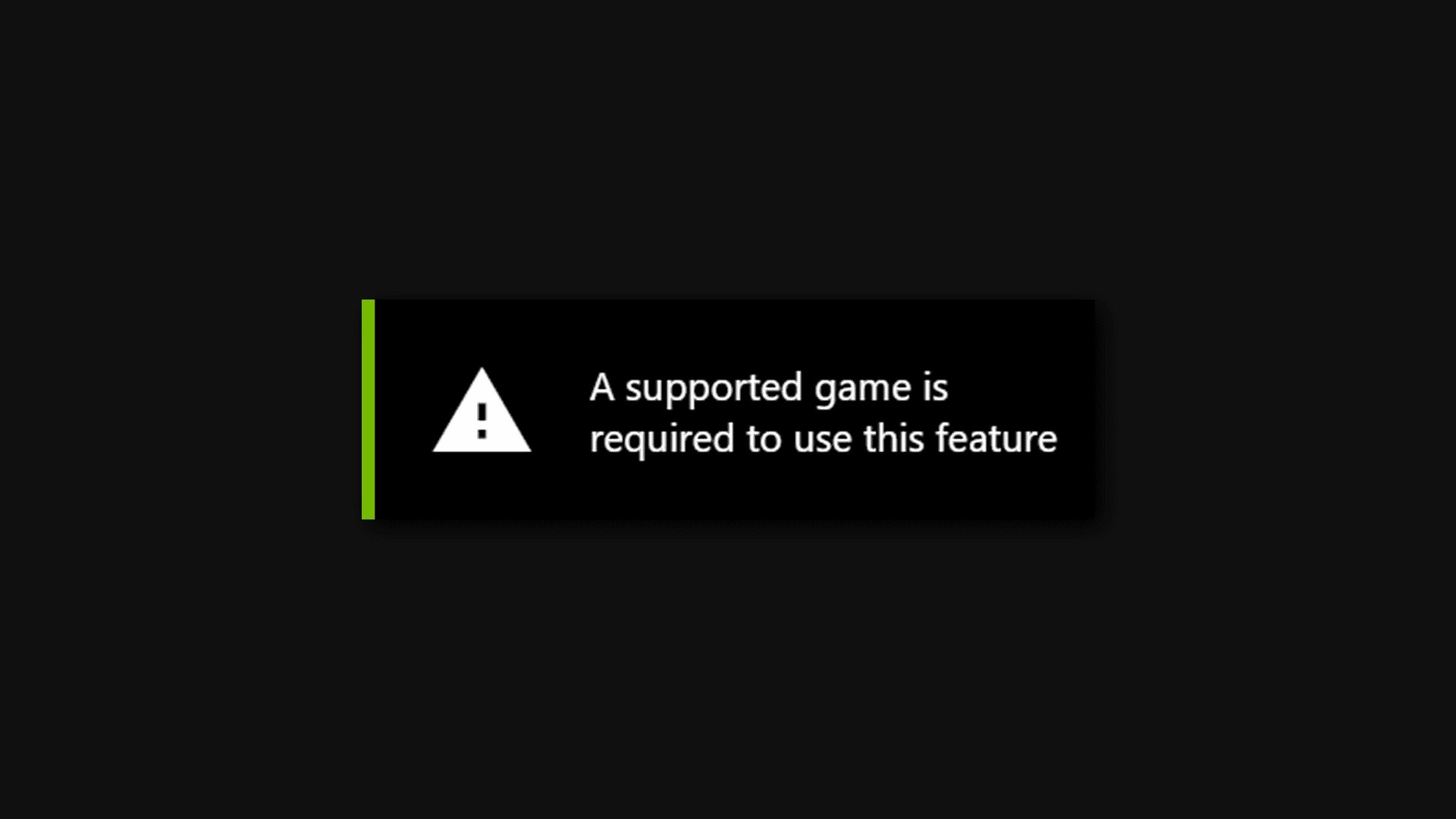
To utilize the NVIDIA feature, a supported game is required.
Have you ever wondered why that amazing NVIDIA feature isn’t working? It’s often frustrating when you expect a specific function to work and it doesn’t. The reason is quite simple: a supported game is required to use this feature nvidia, meaning the game needs specific compatibility.
Not every game will work with all of NVIDIA’s features. Developers must specifically integrate the technology for it to function properly. Always check the compatibility list before trying a feature that requires particular hardware or software support.

A Supported Game is Required to Use This Feature NVIDIA
Alright, let’s talk about something that might have popped up while you were tweaking your NVIDIA graphics card settings: “A supported game is required to use this feature.” You’re probably wondering, “What does that even mean?” Well, it means that some cool NVIDIA features, like ray tracing, DLSS, or even some image sharpening tools, only work with certain games. It’s not that your awesome graphics card is broken; it simply needs a game that’s designed to play nicely with these particular features. It is like having a super cool puzzle piece, but you need the right puzzle to fit it into. Let’s dive deeper and understand why.
Why Are Supported Games Necessary?
The world of video games is incredibly diverse. Each game is built with different engines, using different coding languages and techniques. To get these advanced NVIDIA features to work seamlessly, developers have to specifically code support for them within the game. Think of it like this: a game has to learn the special language that your NVIDIA card speaks. So, not all games will automatically work with things like ray tracing; developers have to teach the game to understand and make the most of it. This process involves collaboration between NVIDIA and game developers. They work together, often during the game’s creation, to make sure these features work as intended, adding extra visual enhancements or performance boosts.
Here is why a “supported game” is so important:
- Integration: These features need to be deeply integrated into the game’s rendering pipeline. This means game designers need to modify the way their game creates images. It’s not a simple on/off switch.
- Performance Optimization: Enabling these features without proper game support can lead to crashes, bugs, or bad performance, such as low frame rates. Developers need to optimize their game to handle the added load these features create.
- Specialized Code: Features like ray tracing require specific algorithms to work correctly. The game’s code must support these. It needs special code to understand how to calculate the direction of light rays and how they reflect and refract from objects.
- Feature Compatibility: Not all NVIDIA features are created equal. Some are more complex than others and require more effort to integrate into a game, therefore, compatibility with these can differ.
Understanding NVIDIA Features that Require Game Support
Let’s get into some of the specific NVIDIA features that rely on game support. These features can make your games look way better or run smoother. However, they are the key to understanding why this message about a supported game pops up.
Ray Tracing
Ray tracing is a fancy way to make lighting in games look super real. Instead of using older methods of faking light, ray tracing follows the path of light rays, allowing for reflections, shadows, and refractions that are much more accurate and impressive. With ray tracing, shadows look soft and natural, reflections show what’s actually around you and not just a simplified version, and light spreads realistically through the game world. It gives games an immersive and lifelike feel. However, it’s computationally demanding, and developers have to work hard to make it run smoothly in games. Games need specific ray tracing code. Because of this, this feature only works in games that are designed for it.
DLSS (Deep Learning Super Sampling)
DLSS is a clever AI-powered tech that boosts your game’s performance without losing image quality. It uses a special AI algorithm that learns to make low-resolution images look like high-resolution ones. It’s like magic! What does this mean for you? Basically, your graphics card does not have to work as hard to make the game look good. This can result in higher frame rates or more performance to turn up the graphics settings, and it can make your game run smoother. However, the AI model used by DLSS has to be trained on each game individually. Therefore, it requires specific coding in game to integrate this AI model.
NVIDIA Reflex
NVIDIA Reflex focuses on reducing system latency, which is the time it takes from when you press a button to when you see the action on screen. When you see latency reduction, this means your actions feel more responsive. This is especially important for fast-paced multiplayer games where every millisecond counts. Reflex is another feature that requires game integration. Developers must optimize the game to minimize latency at their end to get benefit from NVIDIA reflex technology.
Image Sharpening
NVIDIA’s image sharpening tools make game graphics look more crisp and detailed. It’s like giving your game a little extra clarity. This feature can be enabled from the NVIDIA control panel. While some sharpen tools may work with non-supported games, using the built-in sharpening within a supported game often provides the best results. The game developers have to consider the image sharpening feature to avoid potential issues and to make sure the image looks great.
Other Features
Besides the big ones, there are other NVIDIA features that may need specific game support. These can include things like specific ambient occlusion techniques or some special effects that make games appear even better. It’s important to remember that technology keeps evolving, and new features are always coming out. This requires games to have the necessary support to work properly.
How to Check if a Game is Supported
So, how do you figure out if your game supports a specific NVIDIA feature? It’s not as hard as it may seem. Here’s how you can find out:
NVIDIA’s Website
The NVIDIA website is your best friend when it comes to checking supported games. They often have a dedicated page or section for each feature, listing the games that are supported. It is helpful to do a quick search for “NVIDIA [feature name] supported games”. This will point you to the relevant page on the NVIDIA site.
Game Developer’s Website
Game developer websites are a good place to check. They frequently mention what features a game supports. Look for detailed information on the game’s page, often in the system requirements or features section. Game developers usually make it clear about which NVIDIA features are in the game and what graphics cards are needed to make those features work.
In-Game Settings
Many games will show the options for NVIDIA features within their video settings menus. If you have an NVIDIA card, these options may show up even if they’re not fully supported. If you see the DLSS or ray tracing option in the settings, that is a good indication of that NVIDIA feature being supported, but always confirm with NVIDIA website first. However, if they are greyed out or have a warning message, then you might need to update drivers or check that your card is supported. Some games may simply not show them if there is no support.
Community Forums
Gaming communities are a great place to ask. If you’re still unsure about a game’s support, forums and online communities are very useful. Other gamers might have the answers. A good place to start would be on platforms like Reddit or on the game’s official forum or discord server. Often, people will have already asked about the game’s support for a specific NVIDIA feature.
Check Tech Review Websites
Many tech websites do reviews on games and technology, and these are good places to learn if a specific game supports NVIDIA technologies. If a tech website did a review on the latest game that you are planning on purchasing, it is always a good idea to check them. Usually they will have a dedicated section on the graphics in that game and what features the game supports. Look for the section that goes into detail about ray tracing or DLSS. This will give you a clear idea about which NVIDIA feature a game has support for and how it performs.
Why a Game Might Not Be Supported
There are several reasons why a game may not support an NVIDIA feature. These can be technical, timing related, or a matter of priorities from the developer. Let’s discuss some of them.
Game Engine Limitations
The game engine used to create a game has a big impact on the features that a game supports. Some older engines may not be designed to work well with the latest NVIDIA features. It would be very difficult to integrate, or they can be too outdated to make it work properly. Developers may have to rebuild many parts of the engine to support some of these technologies, or they might decide to move to a more advanced engine in the future to take advantage of these kinds of technologies.
Development Time and Cost
Integrating features like ray tracing or DLSS takes time and money. Game developers often have tight schedules and budgets. Choosing where to spend their resources is very important. They may have to choose between adding an NVIDIA feature or working on other important parts of the game, like improving the gameplay. It’s a balancing act, as all of these features have their own costs to implement, optimize and maintain. They have to make a decision between spending more time to add that feature or spending more time on fixing bugs and other issues.
Performance Concerns
Even when a game could support an NVIDIA feature, there might be performance concerns. Games need to run smoothly on a variety of systems. When they have trouble running on older hardware, the game developers might need to make a choice to optimize performance, and they may not include some of these features to ensure a smoother gameplay for everyone. This can mean that games won’t have all the latest features, but the game will run well.
Developer Priorities
Sometimes, developers simply have other priorities. They may want to focus on different aspects of the game. Maybe they want to focus on the story or the gameplay rather than adding the latest graphics tech. Ultimately, the decision to include NVIDIA features rests with the game’s creators, and they might make a decision that best fits the game that they want to create. Also, sometimes it is because of personal or creative vision.
What If Your Game Is Not Supported?
If you found out that your favorite game does not support the NVIDIA feature you are hoping to use, don’t panic! Here are some ways you can still enjoy your gaming experience.
Adjusting In-Game Settings
Even without those fancy NVIDIA features, you can still make your games look good by adjusting the graphics settings. You can play around with settings such as texture quality, shadow quality, and anti-aliasing to get the best performance and visuals that your system can give. Experimenting with different settings can sometimes give you a better visual and performance balance.
Using NVIDIA Control Panel Settings
Even though some of the NVIDIA features are game-specific, many NVIDIA settings can be used through the NVIDIA Control Panel. These settings can help improve the look and performance of your games. For example, you can apply image sharpening, adjust color settings, or enable low-latency mode, even without specific in-game support. These settings will help give your games a better visual and better responsiveness.
Keeping Your Drivers Up to Date
NVIDIA is always working hard to improve their drivers. Updating to the latest driver can sometimes improve performance and add support for newer games or features. Make sure you are keeping your driver up to date so that you have the latest version of software. If you are unsure how to do it, there are many resources online to help you out. Many NVIDIA graphics card owners make sure that they update their drivers for better compatibility, performance, and bug fixes, so make sure that you join them.
Waiting For Updates
Games can receive updates that add support for NVIDIA features at a later date. Some game developers will add a specific NVIDIA feature to the game months later through a patch or update. If a game that you want to use a specific NVIDIA feature on does not support it yet, you might have to be patient and wait to see if the developer decides to add them. Make sure to keep an eye on official announcements about your game, and they will let you know if a feature will be added.
Choosing a Different Game
If you are particularly interested in a particular NVIDIA feature, it might be best to find a game that does support that feature. For example, if you want to try out ray tracing, search for games that specifically support it. There are a lot of games out there that are designed to take advantage of the latest technologies, and that might be your best option to take advantage of the feature that you want.
The message “A supported game is required to use this feature NVIDIA” is a reminder that technology and games must work together for the best results. NVIDIA’s cool features are not just magic; they require the game developer to implement the right support. Keep an eye on NVIDIA and game websites for supported games, experiment with your settings and drivers, and you’ll get the most out of your amazing graphics card.
Fix A supported game is required to use this feature Nvidia GeForce Experience | How To
Final Thoughts
Ultimately, experiencing this specific NVIDIA feature needs the proper setup. Users must verify compatibility first.
This is a key point for smooth gameplay. a supported game is required to use this feature nvidia.
Remember that the feature will only work with specific games, making game selection important for this capability. Always check game compatibility lists for best results.

