
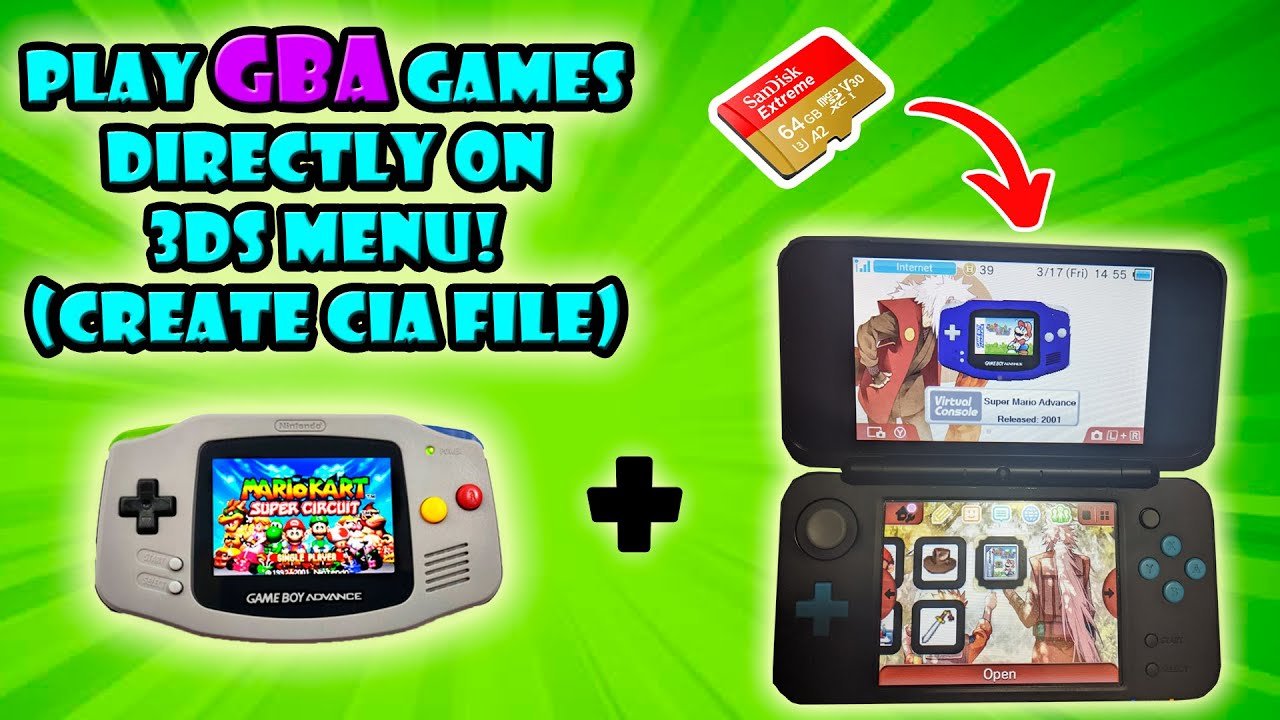
Yes, the 3DS can play some Game Boy games, specifically those available through the Virtual Console on the Nintendo eShop.
Ever wondered if your trusty 3DS could revisit the classics of the past? Many people ask “can 3ds play gameboy games”, and the answer is more nuanced than a simple yes or no.
While not all Game Boy titles are directly compatible, the 3DS does offer a selection of classic games via its Virtual Console. These digital releases let you experience some retro goodness on the handheld. So, you can relive some favorite retro moments on the 3DS.

Can 3DS Play Gameboy Games? A Deep Dive into Retro Gaming on Nintendo’s Handheld
So, you’ve got a Nintendo 3DS and you’re itching to play some of those classic Game Boy games? Maybe you remember spending hours with Pokémon Red or Tetris, and you’re wondering if you can relive those moments on your 3DS. That’s a fantastic question, and the answer is a bit more interesting than a simple yes or no. Let’s explore the world of retro gaming on the 3DS and find out exactly what’s possible!
The 3DS Family and Retro Compatibility
First, let’s talk about the different types of 3DS consoles. There’s the original Nintendo 3DS, the 3DS XL, the 2DS, and the New 3DS and New 2DS XL. All of these are part of the same family of systems, but their ability to play older games is not identical. When it comes to playing classic Game Boy titles, most of them work similarly, but it’s essential to know the specifics. The key thing to understand is that the 3DS does not have a physical slot to insert original Game Boy cartridges. So how can it possibly play those games?
Virtual Console: The Key to Retro Fun
The answer lies in something called the Virtual Console. Nintendo introduced this feature with the Wii and carried it over to the 3DS. The Virtual Console is like a digital store where you can buy and download classic games. This store offers games from several older consoles, including some Game Boy and Game Boy Color titles. This is how you legally play Game Boy games on the 3DS. It’s all done through digital downloads, not physical cartridges.
Which Game Boy Games Can You Play?
Okay, so the 3DS can play Game Boy games via the Virtual Console, but not every single game ever made is available. This is where it gets interesting. Nintendo carefully selects which games they offer. They focus on popular classics and games that translate well to the 3DS’s screen and controls. Here is a list of popular Gameboy Games that are available on the virtual console:
-
The Legend of Zelda: Link’s Awakening DX: Experience the mystery of Koholint Island in this amazing adventure.
-
Pokémon Red, Blue, and Yellow: Relive your first adventures in the Kanto region.
-
Metroid II: Return of Samus: Explore a hostile alien world in Samus’s second mission.
-
Super Mario Land: Join Mario in a platforming journey through new lands.
-
Kirby’s Dream Land: A charming introduction to the pink puffball’s world.
-
Mega Man: Dr Wily’s Revenge: Face off against classic bosses in Mega Man’s first Gameboy outing.
-
Gargoyle’s Quest: Ghosts ‘n Goblins: A challenging action-adventure with Red Arremer.
These are just some examples; the availability can change based on region, and Nintendo may add new games to the Virtual Console from time to time. It is always a good idea to check the eShop to see which games are available in your region.
Understanding Different Game Boy Systems
When we talk about Game Boy, it’s important to know there are different versions that had different features. These differences affect which titles can be played on the 3DS.
- Game Boy: The original monochrome handheld. Games are in black and white.
- Game Boy Color: This version added color and introduced new games that took advantage of the extra processing power and color palette.
- Game Boy Advance: A more powerful system with a bigger screen and improved graphics. The 3DS can play GBA games, but not through the Virtual Console. We will talk about it more in the next section.
Most of the games you see on the Virtual Console will come from the original Game Boy and Game Boy Color. Nintendo has offered some Gameboy Color specific titles, as well as the original Gameboy titles.
Game Boy Advance Games: A Different Story
Things are a little different when we start talking about Game Boy Advance (GBA) games. You cannot buy and download GBA games from the 3DS Virtual Console in the same way you can with regular Game Boy and Game Boy Color games. There’s a workaround to play these games, but it’s a bit more complicated, and it’s not officially supported by Nintendo for general sale.
Ambassador Program
A while back, for a limited time, Nintendo offered some early 3DS owners the chance to receive some free GBA games as part of something called the “Ambassador Program.” However, this was only for a certain group of people who purchased their consoles during a specific window. These games were downloadable from the eShop for those specific users. They were never for sale, and the ambassador program is no longer available. If you didn’t get in on this, you unfortunately won’t be able to play these specific GBA titles officially on your 3DS.
Why No GBA Virtual Console?
The reason behind the lack of GBA games on the 3DS eShop is a complex one. One theory is that the 3DS was not powerful enough to run the games the same way as its successor, the Nintendo Switch, does. Another reason is that the Nintendo Switch online service has a library of GBA games, and having them on the 3DS might deter sales of the Switch online service. Technical reasons might play a role as well. What ever the reasoning is, it is clear that Nintendo chose not to support GBA games natively on the 3DS virtual console.
Homebrew and Unofficial Solutions
It is possible to play GBA games on a 3DS using “homebrew” software or similar modifications to your 3DS system. Homebrew allows you to run unofficial software on your system, which in some cases means you can play GBA games. However, doing this is not supported by Nintendo and can come with risks, including potentially damaging your 3DS or getting it banned from online services. We will not go into detail on how to install homebrew software, as this is not something officially supported by Nintendo and can cause problems. Keep in mind that using these types of modifications can also be legally murky, so it’s always best to proceed with caution and do your own research.
How to Buy and Play Game Boy Games on 3DS
Now that you know what’s possible, let’s talk about how to get those classic games on your 3DS. It’s actually very straightforward.
Accessing the eShop
First, you will need a Nintendo Network ID. If you don’t have one, you can create one easily. Once you have a Network ID, your 3DS is ready to go. From the 3DS main menu, look for the orange “eShop” icon. Tap on it to launch the eShop.
Navigating the eShop
Once in the eShop, you can use the search function to look for specific Game Boy games or browse the categories. Look for the “Virtual Console” section to find Game Boy and Game Boy Color games.
Games often have their own categories, which include games from the Gameboy. Just keep in mind that some old games aren’t available for sale anymore.
Purchasing Games
Each game has its price, and you’ll need to add funds to your eShop account to make purchases. You can add funds using a credit or debit card. Once you have funds in your account, select the game you want and then click on “purchase.” The game will download to your 3DS system. After downloading, the game will appear on your 3DS home menu. Just click on the game icon to start playing.
Game Play Experience
When you play a Game Boy game on the 3DS, it’s typically a very faithful recreation. You will see the game in its original aspect ratio, which means you can see black borders on each side of the screen. The game will run exactly like it did on original hardware. The 3DS offers the same controls as the original hardware, though it is a bit more comfortable to play.
Screen Size and Resolution
One difference between playing on a 3DS and the original Game Boy or Game Boy Color is the screen. The 3DS screen has a higher resolution, which makes the games look a bit sharper. But the games still maintain their original look. Some of these old games look good, but some look a little blurry on the higher resolution screens of the 3DS. It’s also important to note that, unless you select a zoom or full-screen mode, most Game Boy games will have black bars on the side because their original resolution doesn’t fill up the 3DS screen.
Are There Alternatives to Virtual Console?
While the Virtual Console is the most legitimate way to play Game Boy games on a 3DS, people often wonder about other ways to experience older titles. Remember, while homebrew can offer access to a larger library of games (including GBA titles), these methods aren’t officially endorsed by Nintendo. Also, purchasing physical copies of the gameboy and gameboy color hardware allows you to play the original games the way they were meant to be played, however this option is often more expensive.
Emulators and ROMs
Emulators are computer programs that allow you to play games from older systems on a different device. Using emulators and ROM files is usually considered illegal if you don’t own a physical copy of the game you are playing.
Keep in mind that emulation is often seen as a legal grey area, and you should always look into local laws regarding ROMs and emulation.
Preserving Game Boy History
The fact that we can play these old games on the 3DS is a testament to how important video game history is. Being able to experience these older games allows younger generations to see where gaming started. It also helps people who played these titles when they came out to experience them all over again. The 3DS’s Virtual Console is a great way to explore video game history and relive some great gaming memories. By buying these old games from the virtual console, you are supporting the people who made them and helping to ensure that these old games can still be played.
In short, while the 3DS doesn’t have a magic slot for old cartridges, it does a fantastic job of making classic Game Boy games available in a convenient digital format. This lets you carry a part of video game history right in your pocket, letting you enjoy it all over again.
Does Nintendo 3DS Play Gameboy Advance Games #nintendo3ds #Nintendo #gaming
Final Thoughts
Technically, the 3DS cannot directly play original Game Boy cartridges. The hardware is not compatible. You need Virtual Console versions for 3DS.
Nintendo released several Game Boy games on the 3DS eShop. This allowed players to access classic titles. These digital versions are designed for the 3DS.
So, the answer to “can 3ds play gameboy games” is complex. It cannot play physical Game Boy carts. But the system offers official digital downloads.

