
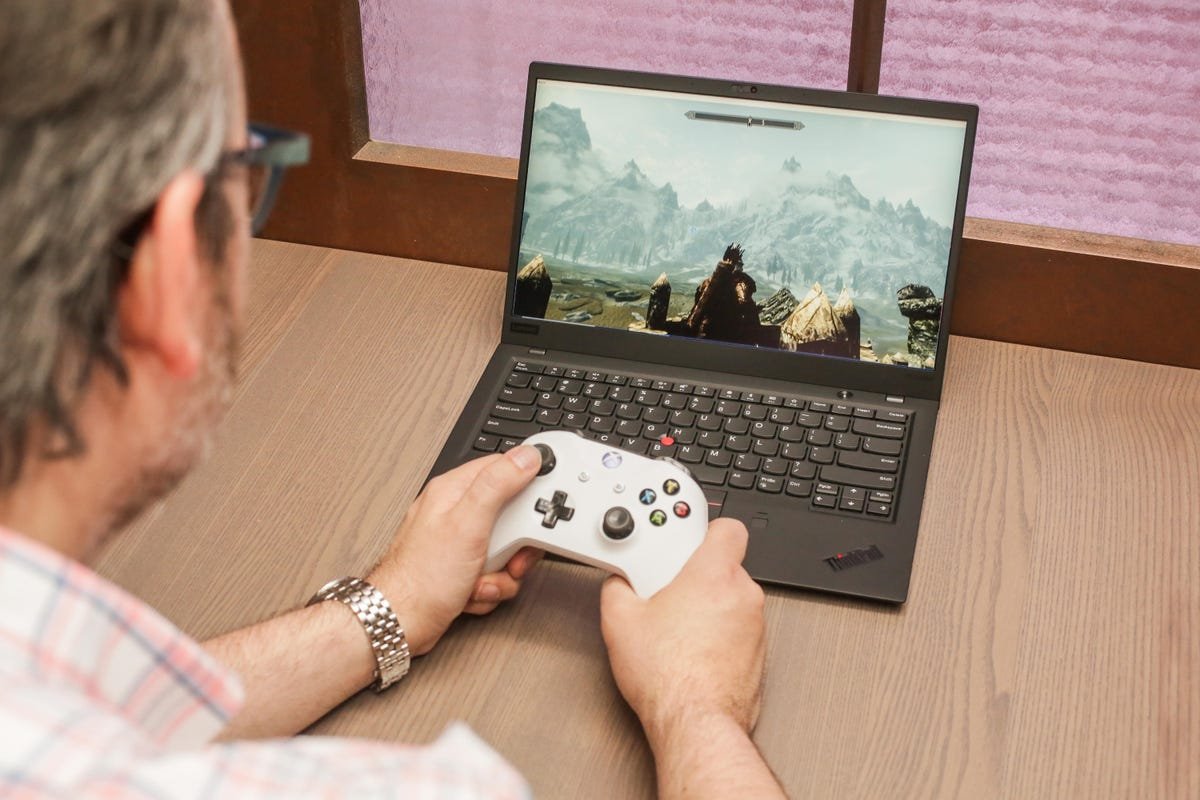
No, gaming laptops cannot run all games at their highest settings.
The burning question in every gamer’s mind is always about hardware limits; can gaming laptops run all games? The simple answer is, while they are powerful machines, they do have constraints. A laptop’s smaller form factor sometimes means reduced cooling capacity, which can impact performance.
Different games have varied hardware needs, with some titles pushing components to their absolute limit. This means that even the top-tier gaming laptops might struggle with the most demanding games at maximum settings. You will likely need to adjust the graphics settings for the game to run smoothly.

Can Gaming Laptops Run All Games?
That’s the million-dollar question, isn’t it? You’re eyeing that sleek new gaming laptop, picturing yourself diving into the latest, greatest games. But a tiny voice in the back of your head whispers, “Will it actually work?” Let’s dive deep into the world of gaming laptops and see if they can truly handle everything you throw at them. The short answer is: it’s complicated. But let’s break it down so you can know exactly what to expect. We’ll explore what makes a gaming laptop tick, the challenges they face, and how to make sure you get the best possible experience.
Understanding the Powerhouse: What Makes a Gaming Laptop Tick?
Before we talk about what a gaming laptop can play, let’s understand how it plays. Gaming laptops are special computers built for performance. They have specific parts that work together to run demanding games. Think of it like a sports car – it needs a powerful engine, good brakes, and a strong frame to perform at its best. The key parts of a gaming laptop that make games run well include:
The Graphics Card (GPU): The Visual Artist
The graphics card is the most important piece for gaming. It’s like the artist that paints the images you see on the screen. A powerful GPU can render detailed scenes, smooth animations, and cool effects. You’ll often see GPUs from companies like NVIDIA (GeForce series) and AMD (Radeon series). They have different tiers of power, from basic ones that are good for older or simpler games, to high-end ones that can handle the newest and most graphically advanced titles.
Here’s a quick look at what different GPU tiers might handle:
- Entry-Level GPUs: Okay for older games, less demanding indie titles, or playing at lower settings. Don’t expect top-notch performance on the latest AAA games.
- Mid-Range GPUs: Can play most modern games at medium to high settings, typically with good performance. This is often the sweet spot for many gamers.
- High-End GPUs: Made for maximum detail, high frame rates, and future-proofing. They will play any game at the highest settings. If you want to see every detail the game has to offer, this is the range for you.
The Processor (CPU): The Brain of the Operation
The CPU is the brain of the computer. It follows all the instructions to make things happen. In gaming, the CPU works with the GPU to process game code. A stronger CPU will handle the game’s calculations quickly and efficiently, preventing slowdowns and making sure everything runs smooth. Similar to GPUs, CPUs come from different makers like Intel (Core i series) and AMD (Ryzen series) and are available in different tiers.
Here’s a quick look at some of the different CPU tiers:
- Entry-Level CPUs: Good for basic tasks and older games, but may struggle with very complex or newer game calculations.
- Mid-Range CPUs: Will handle most games well, pairing well with mid-range GPUs to play most games at high settings.
- High-End CPUs: Paired with High-End GPUs for ultimate gaming performance for the most demanding games.
Memory (RAM): Keeping Things Running Smoothly
RAM is like the computer’s short-term memory. It keeps information easily accessible for the CPU and GPU. More RAM lets the computer handle more tasks at once. Gaming laptops typically have at least 8GB of RAM, and 16GB or more is ideal for modern games, especially those with large open worlds or a lot of online players.
Storage: Where the Games Live
Storage is where your games, operating system, and files are stored. There are two main types of storage: Solid State Drives (SSDs) and Hard Disk Drives (HDDs). SSDs are much faster, making games load quicker and feel more responsive. HDDs are slower but offer more storage space for the price. Gaming laptops often have both an SSD for the operating system and key games, and a large HDD for storing other files and games.
The Display: Seeing is Believing
The display screen is also very important. A good screen can make games look amazing. Things to look for in gaming laptop screens include:
- Resolution: The higher the resolution (like 1920×1080 or 1080p, 2560×1440 or 1440p, or 3840×2160 or 4K), the sharper the image will look.
- Refresh Rate: Measured in Hertz (Hz). A higher refresh rate (like 144Hz or 240Hz) results in a smoother image, especially when playing fast-moving games.
- Panel Type: IPS panels typically offer better color accuracy and viewing angles than other types like TN panels.
Cooling Systems: Keeping Things Cool Under Pressure
Gaming laptops generate a lot of heat, especially when playing demanding games. Proper cooling systems, with heat pipes, fans, and vents, are important to keep the components running at their best and prevent overheating. Overheating can slow performance (known as thermal throttling) and can damage your system over time.
The Challenge: Why Can’t All Gaming Laptops Play All Games?
With all this power packed into a small package, you might think a gaming laptop can handle anything. However, that’s not always the case. Several factors can limit the ability of a gaming laptop to run all games:
System Requirements: The Game’s Wish List
Every game has a list of system requirements – the minimum and recommended specifications of hardware needed for the game to run well. Some games are simply more demanding than others. A low-end gaming laptop might struggle with a very demanding game that requires a high-end GPU, high CPU, and lots of RAM.
System requirements usually come in two categories:
- Minimum Requirements: The absolute minimum hardware needed for a game to launch and run (even if it’s not smooth). You might get very low framerates, or need to play at very low detail levels.
- Recommended Requirements: The specs that the game developers suggest to enjoy the game with good framerates and high graphics settings. These are the requirements you should be aiming for to get the best experience.
Optimization: How Well the Game is Made
Even if your laptop meets the recommended system requirements, a game might still run poorly if it’s not optimized well. Optimization means how well the game developers programmed the game to work with the hardware. A poorly optimized game might be hard to run even on very powerful systems, while well optimized game can run great on even older hardware. Game optimization can be an ongoing process, where developers release patches to fix any performance problems that are found after the initial launch.
Future Proofing: The Ever-Evolving World of Games
Game development never stops. Games get more demanding over time. A laptop that could run all games today might struggle with games released in a few years. The hardware in a gaming laptop is not as easily changed or upgraded as a desktop computer, making it hard to keep up with the newest, most demanding games for a long period of time. That’s why the term “future proofing” is often used, referring to when you buy a computer that is more powerful than you currently need, to make sure it will be able to run games coming out in the future.
Budget: The Balancing Act
Gaming laptops vary a lot in price. A lower budget means you have to make some compromises in the hardware. More powerful components cost more money. You might have to choose between a faster processor, more RAM, a better graphics card, or a high resolution screen when sticking to a budget. If your budget is low, you might find yourself needing to play games at lower graphics settings, or even having to skip out on certain games all together.
Size and Weight: The Tradeoff
Gaming laptops have become very portable and compact, but still some come in a large size and heavy weight due to more cooling systems and bigger components. To fit more powerful components into a smaller and thinner machine can sometimes mean sacrificing cooling capabilities, which can result in thermal throttling during long gaming sessions.
Finding the Sweet Spot: How to Maximize Your Gaming Laptop’s Potential
Even if your gaming laptop isn’t the most high-end machine, you can still get the most out of it. Here are some ways you can maximize its gaming capabilities:
Know Your Hardware: Understanding Your Machine
The very first thing you should do is familiarize yourself with your laptop’s specs. You need to know exactly what components are in your machine. You can find this information in your computer’s system settings, or in the product manual. Websites like the manufacturer’s page often include the full list of specs for your machine.
- GPU Model and Memory: Know exactly which graphics card is in your system. You need to know it’s model number, and how much video RAM it has (like 4GB, 6GB, or 8GB).
- CPU Model: Know the model of your CPU (for example, an i5 12600 or a Ryzen 5 5600x).
- RAM: Know how much RAM you have installed. Is it 8GB, 16GB or more?
- Storage Devices: What type of storage do you have (SSD, HDD)? How much free space is there?
Adjusting Game Settings: The Art of Optimization
Most games allow you to change graphics settings. Lowering these settings can reduce the load on your system. Things to try:
- Lowering Resolution: Running the game at a lower resolution (like 1280×720) than your screen’s native resolution (like 1920×1080) can boost performance.
- Adjusting Graphics Quality: Change the graphics quality settings from “Ultra” or “High” to “Medium” or even “Low”. Shadows, texture quality, and antialiasing are often the biggest performance hogs.
- Adjusting the Framerate Cap: Limiting the maximum framerate can make gameplay more smooth, and help reduce stress on your hardware.
Keep Drivers Up to Date: Staying Current
Drivers are the software that allows the computer and graphics card to work together. Keeping your GPU drivers up to date is very important to get the best performance from games. These drivers contain updates that have often been optimized for specific games, or provide performance fixes. Usually, you can download the latest drivers from the NVIDIA or AMD websites, or via their apps.
Monitor Temperatures: Keeping it Cool
Use software to monitor the temperature of your CPU and GPU. If they get too hot, the laptop may be thermal throttling, which is when your laptop slows down performance to keep itself from overheating. A laptop cooling pad with extra fans can help keep your machine cool during long gaming sessions.
Close Background Programs: Free Up Resources
Close any background applications that are not needed, such as web browsers, music players, or other programs. These programs can use up CPU and RAM, which can reduce the performance of your games. Make sure to close any program you don’t need before launching a game, and make sure you have no unnessecary startup applications.
External Accessories: Adding Power
You can also add external accessories to help improve your gaming experience. Some examples include:
- External Monitor: For a larger screen or higher resolution.
- Gaming Keyboard and Mouse: For better controls.
- Headset: For better audio.
The Final Verdict: Can They Really Play All Games?
So, can gaming laptops run all games? The truth is, no single laptop can play every single game perfectly, at the highest settings, at maximum framerates, now or in the future. However, with the right approach, you can play the vast majority of games on a gaming laptop. By understanding your laptop’s hardware, adjusting game settings, and following the other steps outlined above, you can maximize the gaming experience. It’s all about finding the right balance between graphics quality, performance, and the type of games you love to play. Choose the laptop that best fits your budget, your needs, and the types of games you like to play, then enjoy the adventure!
Are gaming laptops worth the $$$?🧐
Final Thoughts
Gaming laptops offer considerable power, but they can’t run every single game flawlessly. Some very demanding titles might require lower settings, even on high-end laptops. Achieving the best experience always depends on a game’s specific requirements and the laptop’s components.
Therefore, the answer to ‘can gaming laptops run all games’ is complex. While capable, they do have limitations. Consider specific game requirements and laptop specs to understand performance.

