
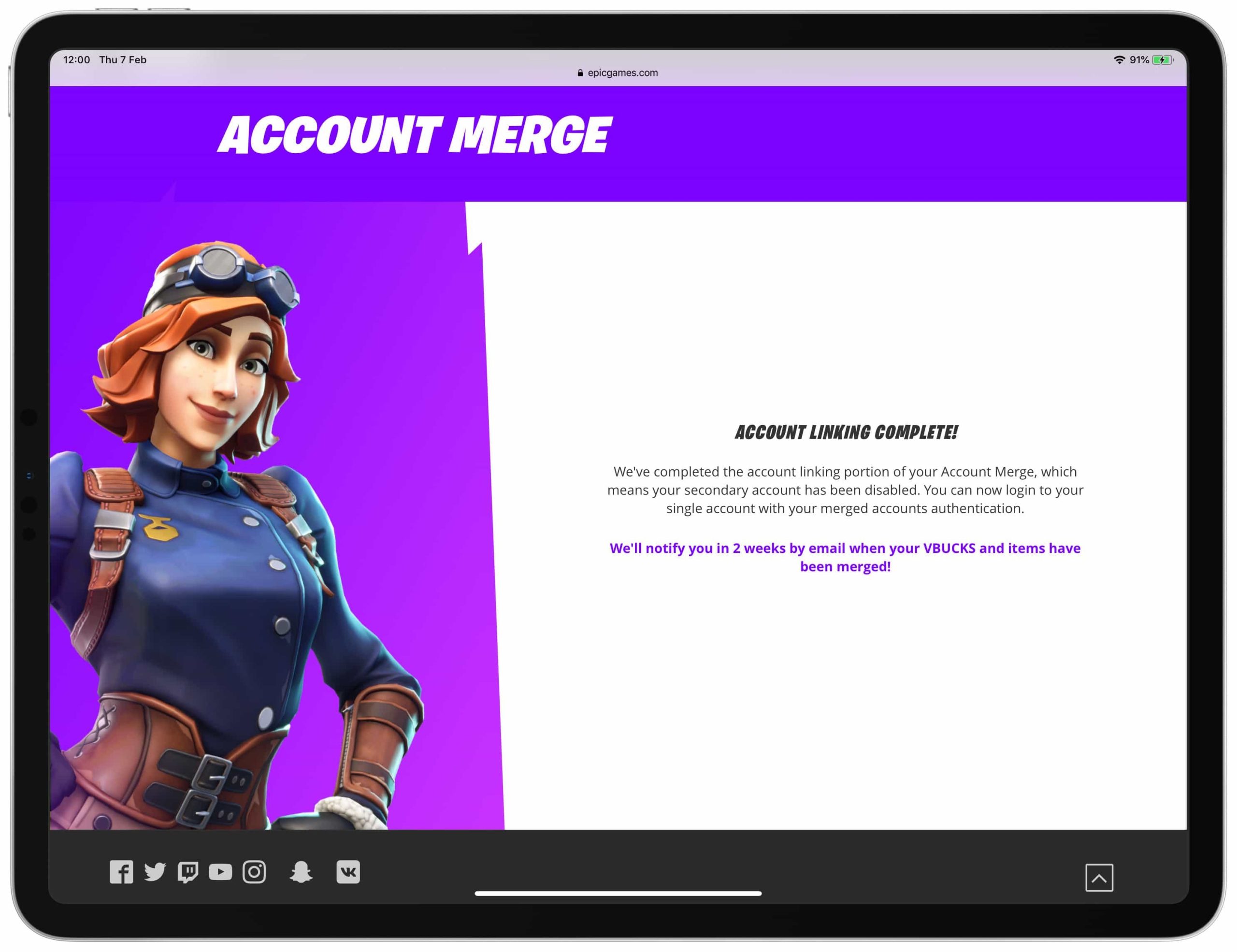
Unfortunately, you cannot merge two Epic Games accounts.
Ever found yourself wondering, can i merge 2 epic games accounts? It’s a common question for gamers who might have accidentally created multiple accounts or simply want to consolidate their game libraries. Many gamers are hoping to combine their game purchases, progress, and friends.
Unfortunately, Epic Games does not currently offer a direct account merging feature. This means that combining your two accounts into one is not possible. This can be frustrating for players with multiple accounts.

Can I Merge 2 Epic Games Accounts?
So, you’ve got two Epic Games accounts, maybe one you made a long time ago and another more recently? It’s a common situation, especially for gamers who’ve played on different platforms or over many years. You might be wondering, “Can I bring all my games, progress, and goodies from both accounts into one?” Well, it’s a tricky question, and the short answer is, officially, Epic Games doesn’t offer a direct ‘merge’ feature. But don’t worry! There are still ways to manage your game library and have a better gaming experience. Let’s dive deep into why merging is not a simple click away and what options you actually have.
Why Merging Isn’t a Thing
Epic Games handles account information in a specific way, and it’s not designed for easy merging. Think of each account as a separate house with all your games, friends, and progress inside. You can’t just pick up one house and move it to another without some challenges, right? Here are some key reasons why direct account merging isn’t available:
- Complex Data Structures: Game saves, achievements, in-game currency, and cosmetic items are all stored in different databases linked to your specific account. Moving this data and ensuring everything works perfectly is complicated. It’s not just about copying files; it’s about re-linking everything correctly.
- Conflict Resolution: What happens when both accounts have the same game, but different progress? Which save file wins? Epic Games needs to have a method to handle conflicts which is difficult to implement.
- Potential for Exploitation: If account merging were simple, it could lead to people trying to merge accounts to get unfair advantages, especially when accounts contain limited-time items or progress.
- Legal and Security Considerations: Merging data from different accounts has many legal and data security implications that are difficult to handle.
These technical reasons are why a simple merge button doesn’t exist. Instead of a direct merge, Epic focuses on other ways to help you manage your gaming.
Understanding the Limitations
Before we get to the good news about workarounds, let’s understand what you absolutely cannot do with multiple Epic accounts:
- Transfer Game Licenses: You cannot move a game license you own on one account to another. If you bought a game on account A, you need to use account A to play it.
- Transfer Game Progress: Game progress is usually linked to the specific Epic account and sometimes the game server. There isn’t a method to transfer game saves or level progression from one account to another.
- Transfer V-Bucks or Currency: Any in-game currency that you earned or bought on one account stays with that account. It cannot be moved.
- Combine Friend Lists: Friends lists are separate on each account. You cannot merge friends from two accounts into one.
Knowing these limits is very important before trying to manage your different accounts.
What You Can Do: Managing Multiple Accounts
Okay, so merging is out. But here’s where the good news comes in. Even though you can’t merge, you can effectively manage multiple Epic accounts to streamline your gaming. Here’s how:
Decide on a “Main” Account
The first and most vital step is to choose which account will be your main one. This is the account where you will primarily play and make future purchases. Think about which account has the most games you like, the most progress, or where your friends play. Making this decision will help you consolidate future activities and minimize confusion. For example, you should carefully review each account and note the following
- Game Library: Which account has the most of the games that you frequently play?
- Progress: Which account has better progress in specific games?
- In-game items: Which account has the most valuable cosmetic or rare items?
- Friends: Which account is linked to most of your friends?
Once you’ve identified the primary account, the next steps become a lot simpler.
Linking Accounts
While you can’t merge them, you can link your Epic Games account to other platforms which is helpful in multiple ways. Linking different platforms is beneficial for:
- Cross-Progression: Some games support cross-progression. If you play on your Epic Games account, you can sometimes access your save data if you’ve linked your platform account (like PlayStation, Xbox, or Switch).
- Playing on Different Devices: Linking your accounts will allow you to access your games across different devices on the linked platform.
- Making Login Easier: After linking different platforms, you can use those platforms to log into your account.
How to Link Accounts
Here is a simple guide to link different platform account to your Epic Account
- Go to the Epic Games website and log in to your account.
- Click on your username in the upper-right corner and select “Account”.
- Go to the “Connections” tab.
- Click the “Connect” button next to the platform you want to link (like PlayStation, Xbox, or Nintendo).
- Follow the on-screen instructions to connect your accounts.
Once linked, you’ll be able to access any available cross-progression features that are offered by some games.
Using a Single Account Moving Forward
After choosing your main account, make a conscious effort to use only that account. Buy new games, claim free games, and invite your friends there. This strategy will keep your game library all in one place and help minimize the need to think about old accounts.
- Keep track of your login information: Store your login information securely so you don’t accidentally log into the wrong account.
- Purchase Games on the Main Account: Make sure you are on your primary account before you make any purchases.
- Invite your friend list to the Main Account: If you were previously using the other accounts, notify your friends that you have switched to new account.
Utilizing Family Sharing Features
While not a true “merge,” some platforms have a “family sharing” feature. For example, if you play on a console like PlayStation or Xbox you can share some games with other accounts on the same console. However, remember that this method is specific to the console platform and won’t bring the game to a different console or a PC account.
Specific Game Considerations
Keep in mind that some games have their own specific ways of handling accounts and progress. For example:
- Fortnite: Fortnite progress is tied to your Epic Games account, including your cosmetics, stats, and V-Bucks. If you have two accounts with Fortnite on them, you can not transfer progress from one account to another.
- Rocket League: Rocket League uses a similar account structure as Fortnite. Progress is tied to the Epic Games account it is played with, and the data cannot be moved between accounts.
Always check the specific game’s documentation or support site to see if there are any special rules about how accounts work.
The Future of Account Management
While the official merging of two Epic Games accounts is not available as of right now, things in the world of gaming are always changing. Epic Games and the wider gaming world will always make changes based on how the users and the community react and what they want. If you have suggestions or requests, it’s helpful to share those with Epic Games through their official channels.
Alternative Methods: Contacting Support
In very rare and specific circumstances, contacting Epic Games support might be an option. These situations usually involve issues like accidental creation of duplicate accounts or accounts under different names. However, they generally won’t merge accounts just to transfer game licenses or progress.
When to Contact Support:
It’s worth contacting support when:
- You accidentally made two accounts and want help with consolidating things.
- There was a mistake in your account information that needs to be fixed.
- You have had a technical issue with accessing your account.
How to Contact Support:
Visit the Epic Games Support website for clear instructions. Remember to have all the necessary account details, like your username, email, etc., ready for their questions. However, be clear and realistic with your expectations: account merges are highly unlikely.
In conclusion, while the direct merging of two Epic Games accounts is not an option due to the technical and security challenges, there are various methods for you to manage and enhance your gaming experience. By selecting a primary account, linking platforms, and consistently utilizing your chosen account, you will effectively simplify the process. Remember that while progress and game licenses are not transferable, you can enjoy all your games and purchases on a single account.
Merging two EPIC GAMES ACCOUNTS?? #videogames #fortnite
Final Thoughts
Unfortunately, Epic Games does not allow direct merging of two accounts. This means you cannot combine your game libraries or progress. You have to choose one account.
You will need to pick the account you wish to keep. Then, you can consider re-purchasing any desired games on that primary account if needed.
To conclude, the answer to ‘can i merge 2 epic games accounts’ is definitively no; this functionality does not currently exist. Choose one main account.

