
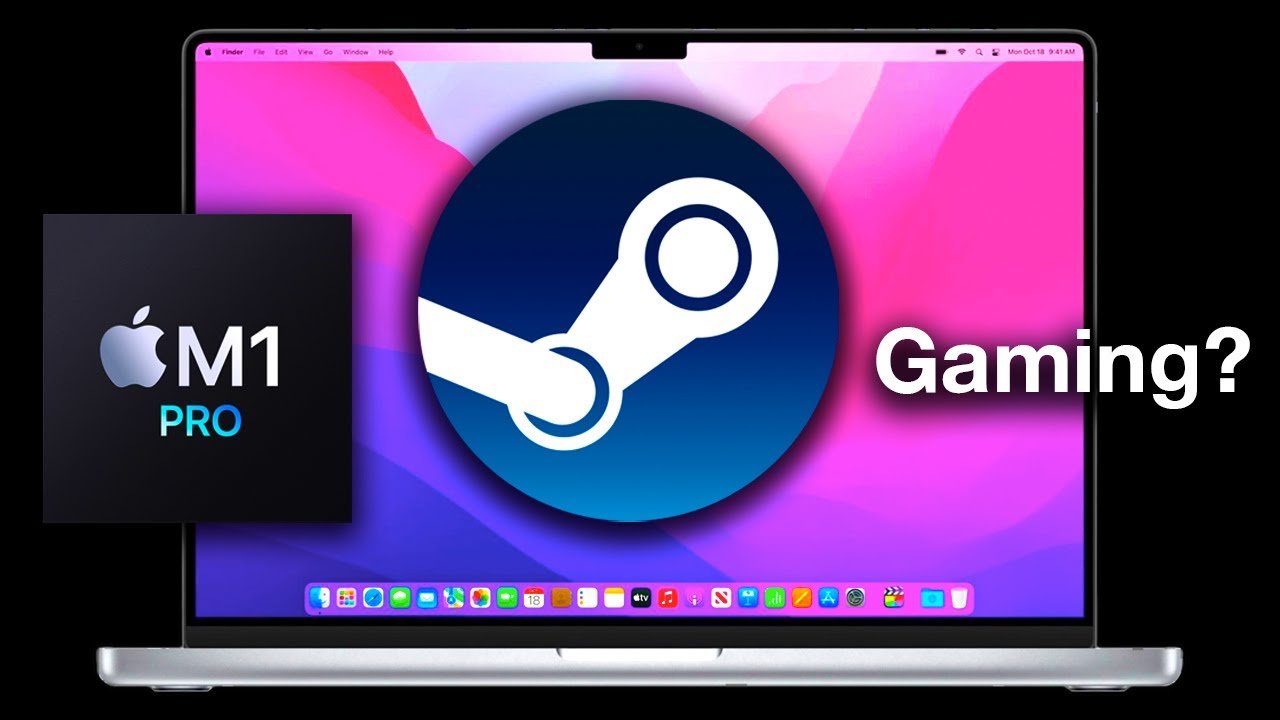
While some less demanding titles run okay, the MacBook Air is not primarily designed for playing most graphically intensive Steam games.
Curious if your sleek MacBook Air can handle your Steam library? Many users wonder can Macbook Air play Steam games, and the answer isn’t always straightforward. The Air is known for its portability and battery life, not for high-end gaming performance.
It really depends on the specific game you wish to play. Some indie titles or older games might work well, while newer AAA games will likely struggle to run smoothly.

Can MacBook Air Play Steam Games?
The big question on many minds: can you actually play cool games from Steam on a MacBook Air? The short answer is: it’s a bit complicated, but yes, you can! It’s not as simple as downloading any game and expecting it to run perfectly. Let’s dive into what that really means, so you can make an informed decision about gaming on your MacBook Air.
Understanding the MacBook Air’s Limitations
The MacBook Air is famous for being super thin, light, and having amazing battery life. But those features also mean it isn’t built like a super powerful gaming computer. It’s designed for everyday tasks, like browsing the internet, working on documents, and watching videos. Here’s why that impacts gaming:
Graphics Processing Power
Most gaming relies heavily on the graphics card, which is the part of the computer that makes the pictures you see on the screen. The MacBook Air uses an integrated graphics processor. Think of it like having a smaller, less powerful engine in a car. This is different than the dedicated graphics cards you might find in gaming laptops. Dedicated cards have their own memory and are specifically designed to handle complex graphics, making games run much smoother. The integrated graphics on the MacBook Air use the computer’s shared memory, which can slow things down when running demanding games.
This means that when you try to play a visually intensive game, the MacBook Air might struggle. You might see choppy graphics, slow gameplay, or even crashes. So, it is crucial to know which games are more compatible with MacBook Air’s integrated graphics.
Processing Speed
The processor (CPU) is like the brain of the computer. It performs all the calculations necessary for the game to run. The MacBook Air has a good processor for everyday use, but for complex games, that process might require a more powerful chip. The game has to perform countless calculations, such as physics simulations and handling multiple characters on screen. Some newer games will need a CPU with more power than a MacBook Air’s processor to run smoothly. Again this depends on the game you choose to play and how demanding it is.
Cooling
MacBook Air’s are designed without fans. The lack of fans makes it quiet and comfortable for using in an office, but it also means it doesn’t have a way to quickly cool down after intense work. When you are gaming, the processor and graphics chip work really hard. This causes the computer to heat up. Without a fan, the computer’s performance can drop to keep it from overheating. This drop in performance is called “thermal throttling.” This throttling can lead to a significant drop in frames per second (FPS), resulting in a laggy experience.
Which Steam Games Can You Play?
Even with these limitations, it doesn’t mean you can’t play anything on a MacBook Air! The key is to choose the right games. Here’s what to consider:
Less Demanding Games
Many smaller games don’t need powerful graphics or a super-fast processor. These can often run quite well on a MacBook Air. These types of games typically use 2D graphics or simple 3D models. Examples include:
- Indie games like Stardew Valley, Terraria, and Hollow Knight.
- Strategy games like Civilization V and Into the Breach.
- Puzzle games like Portal 1 and 2.
- Classic games that are older or require low system requirements.
These types of games focus more on the gameplay and story than intense graphics. This means they typically run well on the less powerful hardware found in a MacBook Air. If you love games with simple mechanics and a focus on creativity or strategy, there are many options that are very fun to play on your MacBook Air.
Older AAA Titles
Some older games that once were considered “big budget” (AAA) games can work well. These are older titles that are not as demanding on your graphics card. Examples include:
- BioShock
- The Elder Scrolls III: Morrowind
- Half-Life 2
- Star Wars: Knights of the Old Republic
Games that were originally released years ago often have more modest system requirements compared to today’s games. This allows them to run much better on less powerful computers such as a Macbook Air. While the graphics in these games may not be as amazing as modern games, many of them still provide fun gameplay and great stories.
Games with Low Settings
Some games allow you to adjust the graphics settings, which allows you to reduce the visual quality to improve performance. By turning down the graphics settings to low, you can allow some more demanding games to run better on your MacBook Air. This usually includes:
- Reducing the resolution (the number of pixels on the screen)
- Lowering the level of detail for objects in the game
- Disabling shadows, lighting, and special effects
These settings can make the game look a bit less pretty but can make a big difference in how well it runs. Sometimes you can find a balance between visuals and performance, so that you can enjoy the game with good frame rates without compromising too much on the graphics. Experimenting with different settings is key to finding what works best for your particular setup.
Games to Avoid
Just as there are games that work on a MacBook Air, there are others that you should avoid entirely. These are the games that are going to push your computer way beyond its limits. They simply will not run well at all, if they run at all. Here are a few types of games that you may want to skip on your MacBook Air.
- Newest AAA Games: Games with very detailed graphics and a lot going on in the game will be too much for the MacBook Air to handle. These games are very intensive, and will cause the laptop to run too slowly and likely overheat.
- Very Demanding Simulation Games: These simulations games require a lot of processing power and are often more than what a MacBook Air is capable of, even on the lowest settings.
- Games without Mac Support: Some games on Steam are only made for Windows computers. You won’t be able to play them on your MacBook Air at all unless you have a way of running Windows, such as through Bootcamp.
Trying to play these games on your MacBook Air will likely result in a very bad gaming experience, including low frame rates and crashing, or not being able to play the game at all. To avoid this, it is best to simply focus on games that you know your MacBook Air can handle.
Checking Game Requirements
Before you buy a game on Steam, you should always look at its system requirements. Steam shows you the minimum and recommended specifications for each game, so you can make an informed decision. The minimum requirements are the bare minimum needed to play, but the recommended is what they suggest for the game to run at its best. If your MacBook Air’s specifications are lower than the minimum, the game probably won’t run well. Here’s how to find the system requirements:
- Go to the Steam page for the game you’re interested in.
- Scroll down to the “System Requirements” section.
- Check if your MacBook Air meets the minimum requirements, especially for the graphics card and CPU.
Pay close attention to the graphics processing section, this is likely to be the most common problem area for your MacBook Air. If the game recommends a dedicated graphics card and your MacBook Air only has integrated graphics, that should be a red flag. Also, make sure that the game supports the MacOS platform as not all games are playable on Macs.
Using Cloud Gaming
If you really want to play more demanding games, even though your MacBook Air is not optimized for them, there is an alternative option called cloud gaming. This is a relatively new technology that allows you to play very demanding games on less powerful computers, like the MacBook Air. With cloud gaming, the game runs on a powerful computer somewhere else, and you simply stream the video of the game on your MacBook Air. This means that your own computer’s power does not matter nearly as much. Popular cloud gaming services include:
- NVIDIA GeForce Now
- Xbox Cloud Gaming
- Google Stadia (now shut down)
These services stream the gameplay video to your computer. This means the game runs on their powerful machines instead of your own. It feels like you are playing the game on your own computer, even though all of the processing and rendering is being done somewhere else. All your computer is doing is showing you the video that is being streamed from the server. This means that demanding games can be played on a less powerful computer such as a Macbook Air.
Requirements for Cloud Gaming
Cloud gaming does not rely on the hardware on your MacBook Air, but it does have it’s own requirements that you should be aware of.
- Good Internet Speed: You will need a reliable and fast internet connection to stream the video effectively. The faster your internet connection, the better your gameplay will be. For the best experience, you will need a good and strong internet signal that is stable.
- Subscription Fees: Most cloud gaming services will charge a monthly fee to use their service. So, you need to make sure that this service is within your budget before committing to using it.
Cloud gaming does have limitations, but it can be a good solution if you are wanting to play very demanding games on a MacBook Air. This can allow you to play games you would not otherwise be able to play on this machine.
Tips for Better Gaming on MacBook Air
Even if you are sticking with games that should work on your MacBook Air, there are ways you can make it run even better.
Close Unused Programs
Before you start playing, close any programs that you are not using. These programs can take up valuable processing power and RAM, causing your game to run slower. Having more free RAM will allow the game to run more efficiently. So, take the time to close out any programs and tabs that are not needed. This will greatly help to make the game perform better on your MacBook Air.
Keep your macOS Updated
Make sure you are using the latest version of macOS. Software updates can include improvements that help the MacBook Air perform more efficiently. They can improve how your computer performs and can help it run better overall. Apple regularly releases updates that include bug fixes and performance improvements, so it is important to stay up to date with these updates.
Adjust Game Settings
Lowering the graphics settings within the game will help the game to run much better. You can experiment with lowering the resolution, shadows, and other settings to find a balance that works well. Play around with these options, and you might be surprised with the improved performance that you are able to get.
Monitor Temperatures
Because the MacBook Air lacks a fan, it’s important to monitor the temperature. If your MacBook Air gets too hot, it may throttle performance and your games will run worse. Try to make sure that your MacBook Air is on a hard surface, not a soft surface such as a blanket. Soft surfaces will prevent air flow around your MacBook and will contribute to heat issues. You may also want to use a laptop stand to help provide more air flow around the laptop when gaming for extended periods of time.
In short, while a MacBook Air isn’t a gaming powerhouse, you can still enjoy a variety of games. Choosing the right games and using some simple tricks can go a long way in improving your experience. So, can you play Steam games on a MacBook Air? Absolutely – just choose wisely!
Can You Game On A New M2 MacBook Air?
Final Thoughts
MacBook Air’s gaming capability depends heavily on the game itself. Demanding titles won’t run well. Older or less graphically intensive games, however, can perform acceptably.
Therefore, can macbook air play steam games? Yes, but with limitations. Game selection matters. Expect lower settings and framerates in many situations.
Ultimately, the MacBook Air is not a gaming machine, it’s a productivity-focused laptop. While it handles some Steam games, it’s not the ideal platform for serious gamers.

