
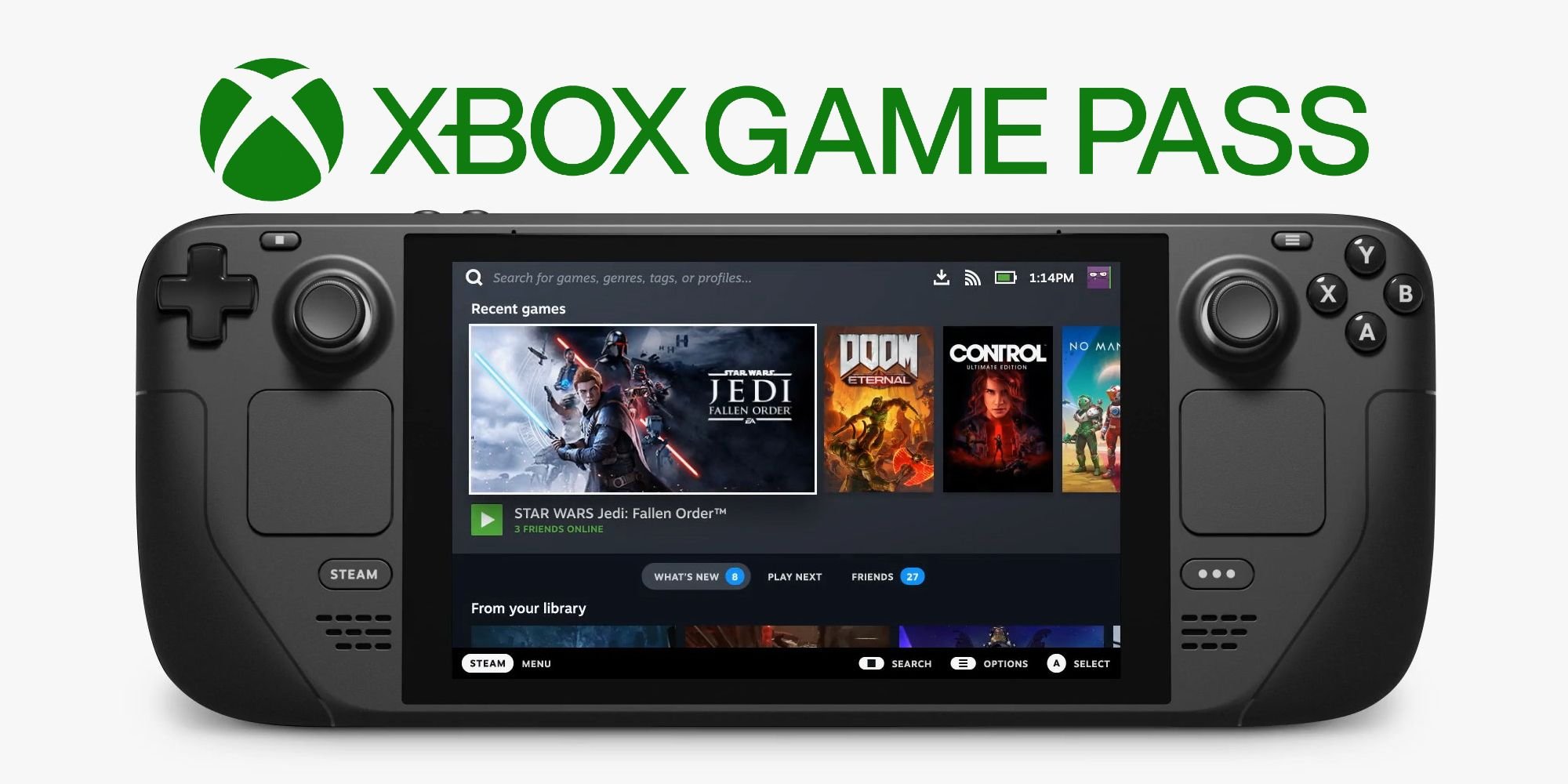
No, PC Game Pass and Steam games generally cannot directly play with each other due to different platforms and server systems.
The question on many gamers’ minds is: can PC Game Pass play with Steam? It’s a common desire to link up with friends regardless of where they purchased their games. Many want to play the same game together.
Unfortunately, most games do not support cross-play between these two platforms. Each uses its own networks and authentication systems. This can present some challenges for gamers.

Can PC Game Pass Play with Steam?
The question of whether PC Game Pass and Steam games can play together is a common one, and for good reason. Both platforms are home to tons of amazing games, but they operate using different systems. It can be tricky to figure out if you can jump into a multiplayer game with your friend who owns the game on a different platform. Let’s explore this topic and break down exactly how cross-play, or the lack thereof, works between PC Game Pass and Steam.
Understanding Game Platforms: PC Game Pass vs. Steam
Before we dive into cross-play, let’s make sure we all understand what PC Game Pass and Steam are. Think of them as two different video game stores for your computer.
PC Game Pass: A Subscription Service
PC Game Pass is a subscription service from Microsoft. Instead of buying individual games, you pay a monthly fee to access a huge library of titles. This library includes many Microsoft-published games, as well as titles from other developers. You download and play the games through the Xbox app on your PC. Games are downloaded onto your device, not streamed like some other services. Think of it like a library, where you borrow books (games) for as long as you have your membership.
Steam: A Digital Game Store
Steam, from Valve, is a digital store where you purchase games individually. Once you buy a game, it’s yours to keep and download as many times as you want. Steam also has many features for players, like friends lists, achievements, and community forums. You download the games directly to your PC through Steam’s application.
The Core Issue: Different Ecosystems
The main reason why cross-play isn’t always simple between PC Game Pass and Steam is that they function as separate ecosystems. They use different online services for multiplayer functionality, even when the game itself is the same. They’re like two different stores selling the same product but having their own way of handling purchases, downloads, and multiplayer connections. Here’s a breakdown of why this matters:
- Multiplayer Servers: Each platform often uses its own servers for multiplayer games. This means when you try to connect online, the game attempts to find other players who are using the same platform.
- Friend Lists: PC Game Pass and Steam keep their friend lists separate. The same is true for your in game profile and progression. You can’t see your Steam friends on your Xbox app, and vice-versa. It makes it difficult to quickly invite someone you are already friends with, if they are not using your platform.
- APIs and Integrations: The platforms use different application programming interfaces (APIs) for things like achievements, voice chat, and invites. These differences are not always compatible between different game ecosystems.
When Cross-Play Is Possible: The Role of Developers
While direct cross-play between all PC Game Pass and Steam games isn’t a given, it is still possible. It all comes down to the game’s developers. They are the ones who decide if the game can bridge the gap between platforms. The way they do this is by using something that is commonly referred to as ‘crossplay’ or ‘cross platform’ functionality.
How Cross-Play is Implemented
If a developer wants to enable cross-play they have a couple of different options.
- Developer Run Servers: Sometimes, developers host their own dedicated servers that players from both Steam and PC Game Pass can connect to. This works because the game does not depend on the platform for multiplayer functionality. The developers code it in so that it can use its own custom backend. In this situation, players usually sign in with a game-specific account instead of an Xbox or Steam account.
- Platform Agnostic Multiplayer: Games can be designed to use a platform agnostic multiplayer solution, which allows the servers to identify users irrespective of what client they are using. The game itself identifies which profile is which, which is usually tied to a developer specific account. This requires more effort, as the developer must write the entire system.
Games That Often Feature Cross-Play
Certain types of games are more likely to offer cross-play between Steam and PC Game Pass due to the nature of their multiplayer functionality.
- Big, Ongoing Multiplayer Titles: Games such as Sea of Thieves, Halo Infinite, and Grounded, all feature crossplay between Xbox/Game Pass and Steam, this is due to many factors. They are often very popular and require large player bases to keep a healthy online environment. The increased size of the player base also allows players to find matches faster, increasing player satisfaction. These games are also designed with crossplay in mind from the beginning of development, as it is key to their functionality.
- Games with Developer-Run Servers: Titles that use their own servers, such as Minecraft, are good candidates for cross-play. This is because the game itself runs without the need for Steam or Xbox’s multiplayer systems, making the players location on either service almost irrelevant.
How to Figure Out if Cross-Play is Supported
It can be frustrating when you aren’t sure if a game you want to play with your friends is cross-play compatible or not. Here’s how to check:
Look at the Game’s Store Page
The easiest way is to check the game’s page on the platform you are using. Look for keywords, such as “cross-play” or “cross-platform” in the features list. Here is how you can look for this in both Steam and the Xbox app.
Checking Steam:
On the Steam page, you should scroll to the game’s feature list which is usually listed on the right side of the screen. Below the “About This Game” section, there is a box titled “Features” that contains all relevant features. If the game features cross-play, it should usually be listed here.
Checking Xbox PC App:
On the Xbox app, when you navigate to a game page, you will find the “Details” section. If you scroll to the bottom of the section you may find the text ‘Cross-platform multiplayer’ if cross-play is supported.
Check the Developer’s Website or Social Media
Game developers often announce features such as cross-play on their websites or social media pages. For instance, checking their FAQs or announcements page is a good place to start. You can also check their social media pages like Twitter or Reddit to see if they’ve made mention of this feature. You can often find community run pages such as subreddits which may contain more detailed information from other players.
Consult Gaming News Websites and Forums
Websites like IGN or PC Gamer often review games and talk about cross-play. Reading through articles will usually give you an idea of if a game has this functionality, and if so how it works. You can also check popular gaming forums like Reddit or Steam forums for discussions about specific games, where users often share if cross-play works. These will also often come with notes about if there are any problems with this feature.
The Importance of Game Updates
Keep in mind that games are always being updated. A game that doesn’t have cross-play when it launches could get it later in an update. Always keep an eye on patch notes and developer announcements for any updates to the game. They will usually include information about any added cross-play functionality. You can often find these in game, or on the games respective store page.
Examples of Cross-Play and No Cross-Play
Let’s take a look at some specific examples to illustrate the point.
Games with Cross-Play
Here are some popular games that allow you to play with your friends whether they are on Steam, Xbox or Game Pass:
- Sea of Thieves: Players can team up and sail the seas together.
- Minecraft: This is one of the earliest games to allow players on most platforms to play together.
- Grounded: Players can experience a huge world shrunk to the size of an ant in multiplayer.
- No Man’s Sky: You can explore the entire universe with players from multiple platforms, including Game Pass, Steam, and Xbox.
Games That Typically Lack Cross-Play
Many games still don’t offer cross-play functionality between Game Pass and Steam, especially older titles. Here are some examples of where that’s commonly the case:
- Older Single Player Titles: Single player titles generally never support crossplay due to not needing a multiplayer infrastructure.
- Multiplayer Games with Inbuilt Platform Support: Some multiplayer games like Counter Strike only allow players on the Steam platform to play together. This is due to the game being developed in a way that depends on the Steam network.
What About Game Saves?
Game save transfers between platforms are a whole different issue. Some games do offer cross-save functionality that allows you to transfer your progress from one platform to another. However, it’s important to note that this is different to cross-play. Some games feature both cross-play and cross-saves.
How Cross-Saves Typically Work
Cross-saves usually work by linking your account to a cloud service associated with the game. This means your progress and in-game settings are saved to the cloud. Then, if you decide to play the game on a different platform, the game will download your saves from the cloud. However, this usually works if you are using the same account on all different platforms. For example, if you are playing a Microsoft game on both PC and Xbox, you will be able to share game saves between both. This does not work between a PC Gamepass install and a Steam install.
Cross-Saves and Cross-Play: An Important Distinction
It is important not to confuse cross-saves with cross-play. Cross-play is the ability to play in the same online session with players from other platforms. Cross-save is the ability to transfer game saves between two platforms. Some games will allow both. However, there is usually no relation between the two different features.
Future of Cross-Play Between PC Game Pass and Steam
The future of cross-play is likely to continue to improve. Developers are now aware of how important cross-play is to players. Many games are being developed with crossplay in mind from the beginning. As more and more games launch with cross-play functionality we will probably see it be a standard feature. This will allow players to more easily connect and play with their friends, regardless of which system they use to play. With the development of more generic gaming engines such as Unity, the game development process is becoming more accessible. This will give independent developers the tools to create games with high levels of cross-play support.
The ability to play with friends regardless of what platform they are playing on is an exciting prospect for gamers. As gaming continues to develop cross-play functionality will continue to improve, which will be great for players all around.
Is Game Pass on Steam Deck good enough? 🤔
Final Thoughts
Crossplay between PC Game Pass and Steam depends on the game itself. Developers must enable this feature for it to work. Some games support it, while others do not.
Therefore, ‘can pc game pass play with steam’ is not a universal yes or no answer. You need to check each specific game to confirm if cross-platform play is available.

