
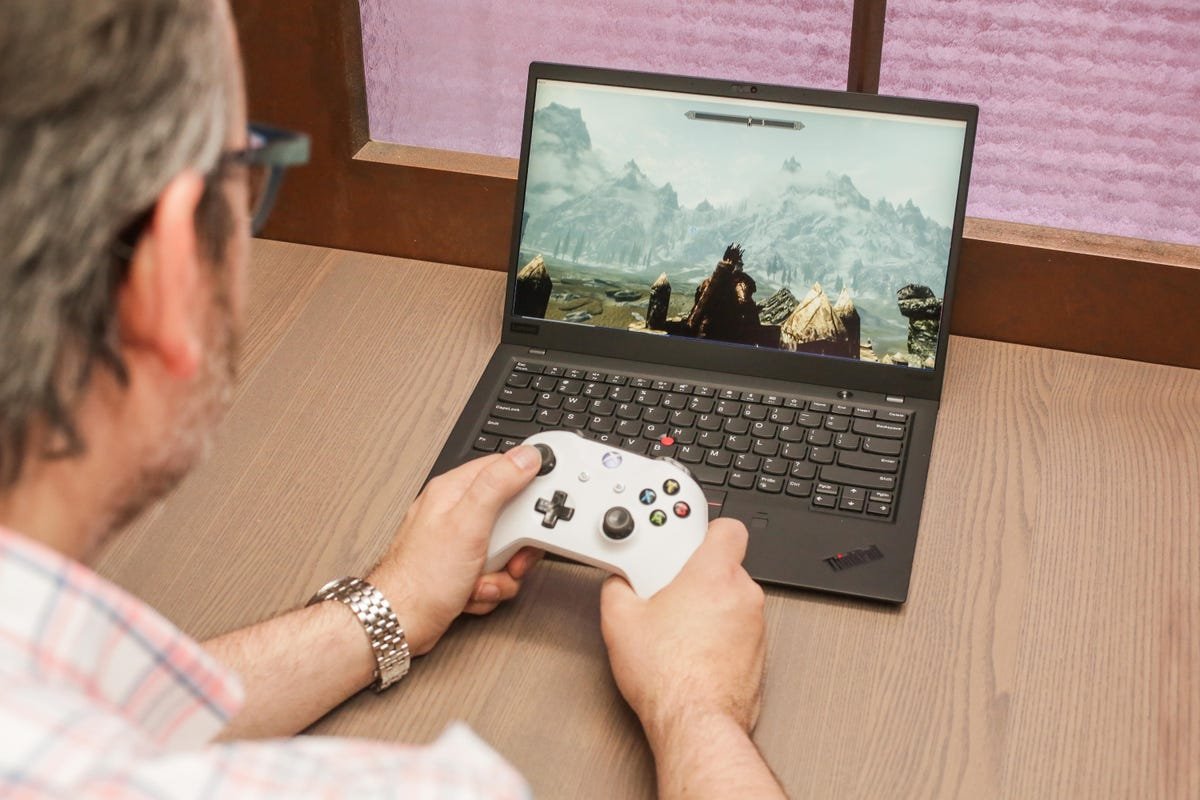
Yes, you can game on a laptop, although the experience varies greatly depending on the laptop’s specifications.
Thinking of getting into PC gaming but unsure if a laptop will cut it? It’s a common question, “can you game on a laptop?”. Many people wonder if these portable machines can handle the demands of modern games.
The answer isn’t always a simple yes or no. It really depends on the type of laptop you’re using and the games you want to play. Performance ranges significantly, some laptops excel while others struggle.

Can You Game on a Laptop? Let’s Dive In!
So, you’re wondering if you can actually play video games on a laptop? The short answer is a big, resounding YES! But, it’s not quite as simple as just grabbing any laptop and expecting to play the latest games at top settings. There’s a bit more to it. Let’s explore the world of laptop gaming together!
Understanding Laptop Gaming Power
Think of a laptop like a car. Some cars are built for speed and racing, while others are better for carrying lots of people and cargo. Laptops are similar. Some are designed for everyday tasks like browsing the internet or writing papers, and some are specifically built for gaming. The key difference is in the parts inside.
The Crucial Components: What Makes a Gaming Laptop Tick
To understand if a laptop can handle gaming, you need to know about a few main parts:
- The Graphics Card (GPU): This is the most important part for gaming. It’s like the engine of a race car for video games. It helps draw the images you see on the screen. A powerful graphics card will allow you to play games at higher settings and with smoother movement.
- The Processor (CPU): This is the “brain” of the computer. It tells the other parts what to do. A good processor makes sure the game runs smoothly and doesn’t get stuck.
- RAM (Random Access Memory): Think of RAM as short-term memory for the computer. It stores data that the computer is currently using. More RAM allows the computer to do more things at once, which helps with gaming.
- Storage (SSD or HDD): This is where the games are stored. Solid State Drives (SSDs) are much faster than Hard Disk Drives (HDDs), meaning games will load quicker. SSDs are generally better for gaming if your budget allows.
- Display: A good display makes a big difference. Look for a screen with a high refresh rate (how many times the image is updated per second, measured in Hertz, Hz) which helps reduce motion blur, and a good resolution (how clear the image is).
So, when you’re looking at a laptop to play games, these are the main parts you should pay attention to. A good gaming laptop will have strong versions of each of these.
Laptop Types and Gaming
Not all laptops are created equal. There are different kinds, and they’re all better at doing different things. Here’s how they match up with gaming:
Everyday Laptops
These are laptops that are great for schoolwork, browsing the internet, and watching videos. They usually don’t have powerful graphics cards. This means they might struggle with newer and more demanding games. You can often play older or less graphically intensive games on them like many indie games, or games with simpler graphics that are available on your app store. Think of games like Minecraft, Terraria, or Roblox.
Gaming Laptops
Gaming laptops are built from the ground up for, well, gaming! They have powerful graphics cards, fast processors, a lot of RAM, and often SSDs. They also have better cooling systems to stop the computer from getting too hot while you play. They’re usually bigger and heavier than everyday laptops, and they’re more expensive, but they provide the best laptop gaming experience.
Business Laptops
These laptops are designed to be powerful for tasks like spreadsheets and video calls. They may sometimes have decent graphics cards that are capable of playing some games, especially older titles or games at lower settings. They might not be as good at handling very demanding games like gaming laptops but can handle simpler graphics games.
Setting Your Game Expectations
Okay, you’ve got a laptop, and you want to play some games. Awesome! Before you get started, it’s good to know what to expect. Not every laptop can play every game well.
Understanding Game Requirements
Each game has its own requirements for what type of computer is needed. These requirements are usually listed on the game’s box or download page. They’ll often say something like “minimum requirements” and “recommended requirements”.
- Minimum requirements mean that the game will run, but maybe not very well, and with low settings.
- Recommended requirements are what the game developers think you need to play the game nicely, at good settings and without lagging or freezing.
If your laptop doesn’t meet the minimum requirements, the game may not even start or will be unplayable. Try to match or exceed the recommended requirements for a good gaming experience.
Frame Rates: What Are They and Why Do They Matter?
Frame rate is how many pictures or frames your computer shows you every second. It’s measured in frames per second (FPS). A higher FPS makes the game feel smoother and more responsive. If the FPS is low, the game will look choppy or like it’s skipping.
- 30 FPS: This is usually considered the minimum for a playable game. It might not look super smooth, but it’s okay.
- 60 FPS: This is the gold standard for gaming. The game looks smooth, and there’s minimal lag.
- Over 60 FPS: Some gamers like to push their systems to achieve even higher FPS. Often higher refresh rate monitors will be used with this to get the most out of it.
When you play on a laptop, you may have to adjust the game’s graphics settings (like how much detail the game has) to get the frame rate you want.
The Pros and Cons of Laptop Gaming
Laptop gaming has some really great advantages and a few things you should keep in mind.
The Advantages of Gaming on a Laptop
- Portability: The biggest reason to choose a laptop for gaming is portability. You can take it anywhere and game on the go.
- All-in-One: A laptop has everything you need in one package: screen, keyboard, mouse trackpad, etc. You don’t need to buy extra parts.
- Multiple Uses: A gaming laptop isn’t only for games. You can also use it for schoolwork, browsing the web, and other things.
The Disadvantages of Gaming on a Laptop
- Cost: Gaming laptops are generally more expensive than non-gaming laptops or desktop computers with similar power.
- Limited Upgrades: It’s often difficult to upgrade a laptop, meaning if you want to upgrade a component you may need to buy a whole new laptop. This is unlike desktop computers, where you can change parts more easily.
- Heat: Gaming laptops can get very hot, especially during long play sessions. They can also be quite noisy.
- Battery Life: When gaming, the battery life of a gaming laptop drains much faster than if it is being used for less demanding tasks. Often you need to have the laptop plugged into power.
- Performance Limits: Even the most powerful gaming laptops can have some performance limits compared to equally expensive desktop computers. Desktops usually get more raw power for the money.
These advantages and disadvantages are important to keep in mind when deciding between gaming on a laptop or gaming on a desktop.
Making the Most of Laptop Gaming
So, how can you make your laptop gaming experience better? Here are some tips:
Cooling
As we mentioned before, laptops can get hot. Here’s how to keep it cool:
- Cooling Pads: These are stands that have built-in fans to help circulate air around the laptop.
- Elevate your Laptop: Make sure your laptop is not on a soft surface that can block vents. Try raising it on a book or a stand.
- Avoid Overclocking: While overclocking can make your computer run faster, it also makes it generate more heat. If you are not an expert with computers, its best to avoid this.
Optimizing Game Settings
Tweaking your game settings is important to balance visual quality and performance:
- Lower Graphics Settings: Turn down settings like shadows, textures, and draw distances to increase FPS.
- Resolution: Lowering the screen resolution can help with FPS, although it can also impact the quality of the image.
- Close Background Apps: Having lots of apps open in the background can reduce the performance of your laptop.
- Update your drivers: It’s important to keep your graphics drivers updated to make sure that the game can be played at the best performance.
Peripherals
Even though laptops have built-in keyboards and trackpads, you can improve your gaming experience with peripherals:
- Gaming Mouse: A good gaming mouse offers more precise control than a trackpad.
- Gaming Keyboard: Mechanical keyboards and keyboards with more features can help with gaming.
- Gaming Headset: Headsets with good sound and microphones can improve your gaming with friends online.
- External Monitor: Connecting an external monitor can give you a bigger screen, which can be useful when gaming.
Software
There are some useful pieces of software you can use for gaming:
- Game Launchers: These programs can make it easier to manage and play your games. Examples are Steam, Epic Games, GOG, etc.
- Performance Monitoring Software: These can be used to see if a game is running as expected, they can often track FPS, CPU and GPU load etc. This can help you to determine bottlenecks on your system.
- Driver Management: These apps help keep your driver up to date, for your graphics cards.
Choosing the Right Gaming Laptop
If you decide you want a gaming laptop, here’s what to consider when choosing:
Budget
Gaming laptops can vary in price. Having a budget in mind will help you narrow down your options. Decide what performance you require for your budget.
Intended Games
Make a list of the games you want to play and check their minimum and recommended requirements. Make sure the laptop you choose can run those games well.
Screen Size and Resolution
Choose a screen size and resolution that suits you best. Screen sizes vary, and if you find yourself moving your laptop around often, you may want to consider this when deciding on what to buy.
Brand and Reviews
Look at different brands and read reviews from other users. It is a great way to see if there are any known issues with specific models.
Consider Future Needs
Think about how your needs might change in the next few years, as games will likely need more power to run, so you may need to account for that, if your budget allows.
In conclusion, yes, you can absolutely game on a laptop! It’s not just a myth or a dream; it’s a very real and enjoyable experience. The key is knowing what to look for in a laptop and setting your expectations based on the hardware. By understanding the components that power gaming, setting realistic expectations for performance, and using some helpful tips to get the most out of your gaming sessions, you can game to your heart’s content. Whether you choose an everyday laptop for some less-intensive gaming, or a fully-fledged gaming laptop for the latest AAA titles, the world of video games is ready to be explored.
I Turned My BUDGET Laptop Into A Gaming PC…
Final Thoughts
Yes, you absolutely can game on a laptop. Modern laptops offer dedicated graphics cards and powerful processors. This makes playing many games possible.
However, performance varies based on the laptop’s specifications. Gaming laptops typically cost more than standard laptops. ‘can you game on a laptop’ depends heavily on budget and desired game quality.
Ultimately, the answer is yes with caveats.

