
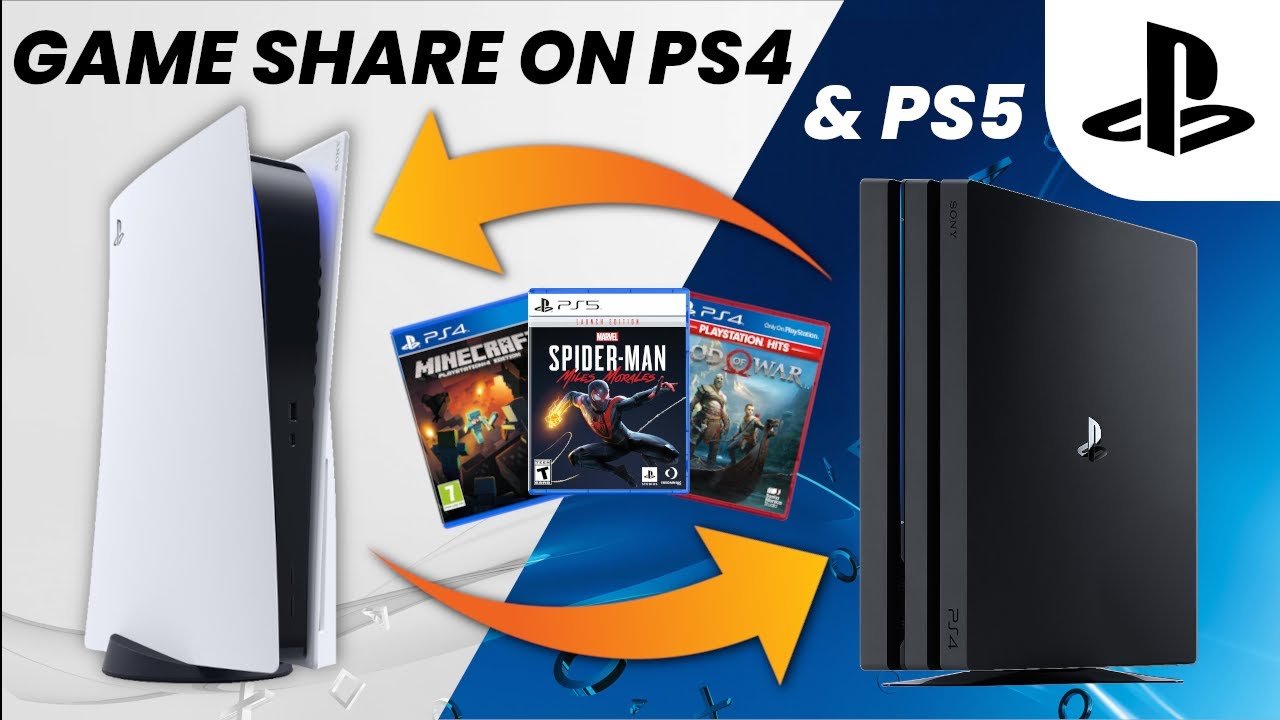
Yes, you can game share Call of Duty: Modern Warfare 3 on PlayStation and Xbox consoles, though it has some limitations.
Want to play Call of Duty: Modern Warfare 3 with your friend but only one of you bought it? The question “can you game share cod mw3” is a common one. Many players explore this option to save money or play with others.
Game sharing allows you to access a game purchased by someone else on a different console within the same family. It works, but it’s not always straightforward, so it’s worth understanding the specifics first before trying.

Can You Game Share Call of Duty: Modern Warfare III?
Okay, let’s talk about something super important for gamers: sharing games! You and your friends probably want to play the latest Call of Duty: Modern Warfare III (MW3), right? But what if you want to share it? Can you actually do that? It’s a great question, and the answer depends on a few things. It’s not always as simple as handing over a disc anymore. Let’s break it down and make it easy to understand.
What Does “Game Sharing” Really Mean?
Game sharing is basically like lending a book to a friend. Instead of a book, it’s a video game. You’re letting someone else play a game that you bought. In the old days, you could just give your game disc to someone, but it’s more complex now with digital downloads. Most game sharing involves linking your game account to another console or device. Each platform (like PlayStation, Xbox, or PC) has its own way of doing this, and they all have different rules.
Game Sharing on PlayStation
PlayStation consoles, like the PS5 and PS4, allow game sharing through a feature called “Console Sharing and Offline Play.” This system lets one PlayStation console be designated as the “primary” console for an account. This is important because any other accounts logged onto that primary console will be able to access any games purchased with the designated primary account, even when the primary account is not actively in-game. Here’s a step-by-step look:
How to Set Up Console Sharing on PS5
- Log in: Make sure the account that owns MW3 is logged in on the console.
- Go to Settings: Find the Settings menu on your PS5 (it’s the little gear icon).
- Users and Accounts: Select “Users and Accounts.”
- Other: Then, pick “Other.”
- Console Sharing and Offline Play: Choose this option.
- Enable Sharing: If it’s not already, click “Enable.”
Now, anyone using that PlayStation console can play your digital games. If you sign into a different PlayStation console with your account, you won’t be able to play your games there, unless you disable Console Sharing on the other PS5 and enable it again on the new one, but the downside is that other accounts can’t play the games on the previous PS5.
Key Things to Know About PS5 Game Sharing
- One Primary Console: You can only have one “primary” PS5 at a time.
- Digital Games Only: This only works for games bought from the PlayStation Store. It won’t work if you have a physical disc copy of MW3.
- Simultaneous Play: You and the person you are sharing with cannot play the same game at the same time using the same account. If you’re signed in and playing MW3, the other person using the secondary account will not be able to.
- Account Sharing Risks: Remember, you’re sharing your entire account, so the other person could access your other games. Be careful who you trust!
PS4 Game Sharing: A Similar Process
Game sharing on the PlayStation 4 works similarly. The steps are a bit different, but the basic idea is the same. You need to activate a primary PS4 for your account. If you’re still on PS4, you can share with a friend by following these instructions:
- Log in: Log in to the PS4 with the account that has MW3.
- Go to Account Management: Head to “Settings,” and then “Account Management.”
- Activate as Your Primary PS4: Select “Activate as Your Primary PS4.”
- Activate: Click “Activate” and confirm.
Just like the PS5, other accounts on this PS4 can play your games. You can only have one primary PS4 at a time as well, the risk of account sharing also applies to the PS4.
Game Sharing on Xbox
Xbox consoles, including the Xbox Series X, Series S, and Xbox One, have their own way to share games, called “Home Xbox.” This system allows you to designate one console as your “home” Xbox. This is the console where your games can be played by any other accounts, even without you being logged in. Here’s the lowdown:
Setting Up Your Home Xbox
- Log In: Make sure you are logged in with the account that owns MW3.
- Go to Settings: Open the settings menu by pressing the Xbox button.
- Personalization: Select “Personalization.”
- My Home Xbox: Find the option “My home Xbox.”
- Make this my Home Xbox: If your Xbox is not currently set as your Home Xbox, select “Make this my home Xbox.”
Once you set an Xbox console as your home, anyone else using that console can play games you own.
Important Points About Xbox Game Sharing
- One Home Xbox: Just like PlayStation, you can only have one “Home Xbox” at a time.
- Digital Games Only: This feature works only with games you bought digitally from the Microsoft Store. Discs won’t work.
- Simultaneous Play: You cannot play the same game simultaneously using the same account. If your friend plays a game with an account shared by your home Xbox, you will not be able to play the same game on another console at the same time.
- Account Safety: Sharing your account has the same security implications as PlayStation, always use caution when sharing your account details.
Can You Game Share Call of Duty: Modern Warfare III on PC?
PC gaming is a bit different than consoles. There isn’t a simple “one-button” way to share games like on PlayStation or Xbox. Instead, game sharing is much more reliant on what platform you bought the game on, as well as the games own features, since many game launchers do not support game sharing. Here’s what you need to understand:
Steam Game Sharing
Steam, a popular PC gaming platform, has a feature called “Family Sharing”. Here’s how it works:
- Enable Family Sharing: From your Steam Account, go to Settings, then select the “Family” tab and activate Family Sharing.
- Authorize Devices: Authorize the computers and accounts you want to share with.
The key thing is that when you authorize a computer, anyone that logs into that computer will be able to play all the games in your Steam library. Here are a few important factors to consider:
- Library Access: Family Sharing provides access to the games within the account you have shared. The game library of the sharing account must be available to the user receiving the game, if that library is in use, then other accounts cannot play the same game on different devices.
- One Player at a Time: You cannot play the same game simultaneously with shared games from family sharing. If you are in game, the other player cannot access the game, and vice versa.
- Some Games Cannot Be Shared: There is a list of games that cannot be shared, especially those with third party accounts or certain DRM (Digital Rights Management).
Battle.net Sharing
Battle.net, the platform for Call of Duty, doesn’t have a direct “game sharing” feature like Steam’s Family Sharing or console’s home device sharing. Battle.net games are tied to the account that purchased them. Here are some things to consider regarding Battle.net games like MW3:
- No Formal Sharing: You cannot officially share MW3 or other games via a family plan or other sharing features.
- Account Sharing: To share, you must share your login credentials, which may violate the terms of service. This method is not recommended.
Common Issues and How to Fix Them
Sometimes game sharing doesn’t go as planned. Here are some typical problems and how to solve them:
- “Game is Locked”: This often happens when the console or device isn’t set as primary or Home. Double-check your settings.
- Too Many Accounts Sharing: You can only share with a certain number of devices. Make sure you’re not exceeding that limit.
- Internet Connection Issues: Sometimes game sharing needs a strong internet connection to verify licenses. Make sure your internet is working correctly.
- Account Ownership: The person who owns the game needs to have their account set as the primary. Make sure you have not logged out of the account that owns the games.
- Game Updates: Keep your game and your console or PC updated, sometimes this can break certain settings or features.
- DRM Restrictions: Games that use third party accounts or launchers sometimes will not let you play the games on multiple accounts using account sharing or device sharing.
A Quick Summary
Let’s recap. Here’s a table summarizing if you can game share MW3 on different platforms:
| Platform | Game Sharing Method | Can You Share MW3? |
|---|---|---|
| PlayStation (PS5/PS4) | Console Sharing (Primary Console) | Yes (Digital Only) |
| Xbox (Series X/S/One) | Home Xbox | Yes (Digital Only) |
| PC (Steam) | Family Sharing | Potentially (Limitations Exist) |
| PC (Battle.net) | No Official Method | Not Recommended |
In short, yes, you can usually share MW3, but how you do that depends on the platform. You need to use your console’s sharing system or Steam’s Family Sharing if you bought it there. Remember the important rules, like only having one home console and one player at a time, for the shared game.
Game sharing can be a great way to play games with your friends and family, but be aware of the limitations and risks. Always be careful when sharing your account details and make sure you are following the rules of each platform.
MW3 PS4/PS5: How to Gameshare Full Tutorial! How to Play Multiplayer, Campaign, & Zombies Free!
Final Thoughts
Game sharing Call of Duty: Modern Warfare 3 depends on your platform’s specific policies. Generally, PlayStation and Xbox allow sharing with some restrictions, like primary console activation. Consider these limitations before trying to share.
Therefore, if you are wondering, ‘can you game share cod mw3’, the answer hinges on those platform rules. It’s not always a straightforward process, but it is a possibility. Always consult the official guidelines of your specific console for details.

