
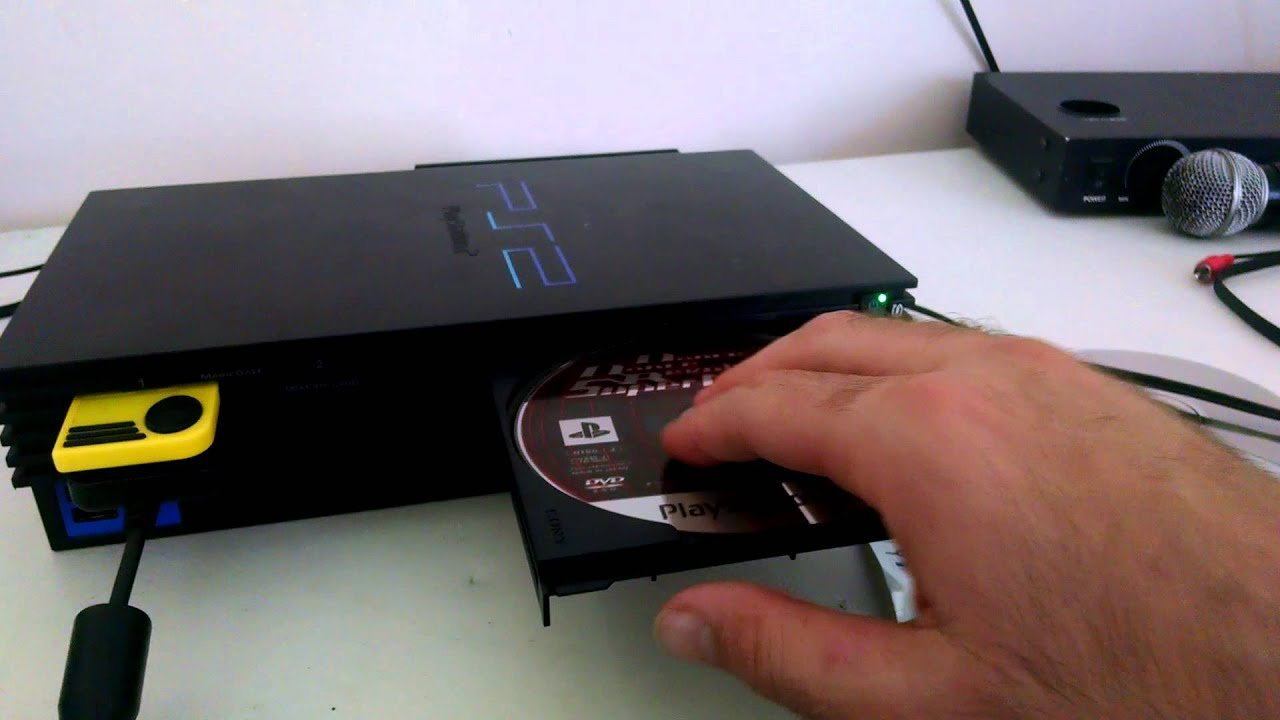
No, you cannot directly play Japanese PS2 games on an American PS2 console due to regional lockout.
So, you’ve got your hands on some sweet Japanese PS2 games, and now you’re wondering, can you play Japanese PS2 games on american PS2? That’s a valid question for any retro gamer. The answer, unfortunately, isn’t a simple yes.
The PlayStation 2 utilizes a regional lockout system. This means that consoles are designed to play only games released within their specific region. Thus, a Japanese game will not normally work on an American console.

Can You Play Japanese PS2 Games on American PS2?
Let’s dive into the world of PlayStation 2, a console that brought us so many awesome games. One question many gamers have is, “Can I play games from Japan on my American PS2?” It’s a great question, and the answer involves a little bit of technical stuff, but don’t worry, we will break it down simply. You see, video games, like DVDs and Blu-ray discs, are often made with certain “regions” in mind. These regions are like different countries having their own rules about what can be played where. This is due to something called region locking.
Understanding Region Locking on the PS2
The PlayStation 2 uses region locking to make sure that games from one part of the world only work on consoles from that same region. Think of it like having a special key that only opens a lock in a particular place. Games made for Japan (NTSC-J region) won’t play on consoles made for the USA (NTSC-U region) without some tinkering. Similarly, games from Europe (PAL region) also have their own key and won’t play on consoles from other regions without some adjustments.
What are the Different PS2 Regions?
The PS2 has three main regions:
- NTSC-J: This is for Japan and other parts of Asia.
- NTSC-U/C: This is for the United States, Canada, and other parts of North and South America. Sometimes you will see it just called NTSC-U.
- PAL: This is for Europe, Australia, and some parts of Africa and Asia.
Each of these regions has its own specific video signal and encoding standards. The problem arises because the NTSC-J games are made using a 60 Hz signal and NTSC-U console also understand 60 hz signal whereas, PAL region games work on a 50 Hz signal. That’s why, if you try to play a Japanese game on an American console, or vice versa, the game will not work properly.
Why Does Region Locking Exist?
Region locking exists for a few reasons. One big reason is to control the release of games in different areas. Sometimes, games are released in Japan much sooner than in the USA or Europe. Companies can avoid problems with translations, marketing, and distribution by keeping games locked to specific regions, and they want to make sure that they get all the money from sales. This method allows the companies to manage the product in each region differently and according to the plan they have made.
The Consequence of Region Locking
So, what happens when you try to play a game from a different region on your PS2? Well, usually you will get an error message. The PS2 will simply refuse to load the game. The game disc will spin, and the console will try to read it, but it will know that it isn’t from the right region, so it will not allow the game to start, resulting in an error screen. This is the console’s way of saying, “This game doesn’t belong here!”.
Common Error Messages
You might see error messages like:
- “Please insert a PlayStation or PlayStation 2 format disc.”
- “The disc could not be read.”
- A blank screen or a distorted image.
These messages show that the console has noticed that the game you are trying to play is not from the correct region. It’s a frustrating experience for sure, especially if you have a Japanese game you are excited to play.
Ways to Play Japanese PS2 Games on an American PS2
Even though the PS2 is region-locked, there are ways to play Japanese games on an American console. It’s important to understand that some methods may void your warranty or have risks. However, there are various ways to play those beloved titles. Let’s explore them.
Using a Modchip
A modchip is a small piece of hardware that you can install into your PS2. This chip helps to bypass the region lock restriction. Once a modchip is installed, your PS2 will play games from any region and even copies of your backups. Here is a closer look at what a modchip does and what it involves:
What is a Modchip?
A modchip is a device that alters your console’s inner workings. It basically tricks the PS2 into thinking a game from a different region is from the same region as the console.
Installation Process
Installing a modchip requires opening the console and soldering it to its motherboard. This can be a very complex and risky procedure if you are not comfortable with these kinds of things. You need to have some specific skills and tools. If you are not comfortable opening up your console, then you should ask for assistance from someone who has done it before, or a professional. There are many tutorials available online that can guide you, but keep in mind that doing this incorrectly could damage your PS2.
Important Note: Installing a modchip might void your warranty on your console (if you still have one), and it can even result in the console not working properly if the installation is not done correctly. Make sure you know what you’re doing before you do it.
Using a Swap Magic Disc
Swap Magic is a special disc that temporarily allows you to bypass the region lock. It’s a method that doesn’t involve changing anything about your console itself, unlike using a modchip. This method works by tricking the PS2 into thinking that the region-locked game is a game from your console’s region. Here’s how it works:
How Swap Magic Works
First, you load the Swap Magic disc into your PS2 and then, when you are prompted, you quickly take out the Swap Magic disc and replace it with your Japanese game disc. Because the system is still in the middle of booting, and it thinks that the swap magic disk is still in, the console reads the game data and plays the Japanese game. It tricks the system into thinking that you’re loading a valid game, even if the region is wrong.
The Swap Process
The swapping process needs some practice and can be a bit tricky to get it right at first. But after a few attempts, you will likely get the hang of it. You need to swap the discs at the precise time that you are prompted, and doing it too quickly or too slowly will not work, and you will have to start the process again. It requires a good touch, but it’s not too difficult once you understand the technique.
Note: You might need a special tool to help open your PS2 disc tray during the swap, which is usually included with the Swap Magic disc. The disc tray is spring loaded and may shut back down before you can make the switch. Make sure to keep a clean and open area so you don’t damage the system or the disks during the process.
Using Homebrew Software
Homebrew software refers to the software that is developed by gamers and users, which are not created by the big companies. You can install homebrew software on your PS2 using some software and special exploits. This software can help you bypass region locking and do a lot of other cool things, like play games from a USB drive or a hard drive. Let’s see how this is done:
What is Homebrew?
Homebrew is the term used to describe custom software created by people who are not the makers of the console itself. On the PS2, homebrew programs can add extra functions to your system, and allow you to do stuff that Sony didn’t intend you to be able to do, such as playing games from different regions.
How to Install and Use Homebrew
You typically need to do some kind of exploit to get homebrew software running on your PS2. Some common methods involve using a specially made memory card, a USB drive, or a particular game that contains an exploit. The process can involve formatting memory cards and other tricky steps, and some research may be required to find the exact steps needed for your PS2 model. Once the homebrew software is running, it can then be used to bypass the region locking, and allow you to play all the games from different regions.
Warning: This method can be more involved than the other ones and might have some security risks. If you are going to install a Homebrew on your system, make sure that the source is a trusted source and check the comments, or ask other users about it.
Using a Game Converter
A game converter is a hardware device that goes in between the game and the console and basically modifies the game so that it will run on a different region. These are usually plug and play devices, so the operation is simple, and you don’t need a lot of technical knowledge to use them. Let’s examine what the game converter is:
What is a Game Converter?
These little devices are designed to act as a bridge between your console and game. They use special algorithms and circuits to make the PS2 think it is playing a game from its region, allowing you to play games from different regions. You plug the converter device into your console and then plug the game into the device. The signal is then passed through the converter, which fools the PS2 into thinking the game is compatible.
Ease of Use
Game converters are one of the simpler methods of bypassing the region-locking restrictions. They’re usually pretty simple to set up: just plug the converter into your console and then plug the game into the converter and turn on the console, and if everything is in order, the game will run. If you’re not comfortable with changing your console physically or using complicated software, this option is something you may want to consider.
Emulators
While not directly playing the games on your PS2, emulation is a method you can use to play Japanese PS2 games. Emulators are software programs designed to mimic the workings of a PlayStation 2 on a computer. Here is a deep dive into how they work and what they do:
What is an Emulator?
An emulator is like a virtual PS2 that you can use on your computer. It recreates all the hardware systems of a PS2, allowing you to play games that were originally made for the console. To get them working, you need to provide a game image and the emulator file, and the emulator will do all the work. However, not all PS2 games will work on an emulator, and some are more complex to get working than others.
How to Use an Emulator
To use an emulator, you first need to download and install one. There are many PS2 emulators available, and a good one is PCSX2. Once installed, you will need to find a copy of the PS2 game in an image format, which is sometimes referred to as an ISO or ROM. Then load that ISO into the emulator and it will start playing. You will also need a copy of the PS2 bios file, which contains all the important code to make the emulator function properly. The bios is usually taken from the console, and there are a lot of instructions online about how to do that.
Keep in mind: While emulators are helpful, they can also be very demanding on your computer. You may need to have a powerful computer to run the games without any problems. Furthermore, some older PS2 games are very difficult to get working on an emulator because of their complex architecture.
Things to Consider When Playing Foreign PS2 Games
No matter which way you choose to play Japanese PS2 games on your American PS2, there are some things that you will need to think about. Here are a few things to be careful of:
- Game Compatibility: Even if you bypass the region lock, not every game may run perfectly. Some games might have glitches or problems.
- Language Barriers: If you don’t speak Japanese, you might have a hard time playing through the game. Game menus and conversations will be in Japanese, so some games might be more difficult to play and navigate.
- Legal Issues: Using modchips or downloading ROMs can violate terms of use agreements with the manufacturer, or even copyright laws, depending on where you live.
- System Stability: Using some methods, such as a modchip or homebrew software, may sometimes cause your system to become unstable. Your system might crash, or you might experience other system glitches.
These factors are important to keep in mind when using one of the methods listed above to play games from other regions. Always make sure that you are playing legally and in a responsible manner.
So, while you can’t simply pop a Japanese PS2 game into an American PS2 and have it work, there are indeed ways to get around the region lock. Whether you decide to use a modchip, Swap Magic disc, homebrew software, a converter, or even an emulator, the choice is yours. Each method has its own ups and downs, so picking the right one for you is something you need to think about carefully. If you are not comfortable making these changes, it might be better to look for games that are from the same region as your console.
Forcing a Japanese PS2 to play any game I want…
Final Thoughts
You cannot play Japanese PS2 games on an American PS2 console due to regional lockouts. This is a core limitation built into the hardware. The different regions have separate game encoding.
A modification of your console, a modchip, is a must for playing games from other regions. Alternatively, you may use software based methods. These allow bypassing the region restriction.
Essentially, the answer is no, out of the box you can you play japanese ps2 games on american ps2? not without some form of modification.

