
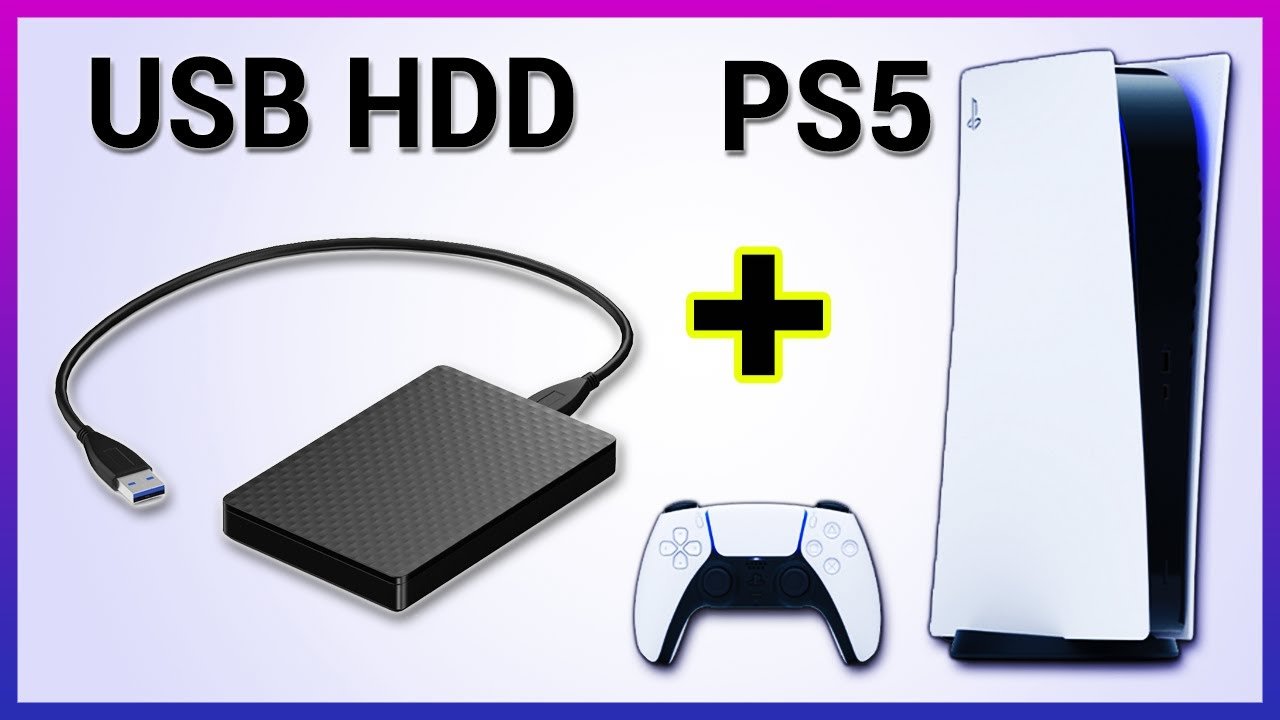
Yes, you can play PS4 games from an external SSD, but you cannot directly play PS5 games from it.
Running out of space on your PS5 is a common problem, isn’t it? It’s frustrating to have to choose which games to keep installed. Many gamers wonder, can you play PS5 games from external SSD drives? While you can use an external drive for storage, the answer isn’t quite as simple as plugging it in and playing. You can, however, play your PS4 games from the external storage.
The speedy performance of PS5 games requires the console’s internal SSD, meaning that direct play from external sources is not possible. You can use an external SSD to store and transfer PS5 games but they must be moved back to the PS5’s internal storage to play. So, keep that in mind for managing your games library effectively.

Can You Play PS5 Games From External SSD?
Okay, let’s dive into the exciting world of PlayStation 5 storage! You’ve got this awesome console, and you’re probably wondering if you can use an external SSD to play your games. The short answer is: it’s a bit complicated, but yes, you can use an external drive. However, there are some important details you need to know. We’re going to explore this topic in detail to help you understand how it all works. So, grab your controller (or maybe just your thinking cap), and let’s get started.
Understanding PS5 Storage
Before we talk about external drives, let’s quickly recap how the PS5 manages its storage. The PS5 comes with a built-in solid-state drive (SSD). This is super-fast storage that lets games load quickly and run smoothly. Sony made sure that the internal SSD is incredibly speedy to handle the complex and graphically intensive games. However, that internal drive isn’t big enough for a massive game library, which is where the idea of using external drives becomes very appealing. Games these days are big and require a lot of storage. With new games and old favorites, your storage space on the PS5 quickly fills up.
The Difference Between PS5 Games and PS4 Games
It’s important to understand that the PS5 treats its games differently from PS4 games. PS5 games are specifically designed to take advantage of that super-fast internal SSD. This means they need the speed to load and run correctly. On the other hand, PS4 games weren’t designed with this super-fast storage in mind. This difference in design is really what dictates how you can use external storage with your PS5.
External SSDs: The Basics
So, what exactly is an external SSD? It’s simply a storage drive that connects to your PS5 via a USB cable. Unlike older hard drives, SSDs use flash memory, making them much faster. This speed boost is important, especially for gaming. The general idea is that you can keep games you aren’t playing often stored on an external drive. When you want to play a game, you move it to the internal drive to take advantage of the fast speeds.
What Type of External SSD Do You Need?
Not just any external SSD will work with your PS5. You’ll need a drive that meets specific requirements from Sony. It must be a USB drive, and it has to have what’s called a “SuperSpeed USB” connection, which could be either USB 3.0 or USB 3.1. If it doesn’t have these connection types, it won’t work correctly. You need to consider speed when choosing your drive. If you want the quickest loading times, you should go with an SSD. Here’s a simple breakdown:
- USB Connection: Must be USB 3.0 or higher (like USB 3.1 or USB 3.2).
- Type of Drive: An SSD (Solid State Drive) is better than a hard disk drive (HDD) for speed.
- Storage Capacity: Choose based on how many games you want to store.
Playing PS5 Games from External SSDs: The Reality
Here’s the main point: You cannot play PS5 games directly from an external SSD. This is because the PS5 games are designed to run using the super-fast internal SSD. PS5 games need that speed to work correctly. When you try to play a PS5 game from an external drive, it won’t let you! It will tell you that the game needs to be moved to the console’s internal storage.
Why Can’t PS5 Games Run From External Storage?
The reason for this restriction is really all about how the PS5 was built. The console’s internal SSD is made to quickly load the complex graphics and data of PS5 games. An external SSD, while fast, just doesn’t have the same speed as the internal one. If Sony allowed PS5 games to be played from an external drive, it would impact game performance. You would likely see slower loading times and even issues with the game running correctly. They want the games to run as intended without slow downs.
The Exception: PS4 Games
Okay, here’s the good news! While you can’t play PS5 games from an external drive, you can play PS4 games directly from an external SSD. This is great because PS4 games do not need the same super speed as PS5 games. This is why you can play them from the external drive. This makes external drives a great way to store your PS4 collection and play them without having to move them back and forth between the console storage.
Using an External SSD as Storage for PS5 Games
Even though you can’t play PS5 games from an external drive, you can still use it as storage. This is extremely helpful for managing your console space. Think of your external SSD as a game library. You keep all your PS5 games there. When you want to play one, you can easily move it from the external drive to the internal storage. This saves time on downloading games again. Once you are done playing the game, move it back to external drive to make room for another game. It’s like a quick way to swap games on your console.
How to Move Games Between Drives
Moving games between your internal and external drives is easy. The PS5 makes this process pretty straightforward. Here are the steps you will follow:
- Go to Settings: On your PS5, go to the settings menu. You can usually find this in the upper right of the screen.
- Select Storage: Navigate to “Storage.”
- Choose Game: Pick the game you want to move. It will show games on internal and also games on the external drive.
- Move Options: Select the move option. It will ask which drive you want to move the game to. Confirm your selection.
- Wait for the Transfer: The PS5 will move the game. The time this takes depends on the size of the game.
That is all that is needed to move your games. Its simple and easy process to do and makes life easy for those with larger game libraries.
Benefits of Using an External SSD
Even with the limitations of not being able to play PS5 games from external drives, there are still a lot of benefits to using one:
- More Storage Space: This is the main benefit. You can store many more games than what the internal drive can hold.
- Faster Transfers: SSD external drives allow for faster game transfer. This is better than using a standard hard drive.
- Game Library Management: Makes organizing your game library easier. You can keep games you don’t play often on the external drive.
- Easy Swapping: It’s easy to move games back and forth from the external to the internal storage.
- Play PS4 Games: You can play your favorite PS4 games directly from the external drive.
Tips for Choosing the Right External SSD
Buying the right external drive will save you time and money. Here are some tips to consider when choosing your drive:
Look for USB 3.0 or higher:
This is the minimum requirement. It will ensure a fast connection to your console. If it is not 3.0 or higher, it simply will not work on the PS5 console.
Choose an SSD over an HDD:
While HDDs can store a lot, SSDs are way faster. With a faster transfer rate, your games move quicker and load faster.
Consider storage size:
Think about how many games you have and how many you plan to have. More storage means more games and less need to delete old games. But also be aware, the higher the storage, the more expensive the external drive will be.
Check for compatibility:
Make sure the SSD is designed to work with the PS5. Checking the drive description or reviews of users is important to avoid mistakes.
Brand Reputation:
Go with a reliable and known brand. This reduces risk of failure. It also ensures you get good customer service in case anything goes wrong.
Is It Worth Using an External SSD?
Even though you can’t play PS5 games directly from an external SSD, the answer is still a big YES. It is still worth it. The benefits that it provides outweigh the limitations. If you have a large game library, an external drive is essential. It will be able to help you manage your games and make sure you have room for all the new games coming out. It gives you quick transfer times, and allows you to play PS4 games straight from the drive. So, in short, its beneficial.
In conclusion, while you can’t play PS5 games directly from an external SSD, it serves as a very useful storage expansion. Use it to store your PS5 games and quickly transfer them to the internal drive when you are ready to play. Also use it as a way to play your PS4 titles directly from external drive. This makes it an awesome tool for any PlayStation gamer.
Why PS5 Games Cant Play From An External Drive
Final Thoughts
You can store PS5 games on an external SSD. However, you cannot directly play them. The PS5 requires games to be on its internal storage for gameplay.
Therefore, you need to transfer the game to the console before playing. So, the answer to ‘can you play ps5 games from external ssd’ is no, for now, you cannot.

