
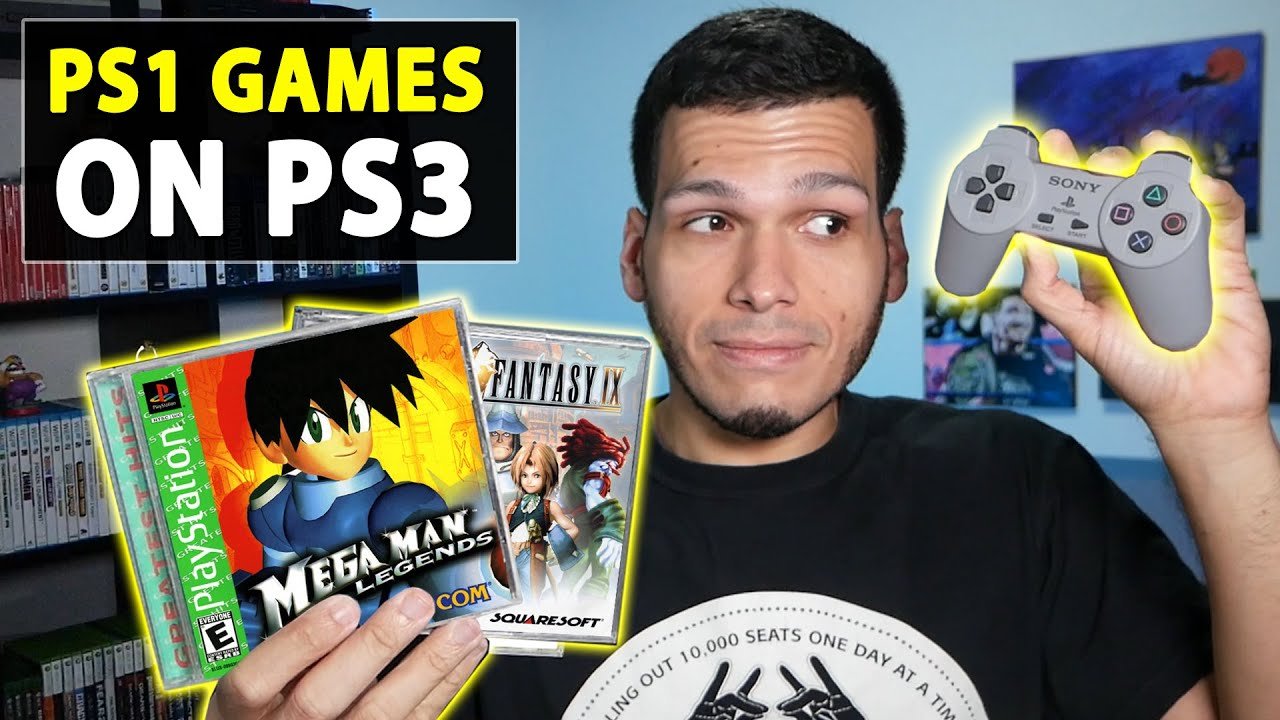
Yes, you can play most PSone games on your PS3 console.
Do you have a box of old PlayStation games gathering dust? You might be wondering, can you play psone games on ps3? The answer is mostly yes, making your PS3 a fantastic way to revisit classics.
Many original PlayStation games work flawlessly on the PS3. This means you can enjoy titles from your past collection. However, there are some exceptions that might not work correctly, this is due to differences in console architecture, you know!

Can You Play PSone Games on PS3? Exploring Compatibility
The PlayStation 3, or PS3, is a great console that can play many different kinds of games. But what about older games, like those made for the original PlayStation, also known as the PSone? This is a question many people have, especially if they have a big collection of PSone games they’d love to play again. The short answer is yes, mostly! But it’s not as simple as just popping in a disc and hitting play. Let’s dive deep into the world of PSone compatibility on the PS3.
PS3 Models and Their PSone Compatibility
Not all PS3 consoles are created equal when it comes to playing PSone games. The ability to play PSone games depends a lot on which specific model of PS3 you have. There are a few different versions, and they have varying capabilities. Let’s take a closer look at each.
The Original “Fat” PS3 Models: The Best for PSone Play
The very first PS3 consoles, often called the “fat” models, are the most compatible when it comes to PSone games. These initial PS3 units included a special piece of hardware: the actual PlayStation 2 processor chip inside! This clever design allowed them to play PS2 games as well as PSone games. Because of that hardware, it also means that these “fat” PS3 consoles can play all your PSone game disks without problems.
- The 20GB and 60GB Models: These were the very first models, and they have full PS2 hardware compatibility, as well as PSone compatibility. If you have one of these, you’re golden for both PS2 and PSone games.
- The 80GB Model (some versions): Some of the later 80GB models also included the PS2 hardware, meaning they can play PS2 and PSone games. However, it’s important to check the specific model number, because some 80GB versions were released without the PS2 chip.
To find your PS3 model number, look at the sticker on the back of your console. It will usually start with “CECH” followed by a letter and a series of numbers. If your model number is CECHA, CECHB, CECHC, or CECHE, then your console will play PSone games natively. But, always make sure by checking for any compatibility symbols on the box or the console itself.
The Slim and Super Slim PS3 Models: Emulation is Key
Later PS3 models, like the Slim and Super Slim versions, don’t have the PS2 hardware. That means they cannot directly play PS2 games from discs. Instead, they rely on a software method called emulation to play PSone games. Emulation is like having a special program that tricks the PS3 into thinking it’s a PSone console. This method is less direct than having the actual hardware, but it still allows you to enjoy your PSone classics.
- The Slim PS3: All Slim PS3 models can play PSone games via emulation. This is a great improvement over the original PS3 consoles and gives you more choices if you want a newer model.
- The Super Slim PS3: Just like the Slim models, all Super Slim PS3 consoles can also play PSone games through emulation. This makes it easy to enjoy PSone games on almost any PS3 console.
It’s important to note that, while emulation is good, some very rare game might have tiny glitches because of this software method. Still, the vast majority of PSone games will work just fine on the slim and super slim models.
How to Play PSone Games on Your PS3
Now that we’ve looked at the different models, let’s talk about how you actually play those PSone games on your PS3. There are a couple of different ways, and your options will vary depending on if you own physical discs or want to go digital.
Playing Physical PSone Discs
If you have the original PSone game discs, playing them on a compatible PS3 is usually pretty straightforward:
- Make sure your PS3 is powered off.
- Open the disc tray.
- Put the PSone game disc in the tray.
- Close the disc tray.
- Turn your PS3 on.
- Go to the Game menu.
- Select the game from the menu, and start playing
The PS3 should be able to read the PSone disc and you can start playing just like you would on the original PlayStation console. If your model has hardware compatibility, it’s especially similar to playing on the actual PSone system. If you use an emulating console, there can be slight differences, however.
A few things to note:
- Disc Condition: Make sure your PSone discs are clean and scratch-free. Scratched discs can sometimes be hard for the PS3 to read.
- Region Locking: The PS3, for the most part, does not have region locking for PSone games. This means you can usually play PSone games from other countries. However, some rare exceptions might exist.
Playing Digital PSone Games from the PlayStation Store
Another option for playing PSone games on your PS3 is to buy them digitally from the PlayStation Store. Sony made many popular PSone games available as downloadable titles for the PS3. This is a great way to play them without needing the original discs.
Here’s how to do it:
- Connect your PS3 to the internet.
- Sign into your PlayStation Network (PSN) account.
- Go to the PlayStation Store.
- Search for the PSone game you want to buy.
- Buy the game using your preferred payment method.
- Download the game to your PS3 hard drive.
Once you have downloaded your game, it will appear in the Game menu, ready to play. This method is convenient because you do not have to worry about using disc or their condition.
Advantages of using PlayStation Store:
- Convenience: No need for physical discs, easy to access.
- Game Preservation: Digitally downloaded games will not suffer from disc damage and scratches.
- Access to Games: Games that you don’t own physically can be bought from store.
Some games that are available from the PlayStation Store are only available through this method. If there are games that you want to play on your PS3 but are unable to find the physical disc, this is the best way to play those titles.
Potential Issues and How to Resolve Them
While the PS3’s backward compatibility is very good, you might run into a few snags. Here’s how to deal with some of the common issues:
Disc Reading Problems
If your PS3 has trouble reading a PSone disc, you can try these things:
- Cleaning the Disc: Gently clean the disc with a soft, lint-free cloth. Wipe from the center to the edge, rather than in a circular motion.
- Checking for Scratches: Examine the disc for deep scratches. If the scratches are too severe, the PS3 might not be able to read it.
- Cleaning the Disc Drive: Sometimes the PS3’s disc drive can get dusty. You can buy special cleaning discs to try cleaning it.
Emulation Glitches
If you’re playing a PSone game on a Slim or Super Slim PS3, you might experience some minor issues:
- Sound Problems: Sometimes sounds can be too quiet, or not play correctly. These problems are very rare but can happen with emulated games.
- Frame Rate Issues: A small number of games can have inconsistent framerates because of emulation. This usually isn’t a big deal and most of the time is unnoticeable.
- Software Crashes: In very rare instances, the emulation software might crash or freeze.
These issues are not very common, but sometimes might occur when emulating PSone games. If the problems are persistent you can try restarting your console or searching the internet to see if other players have encountered similar issues with the game and if there are any fixes that might help.
Software Updates
Make sure your PS3’s software is up to date. Sony sometimes releases updates that improve compatibility. If your PS3 is connected to the internet it will usually update by itself, but sometimes, you have to manually check for updates in the settings menu.
Why is it Great to Play PSone Games on PS3?
Playing PSone games on your PS3 can be a fun way to revisit old favorites. It gives players a chance to experience older games in a format that is easy to use. There are many benefits to playing your older games on the PS3:
- Nostalgia: Replay the games you loved from your childhood.
- Easy Access: You can play disc based games and digital games on the same console.
- Larger Library: You can access more games than before because of digital downloads.
- Cheaper Alternative: It is often much cheaper to use a PS3 for PSone games than to buy an original PSone console.
- Improved Visuals: Some games can look better on your television on PS3 because of upscaling.
All of these reasons, make playing old PSone games on the PS3 an enjoyable experience.
A Quick Recap
To quickly recap, here is what you need to remember when playing PSone games on the PS3:
- Original “fat” PS3 consoles have hardware compatibility and can play PSone games from physical discs and digital games downloaded from the store.
- Slim and Super Slim PS3 models rely on emulation to play PSone games.
- You can play both physical disc based games and digital games downloaded from the PlayStation Store.
- Most PSone games will play without problems on the PS3, however some rare issues might occur on games played via emulation.
- Make sure you update your PS3 software and take care of your physical game discs.
Enjoy exploring the vast library of PSone games on your PS3! With a little care and knowledge, you can enjoy all the classics you loved as a kid and might be able to discover some new favorites.
The ability to play PSone games on the PS3 opens up a huge catalog of retro gaming. Whether you’re reliving old memories or experiencing these classics for the first time, the PS3 is a great machine to enjoy PSone titles. The ease of use and the different options, from disc based play to digital downloads, makes this a very flexible console for all types of gamers. If you are wondering if you should invest into buying an old PS3 console for playing PSone games, the answer is a definite yes. There is a lot of fun to be had with all of those retro titles.
How to Play PS1 Games on PS3 – ALL Playstation 3 Consoles Play PS1 Games!! – PlayerJuan
Final Thoughts
So, the answer is yes, you can play most PSone games on a PS3. The console provides backward compatibility for many PlayStation 1 titles. However, it’s important to note that some games may have compatibility issues.
Some titles might not function correctly or experience graphical glitches. Therefore, it’s always a good idea to check specific game compatibility lists before trying a particular title. The ability to play PSone games on ps3 makes it a useful system for retro gaming fans.

