
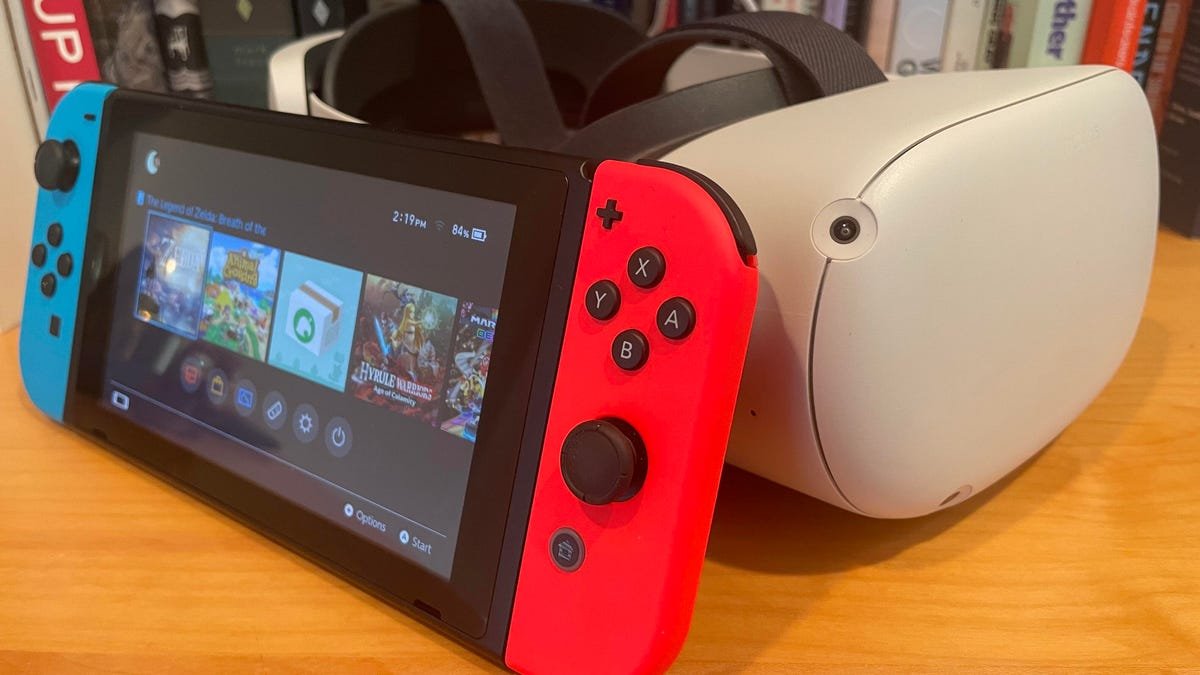
No, you don’t need a separate game system for all Oculus devices; many function as standalone units with their own processing capabilities.
Thinking about diving into virtual reality? The question, “do you need a game system for oculus,” pops up a lot. It’s a valid concern before investing. Many people assume a hefty console is mandatory.
But that is not always the case. Some Oculus headsets, like the Meta Quest series, are designed for self-contained gaming. They run their own games and apps without an external device. This opens VR to many users.

Do You Need a Game System for Oculus?
So, you’re curious about diving into the exciting world of virtual reality with an Oculus headset. That’s awesome! But a big question often pops up: do you need a separate game system, like a Playstation or Xbox, to make it work? It’s a really important question, and the answer isn’t always a simple yes or no. It depends on which Oculus headset you have and what kind of VR experience you’re looking for. Let’s break it down and explore the different options.
Understanding Different Oculus Headsets
Before we jump into the game system question, it’s important to understand that there are different types of Oculus headsets. They’re not all the same, and how they work has a big impact on if you need extra equipment. Primarily, we’ll be talking about two main types:
Standalone Headsets
Think of these like a little computer right inside the headset. The most popular example is the Oculus Quest 2 (now known as Meta Quest 2) and the newer Meta Quest 3. These headsets have everything they need to run VR experiences built right in. They have their own processors, storage, and even a battery, so they don’t need to be plugged into a computer or console to work. It’s like a phone for your face! The good part? They’re super easy to use and you can take them just about anywhere.
- No computer needed: Plays games and experiences right on the headset.
- Wireless: You can move around freely without tripping over cords.
- Portable: Take the VR fun with you to a friend’s house or vacation.
PC-Powered Headsets
On the other hand, some older Oculus headsets, like the Oculus Rift and Rift S (which are no longer produced), and even the Meta Quest line when using a feature called Oculus Link, are designed to plug into a powerful computer. This means your computer is doing all the heavy work of running the VR game or experience, and the headset is basically just acting as the display. This setup can give you a wider variety of game experiences and even games with better graphics, but it also comes with some extra steps and costs. They are generally tethered with a cable, which provides reliable connection and performance but limits movement freedom. The major advantage is they get the raw processing power from a gaming PC, which unlocks access to graphically demanding games.
- Computer needed: Uses the processing power of a separate PC.
- Wired connection: Needs a cable to connect to the computer.
- Higher graphical fidelity: Often allows for better looking and more complex VR experiences.
So, Do You Need a Game System? Let’s Get Specific
Now that we know the difference between types of headsets, we can explore the answer. Here’s how to think about it.
For Standalone Headsets (Meta Quest 2, Meta Quest 3)
The great news is, if you have a Meta Quest 2 or Meta Quest 3, you do not need a separate game console like a PlayStation or Xbox to play games! These headsets operate as their own independent gaming machines. Think of it like a video game console built directly into the VR headset. You buy and download games directly from the Oculus Store, and the headset takes care of everything. No extra boxes needed! The only system it depends on is your Wi-Fi to download the games and if your game has multiplayer components, of course you need to have an internet connection.
What you need to start with Standalone Headsets
- The Meta Quest headset: Of course!
- A Wi-Fi connection: To download games and connect with friends.
- An Oculus/Meta account: To manage your purchases and profiles.
For PC-Powered Headsets (Using Oculus Link on Quest or Older Rift Headsets)
If you want to use the Oculus Link feature on a Meta Quest 2 or Meta Quest 3, or if you have an older Oculus Rift or Rift S headset, you do need a computer. It doesn’t need to be a gaming console but it does need to be a good one. Here’s what you will need to ensure your gaming experience is smooth and enjoyable.
Minimum Computer Requirements
To use Oculus Link effectively, your computer should have:
- A powerful graphics card (GPU): This is super important! Think of it like the engine in a car. You’ll need something like an NVIDIA GeForce GTX 1060 or AMD Radeon RX 480 or better. The higher the number, the more powerful the card usually is.
- A good processor (CPU): This is the brain of the computer. You’ll need something like an Intel i5-4590 or AMD Ryzen 5 1500X or better.
- Plenty of RAM: This is like the memory of the computer. You will want at least 8GB of RAM.
- Windows Operating System: Generally, Windows 10 or Windows 11 is recommended.
- USB 3.0 port: For connecting the headset, or a USB-C port for Quest 3
Before buying any PC to use with Oculus Link, it’s always a good idea to double-check the official Oculus website for the most up-to-date requirements. These can sometimes change as VR technology evolves and new games come out.
Using a gaming laptop for VR
It’s entirely possible to use a gaming laptop to power your PC-powered VR experiences. The specs would still need to be as powerful as we described above. One important additional factor to check is that your laptop should also have a dedicated graphics card (not an integrated one). This allows the computer to handle the heavy demands of VR gameplay. Also, check the ports of your gaming laptop to ensure that they support USB 3.0 and/or USB-C for connecting your VR headset. Check the specifications thoroughly.
Does a gaming console make a VR setup better?
While you might think that a PlayStation or Xbox console would be needed for VR, for Oculus headsets, it is not true. Gaming consoles like PlayStation and Xbox are not compatible with Oculus headsets, and you can’t use them as a gaming system for VR. You also can’t connect your Oculus headset directly to these consoles. The good news is that even without a game console, you can still have plenty of fun with your Oculus.
What if you want to play PC VR games on a standalone Quest Headset?
The key difference between the two main headset types is not just the use of a PC or the lack of one. It’s the type of experiences you can access, and the graphical quality of those experiences. So, what if you have an Oculus Quest or Meta Quest and want to experience the high-fidelity games that normally require a powerful PC? Luckily there is a way.
Oculus Link: Bridging the gap
As we mentioned earlier, Oculus (or Meta now) introduced a feature called Oculus Link. This lets you use your Quest headset as if it were a PC-powered headset. You connect your Meta Quest via a special USB cable to your compatible computer (with the right graphic and processing requirements). By doing that, your Meta Quest will display the games running on your computer. This allows you to experience PC VR games with the portability of a standalone headset. It’s like having the best of both worlds. It’s important to use the proper Oculus Link cable to experience the best quality image and fastest data transfer. If you don’t want a cable, there is also another way.
Air Link: Wireless freedom
For added convenience, Meta also added Air Link. This works just like Oculus Link, but it’s wireless. You connect your Quest to your computer over your Wi-Fi network. This means no cable and more freedom to move around. However, for the best experience, it’s vital that you have a fast and stable Wi-Fi connection. If your wireless signal isn’t strong or if the network is congested (lots of devices using it at the same time), you might experience lag, where the image in the headset lags behind your actions, which will be frustrating when you want to game in VR.
Advantages of Using a PC with your Quest headset
Using your computer can open up the door to some of the more graphically intensive VR games and experiences, that are just too much for the headset alone to handle.
- Access to more games: many PC VR games are not available on the standalone store.
- Better graphics: Higher quality and smoother visuals because your computer is doing the heavy lifting
- Greater customization: You can often tweak the graphics settings to make it look better on your computer.
- Community created content: Access to a huge library of mods and community-created content that doesn’t exist on standalone headsets
Disadvantages of Using a PC with your Quest headset
It is not all benefits, using a PC introduces new challenges that are important to understand.
- Cost: a powerful PC can be expensive to buy or upgrade.
- Complexity: Setting up and maintaining the PC VR environment can be complicated compared to the simplicity of the standalone headset.
- More space: PC VR generally requires more space, due to the cable for wired connections and the potential for latency for wireless connections
- More steps to play: You will need to open the software for your PC before connecting with the headset and starting your game.
So, What should you do?
This really depends on what you are looking for from your VR experience and how much you are willing to invest. If you are looking for a hassle free, portable, easy to use setup, with access to a good library of games and experiences, a standalone headset like the Quest 3 is perfect for you. However, if you wish to experience the highest graphical quality and access a very wide library of VR titles, connecting your headset to a powerful gaming PC is still the best option. Many people use standalone headsets for the portability and use the PC connections for serious gameplay sessions at home.
Key Takeaways
Let’s quickly recap the main points.
- Standalone Oculus headsets (like Quest 2 and Quest 3) do not need a separate game system. They work on their own.
- Older Oculus Rift headsets and using Oculus Link on your Meta Quest do require a powerful computer.
- You cannot connect an Oculus headset directly to a PlayStation or Xbox console.
- Oculus Link and Air Link are features that let you connect your Meta Quest headset to a computer for more powerful VR experiences.
Ultimately, choosing between a standalone or PC-powered experience depends on what you value most: simplicity and portability, or top-tier graphics and a wider selection of games. Do some more research and make an informed choice. Happy VR gaming!
Choosing the right Oculus setup depends entirely on your preferences and budget. Now that you have a detailed understanding of what’s involved, you can make the best choice for you and get started in the exciting world of virtual reality.
You Just Bought A Meta (Oculus) Quest 2: User Guide
Final Thoughts
You don’t necessarily need a separate game system for Oculus. Many VR experiences run directly on the headset itself. Some graphically intensive games, however, may perform much better with a gaming PC.
If you want the best possible visual quality and access to a wider library, a PC is often a must. Therefore, carefully consider what you want to play.
Ultimately, “do you need a game system for oculus” depends on your desired VR experience and budget.

