
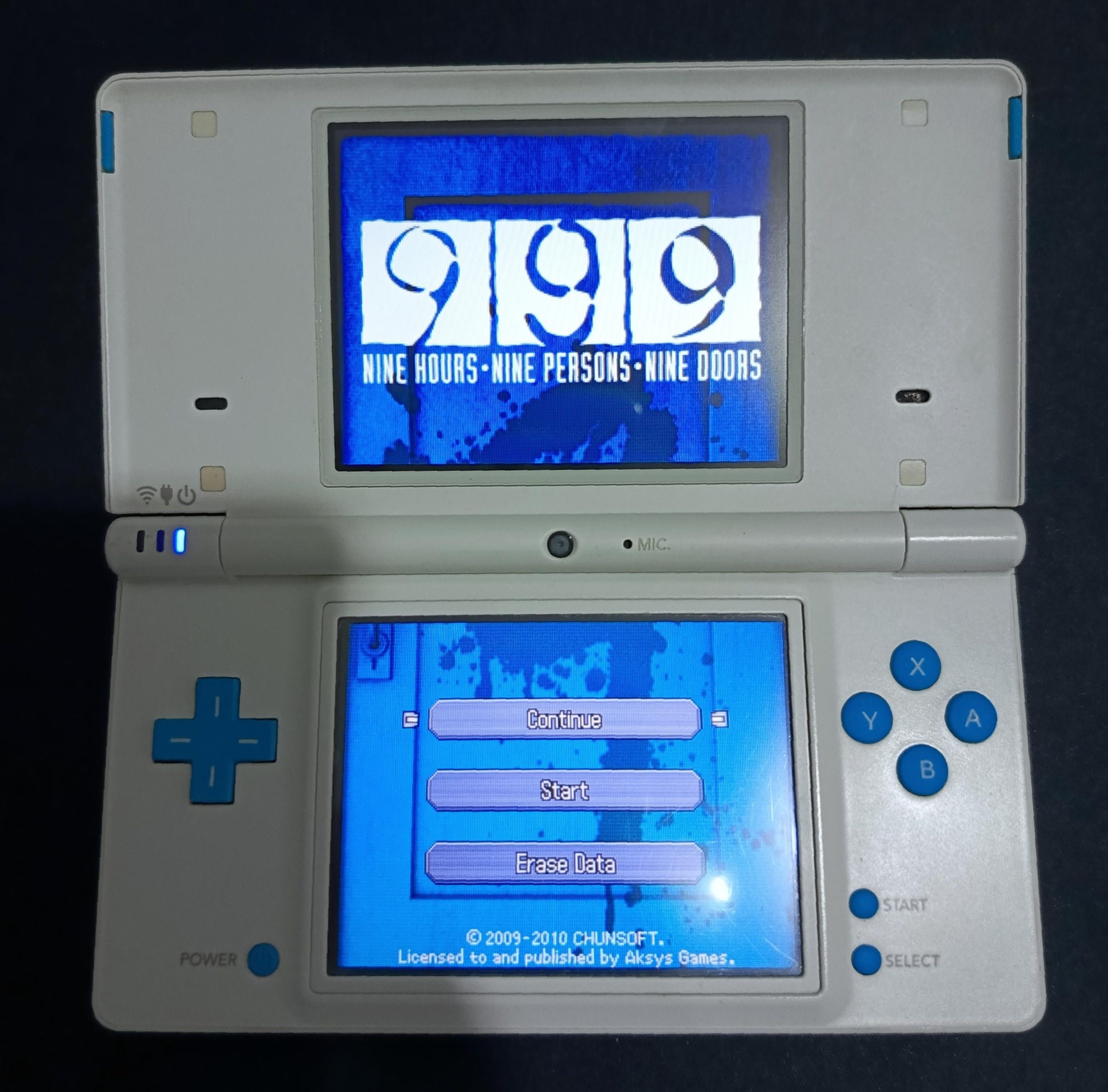
No, Citra does not play DS games. Citra is a Nintendo 3DS emulator, and is not designed to emulate the Nintendo DS.
Ever wondered if you could use one emulator for all your handheld Nintendo games? Many people ask, “does citra play ds games” hoping for that simplicity. The answer can be a bit confusing since they both are Nintendo handhelds.
Citra, however, focuses on emulating the 3DS, a different system than the DS. So, if you want to enjoy those classic DS titles, you’ll need a different emulator. Don’t worry though, there are plenty of good DS emulators available.

Does Citra Play DS Games?
That’s a great question! Many people who love playing video games, especially those from older systems, often wonder if they can play them on different devices. When it comes to the Nintendo DS, a super popular handheld, the answer is a bit tricky when talking about Citra.
Understanding Citra: What It Does and Doesn’t Do
Citra is a very cool piece of software called an emulator. Think of it like a special computer program that pretends to be a Nintendo 3DS. It lets you play 3DS games on your regular computer. But here’s the important part: Citra is designed for 3DS games, not DS games. It’s built with specific code that understands how the 3DS works, including its special 3D screen and features.
The Nintendo DS and the Nintendo 3DS, while both made by Nintendo and having some similarities, are actually very different inside. They use different hardware and have different ways of doing things. This means the software that makes a 3DS game work is very different from the software that makes a DS game work. This is why Citra cannot simply play DS games.
Why Citra Can’t Play DS Games
Imagine trying to use a key for a car on a bicycle. The keys are not the same, and so they will not work. The same principle applies to emulators and games. Citra’s “key” is made for 3DS games, and the “key” for DS games is totally different. The way the games are made, the software that makes them run, the hardware of the devices themselves – all of these contribute to the reason that a 3DS emulator like Citra can’t run DS games.
Here’s a breakdown of some of the key differences that make Citra incompatible with DS games:
- Different Architecture: The 3DS and DS use completely different hardware architectures. They have different processors, graphics chips, and other components. Citra is designed to mimic the 3DS’s specific architecture.
- Game Format Differences: The way game data is stored on a 3DS game card is different from the way data is stored on a DS game card. Citra is built to read the 3DS format, not the DS format.
- Operating System and Software: The operating system and core software that each system uses are also not the same. Citra is built on top of 3DS software, not DS software.
- Dual-Screen Functionality: While both the 3DS and DS have two screens, they function slightly differently and are managed in code in different ways, further emphasizing the incompatibility of the two systems.
Exploring Alternatives for Playing DS Games
If you’re eager to play DS games on your computer, don’t worry! While Citra isn’t the answer, several other options exist. The best choice is to use an emulator specifically created to play Nintendo DS games. These emulators are built with the right “key,” specifically designed to understand the way DS games work. Let’s dive into some popular choices.
Popular DS Emulators
Here are a few emulators that are great for playing DS games on your computer:
- DeSmuME: This is a very well-known and established DS emulator. It’s often considered one of the best due to its good compatibility with many DS games and user friendly interface. It’s open-source and available for Windows, Mac, and Linux.
- melonDS: melonDS is another highly capable open source DS emulator. It’s well regarded for its accurate emulation and features like online multiplayer capability. It’s known for its high degree of compatibility and performance. It supports Windows, Mac and Linux platforms.
- RetroArch: RetroArch is actually a platform for many different emulators, including several for DS. It’s a very flexible option but can be a bit more complex to set up than other standalone emulators. Retroarch can support Windows, Mac and Linux among a vast number of other platforms.
- NO$GBA: NO$GBA is a more unique emulator because it can run both Nintendo DS and Game Boy Advance games. While known for some accuracy issues in some games, it can be a good option for those who want to play multiple systems with one emulator and support only windows platform.
Choosing the Right Emulator
Each emulator has its own strengths and weaknesses. Here’s a quick guide to help you choose:
- Ease of Use: For beginners, DeSmuME is usually the easiest to get started with due to it’s straightforward interface.
- Compatibility: melonDS typically offers the best overall compatibility with most DS games, it can handle a wide range of titles with few issues.
- Features: If you want extra features like online play, melonDS is a good option.
- Cross platform compatibility : DeSmuME and melonDS are good choices if you need cross platform capability as both supports Windows, Mac and Linux, while NO$GBA is only for Windows and RetroArch support a lot of platforms.
How to Use a DS Emulator
Okay, let’s briefly go over the steps to getting a DS emulator up and running. It’s not too hard! Each emulator might have slightly different steps, but here’s the general idea:
- Download the Emulator: First, you need to download your chosen DS emulator from its official website. Make sure you get it from a trustworthy place to avoid any unsafe software.
- Install the Emulator: After downloading, you’ll need to install the emulator on your computer, following the on-screen instructions.
- Obtain DS Game Files (ROMs): Emulators use special files, usually called ROMs, which are digital copies of your DS games. Obtaining these legally can only be done if you own the original games. You can legally create these files yourself from your own game cards using a game dumping tool.
- Start Playing! Open your emulator and select “File” and then select “Open” and choose your DS game file. The game should load up, and then you’re ready to play!
Important Notes About ROMs
It’s crucial to remember that downloading ROMs of games you don’t own is considered piracy. This is illegal and can cause harm to the gaming industry, who worked hard to make the games we enjoy. If you want to enjoy a DS game legally, you can rip the ROM files from your personal copies of those games. The only way to do so legally is by owning the original physical copy and then using software to make an image of the games.
Why Emulation is a Great Option
Emulators like DeSmuME or melonDS let you experience games from the past that you might no longer have the hardware for. For example if you no longer own the old DS console anymore and want to play that favorite old game. They also enable you to enjoy games on bigger screens, often with better resolution and performance than the original handheld systems allowed.
- Preservation: Emulators help preserve classic games, ensuring that they can still be enjoyed by future generations.
- Convenience: Playing on a computer can be more comfortable for some than using handheld devices, especially for longer gaming sessions.
- Features: Emulators often offer additional features like save states, faster forwarding, enhanced resolution and filters which can improve your overall game experience.
Looking Beyond DS: Citra’s True Purpose
While Citra isn’t for DS games, it’s important to appreciate what it does do incredibly well. It’s a constantly improving emulator that allows you to play many 3DS games on your computer, often with better graphics than on an actual 3DS console. You can play games in HD and apply different graphics filters to enhance their visuals. This can make old games feel fresh again. Additionally, using an emulator means you can play with a keyboard, mouse or different controller type instead of the original console’s buttons and dpad, which could be a preferable way to play for some people.
The Future of Emulation
Emulation is a constantly growing area of technology. As computers get faster and more capable, emulators become more and more accurate. This means that the experience of playing old games on a computer will continue to improve. With the advancement of the computer hardware and constant updates from the developers of these emulators, the experience will become more and more like playing on real consoles.
In summary
It’s clear that Citra, despite being an amazing emulator, cannot run Nintendo DS games. The key here is that Citra is made specifically for the 3DS and not the DS. But fortunately, there are other capable emulators like DeSmuME and melonDS that are more suitable for playing your DS titles. Remember that obtaining ROMs of games that you don’t own is considered piracy, so it is important to acquire them legally by creating a ROM from your own games. If you are wanting to play a game from a DS on your computer, you should use one of those DS-specific emulators instead, and that will allow you to relive your favorite experiences and enjoy classic games in a whole new way. Whether you are interested in exploring older consoles, or you like to have better resolution and graphics, emulators can be a fun and exciting way to engage with gaming.
Revive Nintendo DS Games with Citra Emulator – Play Your Favorite Classics Today
Final Thoughts
Citra does not play Nintendo DS games; it focuses solely on 3DS emulation. Therefore, using Citra for DS games will not work. It’s important to know this distinction to avoid frustration.
The emulator that handles DS games must be used. This emulator is called Desmume or MelonDS. These programs are designed for playing those particular roms.
So, to answer definitively, does citra play ds games? No, it absolutely does not. You will need another emulator for that.

