
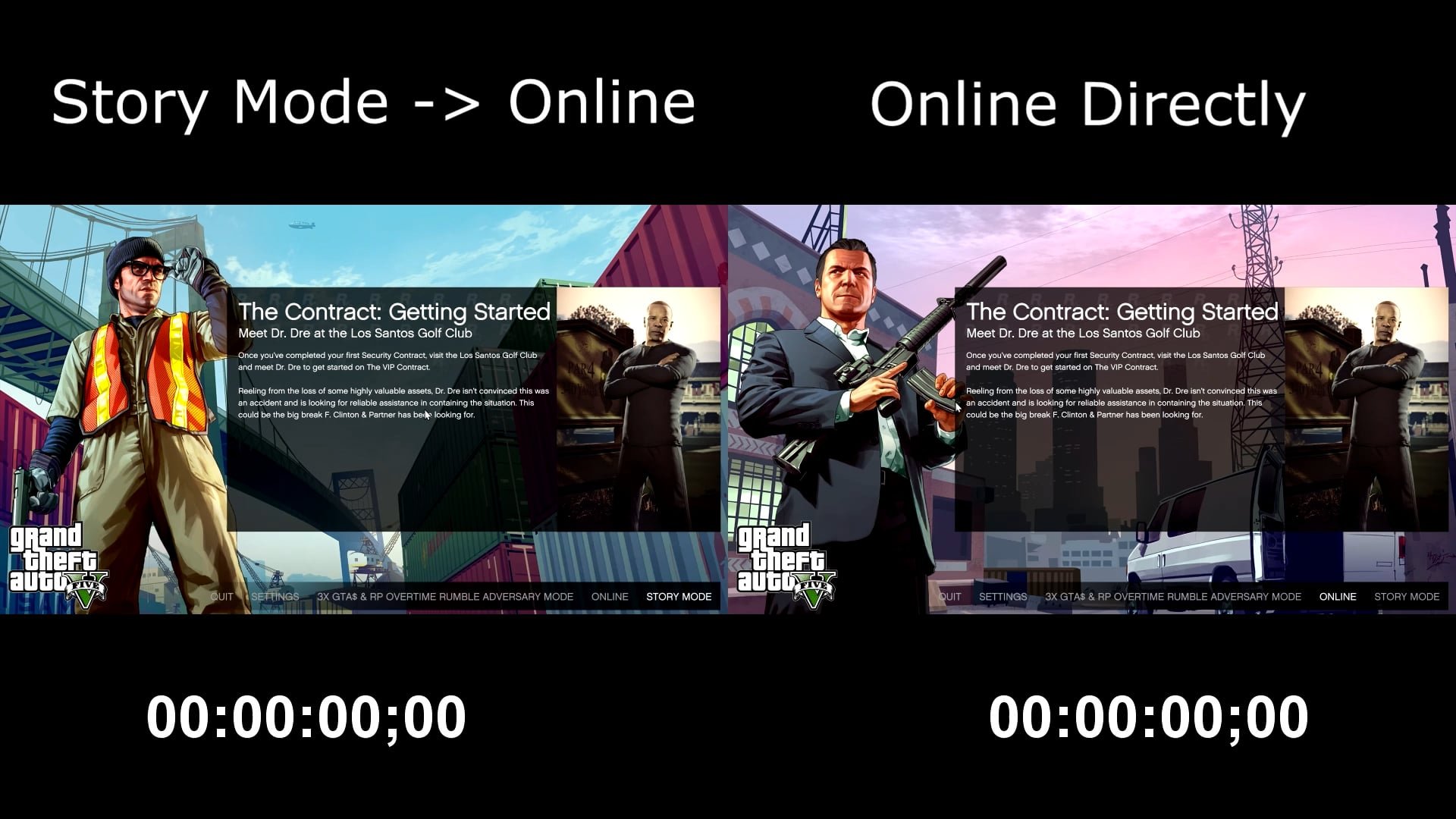
To achieve GTA 5 Online minimal loading time, consider using an SSD, optimizing your network connection, and closing unnecessary background applications.
Are you tired of staring at the loading screen while waiting to join your friends in Los Santos? Long wait times can truly kill the buzz of a good gaming session. Nobody wants to spend half their play time just trying to get into a lobby.
This guide aims to give you simple tips to reduce those frustrating delays. We will explore a few options to get closer to that GTA 5 Online minimal loading time you’ve been dreaming of.

GTA 5 Online Minimal Loading Time: A Deep Dive
Alright, fellow gamers, let’s talk about something that probably makes us all groan: loading screens in GTA Online. We all know the feeling – you’re pumped to jump into Los Santos with your friends, ready for some action, and then…bam! You’re staring at a loading screen that feels like it lasts forever. It’s not just annoying; it can seriously cut into your precious gaming time. But, what if I told you there are ways to make those loading screens shorter? Yes, it’s possible! In this article, we’re going to explore why those loading times can be so long and, more importantly, what you can actually do about them.
Why Are GTA Online Loading Times So Long?
Before we jump into fixes, let’s understand the problem. Several things can cause those lengthy loading screens. Think of it like rush hour traffic, but for your computer and the game servers. Here’s the breakdown:
The Game’s Structure and Server Connection
GTA Online is a massive, open-world game with lots of players, vehicles, and intricate details. When you start the game, your system needs to load all this stuff. It’s not just loading a simple picture; it’s loading a whole virtual world. Your computer or console also needs to connect to Rockstar’s servers, which can take some time, especially if many players are online at the same time. It is essentially loading all the necessary game assets from your storage device or disc, loading character info, online lobbies, etc.
Your Internet Connection Speed
Your internet connection plays a huge role. If your internet is slow, it’s like trying to fill a swimming pool with a garden hose. It’s going to take a while! GTA Online needs a steady and fast internet connection to load player data and the game world.
- Ping (Latency): This is like the reaction time of your internet. Low ping means your actions are sent and received quickly. High ping means there’s a delay, which can make the loading feel much longer and laggy.
- Download Speed: This is how fast your computer can receive data. Faster download speeds mean the game can load the world, and player information faster.
- Upload Speed: This affects how fast your actions and data can be sent to other players. While less critical than download speed for loading, a decent upload speed still contributes to a smoother experience.
Your Gaming Device’s Performance
Think of your gaming device (PC, PlayStation, or Xbox) as the car that is driving you around in Los Santos. If your car (device) isn’t powerful enough, you can’t drive as fast. The same goes for GTA Online. A less powerful gaming device with older parts will take longer to load the game than a more recent one with better parts. Here are some critical areas to consider:
- Hard Drive/Solid State Drive (SSD): If you’re using an older hard drive (HDD), it’s going to take way longer to load the game than if you are using a Solid State Drive (SSD). SSDs are way faster. They are very effective in loading the map quicker and reduce overall loading time drastically.
- CPU (Processor): This is your computer’s brain, responsible for managing everything. A more powerful CPU can handle the game’s data much faster, reducing load times.
- RAM (Memory): This is like short-term memory for your computer. More RAM means your system can juggle more tasks simultaneously, which helps with loading the game faster.
- GPU (Graphics Card): While not directly related to loading times, a good graphics card makes the game run smoother once loaded.
Game Updates and Patches
Sometimes, when Rockstar releases new updates, patches or contents, they might accidentally introduce bugs or issues that make loading times longer. The developers typically try to fix these problems, but it can take some time before a fix is available.
Background Applications
Running other programs on your computer while playing GTA Online can steal processing power and memory. This will slow down your computer, and in turn, affect how quickly GTA Online loads. Closing other programs is very important when trying to improve the loading times.
Optimizing Your System for Faster Loading
Now that we know the reasons, let’s get into the exciting part – how to cut down those waiting times! Here are different areas and solutions you can try:
Upgrading Your Storage Drive
This is, without a doubt, one of the most impactful changes you can make, especially on PC. Swapping an old hard drive for an SSD is going to feel like replacing a bicycle with a sports car. The game will load faster, not only the loading screen but all the transitions inside the game. An NVMe SSD will be faster than a standard SATA SSD, so if you can afford it, that’s the way to go.
- For PC Users:
- If your motherboard supports it, install an NVMe SSD. It plugs directly into the motherboard, and this will be the fastest option.
- If not, get a SATA SSD. This is still a huge improvement over an HDD.
- You’ll want to install your operating system, and GTA 5 on the new SSD.
- Moving the game to the SSD from your HDD can be done easily by using Steam or Rockstar Games Launcher.
- For Console Users:
Some consoles allow internal SSD upgrades. Some consoles might support external SSDs. Research and confirm how to add one to your console for best performance.
The upgrade process is not the same on all consoles, so, check the manual for your console before you attempt any upgrades.
Checking and Improving Your Internet Connection
A strong internet connection is super important for a smooth online experience. Here’s what you can do:
- Test Your Internet Speed: Use websites like speedtest.net to check your download and upload speeds, and also your ping.
- Use Ethernet Cable: Whenever possible, use an ethernet cable to connect your computer or console to the modem. A wired connection is much faster and more stable than Wi-Fi.
- Restart Your Router/Modem: Restarting your router or modem may solve some connection issues. Unplug them both, wait 30 seconds, then plug them back in.
- Move Closer to Router: If you are using Wi-Fi, try moving your device closer to your router to get the best signal strength.
- Upgrade Your Internet Plan: If your internet plan is very slow, you may need to upgrade to a faster one.
- Check for Network Issues: Sometimes, the problem might not be you. Check with your internet service provider to see if there are any outages or problems in your area.
Upgrading Your PC Components
If you’re on PC, improving your system can lead to serious gains. Here’s what to consider:
- RAM: 16GB is a good starting point for GTA Online. If you have less, consider upgrading. 32GB is even better if you do a lot of things on your PC while playing.
- CPU: If your processor is outdated, an upgrade can significantly help in loading times. Check out the recommended specs for GTA Online.
- You will need to get a compatible motherboard with the CPU that you choose to buy.
- GPU: While a better graphics card won’t directly improve loading times, it can greatly improve overall in-game performance, making for a smoother gameplay experience.
Adjusting Game Settings
Sometimes, certain graphics settings can make the loading times longer. While you want your game to look good, lowering a few settings slightly could help to reduce loading times.
- Reduce Graphics: In the game settings, lower the graphics quality, shadow quality, and reflections. Start by lowering the most demanding settings.
- Disable Unnecessary Effects: Turning off things like motion blur, or depth of field can improve performance and in turn, help with the loading times.
- Lower Resolution: Running at a lower resolution, can make the loading times shorter.
You can test out which settings have the most impact, and make sure the game is still looking good and playable for you.
Keeping Your System Clean
- Update Your Drivers: Make sure your graphics card drivers are always up-to-date. The latest drivers can help make the game run better.
- Update Windows or OS: Make sure you have the newest version of your operating system for better compatibility and performance.
- Close Unnecessary Programs: Before playing GTA Online, make sure to close all unnecessary applications that are running in the background, as these can steal valuable system resources.
- Run a Virus Scan: Viruses and malware can slow down your system. Run a virus scan regularly.
Using the Task Manager (PC)
Sometimes, certain programs might take up too many resources. This will slow down your PC, and in turn, affect loading times.
- Check Resource Usage: Open Task Manager (Ctrl+Shift+Esc) and check the CPU, memory, and disk usage. See if any applications are using up too many resources.
- Close Heavy Applications: If you find an application that is taking up too many resources, close it to free up memory and CPU power.
GTA Online Specific Tips
- Loading Directly into Invite Only Lobby: When starting GTA Online, choose to load into an invite-only session. It can be faster since fewer players are around and it takes less time to load.
- Clearing Game Cache: Sometimes, clearing the game’s cache can help with performance issues. Google or search on YouTube the instructions how to do this for your specific system.
- Restart Game or System: A simple restart can fix a lot of issues. Try restarting your game, and or your system to see if it can help.
The Community’s Solution: “GTA Online Speedloader”
The community, with its determination to improve GTA Online’s load times, has developed a fix that is very effective for PC gamers. This method works by bypassing slow parts of the loading process and helps load the game much faster. It involves a simple change to the game files and can speed up loading times a lot. Remember, using third-party programs always carries some risk, and you should research thoroughly before proceeding.
This “Speedloader” method involves the following:
- Get the required files: Download the speedloader from a trusted source. Be careful where you get it from to avoid viruses.
- Install the Files: Follow the instructions provided by the program’s creator. Typically, this means placing files into your game folder.
- Start the game: After installation, launch GTA Online. You should now notice a reduced loading time.
If you consider using this, it’s very important to understand that this method is something developed by the community, so use it at your own risk. This means that Rockstar Games did not endorse or make the program itself, and therefore, there could be risks involved.
Experiment and Track Your Progress
It’s important to understand that every system is unique. Some fixes that work perfectly for one person may not have the same results for another. Experiment with the different methods described above and see what works best for you. Keep track of the improvements that you see. This way, you can determine what is making the most positive change to your system.
Reducing loading times in GTA Online is not just about getting into the action faster; it’s about enjoying the game more. The more time you spend in Los Santos and less time staring at loading screens, the more you get out of your game. It’s worth taking the time to try some of these tips and fixes.
Fastest Internet speed (Downloading GTA V)
Final Thoughts
Reducing unnecessary programs, optimizing game settings, and having fast internet all contribute to faster loading times. Switching to an SSD significantly improves load speeds. These changes help get you into the game quicker.
Implementing these tips helps you achieve a more enjoyable experience by minimizing downtime. Therefore, following these methods is beneficial for achieving gta 5 online minimal loading time. Ultimately, these adjustments get you into the action faster.

