
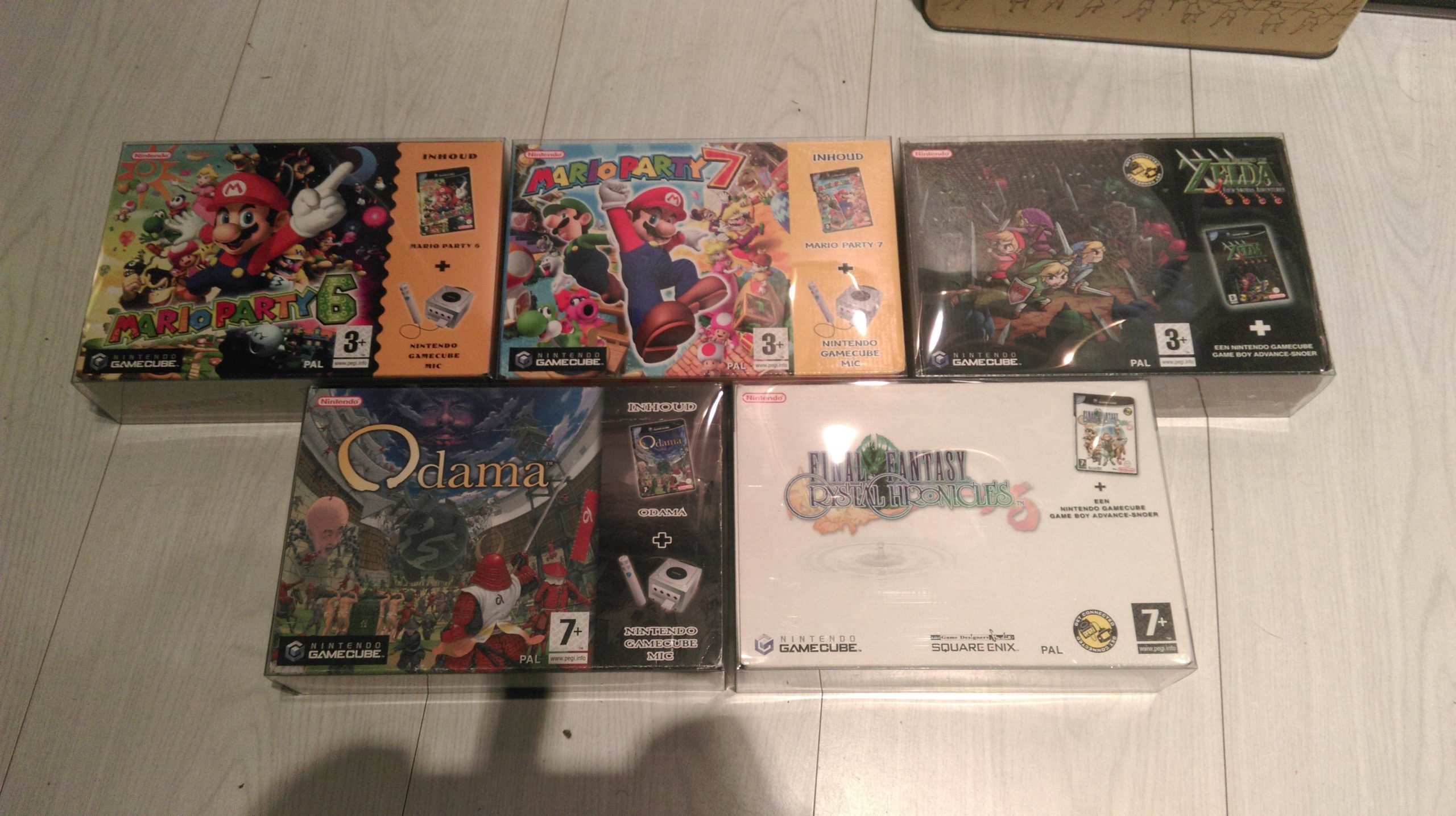
GameCube games typically range from 1.3 GB to 1.4 GB in size.
Ever wondered how much space those tiny discs actually consumed? Many gamers fondly remember the GameCube, but may not recall the technical specs. Let’s quickly explore how big are GameCube games, to give you a clearer picture.
GameCube games, though small compared to today’s behemoths, offered hours of fun. We’ll explore those compact discs and the memory requirements they had. We can break down those gigabytes in comparison to modern consoles.

How Big Are GameCube Games?
So, you’re curious about the size of GameCube games? That’s a great question! It’s like asking how big a pizza is – it depends on the type of pizza! GameCube games weren’t stored on DVDs like some other consoles at the time. Instead, they used smaller discs that were about the size of a mini-CD. These discs held a lot of data, but not as much as a DVD. Let’s explore the world of GameCube game sizes and see what makes them unique.
The GameCube Disc: A Tiny Powerhouse
The GameCube used a special type of disc called a mini-DVD, or sometimes just called a GameCube disc. These discs were about 8 centimeters (or about 3 inches) wide. This might seem small compared to the DVDs you see for movies, which are 12 centimeters across, but don’t let that fool you. These little discs could hold a surprisingly amount of information. A single GameCube disc could store up to 1.46 gigabytes (GB) of data. Now, what does that mean for the games?
Understanding Gigabytes
Think of gigabytes as containers for all the stuff that makes a video game work. This includes the game’s code, all the beautiful pictures, the sound effects and music, and everything that makes it fun to play. A gigabyte is a lot of space! For example, 1GB is equal to around 1000 megabytes (MB). To put it simply, if a game has a lot of detailed graphics, a big world to explore, and a ton of music, it will probably take up more space, using more gigabytes.
Why Not DVDs?
You might wonder, “Why not just use regular DVDs?” Well, the GameCube was designed to be a compact and cost-effective console. Using the smaller discs helped make the system smaller and possibly a little cheaper to manufacture. While DVDs can hold much more data (4.7GB for a single-layer DVD), they weren’t necessary for many games that the GameCube offered. The limitation in disc space actually led to creative ways of using the storage efficiently, which is fascinating in its own way.
Game Sizes: The Range
Not every GameCube game was the same size. Some games were bigger than others, and there was a fair range of sizes among the different titles. For instance, some of the more simple games or puzzle games could be relatively small, occupying less than a gigabyte of space. On the other hand, games like The Legend of Zelda: Twilight Princess, Resident Evil 4, or Metroid Prime, with their detailed worlds and intricate gameplay, tended to be closer to the maximum capacity of the disc (1.46GB).
Average Game Size
It’s hard to pinpoint an exact “average” size, but many GameCube games fell somewhere between 500MB and 1.4GB. This is a wide range, but it shows how diverse the games were in terms of the amount of content they offered.
Smaller games: Often under 700MB
Medium-sized games: Generally between 700MB and 1GB
Larger games: Typically between 1GB and 1.46GB
Factors Affecting Game Size
Several things affected how large a GameCube game would end up being. Let’s look at some of the key players in determining the space a game needed.
Graphics and Textures
Detailed graphics took up a lot of space on the disc. If a game featured very intricate models, large environments, and high-quality textures for everything from characters to trees, it would need more data to store all of that visual information. Think of all the details of the characters in Star Fox Adventures, for example.
Sound and Music
Audio files also consumed disc space. A game with a full orchestral soundtrack, lots of voice acting, and high-quality sound effects would require more space than one with simpler audio. Imagine all the iconic sound effects in Super Smash Bros. Melee – they all took up space!
Game World Size and Content
Naturally, games with larger maps and game worlds required more storage. Games with lots of levels, characters, items, and different things to do would be much bigger than games that had more simple gameplay and smaller areas. Games with huge open worlds like The Legend of Zelda: The Wind Waker used their storage well.
Cutscenes
Cutscenes, particularly animated ones, could also add to a game’s size. If a game had many in-game cutscenes or pre-rendered cinematics, that video data also required storage, sometimes a lot of it. Games like Eternal Darkness: Sanity’s Requiem, known for its narrative, likely had their fair share of disc space dedicated to its cutscenes.
Compressed Data
Game developers worked hard to compress data so that everything could fit on the disc. They used special techniques to shrink down images, sounds, and other files without losing too much quality. This was like squeezing all of your clothes into a small suitcase before going on a vacation. They used tools like data compression algorithms to handle this. Compression reduced the amount of space used by each game so that they could fit on the discs.
Examples of GameCube Game Sizes
To get a clearer idea, let’s look at some specific GameCube games and their approximate sizes. These numbers are estimations and actual sizes can vary slightly.
| Game Title | Approximate Size |
|---|---|
| Super Smash Bros. Melee | ~900 MB |
| The Legend of Zelda: The Wind Waker | ~1.3 GB |
| Metroid Prime | ~1.4 GB |
| Mario Kart: Double Dash!! | ~1.2 GB |
| Animal Crossing | ~600 MB |
| Resident Evil 4 | ~1.4 GB |
| Paper Mario: The Thousand-Year Door | ~1.35 GB |
| Pikmin | ~600 MB |
You can see that games like Metroid Prime and Resident Evil 4 are closer to the 1.46GB limit, while titles like Animal Crossing and Pikmin use a smaller amount of data. This is a good demonstration of the range of storage required by different types of games.
How Game Size Affected Gameplay
The size limitations on GameCube discs actually had some interesting effects on the games themselves. Developers had to be smart about how they used storage space, making sure to only include the essential data.
Creative Solutions
Game developers of the GameCube era came up with some brilliant methods to get around the size limitations. They reused assets, or parts of the game world, in different places to make it seem bigger without using up as much memory. Sometimes, they also used clever coding tricks to create beautiful effects without needing extremely large files.
Trade-offs
Sometimes, the limitations meant that some things had to be cut out of games. Maybe the game developers had to settle for fewer voice actors, use more looping animation, or use lower-resolution textures. It was all about finding the right balance between performance and overall quality within the limits of the GameCube disc.
The Positive Side
These limitations pushed creativity. Game developers couldn’t rely on huge files, so they learned how to build things more efficiently. The challenges of working within the 1.46 GB limit made many of the GameCube games great, full of ideas that are still influential today.
Comparing GameCube Sizes to Other Consoles
How do the sizes of GameCube games stack up against other consoles of that era? Let’s take a quick look.
PlayStation 2 (PS2)
The PlayStation 2 used DVD discs, which held much more data than the mini-DVDs of the GameCube. A standard single-layer DVD holds about 4.7 GB of data, which is significantly more than the 1.46 GB offered by the GameCube. Because of this, PS2 games could often include more detailed graphics, bigger worlds, and more audio content.
Xbox
The original Xbox also used DVD technology, similar to the PS2. This meant Xbox games also had the advantage of higher storage capacity, making it possible to create more graphically intensive and expansive games.
Game Boy Advance (GBA)
The Game Boy Advance used cartridges, not discs. These cartridges had a relatively small storage size compared to the discs. GBA games ranged from a few megabytes to roughly 32 megabytes, a very different scale to the GameCube. GBA games often had simpler graphics, fewer sound effects, and smaller worlds because of this limitation.
The Legacy of GameCube Game Sizes
The fact that GameCube games had size limitations didn’t make them worse. In fact, it led to the creation of some very great games that are still loved by people all over the world today. The GameCube’s unique design and focus on quality over pure size has made it a beloved console by many. Game developers working on the GameCube had to be creative and smart, and the results speak for themselves, and prove that a lot can be achieved with limited capacity. The small-but-powerful format led to unique gameplay experiences and helped define an era of gaming innovation. The GameCube’s small disc format is part of what makes it stand out from other consoles.
So, when you wonder how big a GameCube game is, remember that it’s not just about the size in gigabytes, but also about the creativity and care that went into each and every one of those titles. These small discs held vast worlds of fun and adventure.
The GameCube games, despite the constraints, showed that memorable experiences can be achieved no matter the storage space. The legacy of the GameCube goes beyond size, focusing on amazing gameplay and storytelling, things that are valuable to players no matter the size of the game on the disk. The innovative ideas within the limited space showcase the brilliance of game development in that era.
GameCube Games on Nintendo Wii?
Final Thoughts
GameCube games typically fit onto mini DVDs, with sizes ranging from 1.3 GB to just under 1.5 GB. This compact format allowed for impressive graphics and gameplay for its time. The exact size varied based on the game’s content and complexity.
Therefore, “how big are gamecube games” is answered by this average file sizes of around 1.4GB. This capacity was adequate for the console’s library. Understanding this constraint is key for retro game enthusiasts.

