
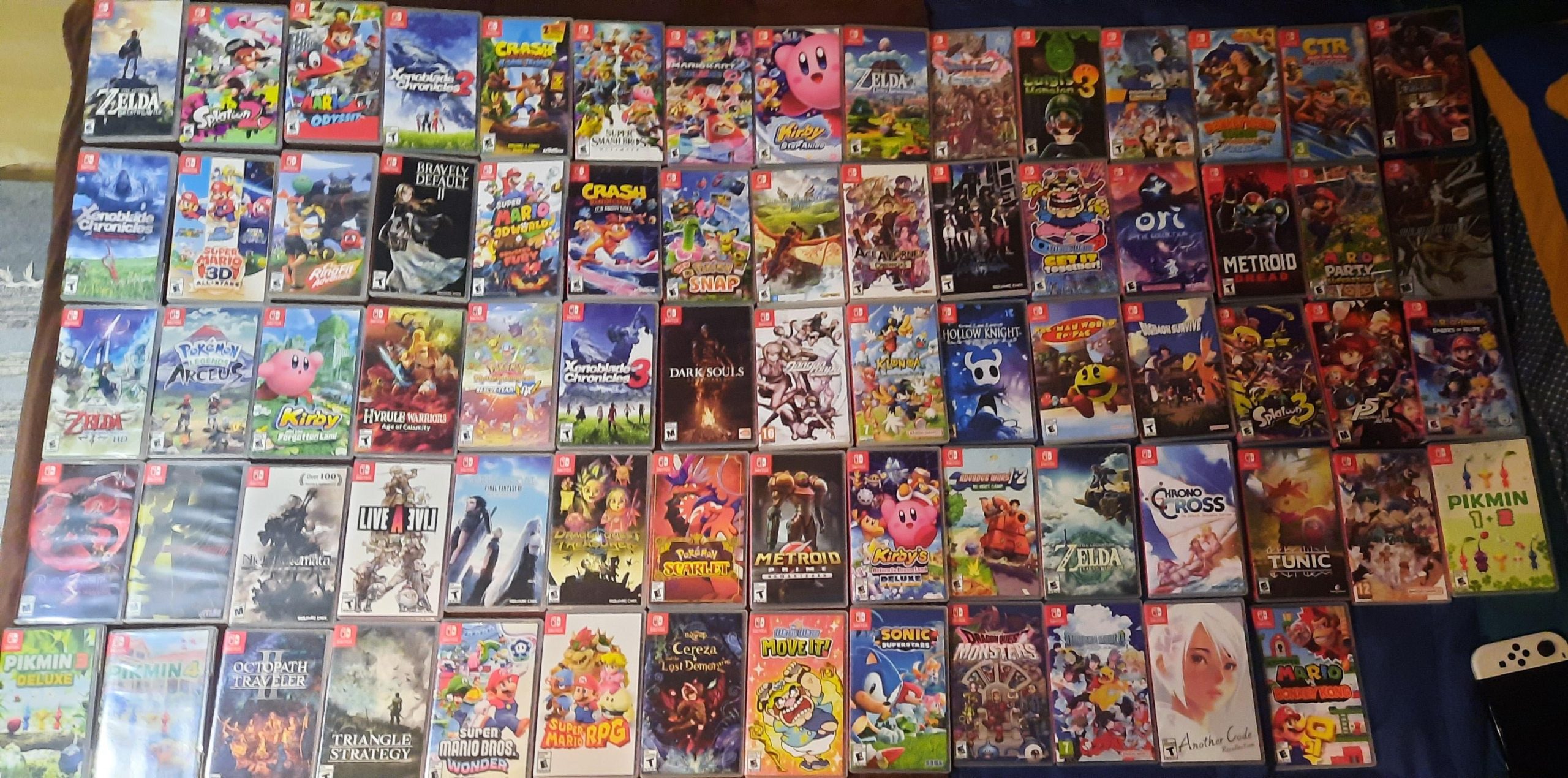
Nintendo Switch game file sizes vary greatly, ranging from under 1GB for smaller titles to over 20GB for large, complex games.
Ever wondered how much space those addictive Nintendo Switch games actually take up? It’s a common question, especially when you’re managing storage on your console. Figuring out “how big are switch games” can be a bit of a puzzle, as the sizes differ a lot.
Some indie titles are quite small, while sprawling adventures like Zelda or open-world RPGs consume significant space. This can impact how many games you can keep on your system at once, making careful choices essential.

How Big Are Switch Games? A Deep Dive into Nintendo Switch Game Sizes
So, you’re wondering just how much space those awesome Nintendo Switch games take up? That’s a super important question! It’s like trying to figure out how many toys you can fit in your toy box – you want to make sure there’s enough room for all your favorites. Let’s explore the world of game sizes on the Nintendo Switch, so you can plan your storage and get the most out of your gaming experience.
Understanding Game Sizes: Megabytes and Gigabytes
Before we dive into specific game sizes, it’s helpful to know the terms we use to measure them. Game sizes are typically measured in megabytes (MB) and gigabytes (GB). Imagine a byte is like a tiny lego brick. A megabyte is like a whole handful of those bricks, and a gigabyte is like a giant bucket full of them! A gigabyte is much bigger than a megabyte. You will see smaller games measured in MB, but most larger, detailed games will be measured in GB.
Think of it like this:
- Megabyte (MB): Smaller measurements, good for things like photos on your phone or smaller games.
- Gigabyte (GB): Larger measurements, needed for big games with lots of cool characters, worlds, and stories.
Average Size of Switch Games
It’s tricky to give one single number, because game sizes can vary a lot. It all depends on how complex the game is. A simple puzzle game will be much smaller than a big, open-world adventure game. Generally, we can say that most Nintendo Switch games fall within a range. Many downloadable games range between a few hundred megabytes to several gigabytes. Some of the largest titles can reach upwards of 10GB or even 20GB. That said, many very good games are significantly smaller. Some indie games can come in at less than 1GB, sometimes even in the 100s of MBs. It is a wide spectrum of sizes.
Factors Affecting Game Size
What makes one game bigger than another? Several things! Here are some of the main factors:
Graphics Quality
Games with lots of detailed images, vibrant colors, and realistic-looking characters tend to be larger. Think about the difference between a simple 2D drawing and a 3D movie. The 3D movie needs more space, just like a big, fancy game needs more space on your Switch.
Sound and Music
Awesome music, realistic sound effects, and voice acting all add to the game’s overall size. High-quality audio files take up a lot of space. Imagine recording a song – the better the sound quality, the larger the file that stores the song becomes. The same thing happens with games.
Game World Size
Games with huge worlds that you can explore, like open-world adventures, need a lot of storage. A giant map with many cities, forests, and caves takes up more space than a game with small, simple levels.
Number of Characters and Objects
More characters and items, especially if they have lots of detail, add to the game’s size. Each character, each different type of monster, every little item that you can pick up all take up space on the game file. It is like needing to have a photo for every different character or toy that you have.
Game Length and Content
Longer games with more levels, quests, and things to do often have larger file sizes. If a game has many hours of playtime with a complicated storyline, it will most likely be larger than a very simple, short game.
Physical vs. Digital Games: The Size Difference
One really important thing to know is that game sizes are still important, even if you buy a physical game card. When you buy a physical game, most of the core game data is stored on the cartridge, that little plastic card you put in your console. This means you usually won’t use a whole lot of your console storage for the core game. However, most games today still need some data to be downloaded onto your Switch console. This often includes updates, patches, and sometimes even core game components. You still need to factor in the space required for this data.
On the other hand, digital games are entirely downloaded to your console. They take up a lot of space. This means you have to be careful and make sure you have enough room before you download them. It’s like choosing whether to borrow a book from the library (physical) or download it to your tablet (digital). The downloaded book will take up space on your tablet.
Here’s a simple breakdown:
- Physical Games: Primarily on the game card, but require some storage for updates, sometimes a little or a lot more, depending on the game.
- Digital Games: Completely downloaded to your Switch, using more storage space than a physical game.
Examples of Switch Game Sizes
Let’s look at some specific examples to get a better understanding of how big different games can be. Keep in mind that these sizes can sometimes change a little due to updates.
Large Games (10 GB and above)
- The Legend of Zelda: Breath of the Wild: Around 14 GB.
- The Legend of Zelda: Tears of the Kingdom: Around 16 GB.
- NBA 2K Series: Often 20 GB and up, and require a constant download.
- Xenoblade Chronicles 3: Around 15 GB.
- L.A. Noire: Around 29 GB
Medium-Sized Games (5 GB to 10 GB)
- Super Mario Odyssey: Around 6 GB.
- Splatoon 3: Around 6 GB
- Mario Kart 8 Deluxe: Around 7 GB.
- Animal Crossing: New Horizons: Around 7 GB
- Luigi’s Mansion 3: Around 8 GB
Smaller Games (Under 5 GB)
- Hollow Knight: Around 10 GB
- Stardew Valley: Around 1 GB.
- Minecraft: Around 1 GB.
- Shovel Knight: Around 2 GB.
- Many Indie Games: Often under 2 GB, and sometimes under 1 GB.
These examples show how much sizes can vary, from smaller, downloadable indie games to the biggest games on the console. It shows how important it is to check the file size for individual games you want to download.
Managing Storage on Your Nintendo Switch
Now you know how big games can be. How do you make sure you have enough space? Here are some tips for keeping your storage organized:
Check Game Sizes Before Downloading
Before you download a game, make sure you check how big it is. You can see the file size in the Nintendo eShop on your Switch console. This helps you to plan, and you can make sure you have enough storage space available. It is always better to check first so you don’t start a download and then find out it won’t fit.
Use an SD Card
The Nintendo Switch comes with a limited amount of built-in storage (32 GB or 64 GB, depending on your console type), and some of that is used by the system itself. To store more games, you will need an SD card. SD cards are like extra storage containers that you put into your Switch console. This lets you download a lot more games. You can find them online or at a store that sells electronics.
Delete Games You No Longer Play
If you’re not playing a game anymore, you can delete it from your console. Don’t worry, your save data will still be saved, and you can download the game again later if you want to. It’s like clearing space in your toy box for your new favorite toys, knowing that your old toys are still around to play with again someday.
Archive Games Instead of Deleting
If you don’t want to delete a game completely, you can archive it. This removes the game data from your console but keeps your save data and game icon. When you want to play the game again, you just need to re-download it. Archiving is a great way to free up space without losing track of the game entirely. It’s like putting some toys in a closet – they aren’t in the toy box, but you can get them back quickly if you want them again.
Regularly Check Your Storage Usage
Go into your Switch settings to see how much space you have left. This lets you know when you might need to move things to your SD card, or if you might need to delete a game. Being aware of your storage is important because nobody wants to be caught in the middle of a game download, only to realize there is not enough space.
SD Card Recommendations for Nintendo Switch
If you’re planning to download a lot of games, having an SD card is super important. Here are some general recommendations:
Types of SD Cards
The Nintendo Switch uses microSD cards, not standard SD cards. They are smaller and fit in a special spot under the console’s kickstand. They are available at most places that sell electronics.
Size Considerations
A 128 GB SD card is a good starting point for most gamers, and it lets you download many games without being too expensive. If you play many big, detailed games, or if you like to have a lot of games available, a 256 GB or even 512 GB card may be better. These are more expensive, but they give you more room for games.
Speed Matters
It’s not just about the size of the card but also about its speed. A faster card can make loading times shorter. You want an SD card that is rated as UHS-I. Most SD cards sold today meet that standard, but it is worth checking. Look for Class 10 cards or higher as well. Don’t worry about the exact technical terms. Just remember that a fast SD card will let your games run more quickly and smoothly.
Why Understanding Game Size Matters
It’s not just about fitting games on your console, and not just about buying games. Knowing the size of your games actually impacts your gaming experience in a few ways:
Planning Your Purchases
Understanding game size lets you plan ahead. Knowing how much space games need will let you make better choices for your console, your memory cards, and for the type of games you will play the most.
Optimizing Your Play Time
By managing your storage effectively, you can access all your favorite games without needing to worry if you have enough space. This way, you don’t need to waste time deleting or downloading things, and you can enjoy your games more.
Cost Savings
If you’re aware of your storage needs and you make smart choices for your memory cards, you can avoid buying an extra big memory card when a smaller one might work well for you.
In short, being aware of game sizes is a key to having the best possible gaming experience on your Nintendo Switch. It allows you to make smart choices for your console and manage your games wisely.
Understanding “how big are Switch games” is more than just about storage; it’s about making informed decisions that enhance your enjoyment of this amazing console. By being mindful of these details, you can keep your Nintendo Switch ready for all your adventures.
Do Nintendo Switch Games Load Faster Physically or Digitally?
Final Thoughts
Switch games vary in size, generally ranging from a few gigabytes to over twenty. Downloadable titles tend to be smaller, while larger retail releases consume more storage. Physical copies do not use console memory.
Therefore, how big are switch games? It depends heavily on the specific title. Storage management is crucial for users because some games take up considerable space. Players should plan accordingly.

