
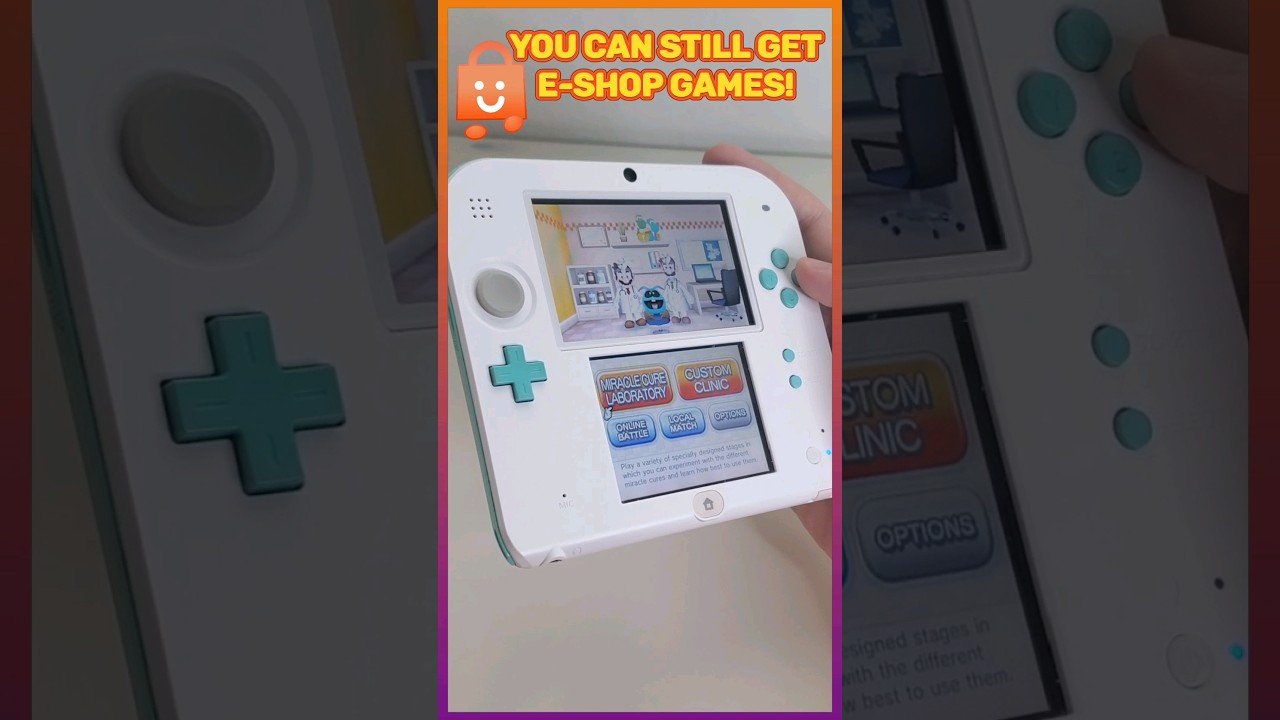
After the eShop closes, obtaining 3DS games primarily involves purchasing physical cartridges or exploring homebrew options.
The Nintendo 3DS eShop’s closure has left many wondering how to get 3DS games after eshop closes. It’s a valid concern, since a huge library of digital-only games is no longer directly accessible. Physical game cartridges are still available, although prices may vary depending on availability and demand.
Another avenue is exploring the 3DS homebrew community, though this often requires technical knowledge and carries risks. This method allows you to play games, but it’s important to research and proceed with caution.

How to Get 3DS Games After eShop Closes
The Nintendo 3DS eShop is gone, and that means buying new digital games from the official store is no longer an option. But don’t worry, 3DS fans! There are still ways to play your favorite games and maybe even find some new ones. This guide will show you all the ways you can still get 3DS games after the eShop shut down. We will explore both physical and other ways to get your hands on the games you love.
Physical Cartridges: The Classic Way
The most straightforward way to get 3DS games is through physical game cartridges. These are the small plastic cards that you insert into your 3DS. Here’s everything you need to know about buying physical 3DS games:
Where to Buy Physical 3DS Games
Even though new copies aren’t being made anymore, you can find used cartridges from many places:
- Online Marketplaces: Sites like eBay, Amazon, and Facebook Marketplace often have sellers with used 3DS games. Be sure to check seller ratings and reviews before buying to make sure you are buying from a trusted source.
- Used Game Stores: Local game stores, like those specializing in older games or retro gaming, frequently have a selection of pre-owned 3DS titles. They might even have some hidden gems!
- Pawn Shops: Pawn shops can sometimes have games at a good price. It is worth checking them out, but be careful and inspect games closely before purchasing to ensure they are working well.
- Friends and Family: Ask your friends and family if they have any 3DS games they’re willing to sell or lend. You never know who has a game you’ve been wanting to play.
- Garage Sales and Flea Markets: These are great places to find deals on used games, though selection may vary greatly. Be ready to do some digging.
Tips for Buying Used Physical Games
Buying used games is generally safe, but here are some helpful tips to ensure you get what you expect:
- Check the Cartridge Condition: Look for any cracks, scratches, or damage to the plastic casing. Make sure all the pins on the cartridge look clean and undamaged.
- Inspect the Game Label: The label should be intact and not peeling or faded. It is sometimes a sign of how well it has been taken care of.
- Verify the Region: Make sure the game is compatible with your 3DS region. 3DS games have region locking, meaning a game made for one region may not play on a 3DS from another region.
- Ask Questions: If buying online, don’t hesitate to ask the seller about the game’s condition or if it has been tested recently.
- Compare Prices: Before making a purchase, do some price comparisons online to make sure you’re not overpaying.
Benefits of Physical Games
Using physical game cartridges has several advantages:
- No Digital Download Required: You don’t need internet access to play a game once you have the cartridge. Simply insert and play.
- Share or Resell: You can share games with friends or resell them when you’re done playing. This is not possible with digital downloads.
- Collectable: Physical games can be collectable. Some special and rare editions might increase in value over time.
Exploring the World of Homebrew
Homebrew is a fancy word for software that is not officially made or supported by Nintendo. It can open up new possibilities for your 3DS, such as installing games directly to the system without a cartridge. However, please note that modifying your 3DS can have some risks and it is very important to be careful. You also need to be comfortable with tech and have some knowledge of how your 3DS works.
What is Homebrew?
Homebrew software is created by fans and hobbyists. It allows users to change their 3DS in ways Nintendo didn’t originally intend. This can include adding themes, changing the interface, and installing games that were not bought from the eShop. It involves modifying the system’s internal software and requires a deeper level of understanding. Remember, this process could potentially damage your console if not done correctly.
How Does Homebrew Work on 3DS?
It’s a process that involves taking advantage of small vulnerabilities in the 3DS software and using these to install programs that are not normally allowed. The main method usually involves custom firmware (CFW) which replaces the standard Nintendo firmware. The process varies depending on the 3DS model and its firmware version.
Benefits of Using Homebrew
If you do it carefully, modifying your console can give you some cool benefits:
- Installing Game Backups: You can install copies of your physical games directly onto your 3DS, so you don’t need to carry cartridges around. This is very convenient and very helpful for long car trips and vacations.
- Playing Homebrew Games: Many fans make free games and apps for 3DS. With CFW you can enjoy these for free.
- Emulators: You can play games from other systems, like old Nintendo consoles, using emulators. These open up the 3DS to be a complete portable retro machine.
- Custom Themes and Features: CFW lets you change how your 3DS looks and works, so you can personalize it and make it yours.
Risks and Precautions
Modifying your 3DS with CFW is not without risks. These are the main things to remember before starting:
- Potential for Bricking: If not done correctly, installing CFW can make your 3DS unusable, turning it into a “brick”. This can be avoided if you are careful and follow the guide to the letter.
- Voiding Warranty: Modifying your system in any way will most likely void the warranty. Nintendo will not fix your system if they suspect you have modified it.
- Requires Technical Knowledge: This is a complex process and you need to understand what you are doing to avoid mistakes.
- Ethical Considerations: Downloading and installing game backups of games you don’t own is technically piracy and against the law.
Where to Find Homebrew Guides and Software
If you decide to do Homebrew on your 3DS, these are the places that are usually recommended:
- 3DS Homebrew Subreddits: Subreddits like r/3dshacks are full of guides, helpful advice, and troubleshooting tips.
- Dedicated Forums: There are many active forums and websites focused on 3DS homebrew and they contain everything you need to know.
- Video Tutorials: YouTube has a lot of helpful guides and tutorials, so make sure to follow them carefully.
Digital Game Backups (Dumping)
Another method people use is to create backups of their physical games and install them on their modified 3DS. It is worth pointing out that while technically possible, it is an ethical grey area.
What is Dumping Games?
Dumping a 3DS game means making a digital copy of a physical game cartridge. You will need to have a 3DS with Custom Firmware to play them. This usually involves using a special homebrew application on a modified 3DS to copy the game’s data and saves it to an SD card as a digital file. These files are in formats such as .CIA or .3DS.
How to Dump Games
The exact process of dumping varies depending on the tool you use. Usually, you will need to install homebrew software that can extract the data from the game card. These are the steps of the most common process:
- Install Custom Firmware: You need a modified 3DS. Without this you will not be able to install the dumping tool.
- Install a Dumping Tool: There are several of these homebrew applications available for the 3DS. You need to install it from the homebrew menu.
- Insert the Game Cartridge: After you installed the tool, insert the game you want to copy into your 3DS.
- Use the Tool: Start the dumping tool, select the appropriate game card and choose the location to save the file.
- Transfer the File: Take the SD card out of the console and put it into your computer to copy the game file.
Benefits of Dumping Your Games
There are several advantages to taking this approach:
- Protect Your Cartridges: By playing game backups, you can keep your physical games safe from damage or wear and tear.
- Convenience: You can store all your games on your SD card and don’t have to swap cartridges all the time.
- Fast Loading: Game backups may load faster since they run off the SD card instead of the physical game card.
Legal and Ethical Considerations
Dumping games is usually acceptable if you own a physical copy of the game. However, distributing or sharing these digital copies is considered piracy and it can have legal repercussions. Always ensure you are respecting the copyright of the games you play.
Important Note About Digital Only Games
Some 3DS games were only available as digital downloads and never had a physical release. These games can be very hard to find now. Your best chance is to use homebrew if you wish to play them. Some fans have backed up these games and they are generally available on dedicated communities.
Finding Rare and Obscure Titles
Some 3DS games are very rare or obscure. The following are the things to remember if you are on the hunt for them:
- Stay Patient: It takes time to find exactly what you are looking for. Be ready to look for a long time, especially if you are looking for a very specific game.
- Check Regularly: Check online marketplaces and forums frequently since new listings appear regularly.
- Join Communities: Join groups and forums dedicated to 3DS games. Other collectors might be able to help you.
- Be Aware of Fake Games: Some games might be fake and use a copied label. If you are purchasing, compare the game with official images.
- Be Ready to Pay More: Rare games usually cost more than other titles, so be ready to pay extra if you want them.
Using Older Consoles and Game Libraries
Many classic 3DS games have been remade or ported to newer Nintendo systems, including the Switch. These usually have much better graphics and improved gameplay. If you are not specifically attached to the 3DS console, you might find it more enjoyable to play on a newer platform.
Nintendo Switch
The Switch has a growing number of 3DS classics on it. Titles like “Luigi’s Mansion” and several Pokemon games have been brought over with improved graphics and gameplay.
Other Nintendo Handhelds
Some 3DS games might also be available on other handheld systems like the Nintendo DS or the Nintendo 2DS. If you don’t have a 3DS anymore, it might be worth checking them out.
Getting 3DS games after the eShop closure requires some work and research, but it is definitely doable. You can play the physical versions or use homebrew and backups. By exploring these options, you can keep your favorite games alive and keep enjoying the 3DS for a long time.
How To Get Nintendo 3DS Games After The e-Shop Closes
Final Thoughts
After the eShop closure, obtaining 3DS games becomes challenging. Physical cartridges are a must. You need to buy these from retailers or used markets.
Digital game codes also might still work if already purchased previously. However, you cannot buy new codes now. This is the only way to add games digitally.
So, remember, ‘how to get 3ds games after eshop closes’ relies on physical copies and, perhaps, previously owned codes.

