
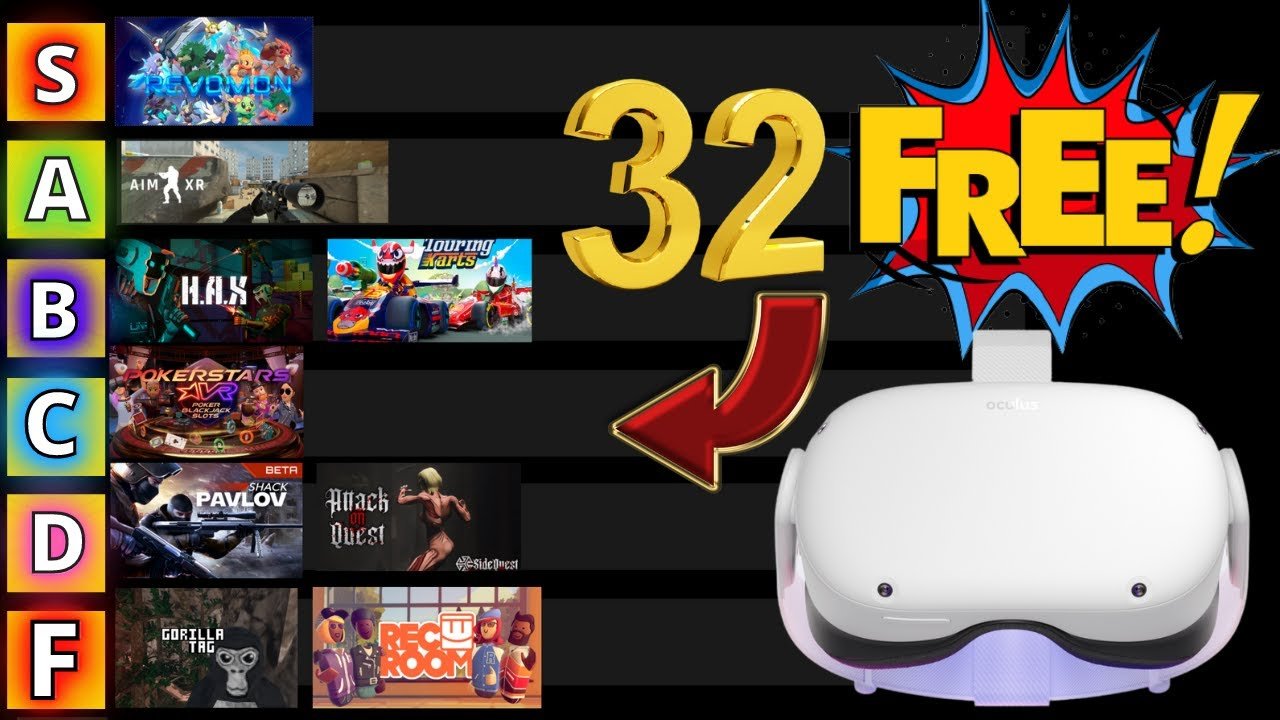
While there aren’t ways to get full paid games for free directly from the Oculus store, you can find many free experiences, demos, and occasionally promotions offer free games, so exploring those is the best approach to how to get free games on Oculus.
Craving new adventures in virtual reality but your wallet is feeling a bit thin? It’s a common feeling! Many wonder how to get free games on Oculus. Don’t worry, exploring the vast world of VR without spending a fortune is possible.
We’ll guide you through ways you can find fantastic free content, demos, and even some limited-time giveaways on the Oculus platform. There are great experiences waiting for you to enjoy them, all without any cost involved.

How to Get Free Games on Oculus
Hey there, fellow VR adventurers! Ready to dive into amazing virtual worlds without spending a dime? Getting free games on your Oculus headset might sound like a dream, but it’s totally possible. There are lots of cool ways to play fantastic VR games without reaching for your wallet. Let’s explore all the different avenues you can take to build your free game library.
Free Games Included With Your Oculus
The easiest way to snag free games is by checking what’s already included with your Oculus device. Both new and sometimes old users are rewarded with free content. Meta, the company that makes Oculus, likes to give players a few titles to get them started. These might not always be the newest or most popular games, but they’re a great way to experience different kinds of VR gameplay and learn the ropes. Think of it as a welcome gift!
Checking Your Oculus Library
Here’s how you find what freebies are hiding in your library:
- Turn On Your Oculus: Put on your headset and make sure it’s ready to go.
- Go to Your Library: Look for the “Library” icon. It usually looks like a bookshelf or a collection of game icons.
- Check “Not Installed”: Sometimes, free games aren’t downloaded right away. You’ll see an option like “Not Installed” or similar. Click on this to see if there are any games waiting for you to claim.
- Download and Play: If you find free games you want, simply click on the download button to add them to your collection.
Keep an eye on the library section. Meta sometimes adds new free content, so it’s always a good idea to check it from time to time.
Free Demos on the Oculus Store
Another fantastic way to enjoy free VR experiences is by exploring game demos on the Oculus Store. A demo is like a mini-version of a full game. It lets you try out the gameplay, explore the world, and see if you like it before committing to buying the whole thing. Demos are a very common thing in the game world and they allow you to test the games.
Finding Game Demos
Here’s how you can find those demos:
- Open the Oculus Store: Navigate to the store within your Oculus headset.
- Browse or Search: Look through the store, or if you already have a particular game in mind, use the search bar.
- Look for the “Demo” Label: When you find a game that interests you, check the page for the word “demo” or “try demo”. It’s usually right next to the option to buy the full game.
- Download and Play: If a demo is available, just download it and start playing!
Demos are a great way to discover new VR games, especially if you are unsure which full-game to buy. And sometimes, these demos can be very long and include plenty of hours of gameplay.
Free-to-Play Games on Oculus
Just like on computers and consoles, the Oculus Store has its share of free-to-play games. These are full games that you can enjoy without any upfront cost. These games often make money through optional in-game purchases, but you can still have plenty of fun without spending anything. Some examples of these in-game purchases could be cosmetic items or additional features for that particular game.
Searching for Free-to-Play Titles
Follow these steps to locate free-to-play games:
- Open the Oculus Store: Open the store section within your VR headset.
- Browse the Store: Take a scroll around and look for games that have the ‘Free’ button next to them instead of a price.
- Use Filters: The Oculus Store usually has filters that let you sort games by price. Set it to “Free” to show all free-to-play titles.
- Read Reviews: It’s a good idea to check out reviews before you download, just to make sure it’s a game you’ll enjoy.
Free-to-play games offer a wide range of experiences. Some are simple and casual, while others can be complex and deeply engaging. This way, you can find the kind of game that best suits you.
App Lab: Hidden Gems for Free
App Lab is a less well-known part of the Oculus ecosystem, but it’s a goldmine for free experiences. It is a place where developers can share games that are still in development or may not meet all the criteria to be on the main Oculus Store. But don’t let that turn you away, there are often gems in the App Lab for free.
How to Access App Lab Games
Here’s how you can dive into App Lab:
- Get the Link: Unlike regular store games, you won’t find App Lab games easily by browsing. You’ll usually need a direct link from the developer or a community website. Check out the Oculus community, online forums, or developer social media for App Lab links.
- Use Your Oculus Browser: Once you have a link, you can copy it into your Oculus browser.
- Click the Link: When you click the link, it should take you to the game page within the App Lab.
- Download and Play: You’ll be able to download the game from that page.
App Lab games often offer unique, fresh ideas because they’re from smaller, independent developers. You can often find really creative games and try new things that you won’t see in mainstream titles.
Oculus Referral Programs: Get Credits to Spend
Oculus has referral programs, which allow you to gain store credits if you invite your friends to join the platform. If you are new to the Oculus world, you can often get a referral from an existing user. When you accept this referral you might receive some store credits, and your friend who referred you, may also get some store credits. The credits can be used to buy games.
How Referral Programs Work
Here’s a rundown of how to make use of these referral programs:
- Find a Referral: If you are new to Oculus, ask your friends if they have a referral link. Look in online forums, groups or social media.
- Use the Link: If you’re a new user, accept the referral link. This usually gives you some free credits.
- Refer Your Friends: If you already have an Oculus account, share your referral link with friends who are thinking of buying a headset.
- Earn Credits: When your friend buys a headset using your link, you’ll receive a credit in your store wallet.
- Use Your Credits: Use your collected credits to get new games.
Referrals are a fantastic way to make use of the Oculus ecosystem. You can help your friends and earn some credits at the same time.
Oculus Giveaways and Contests
Keep an eye out for giveaways and contests that Meta and other companies often run. It may be through their social media channels or directly within their platform. These giveaways can sometimes mean that you get free games, accessories or store credit.
How to Find These Opportunities
Here’s how you can participate in these events:
- Follow Social Media: Follow Meta and Oculus on social media channels like Twitter, Facebook, and Instagram. This way, you’ll find out when a giveaway is happening.
- Join Communities: Check out Oculus user communities and groups, as they also promote giveaways and contests.
- Visit the Oculus Blog: Sometimes, giveaways are announced in blog posts or on their official website.
Entering giveaways and contests is a simple and easy way to try to win free VR games. While the odds of winning might not always be high, the effort is usually very low.
Game Bundles for Free
While not technically “free” in the purest sense, game bundles can significantly cut down the cost per game, and you may even find some free games thrown in as a bonus. Some bundles that are advertised on other websites may contain free gifts or games with them, which might make them a good option to get free games indirectly.
How to Get Game Bundles
Here is what you need to do:
- Check Third-Party Websites: Keep your eye out for gaming bundles advertised on other websites or via promotions, these bundles may have free games included within.
- Keep a Watch on Sales: You might also find some game bundles during special sales events. These sales events are a great time to buy games or bundles with free games included within.
Always do a quick check before buying bundles from other websites, to ensure that they are trustworthy.
Participating in VR Game Testing
Sometimes game developers need people to test their games before they fully release them. This usually means you get to play a version of the game for free, and give the developer feedback on it. This is a good way to experience new games and sometimes get early access to games.
How to Find Testing Opportunities
Here is how you can participate in playtesting:
- Check Developer Sites: Some developers advertise testing opportunities on their websites.
- Join Developer Communities: Join forums, social media, or Discord servers of the developers. You’ll find out about playtesting opportunities there.
- Be Active in VR Communities: Check in on VR communities to see if any testers are needed.
Participating in playtests is a good way to give back to developers and get free games while doing it.
Using SideQuest for Free Games
SideQuest is an unofficial platform for sideloading VR content onto your Oculus headset. It offers a bunch of experimental and free games and apps that are not available on the official Oculus Store. If you want to try some unique and different games, then this could be the way to go.
How to Use SideQuest
Here are some of the steps to get access to games in SideQuest:
- Install SideQuest: You’ll need to download and install SideQuest on your computer.
- Connect Your Oculus: Connect your Oculus headset to your computer using a USB cable.
- Enable Developer Mode: You’ll have to enable Developer Mode in your Oculus settings.
- Browse SideQuest: Go to SideQuest and see all the free titles that are available.
- Sideload Games: Install the free games on your headset.
SideQuest is a very useful platform for those who are interested in checking out new and unusual VR experiences.
Staying Updated
The landscape of free VR games can change quickly. New games appear, older games may become free, and promotions happen regularly. Make sure to stay up to date so you don’t miss out.
Ways to Stay in the Loop
Here are some of the best ways to stay informed on free game opportunities:
- Follow Oculus on Social Media: Track Oculus’ official accounts.
- Join VR Communities: Take part in VR forums and social media communities.
- Check VR News Sites: Regularly look at VR news websites and blogs.
Staying informed will ensure that you do not miss out on great free VR games.
Building a library of free games on your Oculus is totally achievable with a bit of exploration and know-how. Take advantage of demos, free-to-play titles, App Lab, referral programs, and community events. With these tips, you’ll be immersed in the world of VR in no time, all without breaking the bank!
Endless FREE Quest 2 Games! #metaquest #quest #virtualrealityheadset
Final Thoughts
To get free games on Oculus, explore the official store for occasional promotions and demos. Oculus also has an app lab where developers sometimes offer their games without a charge. Another way is to watch out for giveaways and bundle deals.
Following social media channels of Oculus and related platforms will help you to catch free game announcements. Keep checking the store for updates because they often add new free games. Remember, patience and consistent vigilance will boost your chances on ‘how to get free games on oculus’.

