
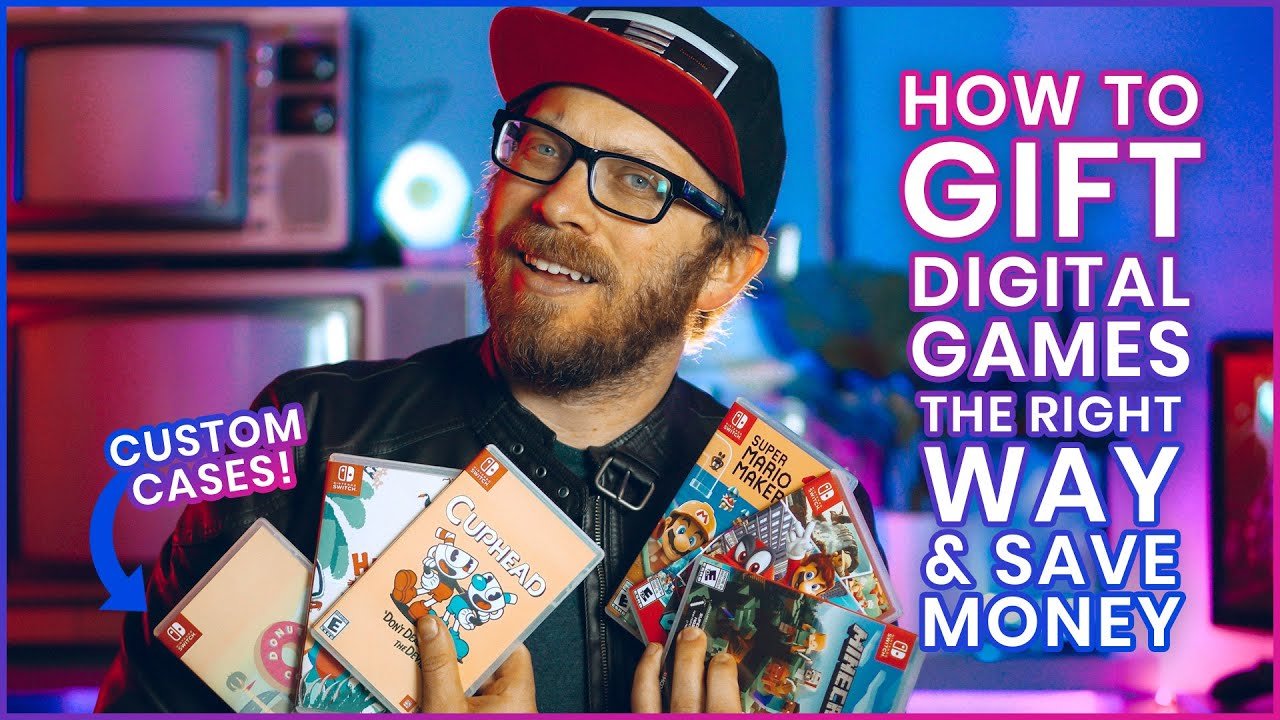
To gift a digital Switch game, you must purchase a download code from a retailer or the Nintendo eShop and then share that code with the recipient.
Want to surprise a friend with a new adventure? Figuring out how to gift a digital Switch game can be a little confusing. It’s not as straightforward as handing over a physical game.
Luckily, the process is actually quite simple once you know the steps. This method lets you give joy without wrapping paper, just pure gaming excitement delivered directly to their console.

How to Gift a Digital Nintendo Switch Game: A Step-by-Step Guide
So, you want to give someone the joy of a new Nintendo Switch game, but you’re thinking digital instead of a physical cartridge? That’s a fantastic idea! Gifting digital games is super convenient, perfect for last-minute surprises, and the recipient doesn’t have to worry about losing a game card. But, it might seem a bit tricky if you’ve only ever bought physical games. Don’t worry! This guide will walk you through everything you need to know about how to gift a digital Nintendo Switch game. We’ll explore all the different methods and answer common questions, making the process smooth and fun!
Understanding Your Options
Before we dive into the “how,” let’s look at the “what.” When it comes to gifting digital Switch games, you basically have two main paths you can take:
- Using the Nintendo eShop directly: This is the most straightforward method. You’ll buy a digital code and either print it or send it electronically. This method uses the gift recipient’s email address or you may choose to use your own and give them the code yourself later.
- Purchasing a digital download code from a retailer: Many stores like Amazon, Best Buy, and GameStop sell digital codes for Nintendo Switch games. These codes work exactly like the ones from the eShop. This option is sometimes used when you want to gift a particular game that you might not find it on eShop easily.
The right choice often depends on your comfort level and where you prefer to shop. Both options get the job done! So, let’s break down each process step-by-step.
Gifting Directly Through the Nintendo eShop
This is often considered the most direct way to gift a digital game. Here’s how to do it:
Step 1: Accessing the eShop
First, turn on your Nintendo Switch and make sure you are connected to the internet. Then, navigate to the Nintendo eShop icon on the HOME Menu. It looks like a little orange shopping bag. Select it using your controller.
Step 2: Finding the Game
Once in the eShop, you can use the search bar at the top of the screen to find the game you want to gift. You can also browse through new releases, popular titles, or games in a specific genre. For instance, if you’re looking for a fun party game, try searching for “Mario Party Superstars” or if the recipient loves adventure, search for “The Legend of Zelda: Breath of the Wild.”
Pro Tip: Make sure to double-check that the game is compatible with the recipient’s Switch console, if they have multiple. Some game can also be region-locked so be sure to get a version of the game that they can play in their region.
Step 3: Choosing Gift Options
After selecting the game, scroll down to the purchase options. You’ll usually see a button that says “Purchase” or “Proceed to Purchase.” However, you might also find the option, “Gift this software”. This is the one you want. If you don’t see the gifting option directly, look for a small arrow or button that opens more options.
If you don’t see this, then that particular title might not be eligible for gifting. Be sure to double check that your desired game can be gifted through the eShop.
Step 4: Entering Recipient’s Email
The eShop will prompt you to enter the email address of the person you’re gifting the game to. Be very careful when entering this information! Double-check to ensure that the email is correctly spelled before proceeding. An incorrect email address means your recipient won’t receive their gift, and you might have trouble recovering the gift code.
Step 5: Choosing a Delivery Date
Next, you can choose when you want the recipient to receive the gift code. You can have the email sent immediately, or you can select a specific date and time. This is handy if you want to send a gift for a birthday or holiday in advance. You can prepare your gifts early and schedule for the perfect day!
Step 6: Adding a Personal Message (Optional)
Some games allow you to add a little personal message to the gift email. This is a great way to add a more personal touch to your present. You can write a short message wishing the recipient happy birthday, saying happy holidays or just saying you hope they like the game! It’s a small touch that can make your gift feel extra special.
Step 7: Completing the Purchase
Now, you’ll need to complete the purchase using your chosen payment method. This could be a credit card, a debit card, or your Nintendo eShop balance. Once the transaction is complete, the game will be sent to the recipient’s email on the date and time you selected. They will then receive an email that contains a 16 digit code that they can redeem on their own console. If you choose to have the gift code sent to your own email address, then be sure to keep the code safe so that you can give it to your gift recipient at a later time.
Redeeming the Digital Gift
Once the recipient gets the email, they will find a 16 digit redemption code. To redeem this code, the gift recipient should open their Nintendo Switch, navigate to the Nintendo eShop and select “Enter Code”. They should enter the 16-digit code and confirm. The game should now begin to download. It is important to keep in mind that game download time can vary depending on the game size and internet speed.
Purchasing Digital Download Codes from Retailers
Many retailers, both online and in brick-and-mortar stores, sell digital codes for Nintendo Switch games. This method is great when you prefer shopping at your favorite store or want a physical gift card to hand to the recipient with the code on it.
Finding the Codes
Websites like Amazon, Best Buy, Target and GameStop offer digital download codes. Simply search for the specific Nintendo Switch game you want to purchase, and look for the “Digital Code” option. Make sure you are not accidentally purchasing a physical cartridge.
You can also visit a physical store and purchase a gift card that contains a game code on it. These are often displayed near the register or in a dedicated gaming section.
How the Process Works
The purchasing process from a retailer is very similar to the process of buying any other item. Simply add the digital code to your shopping cart and complete the checkout process. You might be required to provide your email address so that the digital code can be sent to you.
Receiving the Code
After completing the purchase, the retailer will usually send you the 16-digit digital code via email. Some retailers will also display the code on your order confirmation page or in your digital library. If you purchase a physical gift card that has the code on it, you will find this code under a scratch-off surface.
Gifting the Code
Now, you have options to gift the code:
- Forward the email: You can forward the email containing the code to the recipient.
- Write it down: You can write the code on a card and give it to the recipient in person.
- Create a gift: You can get creative with how you present the code! Put it in a homemade card, put it in a birthday balloon, create a little puzzle that gives them the code, or even make a treasure hunt! The options are endless, limited only by your imagination.
Redeeming the Digital Gift
The redemption process for codes purchased from retailers is the same as the redemption process for codes purchased on the eShop. The recipient can open their Nintendo Switch, navigate to the Nintendo eShop and select “Enter Code”. They should enter the 16-digit code and confirm, then the game download will begin.
Things to Keep in Mind
Gifting digital games is super convenient, but here are a few key things to consider:
Region Compatibility
Nintendo Switch games are sometimes region-locked. This means a game purchased for a console in one region may not work on a console in a different region. So, if you are giving a gift to someone living in another country, you should always purchase the game on the store corresponding to that region. This ensures that the recipient can actually play the game.
For example, a game purchased in the North American eShop will not be playable on a console purchased in Europe.
Double-Check Before You Purchase
Double check you have purchased the correct game and the correct edition. Make sure you are purchasing a version of the game that the gift recipient does not already own. Verify the total price, and that your payment information is correct. Once a digital gift code is sent, there is no turning back! You will not be able to get a refund.
Account Linking
The recipient will need a Nintendo Account to redeem the digital code. If they don’t have one, they’ll need to create a free account on Nintendo’s website. It is not uncommon for families to share a console and a Nintendo account. In this instance, it is important to know who is already linked to the account, so that the recipient can play the game. You may want to gift a different kind of gift if you know the gift recipient shares their console and account.
Game Size and Storage
Digital games take up storage space on the Nintendo Switch. Make sure the recipient has enough space on their console’s storage to accommodate the game. If not, they will need to delete old games or purchase a memory card. Be mindful of this if you think the gift recipient has a very old console with limited memory. You might want to purchase a physical copy of the game instead.
Keeping Gift Receipts
If you buy a code through a retailer, it’s a good idea to save your purchase confirmation email or receipt. That way you have the code on hand if you misplace the card you have written it on, or if the code doesn’t work. Some retailers will also help you if the code is not working, or if it has already been redeemed.
The Joy of Gifting Digital Games
Gifting a digital Nintendo Switch game is a simple and thoughtful way to give someone a fun experience. It’s fast, convenient, and lets the receiver start playing their new game right away. Whether you are celebrating a birthday, marking a holiday, or just thinking of someone, a new digital game is always a welcome present! With these simple steps, you’ll be gifting like a pro in no time.
By following this detailed guide, you will know exactly how to give the gift of gaming to all your loved ones. Enjoy the smiles and the thank you messages!
How to Gift Games on Nintendo Switch
Final Thoughts
Gifting digital Switch games is straightforward. You simply purchase a digital code via retailers or the Nintendo eShop. The recipient then redeems it on their console.
Remember to verify regional compatibility before purchase to avoid issues. It is critical that the game is usable by your friend.
So, ultimately, ‘how to gift a digital switch game’ involves buying a code and the recipient using it on their Nintendo account. The digital option makes gifting very convenient.

