
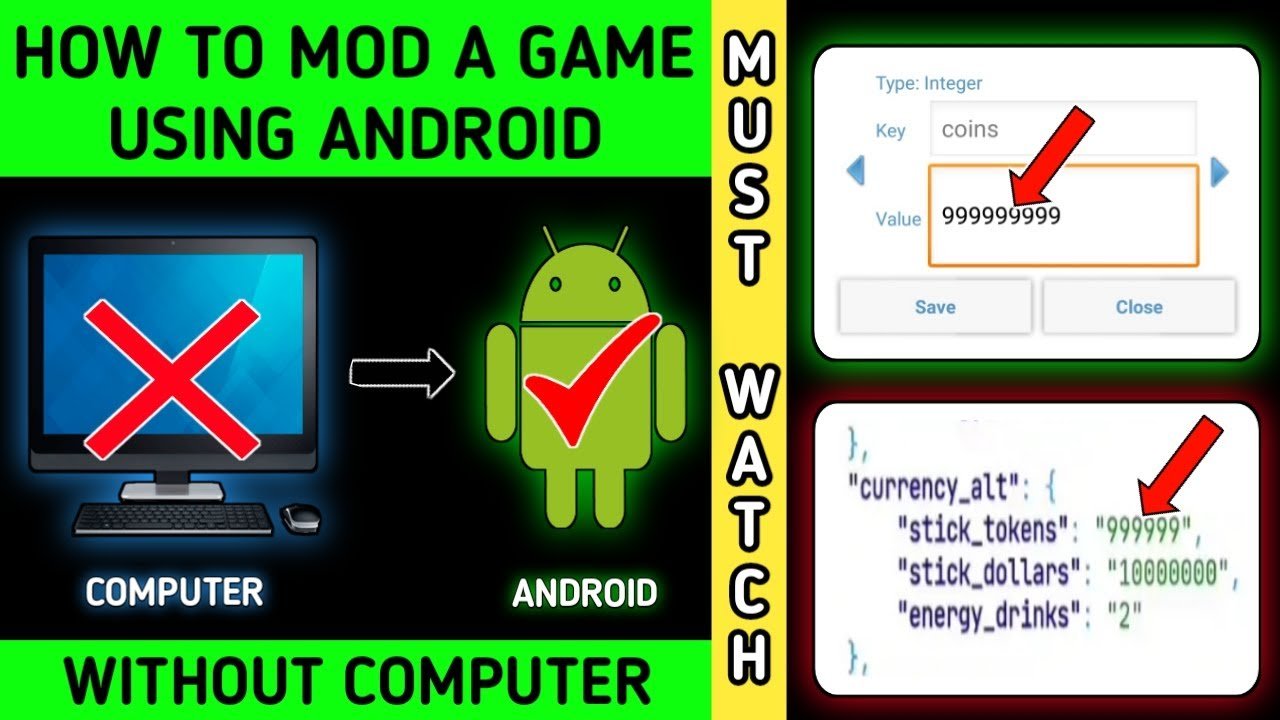
Modding an Android game typically involves using tools to alter the game’s code or data files, which may require rooting your device or using specific modding applications.
Ever wished you could change the rules of your favorite mobile game? Maybe add a new character or get unlimited resources? Learning how to mod a android game allows players to customize their gaming experience significantly. It can seem complicated, but with the right resources and patience, it’s very doable.
Modifying games often involves working with apk files and specific modding applications, a process that varies greatly from one game to another. You will want to backup your games before modding!

How to Mod an Android Game
So, you love playing games on your Android phone, right? Ever wished you could change a few things, maybe get a bunch of coins, or play with a different character? That’s where modding comes in! Modding basically means making changes to a game to play it the way you want. It can sound tricky, but with a little patience and the right tools, it’s something you can definitely try. Let’s break down how to mod an Android game.
What is Game Modding Anyway?
Before we dive into the “how-to,” let’s talk about what modding actually is. Imagine you have a toy car. You like it, but you wish it had bigger wheels or a different paint job. Modding a game is kind of like that. You’re changing how the game works or looks. This can be anything from adding new characters or items to making the game easier or harder. Now, it’s really important to remember that modding is a fun hobby, but it’s essential to do it safely and fairly.
- It’s about changing things: Modding allows you to alter game elements.
- It can be simple or complex: Some mods are easy, others need a bit more tech know-how.
- Fun but needs responsibility: Always mod games with care and respect the game developer’s work.
Understanding Game Files
To mod a game, you need to understand where the game stores its information. Most Android games keep their data inside files called APKs. Think of an APK file like a package for your game. Inside this package are all the instructions and images the game uses. To change the game, we’ll need to access the files within this APK.
APK Files: The Game’s Package
An APK (Android Package Kit) file is like a zipped folder for your game. It holds everything: the game code, the pictures, the sound effects, and more. When you install a game from the Google Play Store, your phone takes this APK file and puts it all in the right spots so the game can run. To mod a game, you will be opening this package, making some edits and putting it back together. It’s important that you only get the APKs from reliable sources and avoid getting from illegal or pirated sites that may harm your device.
- APK = Game Package: The APK is like a zip file with all the game’s goodies.
- Contains Code and Media: It has the instructions (code) and all the visuals and audio.
- Needs special tools to unpack: We will be using special tools to look inside it and change the things we want to change.
Different Types of Game Files
Besides the main APK file, games often use other kinds of files to store data. Knowing these can help you pinpoint what parts of the game you’ll want to mod. Some common types include:
- XML Files: These files often store information about game settings, levels, and characters. XML files are like simple text files that computers can read easily.
- JSON Files: Similar to XML, JSON files can also contain important game data. They’re also text based files and often used for storing information.
- Image Files: You’ll see these in formats like PNG or JPG, and they are used for the pictures in the game. If you want to change the look of a character or an item, you might need to find these files.
- Sound Files: Formats like MP3 or WAV are used for sound effects and music in the game.
Tools for the Job
Before you start modding, you will need a few tools. These tools will help you unpack the APK, edit the files, and repack the APK. Don’t worry, most of these are free, and you can find them online.
APK Editor Tools
The main tool you need is an APK Editor. This is like a special wrench for opening up your game files. Here are some of the common ones:
- APK Editor Studio: This tool works on your computer and is a great place to start. It has a lot of features and is a favorite for many modders.
- MT Manager (Android App): If you prefer to work directly on your Android phone, MT Manager is a powerful file explorer and APK editor app.
- APKTool: This is a command-line tool for more advanced modders. While a bit complex, it gives you very precise control over the APK’s contents.
You can easily search and download these apps online, but make sure that you download from reliable sources.
Text Editors
Often, you will be editing text-based files. For this, a good text editor is essential. While your phone may already have a basic one, downloading a better text editor can make things a lot easier. Common options for Android include:
- QuickEdit Text Editor: This is a great text editor for Android that lets you view and change text-based files directly on your phone.
- Acode: This editor provides a friendly interface that will help you view and change XML and JSON files with ease.
Image and Sound Editors
If you’re planning to change the look or sound of the game, you might need some specialized software. For images, you can use:
- Pixel Studio (Android): It’s great for drawing or editing pixel art.
- Adobe Photoshop Express (Android): A lightweight version of the popular editing software.
For audio, you can use:
- Lexis Audio Editor (Android): A simple but useful audio editor for Android.
- WaveEditor (Android): A great option for editing audio files on your phone.
Remember, for simple modifications you might not need these editors, however, as you get more into the modding process, these tools will become very useful to you.
Step-by-Step: Modding a Simple Game
Alright, let’s get to the fun part! We will walk through modding a game with a very basic example. This will involve extracting the APK, changing the files, and building a new APK.
Step 1: Getting the APK File
First, you need the APK file of the game you want to modify. There are a few ways to get it:
- Using an APK Extractor App: Many apps in the Google Play Store can pull the APK from your installed games. Simply install one and use it to save the APK to a file on your device.
- Using a File Explorer: Some file explorers can copy the APK files from your device’s app folders. You might need to enable ‘show hidden files’ to find the apk files.
- Online APK Downloader: Be very cautious here, and download only from very reliable sources, because some of these sites may offer tampered and unsafe files.
After you have saved the file, copy it to the computer, if you are using an editor that works on computers.
Step 2: Decompiling the APK
The next step is to take the APK apart. This process is called decompiling. You’ll use your APK editor for this.
- Open your APK Editor: Start the tool you chose (APK Editor Studio or MT Manager).
- Select the APK: Find the APK file you just saved and load it into the editor.
- Decompile: Choose the “decompile” or similar option. This will split the APK into its component files for editing.
The decompiling process takes some time, depending on the game size and speed of your PC. Once it’s done, all game files will be accessible and ready to be edited.
Step 3: Finding the File to Mod
Now comes the detective work. You’ll need to search through the game files to find the specific settings or data that you want to change. This can sometimes be tricky and require some experimenting.
- Start with Text-Based Files: Begin with XML or JSON files, as they are easier to read and understand. Search for relevant file names, that may contain values you want to change.
- Use Search Tools: Your editor should have a built in search tool. Look for keywords relating to the thing you want to modify. For example, searching for “coin,” “score,” or “speed” could be very helpful.
- Open Files Carefully: When you find a file you want to change, back it up first. You can save a copy of the file with a different name. This way, if you make mistakes, you can always revert back to original file.
Step 4: Editing the File
After you locate the file, you need to edit it with a text editor to achieve your changes.
- Open with Text Editor: Select the file and open it with the text editor you have installed.
- Change Values Carefully: Once in the editor, you will see different values. Change those carefully, and make sure to not break the file structure. For instance, if the file is in JSON format, don’t forget the commas and curly braces.
- Save Changes: After you are done with your changes, save the file.
Now that you have edited your game file, you need to repack the APK. Remember, always back up your files to revert back, if anything goes wrong.
Step 5: Recompiling the APK
Now, you will use your APK Editor again to put the game back together. This process is called recompiling.
- Use APK Editor: Go back to your APK editor.
- Recompile: Choose the “compile” or “build” option. This process will take the changed files and put them all together in a brand new APK.
- Save your new APK: The output APK file should be saved in a new location with a new file name.
This recompiling part can take some time as well. After the process, you will have your modded APK file.
Step 6: Installing and Testing the Mod
It’s time to install your new APK on your Android phone. You might need to uninstall the original game first.
- Uninstall Original Game: Before installing the modded version, uninstall the original one from your phone.
- Allow Unknown Sources: In your device settings, you may need to enable “install from unknown sources”. This will let you install an app not downloaded from the Play Store.
- Install the Modded APK: Transfer your new apk file to your device and install it.
- Test: Run the game and check the changes. If everything is working correctly, the mod is successful.
Always try to do small changes first to see how they work, and gradually work on bigger edits. This will make debugging easier, in case something goes wrong.
Types of Mods You Can Create
The kind of mods you can create are diverse and depend on how the game stores its data. But some popular mod categories are very common.
Game Economy Mods
This kind of mod lets you change how the game manages its virtual money or points. You can increase money, add free stuff, or make in-app purchases free.
- Infinite Money: Set a very high initial amount of money or remove spending limits.
- Free items: Make all items or in game purchases free, without any cost.
- Currency Multiplier: Increase the number of resources gained from tasks.
You can do this by changing the values in XML or JSON files related to game currency, items or in-app purchases.
Gameplay Modifications
This kind of mod changes how the game is actually played. It includes things like changing the speed of characters, or making certain elements easier or harder.
- Increased Character Speed: Modding game files can change the walking, running, or any movement speed of a character or vehicle in a game.
- Increased Damage or Health: Characters can be given a big boost in their damage or health.
- Modifying Game Difficulty: You can make the game easier or harder by adjusting values related to enemy strength or health and character’s damage or health.
These kinds of mods are achieved by editing the values related to gameplay, which can be found in different file types.
Visual and Audio Mods
If you are more artistically inclined, visual and audio mods might be interesting for you. These mods can alter the look and sound of the game.
- Changing Character Skins: By editing image files, you can change the appearance of the game character.
- Altering Item Appearance: Similarly, you can change the way that items in the game look.
- Replacing Sounds: You can also replace sounds in the game with custom ones.
You need image and audio editor software to modify such files. Once the modification is completed, repack the APK file and install it on your device.
Important things to keep in mind
While modding can be a fun and educational experience, it’s crucial to stay safe and fair.
- Be Careful of Unreliable Sources: Avoid downloading APK files from unverified websites. These may contain viruses or malware that could harm your phone or steal your data.
- Respect Game Developers: Remember that games take a lot of time and effort to make. Avoid sharing or using mods that may harm the game developer’s sales.
- Mod Safely: Always back up your game data before modifying. This way, if something goes wrong, you can get back your original game data.
- Be Ethical: Don’t mod games to cheat in online multiplayer games. This can ruin the experience for others.
Always use reliable and trusted tools and sources to avoid risks. If you’re unsure about something, it’s good to look for more information from forums or other modding communities.
The learning curve of game modding
Game modding can look very challenging at first glance, but once you start doing it and experimenting with it, you will start to understand its processes, and eventually it will get much easier. You might want to start with something very simple like changing the game currency, or modifying a small image to fully understand what game files contain and how the game uses them. Once you understand these basics, you can move to more complicated modding and create more intricate changes in the game.
Modding an Android game can be very rewarding. It lets you change and experiment with your favorite games in many different ways. Although it requires some technical skills and some patience, the experience and fun can be worth it. Now you have a solid understanding of what to do, take your time, and start your own journey of modding. Remember to always be ethical and safe, and have fun.
How to mod a game using android
Final Thoughts
Modding Android games involves finding the game’s files, usually APKs, and then using tools to alter them. You might change values like in-game currency or character stats. There are many tutorials online that show specific software and methods.
Remember that modifying game files might violate terms of service. Always back up your game data before making changes. This allows you to revert if something goes wrong.
So, learning how to mod a android game needs both caution and research, but you can achieve significant alterations with the correct approach.

