
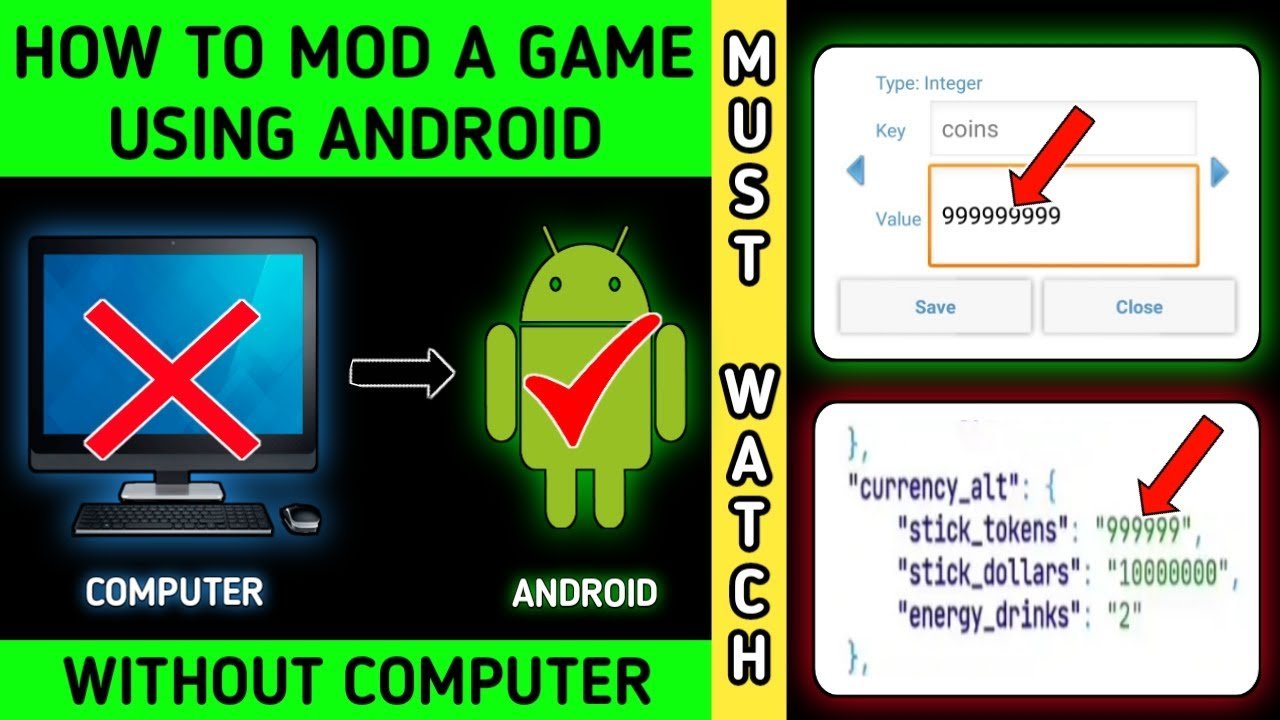
How to mod android games involves using specialized tools to alter game files, such as APK editors, and may require root access on your device depending on the complexity of the modification.
Ever felt like a game could be a little different? Maybe you want a new character skin or some extra in-game currency. This is where learning how to mod android games comes in. It can seem complex at first, but with the right information, it’s very achievable. Many gamers find modifying their games a fun way to get more involved.

How to Mod Android Games
So, you love playing Android games, but sometimes you wish you could change things up a bit, right? Maybe get more coins, have different characters, or even make the game look totally different? Well, that’s where modding comes in! Modding an Android game is like giving it a super cool makeover. It allows you to play the game in a way the original makers might not have thought of. It can be a lot of fun and sometimes a little tricky, but don’t worry, we are here to explain everything.
Understanding Android Game Modding
Before diving into the exciting world of modding, it’s good to understand what exactly it means. Game modding, in general, means modifying the game files. This changes how the game works, looks, or plays. For Android games, this often involves altering the game’s APK file. APK stands for Android Package Kit, which is basically the file that contains everything a game needs to run on your phone or tablet. Modding is an art, and it gives you the power to customize your gaming world. The types of mods you can do are really dependent on the game itself.
What Kind of Changes Can You Make?
Modding can lead to all sorts of exciting changes. Here are a few examples:
- Unlimited Resources: Imagine playing a game without worrying about running out of gold, gems, or other resources. Mods can make this happen! You can get infinite ammo, build huge castles, or buy all the cool upgrades.
- Character Changes: You can switch up the way your character looks, or even use a character that you aren’t normally allowed to.
- Gameplay Tweaks: Mods can alter gameplay elements, making the game faster, slower, harder, or easier. Think jumping higher, moving quicker, or giving yourself extra health.
- Visual Modifications: Changing the looks of the game is a fun thing you can do. You can alter the colors, change the look of buildings, or add your own personal touches to the game world.
- Add new Levels: In some cases you can even add new levels to the game, this usually requires more complex modding.
Is Modding Android Games Safe?
This is a really important question! Modding can sometimes come with risks. Downloading mods from untrusted websites can expose your device to viruses, malware, or other nasty things. It’s very important to get your mods from trusted sources. Also, modding games can sometimes break the game rules, which might get your account banned. Be careful while modding and remember to always get your mods from trusted sources. And, make sure that you follow the game’s rules to avoid getting banned.
Tips to Stay Safe
- Use Trusted Sources: Always download mods from reputable websites or forums. Check for reviews and comments from other users before downloading anything. If it seems too good to be true, it probably is!
- Scan Files: Before you install a mod, use an antivirus app to check for anything suspicious. This extra step can save you a lot of trouble later on.
- Back Up Your Data: Always back up your game progress and device data before modding. This means you won’t lose your game if something goes wrong during the modding process.
- Read Reviews: Look for user reviews on the mods you’re about to download. This can help you learn if there is any issue with the mod.
Tools You Will Need For Modding
Okay, so you’re excited to start modding? Here are some things you will need to get going:
Your Device
You’ll need an Android phone or tablet, of course. The device should have enough space to store the modded game and any tools you’ll be using.
APK Editor
This is a tool that lets you change the files inside an APK. You can use this app to change game values, alter images, or even modify how the game works. There are many options available, both free and paid, so choose the one that suits your needs.
File Manager
A file manager app can help you navigate through your phone’s files and folders. This is important for finding the APK files you need to work on. This app will also be used to move or copy your modded game files.
Text Editor
Sometimes you will need to change the game’s text data to create specific modifications. A text editor is the app that lets you see and edit the text in a file.
Internet Connection
You will need a stable internet connection to download the tools and mods. Make sure you’re connected to a reliable Wi-Fi network.
Basic Steps to Mod an Android Game
Modding can sound difficult, but we will break down the basic process into easy steps. Here’s how you can do it:
Step 1: Get the APK File
First, you will need the game’s APK file. There are a few ways to get this. You can download it from your phone if you have installed the game. Or you can download it from the internet. However, be very careful about where you get it from. Always prefer a trusted source to download the APK file.
Step 2: Use an APK Editor
Now, open the APK editor app and choose to open the APK file you just downloaded. The editor will give you a lot of options to choose from, like ‘edit,’ ‘replace,’ or ‘modify.’
Step 3: Find the Values to Change
Now here’s the fun part! You will have to explore the game files to find the specific values you want to modify. For example, you might look for files that contain the game’s currencies, character stats, or level info. Some values might be in text files, while other might be inside of other file types. You can change the values you want using the APK editor.
Step 4: Save Your Changes
Once you make all the changes you want, save your edited APK. The APK editor will create a new APK file that you can install.
Step 5: Install Your Modded Game
Before you install your modded APK, you might need to uninstall the original game. Now you can install the new APK you modified. If everything went well, you should now be able to play the modded game!
Understanding Different Types of Mods
There are so many different types of mods, and they don’t all work the same way. Understanding these differences can help you select the right mod for your game. Here are some popular types:
Simple Value Changes
These types of mods change the simple values in the game. This can be things like game currencies, health points, experience, and other related stats. These types of mods are easy to make, but not all game values can be modified.
Text Edits
These mods change the text displayed in the game. This can be the names of characters, menu text, or story dialog. You can make the game look and feel very different just by changing the text.
Graphical Changes
You can also change the game’s images and graphics. This can include things like changing character skins, changing background images, or even making completely new elements in the game. Graphical changes require more skill and sometimes specialized tools.
Advanced Code Mods
This is a more complex level of modding. Here you need to change the actual code of the game. It requires a lot of technical knowledge and specific coding skills. It can allow you to make large changes to the game, and can even add new mechanics.
Important Things to Keep In Mind
Modding Android games is fun, but there are some important things you should always remember. Here are some key points to keep in mind:
Modding May Break Games
Sometimes, modding a game can make it stop working correctly. It can crash, freeze, or even become completely unplayable. Always be prepared that modding can break your game.
Backup Your Game Data
Before you start modding anything, make sure that you have saved your game data, so you can restore your game if something goes wrong. This means you won’t lose any of your progress in the game if you need to reinstall the game.
Be Aware of Game Updates
If the game gets updated, your mods might not work anymore. Game updates change the game files, and the mod might not be able to modify it correctly. So it is very important to make sure your mods are compatible with the updated version of the game.
Don’t Mod Online Games
Modding online games is usually not a good idea. It is against the rules of most online games. It can cause you to get your account banned. So avoid modding online games, because it can ruin your gaming fun.
Finding Safe Mods
Locating a secure source for your game mods can be challenging, but it’s incredibly important for your safety and the safety of your device. Here’s how to find a safe place to download your game mods:
Trusted Websites and Forums
There are websites dedicated to providing safe mods. These websites carefully check the mods before uploading them. You can also go to the forums that are dedicated to specific games. You will be able to find lots of information and get mods from other players.
User Reviews
Before you download anything, always check to see what other users are saying about the mod. User reviews will help you find a good and trustworthy mod. Pay close attention to what the other people are saying.
Antivirus Scan
Make it a habit to scan all the downloaded files with an antivirus. This is an important step to avoid any bad surprises.
Advanced Modding Techniques
For those who want to go above and beyond, there are some more advanced techniques. However, these techniques are more complex and require more technical knowledge and might not be suitable for everyone. Here are some advanced techniques:
Working with Scripting Languages
Some games use scripting languages like Lua to control the game logic. If you can modify these script files, it can lead to huge changes in how the game works.
Modifying Game Assets
This involves changing the game’s graphic assets. This can be anything like changing character models, texture packs, and even sounds and audio.
Using Debugging Tools
These tools can be used to examine the game’s memory. It allows you to understand how the game works and find new ways to modify it. It requires a very technical knowledge, but can help you make huge modifications.
Community and Sharing
The modding community is full of helpful and friendly people. Here is how you can get involved:
Joining Forums
Join forums and discussions, where modders share tips and tricks. These forums are full of resources and information about modding. You will meet people who are passionate about modding.
Sharing Your Mods
If you create your own mods, share them with the community. You can get valuable feedback, and you will contribute to the overall modding community. By sharing you can also get help with any issues or problems you might face.
Modding Android games is an exciting way to personalize your gaming experience. It lets you make a game more enjoyable to you. Remember always to mod responsibly. Get your mods from trusted sources, and make sure you have backed up your data. By following these simple steps and safety advice, you can really enjoy all the great things that modding can offer. Have fun and remember to play safe!
How to mod a game using android
Final Thoughts
Modding Android games involves several steps like finding game files and using tools to change them. You’ll need to be careful and understand the process fully. Always back up original data before making changes.
Different games require different techniques, so research is key. Modding can be risky so make sure you know what you’re doing. It’s important to download tools from trusted sources.
In summary, this guide covers the basics of how to mod android games. The process needs patience and care, but understanding it can enhance your gaming experience.

