
To play Switch games offline, simply ensure the game is downloaded to your console, and then disconnect from the internet.
Ever found yourself on a long journey or in a place with no internet, and wished you could still play your Nintendo Switch? It’s a common scenario for gamers, and the good news is that you can. Understanding how to play switch games offline is straightforward, and this quick guide will clarify the steps.
This capability to play offline allows you to enjoy your games anywhere, without relying on a Wi-Fi connection. It provides a way to play your favourites regardless of the availability of internet. Let’s explore the simple steps for this functionality.

How to Play Switch Games Offline
So, you’ve got your Nintendo Switch all charged up, ready for some gaming fun, but what happens when you don’t have any internet? Maybe you’re on a long car ride, camping in the woods, or just want to save on data. Don’t worry! Playing Switch games offline is totally possible, and it’s actually pretty simple once you know the steps. This article will guide you through everything you need to know about enjoying your favorite Nintendo Switch games without Wi-Fi.
Understanding Offline Play on the Nintendo Switch
Before we jump into the how-to, let’s understand a little bit about why some games work offline and others don’t. The Nintendo Switch is designed to be a flexible console. It can be used as a home console, plugged into your TV, or as a handheld device on the go. This flexibility means it’s built to handle offline play. Most single-player games and many local multiplayer games work perfectly without an internet connection. These games store all the necessary data on the Switch’s internal memory or on the game cartridge.
Digital vs. Physical Games
There’s a key difference between games you buy on a physical cartridge and games you download from the Nintendo eShop. Physical games on cartridges usually offer the most straightforward offline experience, since all the game data is on the cartridge itself. You just pop it in, and you’re ready to play. Digital games, however, require a bit more attention, since they need to be downloaded first, and their ability to be played offline depends on a few factors which we’ll look at in more detail below.
Preparing Your Switch for Offline Play
Getting ready for offline play is easier than you might think. It’s all about planning ahead and making sure everything is set up while you still have an internet connection. Follow these steps and you’ll have games to play without internet, while you’re on a trip.
Downloading Your Digital Games
If you have digital games, you need to make sure they’re completely downloaded to your Switch before you head offline. Here’s how you do it:
- Connect to Wi-Fi: Make sure your Switch is connected to a stable Wi-Fi network.
- Go to the eShop: Open the Nintendo eShop from the Switch home menu.
- Check Your Downloads: Go to your profile icon in the top right corner. Find the ‘Redownload’ section and check if your games are downloaded.
- Download Needed Games: If any of your games are not downloaded, select and download all the games that you want to play offline.
- Wait Patiently: Downloading can take a while, depending on the game size and your internet speed. Be patient and let each game finish downloading completely.
Primary Console Activation
This part is crucial for playing digital games offline. Your Nintendo Switch needs to be designated as your “primary console” to play games offline. Here’s how to check and change if needed:
- Connect to Wi-Fi: Again, ensure you are connected to Wi-Fi.
- Go to Settings: Open ‘System Settings’ from the home menu.
- Select ‘System’: Scroll down and select the ‘System’ option.
- Find Console Setting: Then, go to ‘Primary Console’.
- Check Status: If this switch is your primary console, it will state ‘This console is currently registered as your primary console’. If it doesn’t, follow the prompts to set it as your primary console. It usually involves connecting to Nintendo server to activate your switch as primary console.
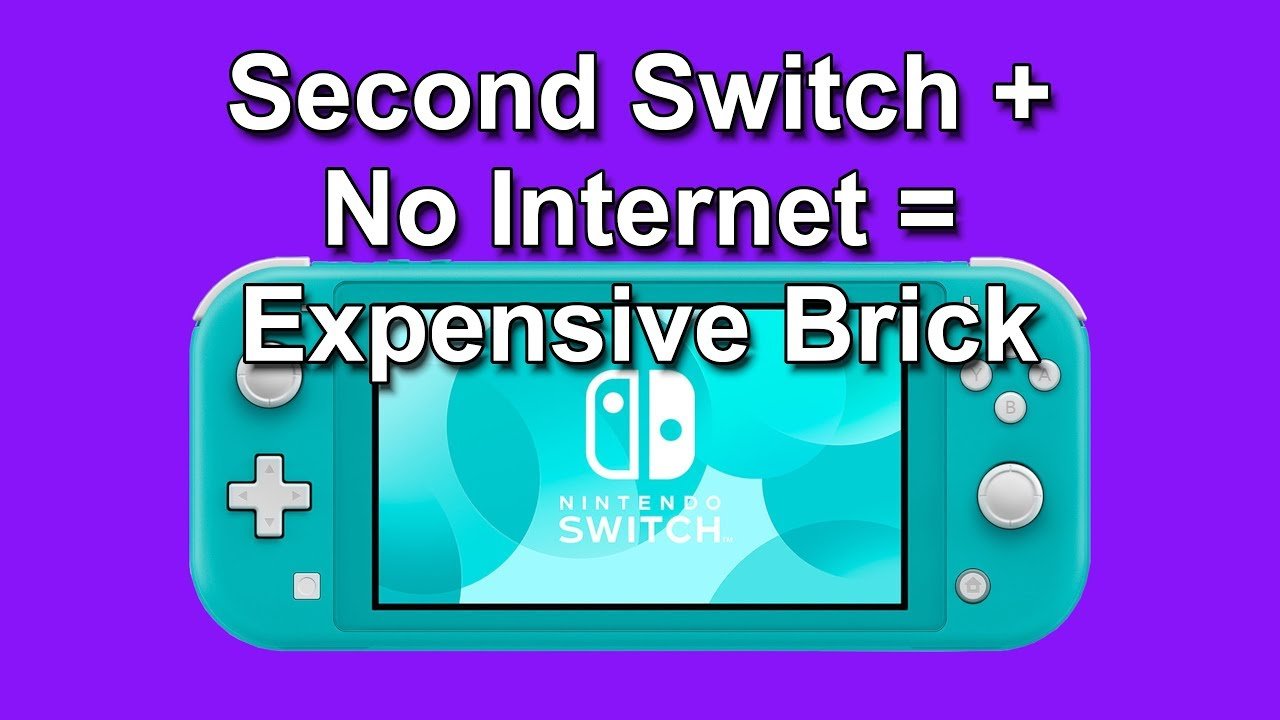
If you have multiple Switches, only one can be your primary console for digital games. Secondary consoles can only play digital games when connected to the internet. So, make sure the Switch you’ll be using offline is the primary one.
Offline Play for Different Game Types
Not all Switch games are created equal when it comes to offline play. Here’s a breakdown of different game types and what you can expect:
Single-Player Games
Single-player games generally offer the smoothest offline experience. They don’t need an internet connection to work, because all the information they need is already on your console or the cartridge. This includes games like:
- The Legend of Zelda: Breath of the Wild
- Super Mario Odyssey
- Animal Crossing: New Horizons
- Pokémon Sword and Shield
- Metroid Dread
You can play these games entirely offline without issues, and any progress you make is saved to your console.
Local Multiplayer Games
Many multiplayer games can be played offline with friends using local wireless. This means you can play together with other Switch consoles nearby, without needing internet. Here’s how it works:
- Local Wireless Play: Most games that support local wireless multiplayer have an option for it in their menus.
- Proximity is Key: Players need to be in the same area, like same room, same table to play. The consoles communicate directly with each other.
- Compatible Games: Titles like Mario Kart 8 Deluxe, Super Smash Bros. Ultimate, and Splatoon 3 (for some game modes) support this feature.
Remember that this kind of play requires each player to have their own Switch and copy of the game if you have local multiplayer.
Online Multiplayer Games
Games that are primarily designed for online multiplayer will not work without internet. These include games that rely heavily on matchmaking, such as:
- Splatoon 3 (for online matches)
- Mario Kart 8 Deluxe (for online races)
- Super Smash Bros. Ultimate (for online battles)
- Many other online games
These games need a live internet connection to connect you with other players, and will likely not be playable in these online modes when offline. You might still be able to access single player or offline modes in this kind of games if they offer that.
Troubleshooting Common Offline Play Issues
Sometimes, even with the correct setup, you might run into some issues with playing offline. Here are some common problems and what to do about them:
Game Won’t Start
If your game won’t start in offline mode, check these things:
- Primary Console Check: Make sure your Switch is still registered as your primary console. You might need to connect to the internet briefly to verify this.
- Download Completion: Ensure that the game is completely downloaded. An interrupted download can cause issues.
- Game Update: Some games will need an initial update, even for offline play. This only needs to be done once when you have an internet connection.
Game Freezes or Glitches
Occasional freezes or glitches can be fixed by restarting the system:
- Restart Your Switch: Hold down the power button, and select “Power Options” followed by “Restart”.
- Update Your System: Make sure you have the latest Nintendo Switch system software. Update your system in settings if there is an available update.
- Check Game Data: Very rarely, game data can be corrupted. Redownload the game.
Other Issues
If you’re still having issues, consider:
- Nintendo Support: Contact Nintendo’s customer support for more specific assistance. They have a great resource for troubleshooting.
- Look Online: Often, other players have encountered the same issue and might have shared their solution on forums.
Tips for a Smooth Offline Gaming Experience
To make the most of your offline gaming, here are some extra tips:
Keep Your Switch Charged
Playing on the go can drain your battery quickly. Make sure you start with a full charge, and bring a portable charger if needed. A fully charged battery means more game time.
Plan Your Game Selection
Think about which games you want to play and make sure they’re downloaded and ready to go. Don’t rely on downloading games on the fly when you’re in a place where you don’t have internet.
Use Airplane Mode
To save battery life, put your Switch in Airplane Mode. This turns off Wi-Fi and Bluetooth, which can reduce battery consumption. You can still play games in this mode.
Bring Physical Games
If you want the most straightforward experience, bring a selection of physical game cartridges. These will always work offline without any extra setup.
Playing Nintendo Switch games offline is a simple process once you understand the basics. You just have to plan ahead a little bit, download your games, and make sure your Switch is setup as your primary console. Once you have done all this steps, you will have endless hours of fun on your Nintendo Switch, whether you’re connected to the internet or not. Enjoy your offline gaming adventures!
How To Fix "Checking If Software Can Be Played" On Nintendo Switch (Switching Primary Console)
Final Thoughts
To play switch games offline, first ensure you download your games before going offline. Keep your primary console active; this is must for most games to work without internet. You can also play most single player titles this way.
Downloaded games should function perfectly. Remember that some online-only games won’t work. You can play many multiplayer games locally, though, with friends who are near you.
Following these steps will guide you on how to play switch games offline. Enjoy gaming anytime, anywhere without any internet.

