
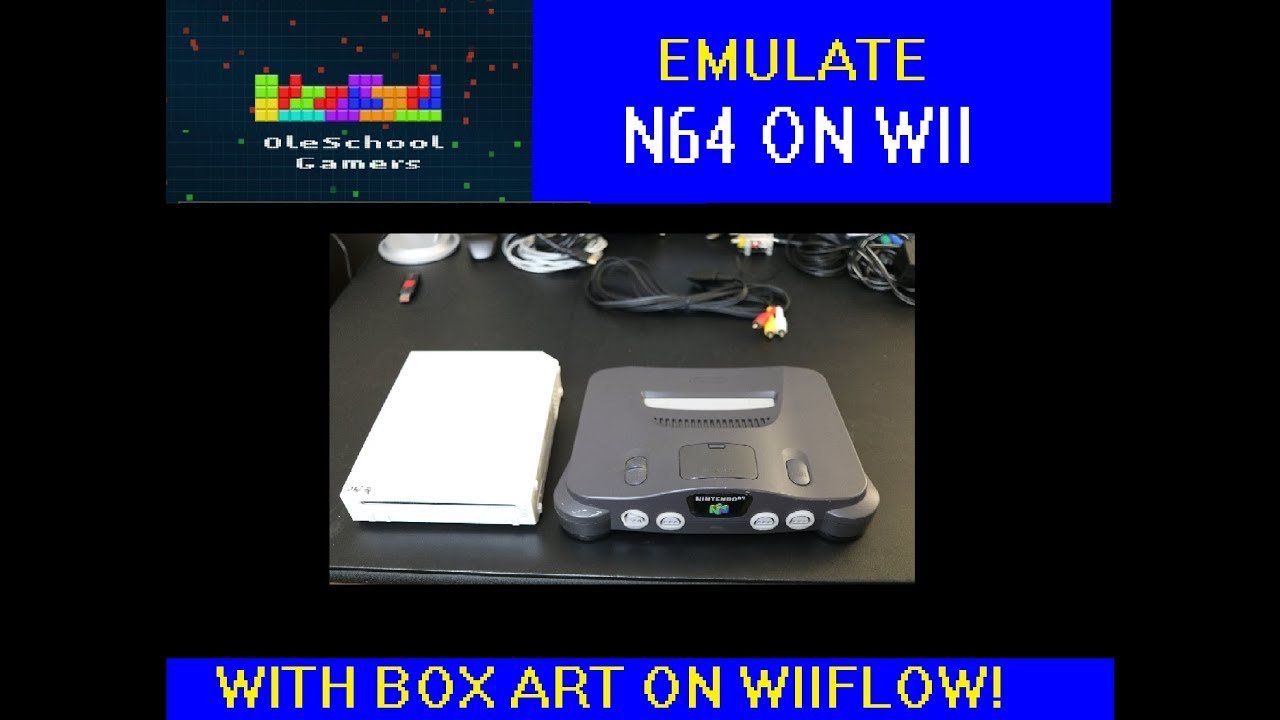
To set up N64 games on WiiFlow, you’ll need the correct emulator (Not64 or Wii64), place N64 ROM files in the designated folder (usually ‘n64’ on your storage device), and configure WiiFlow to recognize this folder as your N64 game source.
Ever dreamt of playing classic Nintendo 64 titles on your Wii? It’s totally possible, and not as complicated as it might seem. We’ll guide you through the steps of how to set up N64 games on WiiFlow. This setup requires a few specific steps, but once completed, you’ll enjoy those classic games on your console with WiiFlow.

How to Set Up N64 Games on WiiFlow
Ready to play your favorite Nintendo 64 games on your Wii? It’s totally possible with WiiFlow, a cool homebrew app! Think of it like a special program that lets your Wii play games from different consoles. Getting it all set up might seem tricky at first, but don’t worry! We’ll walk through every step together, so you’ll be playing classics like Mario 64 and Zelda: Ocarina of Time in no time.
Understanding the Basics
Before diving in, let’s talk about what you’ll need and some important terms. It’s like gathering your tools before starting a project! Here’s what we’ll cover:
- Homebrew Channel: This is like a secret entrance to your Wii that lets you use special apps like WiiFlow. You need to install this first. Think of it as the key to getting started.
- WiiFlow: This is the program we’ll use to play our N64 games. It’s like a game launcher for your Wii. It helps you organize and play games from different places.
- N64 ROMs: These are the game files for your N64 games. You will need to get these separately, as we can’t help with that here. Always try to get your ROMs from a legal source, like games you already own.
- USB Drive or SD Card: This is where you’ll put the game files and WiiFlow. It’s like your storage for everything. It has to be formatted in a specific way so the Wii can read it.
- N64 Emulator: This is like a translator that lets your Wii understand the N64 games. WiiFlow uses emulators to play games from different systems, and we need one for the Nintendo 64. We will use Not64 emulator in this guide.
Preparing Your Wii
The first thing we need to do is get your Wii ready. This means installing the Homebrew Channel. If you’ve already got it, great! You can skip this part. If not, let’s get started:
Installing the Homebrew Channel
There are several ways to install the Homebrew Channel. The most common method is using the LetterBomb exploit, which uses a specific exploit through the Wii message board. This process involves:
- Getting your Wii’s MAC address: You’ll find this in your Wii settings. It’s like a unique ID for your console. Go to Wii Settings > Internet > Console Settings and note the MAC address.
- Downloading LetterBomb: Go to the LetterBomb website on your computer and enter your MAC address, along with your Wii’s region. The site will make a special zip file for you to download, this zip file will contain the files that you need to install homebrew channel on your Wii.
- Copying to your SD card: Extract the files from the downloaded zip file to the root of a formatted SD card. The root is the main place when you open the SD card in your computer. Ensure your SD card is formatted as FAT32.
- Inserting SD card and running the exploit: Place the SD card into the Wii. Now turn on your Wii and go to the Wii message board. You’ll find a red letter icon – that is the LetterBomb icon. Select that to install the Homebrew Channel.
- Following on-screen instructions: After clicking the LetterBomb icon, follow the instructions that appear on the screen. It is important to keep the Wii plugged into power while installing and not turn off your Wii, it can brick the console.
Formatting Your USB Drive or SD Card
Next, make sure your USB drive or SD card is formatted correctly. The Wii prefers the FAT32 format.
Important! Make sure you back up anything important before formatting, as this process will wipe all the data on the drive or card.
Here’s how to do it on Windows:
- Plug your USB drive or SD card into your computer.
- Open “This PC” or “My Computer.”
- Right-click on your drive.
- Select “Format.”
- Choose “FAT32” in the file system drop-down menu.
- Check the quick format box and start the format.
After this step, you’ll have an empty, FAT32 formatted storage that your Wii will love.
Getting WiiFlow Ready
Now that we have our storage device prepared, it’s time to install WiiFlow to your Wii.
Downloading WiiFlow
The next step involves getting the necessary files. We will need the latest version of WiiFlow and some emulator files. These files should be placed in specific folders on your USB drive or SD card.
- Download WiiFlow: Find the most recent version of WiiFlow from a reliable source on the internet, like GitHub or its dedicated forum.
- Download Not64: Download the N64 emulator called Not64. This is the software that allows WiiFlow to run the N64 games. You can also find this from the Wii homebrew communities online.
Copying Files to Your Storage Device
Now that you’ve downloaded WiiFlow and the N64 emulator, let’s get them onto your storage device. This is where your files need to go:
| Folder | File or Folder Location | Description |
|---|---|---|
| Root | wiiFlow Folder (from download) | This includes the main executable file for WiiFlow, usually named boot.dol. |
| apps | wiiFlow Folder (from download) | WiiFlow executable should go here to be recognised by the Homebrew Channel. |
| apps/wiiflow/plugins | Not64.dol (or relevant N64 emulator .dol file) | This folder holds emulator plugins that WiiFlow needs to work. |
| n64 | This folder can be named anything you want | This is where all your N64 game ROMs will be stored. |
Make sure to create the folders if they don’t exist, if you don’t create these folders, the app won’t work as expected.
Loading Games into WiiFlow
Now the most exciting part is loading up your games and start playing, after doing the initial setup.
Placing Your N64 ROMs
Remember the ‘n64’ folder we made earlier? Now it’s time to put your N64 ROM files there. Make sure they are the correct files, if the files are not correct the game won’t load. You might find your game in zip format, if it is, you need to extract the file before moving it.
Starting WiiFlow
Now that we have everything set up, it’s time to launch WiiFlow on your Wii. Here’s how:
- Insert your USB drive or SD card into your Wii.
- Turn on your Wii and go to the Homebrew Channel.
- You should see WiiFlow on the list. Select it to start the program.
- WiiFlow will take a few seconds to boot up and set up itself, please be patient and let it load completely.
Configuring WiiFlow
WiiFlow is a powerful program with lots of settings. Here’s a quick guide to help you configure it for N64 games:
- Navigating the Menu: Use the Wii Remote to move around the menu. You can select a game with the “A” button.
- Changing Game Covers: If you have image files of the game’s cover art, you can copy these into the ‘covers’ folder on your storage device for WiiFlow to display. Usually, it is located inside the ‘wiiflow’ folder.
- Settings Menu: To configure the settings, press the “Home” button on the Wii Remote. Here, you can customize a variety of features, like setting up the control settings, configuring different emulators, changing paths and etc.
- Selecting the N64 Emulator: If your WiiFlow is not recognizing the emulator, you have to manually set it. Go to settings and select emulator settings and then select “Not64” from the list to make it default emulator.
- Refreshing Game List: If you have added new games, press “1” to refresh the list of games, this will help WiiFlow see the new games that you have added.
Troubleshooting Common Issues
Sometimes things don’t go as planned, and you might encounter a problem. Here are some common issues and how to fix them:
- Games Not Loading:
- Make sure the game file format is correct and that the file name is correct.
- Make sure the emulator is set up correctly for N64.
- Check the game location. The path in the setting should be directed to the location of your ROMs.
- WiiFlow Freezing:
- Try using a different SD card or USB drive.
- Make sure that your storage device is properly formatted to FAT32.
- Make sure you have the latest version of the program.
- Missing Covers:
- Make sure your image files are in the ‘covers’ folder in the right format. Usually it’s png format.
- Make sure that the file name is the same as the game name (without the extension).
- Controller Not Working:
- Make sure that your controller is properly connected to your Wii.
- Go to settings and try changing the control schemes.
- Not64 Crashing
- Try a different ROM file of the same game.
- Update the Not64 version to the latest one.
Enjoying Your Games
After all of this, you should be ready to start playing your favorite N64 games. Go ahead, pick a game from the list, and you should start playing the games with the Not64 emulator. Use your controllers and start having fun. Have a blast playing your favorites games from the Nintendo 64 era.
Setting up N64 games on WiiFlow might seem complex at first, but following these steps will guide you through. With a little bit of patience, you will have your Wii playing N64 games. Now it is time to start playing all of your favorite retro games. Have fun!
How to setup and play N64 games on Wii with WiiFlow boxcovers!!
Final Thoughts
Setting up N64 games on WiiFlow involves placing ROM files within the proper folder on your storage device. Make sure the emulator core is also correctly installed.
You must configure the emulator settings in WiiFlow to recognize your files. This process usually requires specifying the correct path. Proper setup allows you to easily enjoy your favorite games.
In short, follow the folder structure and ensure correct settings for emulator setup. This details how to set up n64 games on wiiflow and make it work. Enjoy your N64 games on the Wii!

