
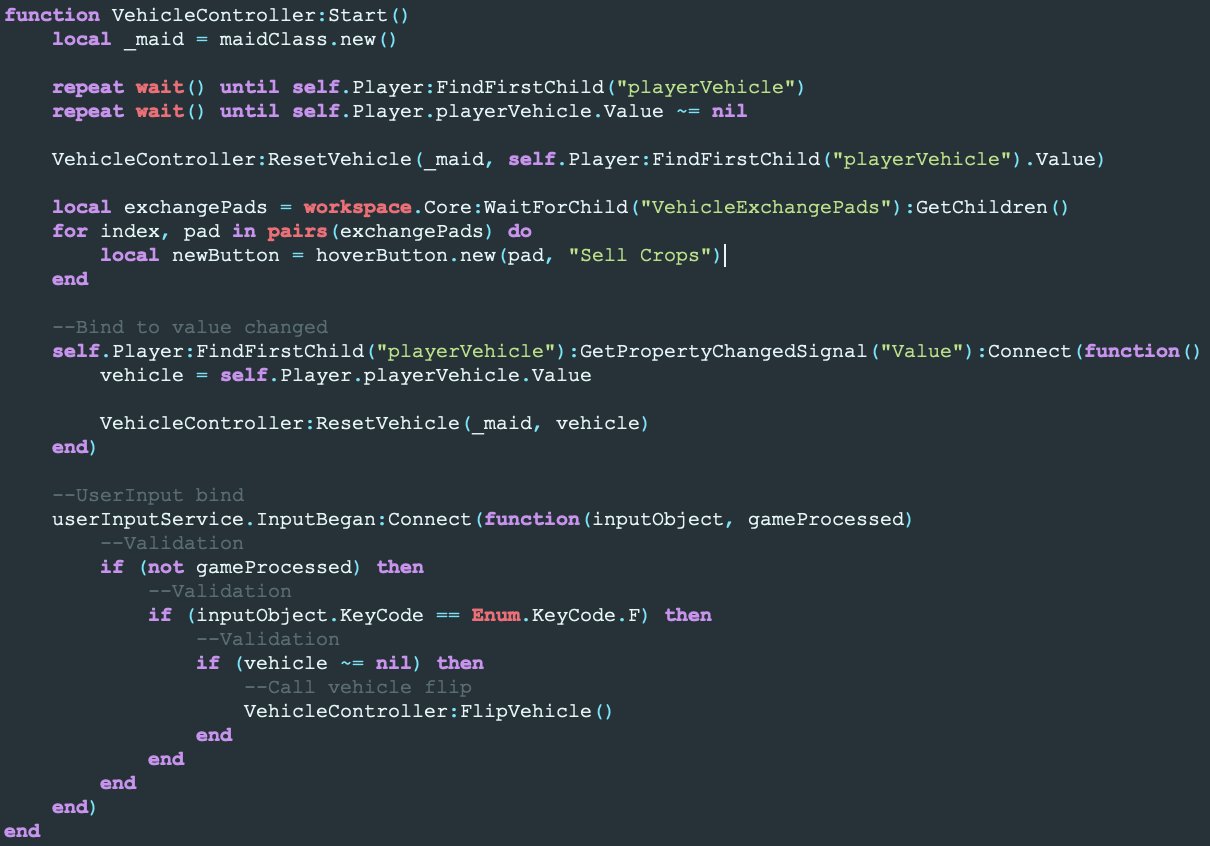
Roblox coding standards for games primarily involve using clear, well-commented code, consistent naming conventions, and avoiding global variables where possible.
Ever wondered how to create a well-structured and maintainable game on Roblox? It’s not just about knowing how to write code but also how to write it effectively. Following established roblox coding standards for games is crucial for long-term success.
These guidelines help ensure that your code is easy to read, debug, and collaborate on with other developers. They also help prevent errors and make it simpler to update your project later on. Starting with good habits pays off significantly down the road.

Roblox Coding Standards for Games
Making a Roblox game is super fun, but did you know that writing code for it can be even more fun if you follow some simple rules? These rules are called “coding standards,” and they help you write code that’s easy to understand, easy to fix, and easy to share with others. Imagine building with LEGOs. If you just throw the bricks together, it might look messy. But if you follow a plan, it’ll look much better. Coding standards are like that plan for your Roblox games.
Why Are Coding Standards Important?
You might be thinking, “Why bother with all these rules? Can’t I just write code however I want?”. Well, you can, but it’s like building a sandcastle without any structure. It might stand for a little while, but it’s likely to collapse easily. Here’s why coding standards are so important in game development:
Readability
Clean code is like a story that’s easy to read. If your code is messy, it will be hard for you and other developers to see what’s going on, even if you wrote it. You’ll spend more time trying to figure out your own code than creating something new. Imagine trying to read a book where all the words are jumbled. That’s what messy code is like!
- Consistent Naming: Imagine trying to find a specific toy in a giant toy box where all the toys have random names. If we name things clearly like ‘playerSpeed’, ‘jumpHeight’, or ‘enemyHealth’, it is much easier to keep track of what each part of the code does.
- Proper Indentation: Think of indents like outlines in a school essay. They help break your code into chunks and show what parts belong together. This makes it easy to see the structure of your code at a glance.
Maintainability
Games can become big and complicated. If your code is well-organized, you can easily add new things or make changes without breaking everything. Like maintaining a neat and organized house, it’s much easier to clean and make repairs, rather than dealing with chaos.
- Modular Code: Think of your game as having different rooms in a house. Each room should do one specific thing, and rooms should not mix with each other. When you divide your code into modules or functions, you can work on the game easily, even when it grows bigger.
- Comment Your Code: Imagine leaving sticky notes to yourself, saying what you did in different parts of your game, like putting notes on a recipe. Comments are notes you write in your code, which help you remember why you did things a certain way. It is useful for you and other collaborators in the future.
Collaboration
Many times, you won’t be making games by yourself. You might team up with friends, or even work with other developers online. If everyone follows the same coding standards, you can easily understand each other’s code and work together smoothly. It’s like having everyone on the same team using the same language. Here are a few things to consider:
- Shared Understanding: Consistent standards act as a common language for developers. It avoids time waste, confusion and misunderstandings. This ensures that everyone can quickly understand the code of others and that helps collaborate.
- Code Reviews: When code is standard, it is easier to spot errors and improvements and that is done by peers, which makes better and high quality code.
Fewer Errors
Following coding standards can prevent many common coding errors. It’s like having a checklist when you’re doing math problems. You’re less likely to make simple mistakes, because you’re following a plan. If the code is consistent and easy to read, errors will be spotted more easily, like fixing a cracked tile in an evenly tiled floor.
- Avoid Clutter: Just like a clean room is easier to navigate, organized code reduces the chance of bugs because it’s easier to see the flow and how it should work.
Key Coding Standards in Roblox
Now that you understand the “why,” let’s dive into the “how.” Here are some key coding standards to follow when making Roblox games:
Naming Conventions
Think of naming variables like naming your pets. You want a name that makes sense. Use names that clearly describe the purpose of the variable.
Variables and Properties
Variables are containers for information. They should have descriptive names in camelCase. For example:
- Good: playerSpeed, jumpHeight, enemyHealth
- Bad: ps, jh, eh (these are hard to understand)
Properties are like the characteristics of an object. Name them using camelCase as well.
- Good: part.Transparency, player.Character, game.Workspace
- Bad: partTransp, playChar, gameWS
Functions
Functions are like actions that your game can perform. Name them with verbs, describing what the function does, also use camelCase. For example:
- Good: movePlayer(), damageEnemy(), spawnItem()
- Bad: mp(), de(), si()
Constants
Constants are values that don’t change. Write constant names in all uppercase with underscores to separate words. For example:
- Good: MAX_HEALTH, JUMP_POWER, GRAVITY_FORCE
- Bad: maxHealth, JumpPower, gravityForce
Instances and Objects
When you’re referring to specific objects in your game world, use descriptive names that reflect the purpose of the object, like ‘redDoor’, ‘bigTree’, or ‘healthPotion’.
Indentation and Formatting
Indentation is how you space out your code to make it easier to read. Imagine a staircase; each step should be aligned, so it’s easy to understand.
- Use 4 spaces for each indent level: This will help keep your code structure consistent.
- Keep lines short: If a line is too long, it can be hard to read. Try to keep lines shorter than 80 characters.
- Use blank lines: Use them to separate different chunks of code and make it easier on the eyes.
Example of Good Indentation:
local function movePlayer(player, direction)
    if direction == "forward" then
        player.Character.HumanoidRootPart.CFrame = player.Character.HumanoidRootPart.CFrame  CFrame.new(0, 0, -5)
    elseif direction == "backward" then
         player.Character.HumanoidRootPart.CFrame = player.Character.HumanoidRootPart.CFrame  CFrame.new(0, 0, 5)
    end
end
Example of Bad Indentation:
local function movePlayer(player, direction)
if direction == "forward" then
player.Character.HumanoidRootPart.CFrame = player.Character.HumanoidRootPart.CFrame  CFrame.new(0, 0, -5)
elseif direction == "backward" then
player.Character.HumanoidRootPart.CFrame = player.Character.HumanoidRootPart.CFrame  CFrame.new(0, 0, 5)
end
end
See how the second example is much harder to read?
Comments
Comments are like little notes you leave in your code. They help explain what different parts of the code do. Here are some tips for writing good comments:
- Explain complex logic: If a section of your code does something tricky, add a comment to explain it.
- Don’t state the obvious: Comments like — This sets the player speed aren’t helpful. Use comments to give context or explain why.
- Use comments to plan and remember: You can use comments to write down the game logic you want to implement and the logic behind the code.
Example:
-- Function to make the player jump
local function jumpPlayer(player)
    -- Calculate jump force using a constant value
    local jumpForce = JUMP_POWER
    player.Character.Humanoid.Jump = true
    player.Character.Humanoid.Velocity = Vector3.new(0, jumpForce, 0)
end
Code Organization
Organize your code to keep related parts grouped together. This helps in keeping things manageable and easy to maintain.
Modules
Modules are like containers for code that does a specific thing. Use them to keep your code organized.
-- Example of a module that has helper functions
local PlayerUtilities = {}

function PlayerUtilities.dealDamage(player, amount)
   --logic for dealing damage
    player.Health = player.Health - amount
end

function PlayerUtilities.increaseSpeed(player, amount)
    --logic for increasing player speed
   player.Speed = player.Speed + amount
end
return PlayerUtilities
You would use this module in your scripts like this:
-- Require the PlayerUtilities Module
local PlayerUtilities = require(game.ServerScriptService.PlayerUtilities)
-- Use the functions in this module
PlayerUtilities.dealDamage(currentPlayer, 10)
PlayerUtilities.increaseSpeed(currentPlayer, 5)
Separate Scripts
Avoid putting all your code in one big script. Instead, separate your scripts based on functionality.
- Player Movement Script: This script will only handle player movement and related things.
- Enemy Behavior Script: This script will only deal with the logic for enemies.
- Item Handling Script: This script will manage the behavior of the game items.
Avoid Global Variables
Global variables can cause many problems. They’re like having too many cooks in the kitchen. It’s difficult to keep track of which part of the game is changing these variables and can create unwanted and unexpected results.
- Use local variables instead: Keep variables defined within the smallest scope possible, that is where they are needed.
- Pass data to functions: If you need data in a function, pass it as an argument rather than relying on global variables.
Error Handling
Even with the best standards, errors can occur. Be ready to handle those errors.
- Use pcall: This will let your game continue to run, even if a line of code causes error.
- Log errors: When an error occurs, log it so you can find and fix it later.
local success, result = pcall(function()
    -- Your code that might throw an error
   someFunctionThatMightError()
end)

if not success then
  warn("An error happened!", result)
end
Code Style Tools
There are also tools that can help you keep your code up to standard. One popular one is ‘Roblox-Linter’. It will check your code automatically and tell you where you can make improvements.
- Roblox-Linter: This tool can help you enforce code standards in your projects automatically.
- VSCode Editor : This a useful code editor with extensions that will also help in making your code more readable and easily understandable.
Readability Over Cleverness
Your goal isn’t to write the shortest code, or the code that is most clever, but rather the code that is easiest to read and maintain. If code is hard to understand, it becomes harder to fix when errors happen and to add to it. So, simple and clear code will always be better than complicated code.
Consistency
Whatever coding style you choose, always keep it consistent. If you use camelCase for variables, don’t suddenly switch to snake_case. Be consistent.
Following a common way of writing code will help you create more readable, maintainable and easy to use code.
By keeping code organized and consistent, you will spend less time fixing errors and more time working on the cool features of your Roblox games! So take time now to start using these coding standards. You’ll thank yourself later!
The EASIEST Beginner Guide to Scripting (Roblox)
Final Thoughts
Adhering to clear conventions greatly improves team collaboration and code maintainability. Consistent naming, proper indentation, and descriptive comments significantly assist debugging. These practices enable efficient updates and additions to your project.
Following good practices ensures code is easy to understand and modify. It promotes a cleaner structure. Consistent structure helps other developers quickly grasp the game’s architecture.
Ultimately, implementing strong roblox coding standards for games leads to better, more polished products.

