
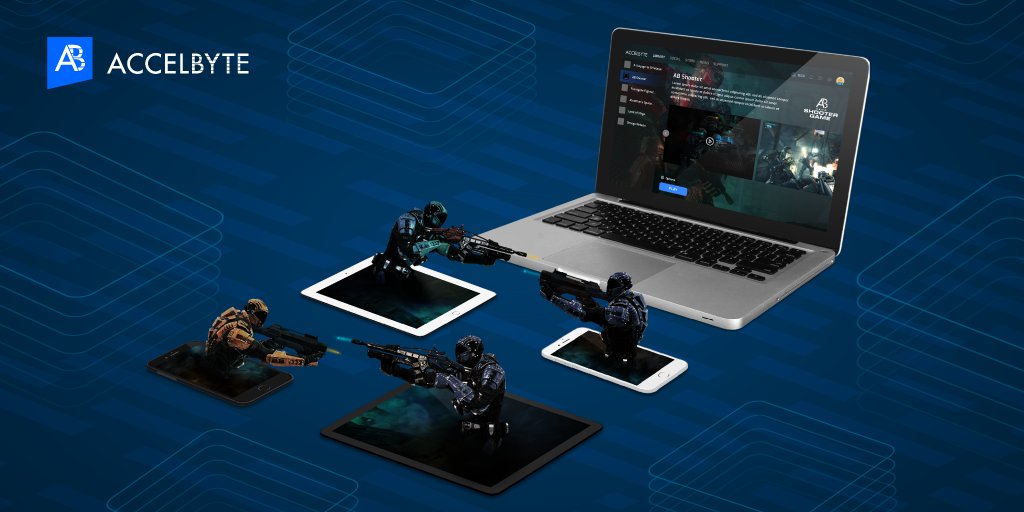
Roblox cross platform games design requires careful consideration of input methods, screen sizes, and performance capabilities across devices like PCs, mobile phones, and consoles.
Creating games for Roblox that work seamlessly across different devices presents a fun challenge. It demands a thoughtful approach to roblox cross platform games design. We need to think about how players interact, whether they use a keyboard, touchscreen, or controller. Screen sizes also vary greatly, impacting how the game interface should be designed.
Furthermore, game performance is key; we want everyone to have a smooth experience, regardless of device power. This means optimizing graphics and code.

Roblox Cross Platform Games Design: Building Worlds for Everyone
Creating a game that lots of people can play, no matter what device they have, is super cool! That’s what cross-platform game design on Roblox is all about. It means a player on their phone can play with a friend on their computer, or someone using a tablet. Making games like this needs careful planning, and it’s more than just making a game look good. Let’s explore the key parts of creating amazing cross-platform Roblox games.
Understanding the Roblox Ecosystem
Before diving into design specifics, it’s important to know how Roblox works across different devices. Roblox is available on:
- Computers (Windows & Mac): These have the most power and usually the best graphics. Players use keyboards and mice.
- Mobile Devices (iOS & Android): These rely on touch screens and have varying levels of processing power.
- Tablets (iOS & Android): Larger screens than phones but still use touch controls.
- Xbox Consoles: Use controllers and are often played on larger screens (TVs) from a distance.
Each device has its strengths and limitations. For example, computers are better for complex interactions and graphics, while mobile devices need simpler controls and interfaces. Keeping this in mind is a really important step to create inclusive game for all players.
Core Considerations for Cross-Platform Design
When building a cross-platform Roblox game, there are some big things to think about. Here are a few:
Control Schemes
How players interact with your game is essential. A keyboard and mouse setup on a computer is very different from a touch screen on a phone. Here’s how you can make it work:
- Universal Input: Use a system where actions are mapped to buttons or gestures that are similar on all devices. For example, tapping on the screen might be the same as clicking a button on a computer.
- Customizable Controls: Allow players to adjust their controls in the settings menu. Players on mobile might like to move a joystick around to move their character, while players on computers will use WASD keys. Let them choose!
- Context-Sensitive UI: Show different instructions on screen depending on the player’s device. For example, show “Tap to Jump” on mobile, and “Press Space to Jump” on a computer.
User Interface (UI) Design
The user interface is everything players see on the screen: buttons, menus, and information. It needs to be clear and easy to use on different screen sizes.
- Scalable UI Elements: Make sure all UI elements resize to look good on different screen sizes, from big computer monitors to small phone screens.
- Responsive Layouts: Your game menus should automatically change how they look to fit different screen shapes. The game screen should not be so cluttered on small screens as it is on bigger screens.
- Touch-Friendly Design: For mobile and tablet, make sure buttons and interactive elements are big enough to easily tap without errors.
- Clear Information: Show only essential information on the screen, avoiding clutter, especially on smaller displays.
Game Performance
Different devices have different processing power, so your game should perform well for everyone.
- Optimization: Make your game run smoothly on all devices by reducing the complexity of models and using efficient scripting.
- Quality Settings: Include options in the game settings that allow players to adjust graphics quality. Lower settings on low powered devices can help the game to run faster.
- Testing: Test the game on various devices to ensure good performance. It’s very important to see how the game runs on low powered mobiles.
Gameplay Mechanics
Keep the core gameplay simple and fun for everyone to play, regardless of their device:
- Consistent Mechanics: The basic rules and actions in the game should be the same across all platforms, so no player feels at disadvantage.
- Simplified Interactions: Complex actions might be harder on touch screen. Keep the core actions simple and easy to play on every device.
- Optional Complexities: Add optional deeper game elements for players who wish to play with more depth, but ensure the core game is simple enough for everyone.
Designing for Diverse Players
Remember that players come from different backgrounds and play on different devices. Here is how to design for everyone:
- Accessibility: Consider players with disabilities. Include adjustable text sizes and audio cues.
- Inclusivity: Make a game that is enjoyable for a wide variety of players, with no one feeling like they’re left out.
- Player Feedback: Ask your players for feedback on how your game plays on all devices, so you can improve the game experience for all.
Advanced Techniques and Strategies
Once you have the basic game design covered, there are advanced techniques you can use to build even better cross-platform games.
Utilizing Roblox APIs
Roblox provides developers with a collection of Application Programming Interfaces (APIs) that provide functions and services to interact with the platform itself and the specific user’s device. Here’s how you can utilize APIs for cross-platform compatibility:
Platform Specific Code
Roblox allows you to write code that runs only on a particular platform. This means that you can add features only needed on a specific device:
            local UserInputService = game:GetService("UserInputService")
            if UserInputService.TouchEnabled then
                -- Code for mobile devices
                print("User is playing on touch device")
            else
                -- Code for computer and Xbox
                print("User is using computer or xbox controller")
            end
This example code will let you perform special actions depending on what device the player is using. You can customize the game layout or features of the game. You can tailor the game experience for each user.
Device Detection
You can use the ‘Enum.Platform’ to see if the player is on a computer, mobile device, or Xbox.
            local Platform = Enum.Platform

            if game:GetService("UserInputService").Platform == Platform.PC then
                print("User is on PC")
            elseif game:GetService("UserInputService").Platform == Platform.Mobile then
                print("User is on mobile device")
            elseif game:GetService("UserInputService").Platform == Platform.Console then
                print("User is on Xbox")
            end
This will help to apply specific UI elements and code, such as controller input on Xbox.
Data Management
For cross-platform play, it is really important to handle the game’s data correctly, so that each player has an enjoyable game experience:
- Cloud Data Storage: Save player progress and game settings online, so that players can continue playing on any platform from their last save point.
- Consistent Data Structures: Make sure the data structure is the same on all platforms, so you can transfer data without problems.
- Efficient Data Handling: Be smart about how much data you transfer between platforms to avoid slow loading and lag.
Camera Control
Controlling the camera can make a big difference to gameplay, here are some good ideas:
- Adaptive Camera: Make the camera change according to player platform. For example, on a computer, the player might control the camera directly with the mouse. On a mobile device, the player might control the camera with touch gestures.
- Ease of Use: Make sure the camera controls feel good on all devices, that the player feels in control at all times.
Testing on Multiple Devices
You will find a lot of bugs if you test your game on different devices. Here are some helpful practices:
- Regular Testing: Use all different devices to test your game on a regular basis during development. This helps to catch problems early.
- Get Feedback: Let your friends and players try the game on all platforms to get their point of view and suggestions.
- Automated Testing: You can use automated tools that help test specific parts of your game, such as scripts.
Tools and Resources
Roblox provides different tools that can help create cross-platform experiences:
Roblox Studio
This is where you build your game. It is important that you can test your game on different platforms:
- Device Emulator: Use Roblox studio to test your game on a variety of devices without needing to own each of those devices.
- Debugging Tools: These will help you identify and fix problems on each platform.
Community Resources
There is a huge and supportive Roblox community that is always happy to help, Here’s how to take advantage of the support:
- Forums and Groups: Join Roblox developer groups to ask questions and share what you learned from your own experience.
- Tutorials: Find online resources and tutorials from experienced developers that will teach you different techniques.
Best Practices for Success
Cross-platform game development is challenging, but here are some key factors to keep in mind to succeed:
Keep it Simple
Try to make the core game mechanics easy to understand, this makes it easier for players to enjoy the game on any device.
Iterate and Improve
Don’t expect to get it perfect the first time. The design process should be a continuous process that is based on feedback from the users. This will improve the game based on feedback.
Prioritize Players
Make the player experience the focus of your game. Try to design games that are comfortable to play on any device.
Stay Updated
Roblox is always being updated. Stay up to date with new features and platform changes. Use new features to help improve the game.
Creating successful cross-platform games on Roblox requires a mix of technical know-how, creative thinking, and empathy for your players. By paying attention to user experience across all devices and leveraging the power of the Roblox engine, you can build games that are loved by everyone, no matter how they like to play. The key is to test, learn, and improve your game through each iteration and the community feedback. As you do this, you’ll learn the techniques that will help to create engaging games.
There’s Minecraft + Roblox Crossplay Now
Final Thoughts
Designing effective Roblox cross platform games requires careful consideration of input methods and screen sizes. Developers must optimize controls and UI for diverse devices. This ensures a consistent, enjoyable user experience across all platforms.
Prioritizing cross-platform play greatly expands your audience. ‘Roblox cross platform games design’ needs a focus on scalable gameplay. Making games accessible to everyone is the key to success.

