
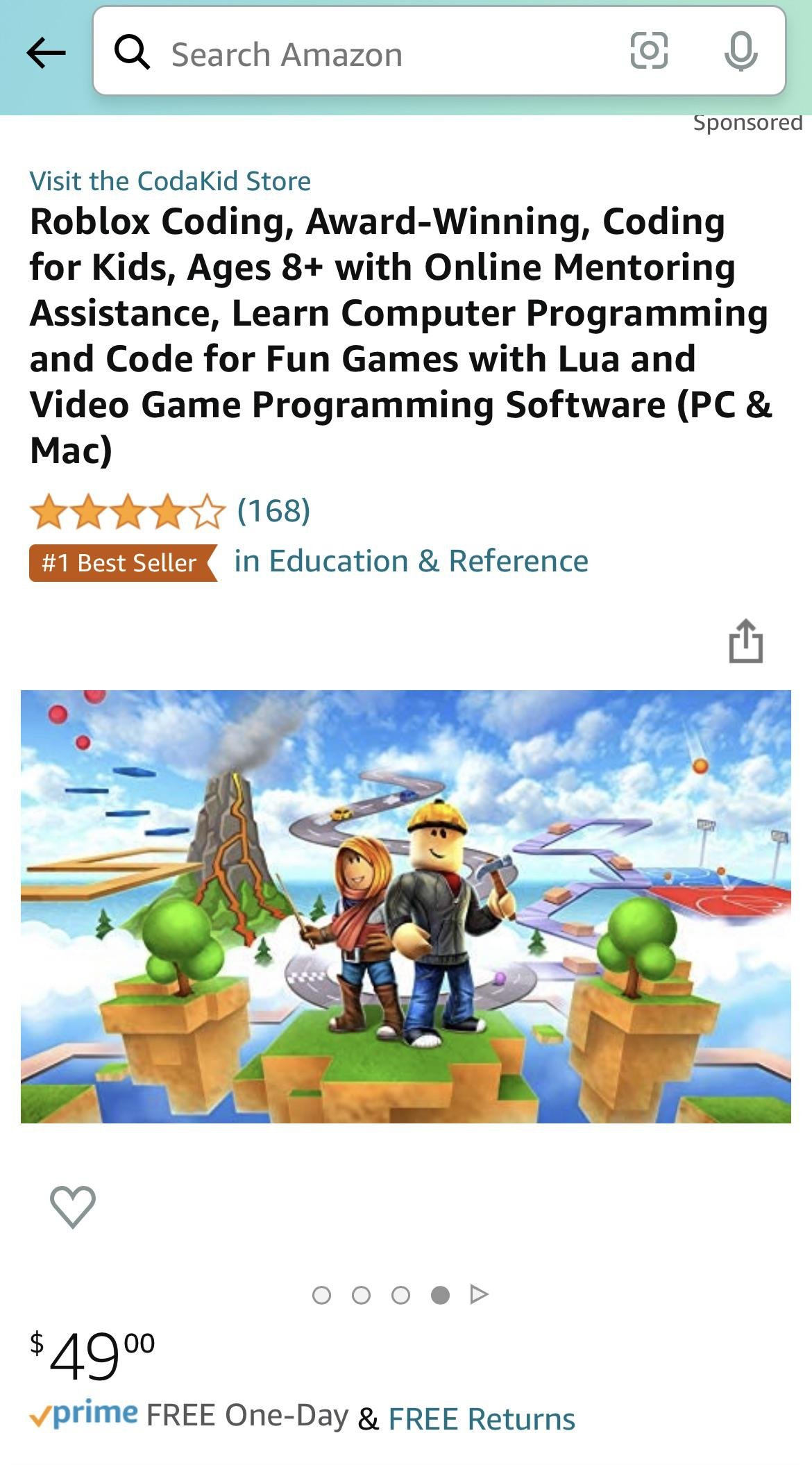
Effective Roblox online education best practices include creating engaging and interactive experiences, providing clear learning objectives, and fostering a collaborative learning environment.
Imagine a classroom where coding and creativity merge, where learning feels like playing a game. That is the power of Roblox in education. We explore the best ways to use this platform for learning. It’s not just about building virtual worlds; it’s about designing powerful educational tools.
This article focuses on Roblox online education best practices. These methods help teachers and learners make the most of this immersive world. Applying these guidelines ensures everyone gains valuable skills.

Roblox Online Education Best Practices
Let’s dive into the world of Roblox and how it can be a fantastic place for learning! Roblox isn’t just about playing games; it’s also a powerful tool for education. But like any tool, it works best when used correctly. Think of it like learning to ride a bike – you need some tips and tricks to make the ride smooth and fun. That’s what this section is all about: the best ways to use Roblox for learning.
Creating Engaging Learning Experiences
The key to making Roblox educational is making it fun and interesting! If kids are bored, they won’t learn much. So, how do we make learning with Roblox exciting?
Start with Clear Learning Goals
Before building anything in Roblox, it is important to know what you want kids to learn. Is it math, science, history, or maybe coding skills? Having a clear goal helps you design experiences that focus on those specific learning areas. For instance, if you want to teach about fractions, you can create a game where players have to divide items equally.
Use Game-Based Learning Principles
Games keep people hooked and engaged, so using game elements in educational experiences makes the learning process more effective. Think about adding points, challenges, rewards, and clear rules. For example, a history lesson might turn into a quest where players travel through time to find artifacts and solve puzzles. By making learning interactive, you can increase student engagement and motivation.
Incorporate Storytelling
Stories make learning come to life. When designing your learning experience, think about creating a narrative that goes along with it. It can make the content more relatable and easier to remember. For example, when teaching about the water cycle, you can tell a story of how a little raindrop travels the world. This helps children understand concepts in a more engaging manner.
Visual Appeal is Important
Roblox’s bright colors and customizable avatars can be used to make learning more visually appealing. Create environments that are colorful and related to the topic. A science lesson on plants can take place in a virtual greenhouse. A history lesson on ancient Egypt can take place in a virtual pyramid. The more engaging the visuals, the more interested students become in what they are learning.
Designing Effective Educational Games
Creating effective educational games in Roblox requires a thoughtful approach. It’s not enough to just add some text to a game; you need to make sure that the learning is a core part of the game itself.
Integrate Learning into Gameplay
The educational content shouldn’t feel like an extra, it should be the heart of the game. If you’re teaching about the solar system, the game shouldn’t be about simply clicking on planets, rather it can be about making a spaceship, collecting resources, and traveling to each planet, learning its properties along the way. This way, learning is part of the adventure. This is how you integrate learning into gameplay effectively.
Provide Meaningful Feedback
Kids need to know if they’re doing well, and they also need to understand when they are not. Add elements like scoreboards, badges, and helpful messages when they get a problem wrong. It should explain the correct answer or procedure to correct the error and enhance their learning process. For example, when they answer a math problem incorrectly, the game might show them the correct steps to solve the problem. This method makes learning more effective.
Make it Adaptable
Not everyone learns at the same pace. Try to make your game adjustable to cater to different learning styles and levels. You can do this by providing different difficulty options or allowing students to choose their way of doing things. For example, a coding game might allow the students to use either visual blocks or write actual code. This can make learning more inclusive and effective for everyone.
Encourage Collaboration and Teamwork
Roblox is a great platform to teach teamwork. Design games that require students to collaborate and cooperate to reach a common goal. Team based games and quizzes can encourage students to share ideas and learn from each other, helping them to understand things more clearly. This also promotes a feeling of community and a healthy competitive environment which enhances learning.
Safety and Moderation
Safety is a big deal when it comes to online learning, especially for younger kids. Here’s what you need to know about keeping things safe in Roblox.
Supervise and Monitor
Whether you are a teacher or a parent, always supervise kids when they are learning on Roblox. Keep an eye on their online interactions to prevent any unwanted interaction or inappropriate content. This is important for ensuring a safe learning environment for the kids using Roblox.
Teach Digital Citizenship
Help kids understand how to be safe online. Teach them not to share personal information, how to respond to inappropriate behavior and how to treat others respectfully online. Educating children about online responsibility helps them make smart decisions and stay safe. This makes the online educational journey more enjoyable for all.
Use Roblox’s Safety Features
Roblox has several built-in safety features that you should be using. These include age-appropriate content filtering, private chat options, and report features. Familiarizing yourself with these settings and using them can make the Roblox experience safer. Explore and use the features properly to get the most benefit from them.
Establish Clear Rules
Set clear rules for behavior in the virtual classroom. Tell the students what is and what is not acceptable. This might include rules about communicating with others, what kind of content is okay to share, and expectations for participation in group activities. This helps set up a productive learning environment.
Facilitating Effective Learning
It’s not just about creating the game, it’s also about how you use it. Here’s how to guide students effectively during their learning experience.
Provide Clear Instructions
Before starting any educational game, make sure the students understand what they are supposed to do and what they are learning. Clear instructions will help the students focus on the learning part, rather than getting confused about how to play the game. Use visual aids or examples to make this even simpler.
Ask Thought-Provoking Questions
Instead of just giving information, encourage students to think for themselves. Ask them what they learned, how they would apply their knowledge to a different scenario and why they think something happens. This promotes critical thinking and improves the understanding of the subject matter.
Encourage Self-Paced Learning
Allow kids to learn at their own pace. Not everyone will complete a given task in the same amount of time and that’s okay. Having some students work more quickly and others at a slower pace is not a bad thing. They will all reach their goals at the end. Don’t rush them into completing an educational game. Provide all the necessary help and resources and let them learn at their own pace.
Incorporate Real-World Connections
Help students see how what they are learning in Roblox applies to the real world. If they are learning about construction and building in Roblox, show them how actual houses and buildings are made. If they are learning math, connect that to something they would do in real life like, using it to buy items in the store. These real-world applications help make the learning more relevant and interesting.
Using Roblox Studio Effectively
Roblox Studio is the tool used to create games and experiences within Roblox. Using it effectively can greatly impact the quality and educational value of your creations.
Start with Simple Projects
If you are just starting out with Roblox Studio, it is always best to start with smaller and simpler projects. Starting with something too complex might discourage you. As you improve your skill and become more comfortable with the tools, you can move on to more challenging projects. Simple projects also help you understand concepts more effectively.
Use Templates and Tutorials
Roblox Studio provides many different templates and tutorials. Don’t hesitate to use them! These resources can provide useful foundations for your educational game. You can then build upon these and incorporate educational elements. Using the templates and tutorials can save you a lot of time.
Plan Your Game Design
Before jumping into building the game, you should plan what you want to build. Think about what the layout will look like, what the interactions will be and what the educational aspects will be. Planning beforehand helps ensure that the educational goals are well integrated into the gameplay.
Test and Iterate
The most important part of game design is testing and iteration. After making your game, test it out and get feedback from others. Then, use the feedback to improve your game. You can then repeat this cycle until you have a good game that you want to share with the students.
Examples of Successful Roblox Education Experiences
It is always helpful to look at some real-world examples to understand the best practices in a more practical way.
Virtual Field Trips
Roblox can be used to create virtual field trips to historical sites, museums, or other exciting places. These virtual visits allow students to explore places that they might not be able to visit in person. For example, students can walk around the Colosseum in Rome or visit an art gallery, which makes the learning much more engaging.
Science Simulations
Roblox is a great place to perform different science experiments. For example, students can simulate chemical reactions, build simple machines, or study different ecosystems. They can even create a model of the solar system and explore different planets. This helps bring the abstract concepts from science to life.
Math Games
Many different games can teach mathematical skills like fractions, addition, subtraction, and geometry. These games use a fun approach to solving math problems. This removes the boring element from learning math and helps make the learning more effective and enjoyable.
Coding Challenges
Roblox Studio uses a language called Lua, which students can use to learn different coding concepts. They can then make games by making use of the coding concepts that they learned. This teaches them practical coding skills while making something fun. This makes the learning much more engaging.
Staying Updated
Roblox is an evolving platform, and it is always beneficial to stay updated on new updates, tools and techniques.
Join Online Communities
Connect with other educators who are using Roblox for learning. Join forums, groups, or social media communities to share ideas, get help, and learn from others. This is a great place to gather resources and to stay updated.
Explore Roblox’s Educational Resources
Roblox has its own set of resources for educators. Take some time to check their website for the latest tips, tutorials and resources that you can use. This can greatly help improve your educational games and experiences.
Experiment and Innovate
The field of Roblox online education is constantly changing. Therefore, stay open to trying new methods, tools and ideas. Always be ready to adapt and improve your approach, and this makes learning more effective.
Using Roblox for education can be incredibly effective when you do it the right way. Remember to always make the learning fun, engaging, and safe. By applying these best practices, you can help students of all ages learn new things and develop a love for learning through gaming. With planning and thought, you can turn Roblox into a unique classroom that benefits everyone!
HOW TO PLAY ROBLOX AT SCHOOL
Final Thoughts
Effective use of Roblox for education needs clear learning goals. Teachers should design engaging experiences. They must provide constructive feedback and encourage student collaboration. These strategies improve student outcomes.
Implementing well-structured activities is crucial. Educators need to monitor progress and adapt to students’ needs. These efforts ensure all students gain value from the platform. Applying roblox online education best practices is key.
Therefore, thoughtful design, active engagement, and continuous improvement will optimize learning.

