
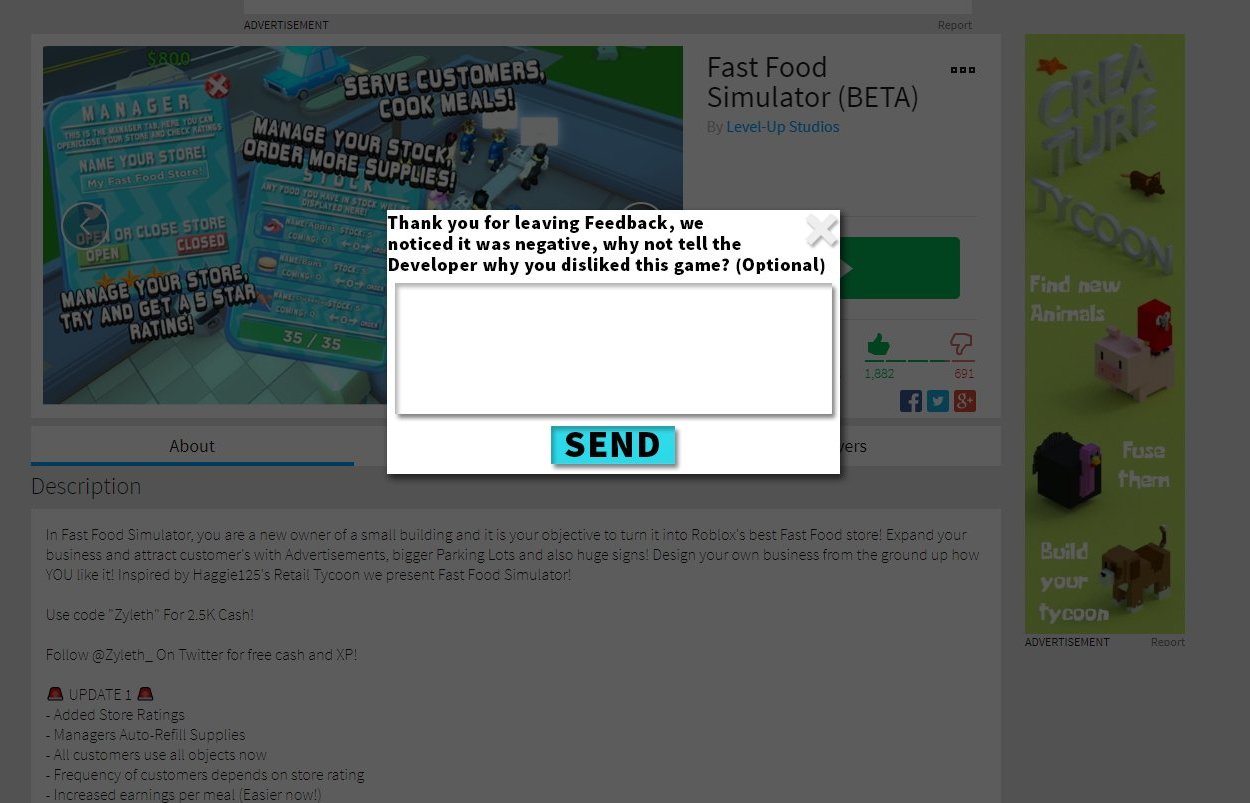
Implementing Roblox player feedback effectively requires creating clear channels for players to share their thoughts, actively reviewing and prioritizing this feedback, and then communicating the changes made as a result.
Have you ever wondered how your favorite Roblox games become better over time? It’s largely due to how developers handle Roblox player feedback implementation. This process isn’t magic; it’s a structured effort to gather, analyze, and act upon what players are saying. They are the heart of the gaming experience after all.
Developers use various methods to get this vital input. They might use in-game surveys, social media discussions, and forums to hear directly from you. It’s about understanding what is working and what is not. This process directly impacts your experience.

Roblox Player Feedback Implementation
Okay, so you’re a Roblox creator, and you’ve poured your heart and soul into making an awesome game. But how do you know if players are really enjoying it? That’s where player feedback comes in! It’s like having a secret window into the minds of your players, telling you what’s working and what’s not. Implementing this feedback effectively is super important for making your game the best it can be. Let’s dive into how you can do this on Roblox.
Why is Player Feedback So Important?
Imagine building a huge LEGO castle, but you never let anyone see it. You think it’s amazing, but maybe someone else sees a tower that’s about to fall over! Player feedback is like getting different views on your LEGO creation. It helps you see things you might have missed.
Making Your Game More Fun
Think of it this way: your players are the real experts when it comes to playing your game! They’ll quickly find out if something is too hard, too easy, or just plain confusing. By listening to them, you can make your game more enjoyable for everyone. Player feedback helps you to identify the areas where your game shines and where it needs some extra polish, so it’s essential to ask what they think. This information can really take your game to the next level.
Fixing Problems Quickly
No game is perfect at the start. Sometimes, a bug sneaks in or a feature just doesn’t work the way you planned. When players tell you about these problems, you can fix them faster. This is like having a team of detectives searching for those pesky bugs and getting rid of them. This helps keep your game running smoothly and players happy.
Keeping Players Engaged
When you show players you’re listening, they feel valued. It’s like getting a special thank you for helping out. If you act on their feedback, they’ll see that you care about their opinions and are committed to making the game better. This encourages them to keep playing and also makes them more excited to participate again and again.
Different Ways to Collect Player Feedback
There are lots of ways to gather player feedback on Roblox. Let’s explore some of the most effective methods:
In-Game Surveys and Polls
These are like quick questionnaires that pop up while players are in the game. They can be simple yes/no questions or multiple-choice options. They’re great for getting specific data about different parts of your game. For example, you might ask, “Did you find this level challenging?” or “How much did you like the new pet feature?”. You can use Roblox’s built-in UI tools to make these polls and surveys.
Here’s an example of how you can structure an in-game poll:
- Question: How much did you enjoy the recent update?
- Option 1: Loved It!
- Option 2: It was okay.
- Option 3: I did not like it.
- Option 4: Not sure.
You can track the responses to understand trends and player preferences.
Feedback Buttons and Forms
Having a dedicated feedback button within your game is really helpful. When players click this, they can type in their thoughts and suggestions. This could be a suggestion box, or a feedback form where players can leave longer and more detailed comments. This type of feedback tends to be more insightful. Use the form to get a deeper understanding about what’s working, what is not working, and any specific issues the player may have encountered. Try to structure your forms in a way that makes it easy for players to provide all relevant information.
Social Media and Forums
Roblox players are often very active on social media platforms like Twitter or Discord, as well as Roblox official forums. They love to share their experiences. Keep a close eye on these platforms because that’s where you’ll find a lot of feedback and discussions about your game. You might find people talking about your game in places you never even expected! Joining these conversations allows you to address questions directly and shows you’re engaged with your community. This also helps with your game’s publicity.
Key platforms to monitor include:
- Official Roblox forums
- Discord servers dedicated to your game
- YouTube comment sections (for game trailers/gameplay videos)
Playtesting
Playtesting is where you invite players to try your game while you watch them. This is like having a test run before the actual race. You can observe their behavior and see if they’re getting stuck in certain areas. You can use this approach to get a first-hand view of your game and understand how a real player might experience it. This also lets you see them physically interact with your game. Look out for their struggles and what they find enjoyable. Ask for feedback as well as watch their gameplay.
How to Implement Feedback Effectively
Okay, so you’ve gathered a bunch of feedback. Now what? Simply collecting feedback is not enough. You also need to know how to act upon it. Here’s how to effectively implement player feedback on Roblox.
Prioritizing Feedback
You’ll probably get lots of different types of feedback – some about major issues and some about small details. It’s important to sort through it all and decide what to fix first. Start with fixing problems that affect the most players. Think about it like this, if a lot of people are complaining about a bug that is crashing the game, that should be fixed before a minor annoyance about the color of a button.
Making a Plan
Now that you know what to work on, create a plan. Make a schedule and think about how long each fix might take. It’s like planning a construction project – you can’t build a whole house at once, but you can start with the foundation. Break the big problems into smaller tasks and assign them to different members of your team, if applicable. If you are solo, make small goals for yourself to not become overwhelmed.
Communicating with Players
Don’t forget to tell your players that you’ve listened to them! Share updates and let them know when you’ve implemented their feedback. This can be through your game’s update log, social media announcements, or even in the in-game chat. This creates a sense of community and shows that their opinions matter. If you can, try to give specific examples of changes you have made based on player input. This will reinforce how crucial their feedback is.
Testing Changes
After making changes based on feedback, don’t immediately push it to all players. You should thoroughly test your changes first! Put the changes in a test version and get a small group of players to try it. This helps to catch any new problems before they affect everyone. Testing and feedback go hand-in-hand so continue this process.
Iterating Continuously
Implementing feedback is not a one-time thing, it’s like a never-ending cycle of making improvements! Keep listening to your players, keep getting their feedback and keep refining your game. The more you refine, the better your game will become and you may discover new directions to pursue. If you make sure your game always evolves, players are more likely to stay engaged.
Tools and Resources for Player Feedback
To make the feedback process even better, you can use several tools and resources.
Roblox’s Built-in Analytics
Roblox provides some built-in tools that allow you to track game data and player behaviors. You can see things like how long players stay in your game, how many people are playing at once, and where they leave the game. This information can give you a general overview of your game’s performance. This information acts as a very useful background for understanding where the feedback you receive is coming from.
Third-Party Analytics Platforms
If you want even more detailed data, you can also use third-party analytics platforms. These platforms offer more features and can give you a deeper insight into your players. They will help you understand how player actions and decisions are impacting the game. They will give you an idea of which parts of your game have the most engagement, and which ones need work. Consider these for advanced data analysis.
Community Management Tools
Community tools can help you keep track of conversations and engage with players more easily. Discord servers are great for player communication. Many other tools can be used for this purpose as well. These will help you track comments across different platforms. This allows you to keep your community engaged and provides a place for them to interact with each other. Use these tools to interact with your players more directly and help them feel heard and understood.
Common Mistakes to Avoid
When you’re handling player feedback, there are a few mistakes you definitely want to steer clear of:
Ignoring Feedback
One of the worst things you can do is completely ignore your player’s feedback. If players feel like their feedback does not matter, they will be less likely to provide it in the future, which could also result in them being less likely to play your game. Remember, players take time out of their day to give feedback, so show that their input is valued. Actively acknowledge their feedback.
Reacting Negatively
Sometimes feedback can be harsh or critical. It’s important to respond in a calm and professional way, even if it’s negative. Try to take criticism as an opportunity for improvement. When you react poorly, it can damage the relationship with your players. Always look for the constructive elements within the feedback.
Not Following Through
If you say you’re going to fix something, make sure you follow through. If you make promises that you cannot keep, players will lose trust in you. Only commit to changes you’re certain you can implement. The best approach is to be open and honest with your players. This ensures their trust in the development process.
Overreacting to Minor Issues
Not all feedback is created equal, it’s easy to get caught up in small problems, especially when they come from a vocal minority. If something affects a small number of players, don’t let it overshadow bigger problems in the game. Focus on improvements that benefit the majority of players. Balance the priorities of fixing issues with introducing new features.
Being Afraid to Experiment
Don’t be too scared to try something new! Feedback can sometimes push you to think outside of the box. Be open to trying ideas that players suggest, even if they seem unconventional. Taking chances based on player ideas can sometimes lead to really exciting developments in the game. It can make the game unique and different from the competition.
Implementing player feedback is a critical part of creating a successful game on Roblox. It helps you create a fun game by making improvements that really matter to your players. By using different methods to collect feedback, prioritizing it effectively, and being clear with your players, you can take your game to the next level! Remember, it’s a continuous process that will make your game even better. Don’t forget to be open to new ideas and always try to keep your players happy.
When you publish your first Roblox game…
Final Thoughts
Ultimately, actively incorporating roblox player feedback implementation proves vital. Developers who prioritize listening to their community create better gaming experiences. Player comments and suggestions directly impact improvement.
This process enables targeted updates. Teams can refine features that users actually want. Iteration based on real user data makes for a more engaging platform.
Roblox developers must consistently seek player input. This is important for continued success. The commitment to roblox player feedback implementation fosters growth.

