
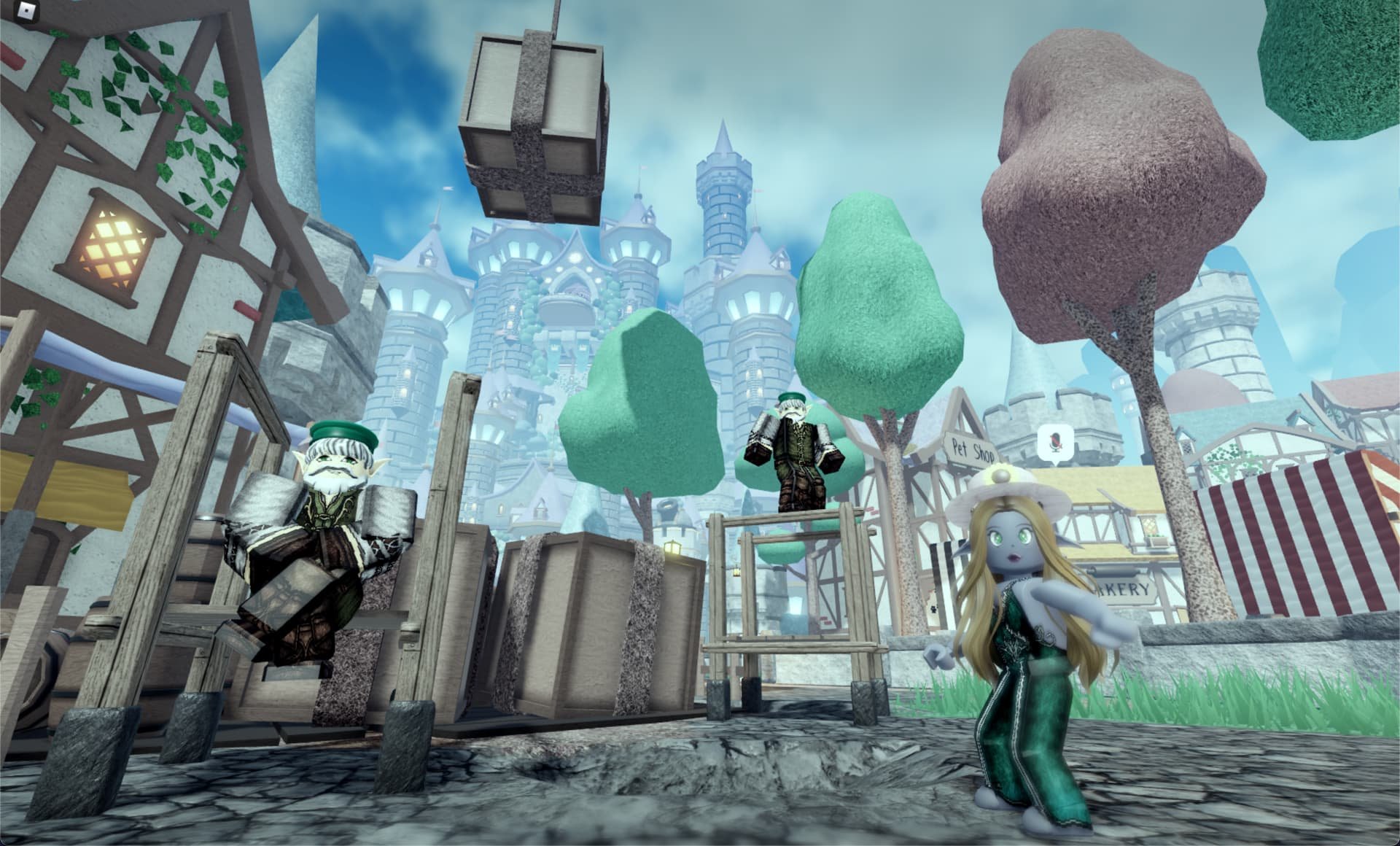
Integrating voice commands in Roblox requires careful planning for clear prompts, reliable speech recognition, and intuitive feedback mechanisms, making effective roblox voice user interface design crucial for player engagement.
Have you ever thought about talking to your Roblox game? It’s becoming increasingly possible. We’re now seeing developers explore new ways for players to interact via voice. This means carefully considering the entire experience.
That’s where roblox voice user interface design comes in. It’s more than just enabling a microphone. Designing effective voice interactions involves clear prompts for players and ways to show that their commands are understood.

Roblox Voice User Interface Design
Hey there, Roblox creators and players! Have you ever wished you could just talk to your game and have it understand what you want? Well, with Roblox’s voice chat feature, that dream is becoming a reality. But simply having voice chat isn’t enough – we need to think about how to design a great voice user interface (or VUI) so that using voice is fun and easy for everyone. Let’s jump into how to create awesome voice experiences in your Roblox games.
What is a Voice User Interface (VUI)?
Imagine your phone’s voice assistant, like Siri or Google Assistant. You talk to it, and it does things. That’s a VUI! In Roblox, a VUI allows players to use their voices to interact with the game, instead of just clicking buttons or typing. Think of it like giving your game ears and the ability to understand what you’re saying. This can involve giving commands, controlling characters, or even chatting with non-player characters (NPCs). A well-designed VUI feels natural and intuitive. It should be as easy to use your voice as it is to use a keyboard or a mouse. This technology isn’t about replacing other ways to play; it’s about adding a new layer of possibilities and fun.
Why is VUI important in Roblox?
You might be wondering, “Why should I care about VUI in Roblox?”. Here’s the scoop:
- More Immersive Gameplay: Imagine telling your character to jump over a fence, instead of pressing a button. Using your voice can make the game feel way more real and engaging. It can make you feel more like you’re actually in the game!
- Accessibility: VUI is helpful for players who may find it hard to use traditional controls. It makes playing Roblox more accessible for everyone.
- Faster Interaction: Sometimes, it’s quicker to say what you want than to find the right button or menu option. This makes playing more fluid and less clunky.
- New Game Mechanics: VUI lets game creators come up with entirely new game ideas and mechanics that weren’t possible before, like games where you solve puzzles using voice commands or games where your voice controls special powers.
- Enhanced Social Experiences: Voice can add more personality to in-game chat, helping players express themselves better. It’s like adding emotion to your messages.
Key Elements of Great Roblox VUI Design
Designing a great VUI isn’t just about adding voice; it’s about thinking carefully about how players will use it. Here are some important things to keep in mind:
Clarity and Understandability
The most important thing is that the game understands what players are saying.
- Simple Commands: Use short and straightforward commands that are easy to remember. Instead of “Activate the advanced super speed power,” try “Go fast!”.
- Clear Pronunciation: Choose words that players are likely to pronounce correctly. Avoid complex words that can confuse the system.
- Contextual Understanding: The game should try to understand the context of what the player is saying. For example, if the player says “Open,” the game should know what they mean depending on where they are. Is it a door? A menu? A chest?
Feedback and Confirmation
When someone gives a command, the game should let them know it has heard them. Think about how you talk to someone – you wouldn’t just say something and expect them to get it. You need some sort of acknowledgment. It’s the same with VUIs.
- Visual Feedback: Show the player on the screen that their command was recognized. This can be as simple as showing the words they said or a little icon.
- Auditory Feedback: A sound effect or a short voice response can also confirm the command. For example, a “click” sound or a synthesized voice that says “Command received.”
- Error Messages: If the game doesn’t understand, it should provide a helpful error message. Don’t just leave the player hanging. Maybe show a list of commands the player can use. For instance, if the command “use special item” was not understood, a message can pop up, such as “Did you mean, use health potion or use magic wand?”.
Natural Language Processing (NLP)
This is the “magic” that makes the game understand language. NLP is like giving the game brain. Now it can understand words, phrases and even sometimes, the meaning behind what you say.
- Variations in Speech: Players might not always say commands exactly the same way, for instance, “Jump” or “I wanna jump” or “Can I jump”. The VUI should be able to handle different ways of saying things.
- Synonyms: If the player says “Move forward,” the game should understand that it is the same as saying “Go ahead,” “Walk front” or “Advance.”
- Accents and Dialects: The VUI should work well even if a player has a different way of speaking. This is very important for making the game accessible to everyone!
Accessibility Considerations
We want to make sure that everyone can enjoy voice features, not just those with perfect speaking voices. Here are some things to keep in mind:
- Options for Different Players: Give players the option to turn off VUI if they don’t want to use it. Make sure they can also adjust the volume of voice and sound effects.
- Alternative Methods: Make sure there are still other ways to play the game without using voice commands. The game shouldn’t rely on only voice input.
- Support for Speech Impairments: Think about players who might have a hard time talking clearly. This is a tricky problem to solve and requires more complex solutions to make the game experience as inclusive as possible.
User Testing and Iteration
The best way to make sure your VUI is good is to test it out with real players and keep improving it. Get feedback on what works and what doesn’t. Don’t be afraid to make changes.
- Gather Player Feedback: Ask players what they like and don’t like about the VUI. Their opinions are very valuable.
- Watch Players Use It: Pay attention to how they actually use the VUI while playing the game. See if they get stuck, confused, or find it easy.
- Make Improvements: Use the feedback to make changes and try again. This is a very important part of development. Good design takes time and practice!
Examples of VUI in Roblox Games
Let’s look at how some popular game types could benefit from a good VUI design.
Adventure and RPG Games
- Commanding NPCs: You could tell your companion NPC, “Follow me,” “Stay here,” or “Attack the enemy!”. It is so much more engaging than clicking through endless menus.
- Inventory Management: Players could say, “Use the healing potion” or “Equip the sword” without having to go to the inventory screens. It saves time and keeps the action going!
- Puzzle Solving: Imagine saying clues out loud to solve a puzzle, instead of reading it from text. Such as “Look behind the painting,” or “Activate the blue crystal”. This makes puzzles feel more dynamic and fun!
Building and Creation Games
- Placing Objects: Players could say, “Place a chair here,” or “Add a wall,” which is quicker than clicking and dragging. It makes the creative process more streamlined and enjoyable.
- Material Selection: Instead of browsing through menus, you could say, “Use the wood material,” or “Change the color to red” very easily. This is very useful for advanced creators.
Simulation and Social Games
- Ordering Food or Items: Players can speak their order, like, “I’d like a burger,” or “Give me a coffee,” in a virtual restaurant. This makes the whole experience much more realistic!
- Chat with NPCs: Talking to characters using voice can add personality and emotion to the conversations and make them feel more real. Instead of pressing a text button, talking directly can change the experience entirely!
Combat and Action Games
- Activating Abilities: Players could shout, “Use power attack!” or “Shield up!” to perform special actions. This makes the game feel much more intense and exciting.
- Giving Team Commands: You could tell your teammates, “Regroup here!” or “Attack that target!”. This also makes playing with others much more fun and tactical!
Technical Implementation of Voice in Roblox
Now that we’ve talked about the design part, let’s look at how you can actually put this into practice in Roblox.
Using Roblox’s Voice Chat Service
Roblox has a built-in voice chat service that you can take advantage of. This service lets players talk to each other in real-time. You can also use this service to capture a player’s voice input and run it through your custom VUI system.
Scripting Voice Commands
You’ll need to use Lua scripting, Roblox’s programming language, to handle voice commands. This involves a few main steps:
- Capture Voice Input: Your script will need to listen for when a player is speaking and capture the audio signal.
- Transcribe Speech to Text: Convert the spoken words into text using an external service or a custom-built speech recognition module. There are many online services that do that.
- Process Text Commands: Your script will then need to analyze the text and find the action the player wants to do. This might involve looking for keywords or using natural language processing.
- Execute the Action: Once the command is found, the script needs to trigger the appropriate action in the game.
- Provide Feedback: Always provide the player with visual or auditory feedback to show that the command has been understood and executed.
External Services and APIs
There are various external services and APIs that can help with voice recognition, natural language processing and voice synthesis.
- Speech-to-Text Services: These services convert voice input to text and often do it much better than you could on your own.
- Natural Language Processing (NLP) APIs: These services help your game better understand what the player is saying and even find meaning in it.
- Text-to-Speech Services: These services help you create a synthetic voice to provide verbal feedback to the player.
Security and Privacy
It’s important to keep player safety and privacy in mind when using voice features. You should always think about the following:
- Player Consent: Always get the player’s permission before recording their voice.
- Data Privacy: Make sure you are handling any voice data you collect responsibly and securely.
- Moderation: Implement moderation tools and systems to deal with any misuse of voice communication, like harmful language.
Tips for Creating an Effective VUI
Here are some extra tips to help you design amazing voice experiences:
- Start Simple: Begin with basic commands and slowly add more advanced features, don’t add everything at once.
- Keep it Consistent: Use the same words and phrases consistently across the game, and don’t change them randomly.
- Provide Tutorials: Make sure that players know how to use voice and what commands they can use.
- Don’t Overuse Voice: Voice isn’t always the best choice for every single interaction. Don’t add it just for the sake of it. Use it where it makes sense.
- Test, Test, Test: Continuously test your VUI with players and refine it as needed.
Designing a great VUI for Roblox is a process of exploration and refinement. It’s a mix of technology, creativity, and player-focused design. Remember that a great VUI feels natural and intuitive, and adds a whole new layer of fun to your game. When you make the voice experience feel natural, that is when you have hit the mark. Don’t be afraid to experiment and see what you come up with.
If You're a DEV GET This Roblox Plugin NOW… 😱#shorts
Final Thoughts
Effective Roblox voice user interface design requires clear audio cues and intuitive voice commands. Players should easily understand prompts and interact naturally with the system. Prioritize consistent feedback to guide users.
Carefully consider voice command phrasing and error handling for seamless experience. This ensures a smoother and more enjoyable interaction with the game’s features. Successful Roblox voice user interface design hinges on simplicity and user-centered approach.

