
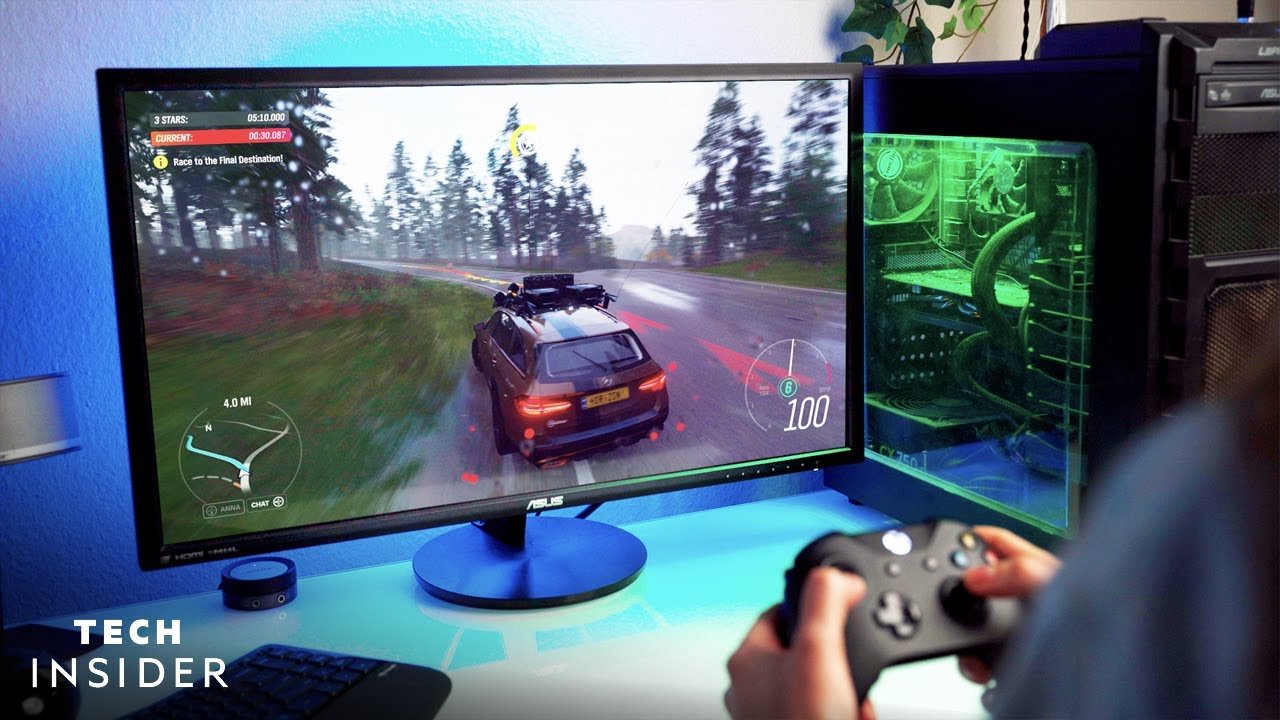
To play games on a computer, you require a computer, a display, input devices like a mouse and keyboard, and game software.
Ever wondered what do you need to play games on a computer? It’s a common question, and the answer is pretty straightforward. It’s not about having some incredibly complex setup. Instead, we can break down the essential parts.
Essentially, you need a functioning computer with enough processing power to run your chosen games. Plus, you’ll need a way to see the game on a monitor, and input devices for controlling the action. These parts work together for a complete experience.

What Do You Need to Play Games on a Computer?
So, you’re ready to jump into the exciting world of computer games? That’s awesome! But before you start battling dragons or racing cars, it’s important to make sure you have everything you need. Playing games on a computer isn’t just about having a keyboard and a mouse; there’s a bit more to it than that. Let’s break down all the important parts so you can get to gaming!
The Core Components: The Heart of Your Gaming Rig
Think of your computer as a team, and the core components are the key players. They all work together to make sure your games run smoothly and look fantastic. Here are the essential pieces you’ll need:
The Central Processing Unit (CPU): The Brains of the Operation
The CPU, or Central Processing Unit, is like the brain of your computer. It does all the calculations needed to run your games. The faster and more powerful your CPU, the better your games will perform. A good CPU makes sure your game doesn’t freeze or slow down when there’s a lot happening on the screen. CPUs have ‘cores’ and ‘clock speeds.’ More cores mean the CPU can handle more tasks at once, and higher clock speeds mean it can do those tasks faster. For gaming, a multi-core CPU with a good clock speed is ideal.
The Graphics Processing Unit (GPU): Making the Game Look Good
The GPU, or Graphics Processing Unit, is what makes the game look pretty. It handles all the visuals, from the smallest details to the big explosions. A strong GPU means smoother gameplay, clearer images, and more vibrant colors. If you’re playing a demanding game, like the ones with lots of fancy graphics, you’ll need a good GPU. If your graphics card isn’t strong enough, the game might look choppy or lag. Think of it as the artist of your computer, making sure your virtual worlds look amazing.
Random Access Memory (RAM): Short-Term Memory for Your Games
RAM is like your computer’s short-term memory. It helps your CPU quickly access the data it needs to run your games. The more RAM you have, the faster your computer can switch between tasks. If you don’t have enough RAM, your games might slow down, stutter, or even crash. For gaming, it’s usually best to have at least 8GB of RAM, but for better performance, especially with modern games, 16GB or even 32GB is a great choice.
Storage: Where Your Games Live
You also need somewhere to keep your games, right? That’s where storage comes in. There are a couple of different types to consider. Hard Disk Drives (HDDs) are traditional storage devices that store a lot of data, and they’re usually cheaper, but they’re slower. Solid State Drives (SSDs) are much faster than HDDs, which means your games will load and start up more quickly, making for a smoother gaming experience. For the best gaming setup, you’ll want an SSD for your operating system and the games you play most often.
Hard Disk Drives (HDDs) vs Solid State Drives (SSDs)
Let’s look at the differences between these storage types:
- Hard Disk Drives (HDDs):
- Larger storage capacity for less money
- Slower loading times
- More prone to physical damage
- Solid State Drives (SSDs):
- Much faster loading times
- More durable
- More expensive per gigabyte
The Motherboard: Connecting Everything Together
The motherboard is like the nervous system of your computer. It’s the main circuit board that connects all the other components together. It’s where your CPU, RAM, GPU, and storage devices plug in. Different motherboards support different types of CPUs and RAM, so make sure your motherboard is compatible with the other components you plan to use. Think of it as the foundation of your computer’s team.
The Power Supply Unit (PSU): Keeping the Lights On
The power supply unit (PSU) provides the electricity that all your components need to function. It’s important to have a PSU that’s powerful enough to handle all the parts in your computer. If your PSU isn’t strong enough, your computer might not run correctly, especially when playing demanding games. Choosing the right PSU is important for a stable and dependable gaming setup.
The Supporting Cast: Essential Peripherals
Now that we have the core components covered, let’s talk about the supporting cast – the things you’ll need to actually interact with your games.
Monitor: The Window to Your Game World
The monitor is what you look at when you play your games. A good monitor makes a big difference in your gaming experience. Look for a monitor with good resolution (like 1920×1080, also known as 1080p, or higher), a fast refresh rate (like 144Hz or 240Hz), and a low response time. The resolution makes the picture look sharp and clear. The refresh rate makes sure movement on the screen looks smooth, and the response time makes the game respond instantly to your inputs. A larger monitor can also enhance your immersion in the game. For most gamers, a 24-inch or 27-inch monitor is a solid choice.
Keyboard and Mouse: Your Tools for Control
A keyboard and mouse are crucial for interacting with most computer games. A gaming keyboard has better responsiveness and some added features like programmable keys. A gaming mouse provides better accuracy and has additional buttons that you can assign to different in-game actions. These tools give you a lot of control in your games, and a good set can help you play more skillfully. Some gamers like mechanical keyboards because of their feel and responsiveness.
Types of Keyboards for Gaming
There are many types of keyboard for gaming with different feel and responsiveness.
- Mechanical Keyboards: Use physical switches for each key, providing tactile feedback and responsiveness.
- Membrane Keyboards: Use a pressure pad instead of individual switches, generally cheaper but less precise.
- Hybrid Keyboards: Combine features of both mechanical and membrane keyboards.
Headset or Speakers: Hear the Sounds of the Game
Sound is important for most games. You need a good way to hear what’s happening, whether it’s footsteps of an enemy sneaking up on you or the roar of an engine in a racing game. A headset is great for online games where you need to talk to your teammates, and it also helps you focus by blocking out other sounds. If you don’t need to chat, a good set of speakers can fill your room with sounds. The important thing is to have some way to hear the game and help you get more immersed into that world.
Gamepad (Optional): Sometimes a Controller is Better
While most games use a keyboard and mouse, some games play better with a gamepad, like racing or fighting games. A gamepad allows you to control movement and actions using a controller that fits in your hands. Many console games can be played on a computer with a gamepad. It’s an optional but often helpful piece of equipment. Some common types include Xbox controllers or Playstation controllers.
The Software Side: What Makes it all Tick
Hardware is just half the battle. You also need the right software to play your games.
Operating System: The Foundation of Your Computer
The operating system (OS) is the software that manages all the hardware and programs on your computer. Windows is the most popular OS for gaming. You’ll want to make sure that your operating system is up to date, as new games often require the latest version of the operating system. The operating system acts like the conductor of an orchestra, managing all parts of the computer so they function harmoniously. Make sure your OS is updated with the latest updates for best compatibility.
Game Launcher/Platform: Accessing Your Games
Most computer games are downloaded through game launchers or platforms. These are programs that let you buy, download, and launch games. Steam is a very popular one, but there are others like Epic Games Store, GOG, and Ubisoft Connect. Game launchers also often have social features where you can connect with other players. Choose the launcher that works best for the games you want to play. Game launchers are like online stores for your games, keeping all your games and saves in one place.
Game Drivers: Making Hardware and Software Work Together
Drivers are essential pieces of software that allow your computer’s hardware to communicate with the operating system and games. Graphics drivers are the most important for gaming, as they make sure your GPU is working correctly. Always keep your drivers updated for optimal gaming performance. The right drivers make sure all the parts of your computer function in harmony.
Internet Connection: Staying Connected
For online multiplayer games, you’ll need a stable and fast internet connection. Nothing’s more frustrating than lag or disconnects in the middle of a crucial game. A wired connection is often more stable than a Wi-Fi connection. Make sure your internet service is reliable. Your connection is like the lifeline to other players and gaming servers.
Types of Internet Connections
There are various ways you can connect to internet.
- Wired (Ethernet): More stable, faster and less prone to interruptions.
- Wireless (Wi-Fi): Less stable compared to wired connection.
Putting it All Together
Now that we’ve covered all the essentials, let’s put it all together. To play games on your computer, you need powerful core components (CPU, GPU, RAM, storage, motherboard, and PSU), the right peripherals (monitor, keyboard, mouse, headset or speakers, and maybe a gamepad), necessary software (operating system, game launchers, and drivers), and a good internet connection if you’re playing online. Getting the right mix of these components will make sure you get the best gaming experience.
Choosing the right components can seem daunting at first, but you don’t need to become a computer expert to get your gaming rig up and running. Think about the types of games you’d like to play, and then select components that meet those needs. Don’t worry about having the most expensive stuff; focus on getting components that work well together and fit your budget. Gaming should be fun, and that starts with having the proper setup.
So, grab your gear, get your favorite games ready, and let the gaming begin! Don’t be afraid to explore new games and experiences. There’s a whole universe of fun waiting for you in the world of PC gaming. Remember, the most important thing is to have fun!
A Beginner’s Guide To PC Gaming! – Everything You Need To Get Started! | AD
Final Thoughts
To play games on a computer, you must have a machine with sufficient processing power, a graphics card, and adequate RAM. A monitor, keyboard, and mouse are also essential.
Having these components will allow you to enjoy different computer games. Essentially, what do you need to play games on a computer is a capable PC with the right peripherals.

