
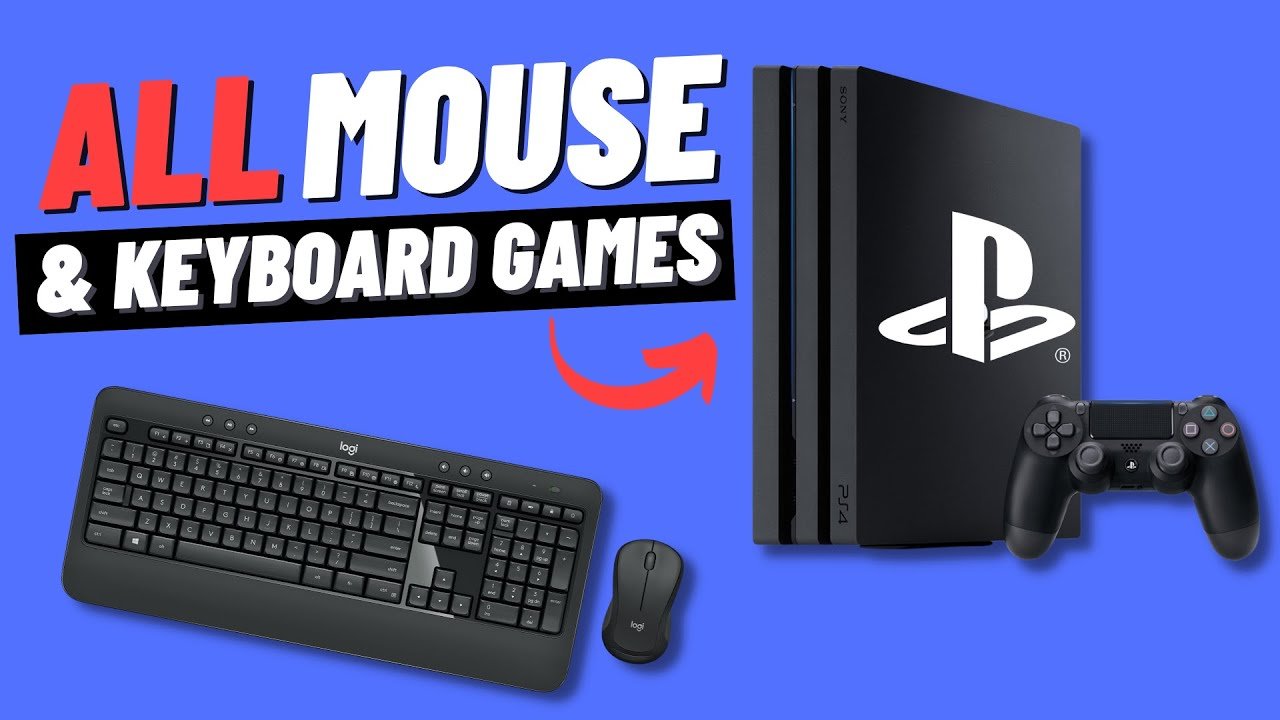
Currently, a limited selection of games on PS4 support keyboard and mouse, typically focusing on genres like first-person shooters and some strategy titles.
Ever wondered if you could ditch the controller for your favorite games? Many players ask: what games on ps4 support keyboard and mouse? It’s a valid question, as the precision of a keyboard and mouse can significantly change gameplay for some.
This article will briefly touch on the games that do support these peripherals on the PS4, helping you get the best setup for your preferred playstyle.

What Games on PS4 Support Keyboard and Mouse?
Have you ever wondered if you could use your trusty keyboard and mouse on your PlayStation 4? It’s a question many gamers have, especially if you’re used to playing on a PC. The good news is, some PS4 games do allow you to ditch the controller and play with a keyboard and mouse. This setup can give you a different gaming experience, offering more precision and control in certain games.
Why Use a Keyboard and Mouse on PS4?
Before we dive into the list of games, let’s talk about why you might want to use a keyboard and mouse on your PS4 in the first place. There are a few good reasons:
Precision Aiming in Shooters
For games where aiming is key, like first-person shooters (FPS), a mouse offers much finer control than an analog stick. Many players find they can aim and react quicker with a mouse. This can make a big difference in fast-paced online matches.
Comfort and Familiarity
If you’re a PC gamer, you’re probably already comfortable with a keyboard and mouse setup. Using the same input method on your PS4 can make the transition smoother and more comfortable. You won’t need to retrain your muscle memory.
Keyboard Shortcuts
Keyboards have many more buttons than a controller. This can be helpful in games that have lots of different actions. You can set up shortcuts for quick access to different commands.
Officially Supported PS4 Games
Not every game will let you plug in your keyboard and mouse and start playing. The game developers have to specifically add support for this functionality into the game. So, let’s explore some of the PS4 games that are officially compatible with keyboard and mouse:
First-Person Shooters (FPS)
The FPS genre is where keyboard and mouse support is most commonly found on the PS4. Here are some popular titles:
- Call of Duty: Modern Warfare (2019), Black Ops Cold War, Modern Warfare II, and Modern Warfare III: These games offer excellent keyboard and mouse support, allowing you to get that PC-like precision.
- Overwatch: This team-based shooter also gives you the option to use a keyboard and mouse.
- Fortnite: Epic Games allows you to use your keyboard and mouse for building and shooting in Fortnite.
- Paladins: Another team-based hero shooter, Paladins supports keyboard and mouse, giving you more control over your abilities.
- Apex Legends: Although it’s not officially in the game menus, players can use keyboard and mouse but it will play you against other keyboard and mouse players and not players using the controller.
- Destiny 2: Bungie’s popular online shooter offers keyboard and mouse support.
Real-Time Strategy (RTS) and Simulation Games
RTS and simulation games often benefit from the precision and speed of a keyboard and mouse. Here are some examples:
- They Are Billions: This strategy game is best played with a mouse and keyboard due to the large number of units you need to control.
- Cities: Skylines: This city-building game uses a mouse well for precise placement of buildings and roads.
Massively Multiplayer Online Games (MMOs)
MMOs, with their complex menus and combat, can also be better with a keyboard and mouse.
- Final Fantasy XIV: This popular MMO allows for keyboard and mouse usage, which many players will find very useful.
- DC Universe Online: Fight with superheroes and villains, supported by mouse and keyboard controls.
- Neverwinter: This action-based MMO also works well with keyboard and mouse.
Other Genres
Keyboard and mouse support is not limited to just shooters or RTS games. Here are some of other game types which also support it:
- Minecraft: Explore, build, and survive in the blocky world of Minecraft using a keyboard and mouse.
- War Thunder: This combat flight simulator is great with a keyboard and mouse setup, especially for aiming and camera control.
- The Elder Scrolls Online: Explore Tamriel with ease using your preferred input method.
How to Connect and Use a Keyboard and Mouse on PS4
Connecting a keyboard and mouse to your PS4 is generally quite easy. Most of the time, it works with a simple USB connection, but there is always the option of using a Bluetooth connection. Here’s a simple guide:
Wired Connection
- Plug the USB end of your keyboard and mouse into the USB ports on your PS4. These ports are usually located on the front of the console.
- Turn on your PS4.
- The PS4 should automatically recognize your devices. If it doesn’t, try restarting the console.
Once connected, many games will show the keyboard and mouse input icons in place of the usual controller button prompts.
Bluetooth Connection
- Make sure your keyboard and mouse have Bluetooth functionality.
- Go to your PS4’s settings menu.
- Select ‘Devices’ and then ‘Bluetooth Devices’.
- Put your keyboard and mouse into pairing mode (usually by holding down a button or two). The steps will depend on your device.
- Your PS4 should now find your devices, and you can select them to complete the pairing.
Just like wired devices, once connected, the game should recognize your keyboard and mouse.
Troubleshooting Tips
If you have trouble, try some of these things:
- Restart your PS4: Sometimes a simple restart can help solve the issue.
- Try different USB Ports: If one port isn’t working, try another.
- Check your Batteries: Make sure your wireless devices have enough power or are charged properly.
- Update Firmware: For some devices, especially if they are wireless, you may have to update the firmware. Instructions on how to do this will usually be found on the device manufacturers website.
- Check Game Settings: Make sure that your game settings have the option to use a keyboard and mouse enabled.
Understanding Game Support
It’s important to note that not every PS4 game will let you use a keyboard and mouse. Game support depends on the game developers specifically adding this feature. Often, keyboard and mouse support is included more in games that are also released on PC, but this is not always the case.
Official vs Unofficial Support
When we talk about support, we mean official support, where the game’s settings have options for keyboard and mouse input. You might find that you can sometimes connect a keyboard and mouse and they may work, but this could be accidental. The controls could be strange, or it may even not work. This is why it is important to make sure that the game you are playing has official support for keyboard and mouse if this is what you want to use.
Why Some Games Don’t Have Support
There are a few reasons why some games don’t support keyboard and mouse:
- Development Effort: Adding keyboard and mouse support takes time and resources. Developers may not prioritize it.
- Controller Preference: Some games are designed with a controller in mind, and using a keyboard and mouse may not work well with the game mechanics.
- Maintaining balance: In online multiplayer games, keyboard and mouse users might have an advantage over controller users. Developers try to maintain game balance, so sometimes they limit the use of one over the other, or only allow keyboard and mouse users to play with each other.
Benefits and Considerations
Using a keyboard and mouse on your PS4 can give you an experience closer to PC gaming. It’s a great option if you’re used to that style or want to aim better in certain games. But there are a few things to think about before you switch completely.
Improved Aiming and Reaction
For many games, especially shooters, aiming is much more precise with a mouse. This can help you react quicker and become a better player, especially in fast-paced matches.
Comfort and Customization
If you spend a lot of time on a PC, using a keyboard and mouse on your PS4 can be more comfortable. You can customize the keyboard to put important controls close to your fingers, for faster reactions.
Potential Disadvantages
It isn’t all good news, and here are some potential disadvantages:
- Not all Games Support It: This is the biggest drawback. You’re limited to games that have official keyboard and mouse support.
- Less Intuitive for Some: If you’re a controller player by nature, you might find a keyboard and mouse strange at first.
- Different Experience: Using a keyboard and mouse can alter the gaming experience and could take away from the ‘feel’ the game was designed for.
It is important to try both a controller and mouse and keyboard and choose the one that best suits you and the game you are playing. It all depends on personal preference and the games that you play.
Ultimately, deciding if using a keyboard and mouse on your PS4 is a great way to bring PC-style controls to your console gaming. Try it out and see if it changes your game!
5 PS4 Games with Keyboard And Mouse Support #shorts
Final Thoughts
Many players enjoy keyboard and mouse on PS4. Popular titles like Call of Duty: Modern Warfare and Fortnite offer this control option.
Final Fantasy XIV Online also supports keyboard and mouse input. These games let players choose their preferred method.
So, what games on ps4 support keyboard and mouse? Quite a few, providing diverse gameplay experiences with different input methods.

