
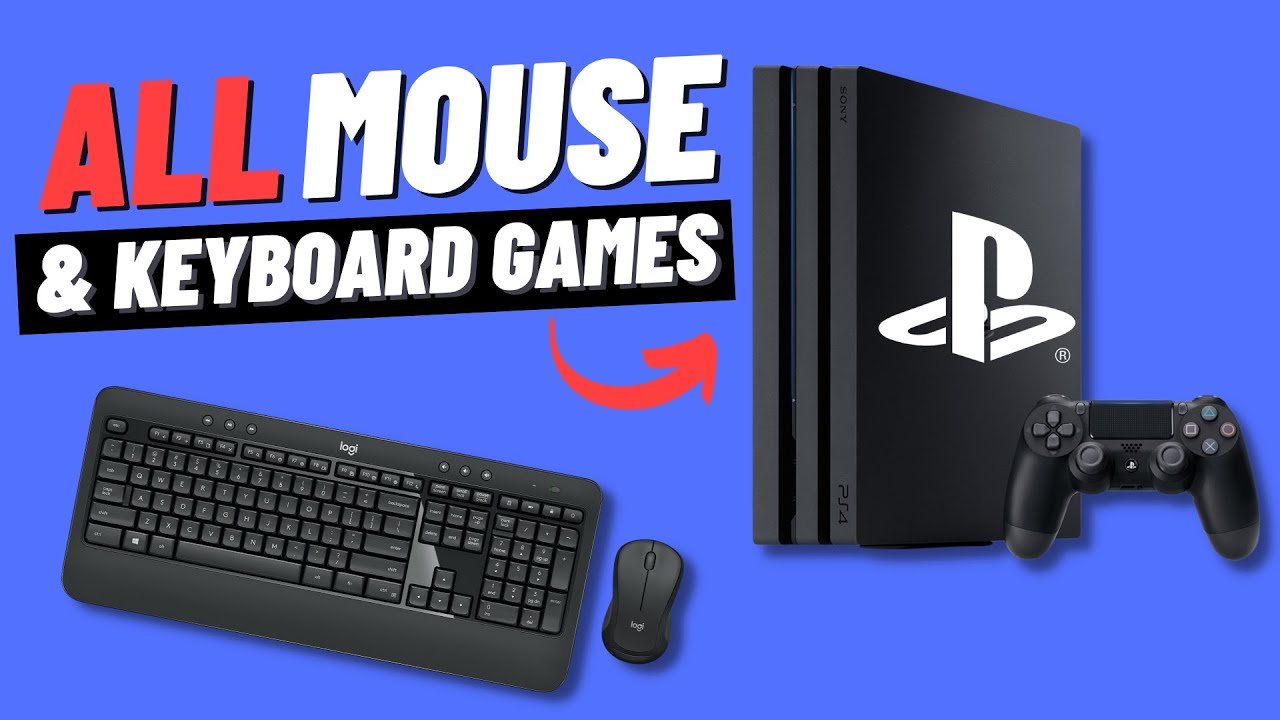
Several games, including Call of Duty: Modern Warfare, Fortnite, and Final Fantasy XIV, support mouse and keyboard on PS4.
Ever wondered what it’s like to play your favorite PlayStation 4 titles with the precision of a mouse and keyboard? You’re not alone! Many players prefer this setup for certain genres, and the good news is some PS4 games do indeed allow it. Let’s delve into what PS4 games support mouse and keyboard.
This functionality, though not universally available, opens up a new way to experience gameplay for those more comfortable with a PC control scheme. It can be a game changer, offering finer control in fast-paced action or shooter games.

What PS4 Games Support Mouse and Keyboard?
So, you’re a PlayStation 4 gamer who loves the feel of a mouse and keyboard? You’re in luck! While the PS4 is famous for its controllers, quite a few games actually let you play with a mouse and keyboard setup. It’s not as common as on a PC, but it’s definitely an option for some games, and it can really change how you play. Let’s dive into which games let you do this, and how to get it all set up!
Why Use a Mouse and Keyboard on PS4?
You might be wondering why someone would want to use a mouse and keyboard on a console like the PS4. Well, for many players, it’s about comfort and control. Mouse and keyboard controls are often more accurate for aiming, especially in shooter games. If you’re used to playing on a computer, it can feel much more natural. For some strategy games and RPGs, a mouse also provides a fast way to navigate menus and make quick choices.
Improved Aiming and Precision
Think about playing a first-person shooter. With a controller, you use thumbsticks to aim, which can sometimes feel a little clunky, especially when you need to make very precise shots. A mouse, on the other hand, lets you aim with the movement of your hand. This makes aiming more intuitive and often more accurate. You can make tiny adjustments very easily, giving you better control over your on-screen character or vehicle. It’s a big deal for many players who are trying to be competitive online.
Comfort and Familiarity
For people who have spent a lot of time playing games on computers, a mouse and keyboard is what they are used to. It’s like riding a bike – you just know how to do it. Switching to a controller might feel awkward. Using a mouse and keyboard on the PS4 allows these players to continue using a control scheme that feels natural and comfortable.
Enhanced Menu Navigation and Gameplay in Specific Genres
Certain types of games, like strategy games, benefit a lot from mouse and keyboard controls. Clicking on units or menu options is often faster and more precise with a mouse than with a controller. In games where you need to manage many things at once, having a mouse really helps. In games with lots of menu options, especially role-playing games (RPGs), a mouse can also be super helpful. Navigating and selecting different options in a menu feels smoother and faster with a mouse. This ease of use can make the whole gaming experience more enjoyable.
Games That Support Mouse and Keyboard on PS4
Now, let’s get to the main question: which games actually support mouse and keyboard on the PS4? The list isn’t huge, but it does include some really popular titles, and the list can change as developers sometimes add the functionality. Here is a breakdown of the kinds of games you can use your mouse and keyboard with, and some specific titles.
First-Person Shooters
First-person shooters, or FPS games, often greatly benefit from mouse and keyboard control. Precision aiming is critical, and using a mouse makes it much easier to hit those headshots. Here are some of the well-known FPS games on PS4 that work with mouse and keyboard:
- Call of Duty: Modern Warfare (2019) and newer titles: These games are very popular and known for having great mouse and keyboard support.
- Overwatch: This colorful hero-based shooter works well with mouse and keyboard, making aiming for tricky targets much easier.
- Fortnite: The building and shooting mechanics of Fortnite can feel very natural with a mouse and keyboard.
MMORPGs and RPGs
Massively multiplayer online role-playing games (MMORPGs) and role-playing games (RPGs) also sometimes offer mouse and keyboard support. These kinds of games often have lots of menus and actions to manage, making a mouse a very helpful tool. Here are some games you can play with mouse and keyboard:
- Final Fantasy XIV Online: A popular MMORPG, FFXIV gives you full mouse and keyboard support so you can play it like a PC game.
- Elder Scrolls Online: This sprawling RPG also supports keyboard and mouse, letting you navigate Tamriel easily.
- DC Universe Online: You can use a mouse and keyboard to control your favorite superheroes and villains in this MMORPG.
Other Genres
It’s not just shooters and RPGs that support mouse and keyboard. There are some other types of games that can also be played this way. Here are some examples:
- Minecraft: While a sandbox game, Minecraft’s building and item management benefits from a mouse and keyboard.
- War Thunder: This vehicle combat game lets you control tanks and planes using keyboard and mouse.
Setting Up Your Mouse and Keyboard on PS4
Okay, so you know which games you want to play, but how do you actually connect a mouse and keyboard to your PS4? It’s pretty simple, but here’s a quick guide:
Wired Connection
Using a wired mouse and keyboard is the easiest method. Here’s what to do:
- Plug in your keyboard: Connect the USB cable from your keyboard into one of the USB ports on your PS4.
- Plug in your mouse: Connect the USB cable from your mouse into another USB port on your PS4.
- Start your game: Turn on your PS4 and start the game you want to play with a mouse and keyboard. The game should automatically detect the mouse and keyboard and allow you to use them. You might need to adjust the settings in the game.
Wireless Connection
Wireless connections require a little more setup, but they offer more flexibility. Here’s the general process:
- Check for compatibility: Ensure your wireless keyboard and mouse are compatible with your PS4. Many Bluetooth keyboards and mice will work, but you may need to check the device specifications to be sure.
- Pair your devices: On your PS4, go to Settings > Devices > Bluetooth Devices. Place your keyboard and mouse into pairing mode and the PS4 should detect them. You may need to follow the instructions that came with your devices for pairing.
- Start your game: Once connected, start your game and see if the game recognizes your input. If they are working, you will be able to configure the keys/buttons as required.
Troubleshooting
Sometimes, things don’t work perfectly the first time. Here are some common problems and how to fix them:
- Devices not recognized: If your PS4 doesn’t recognize your mouse or keyboard, try unplugging them and plugging them back in. Or try a different USB port. Make sure your devices are fully charged if they are wireless.
- Game not recognizing devices: If your PS4 recognizes the mouse and keyboard but the game doesn’t, it’s possible that the game does not support the input method. Check the game’s settings to see if you need to enable mouse and keyboard controls.
- Lag or input delay: If you experience lag or input delay, check your wireless connection. It may be due to signal interference. You can also test with wired devices instead.
Benefits and Drawbacks of Using Mouse and Keyboard on PS4
Using a mouse and keyboard on the PS4 is not always the best choice. Here are some benefits and drawbacks to consider.
Benefits
- Improved Aim: For games that require accurate aiming, a mouse can make a big difference.
- Familiar Controls: If you are used to playing on PC, using a mouse and keyboard can feel much more comfortable.
- Better for Specific Games: Certain games, like strategy and MMORPGs, just feel better with a mouse and keyboard.
Drawbacks
- Not all games support it: Unfortunately, many PS4 games only work with the controller.
- Might not feel natural in all genres: While some games are better with a mouse and keyboard, some games are better with a controller, especially those that are designed for controller play.
- Setup can be fiddly: Setting up wireless devices can sometimes be tricky.
The Future of Mouse and Keyboard Support on PS4 and Beyond
While support for mouse and keyboard on the PS4 isn’t universal, it’s been gradually becoming more accepted. With more and more games supporting crossplay with PC, it is possible that more developers will include mouse and keyboard as an option. The PlayStation 5 has even more support for this input method, suggesting that this will become a more common feature for console gaming in the future.
The option to use a mouse and keyboard on the PS4 gives players more ways to enjoy their games. Whether it’s for more precise aiming or for a comfortable feel, the benefits can make a big difference for many people. While not every game supports it, the titles that do can offer an enhanced gaming experience. If you’re curious, it’s definitely worth giving it a try.
How to Connect Keyboard and Mouse to PS4 #shorts #youtubeshorts #ps4 #gameplay #games #gaming #gamer
Final Thoughts
Many gamers wonder what ps4 games support mouse and keyboard. Several titles, particularly in the first-person shooter and strategy genres, offer this control option. It gives players a different experience.
Games like Call of Duty and Final Fantasy XIV work with mouse and keyboard setups. This provides greater precision for aiming and navigating. It can be beneficial for certain playstyles.
Therefore, gamers should check specific game details. This confirms if a particular title offers this feature. Knowing what ps4 games support mouse and keyboard will enhance your gaming on Playstation 4.

